Turnitin Integrity Plugin icon

Turnitin Integrity Plugin

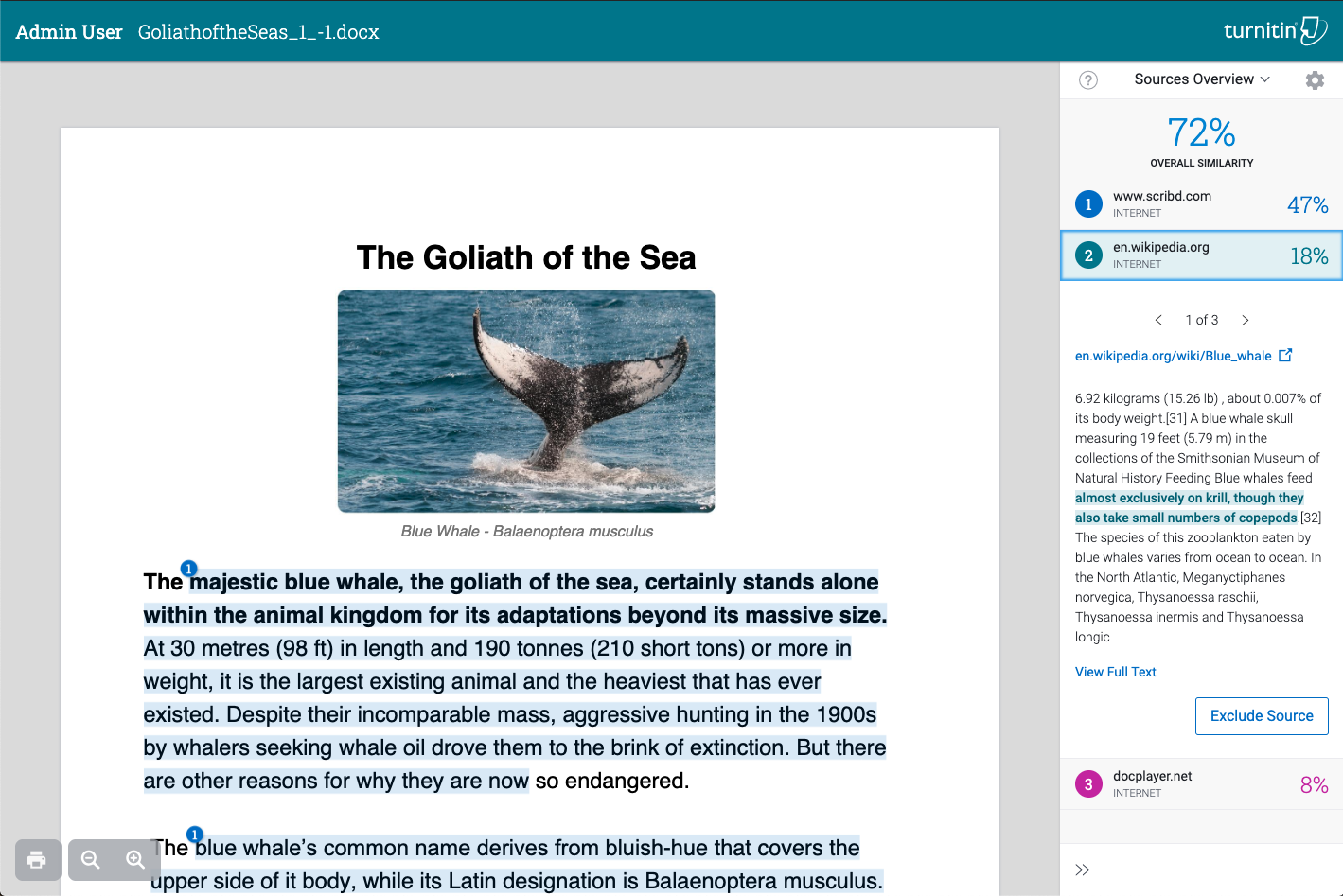
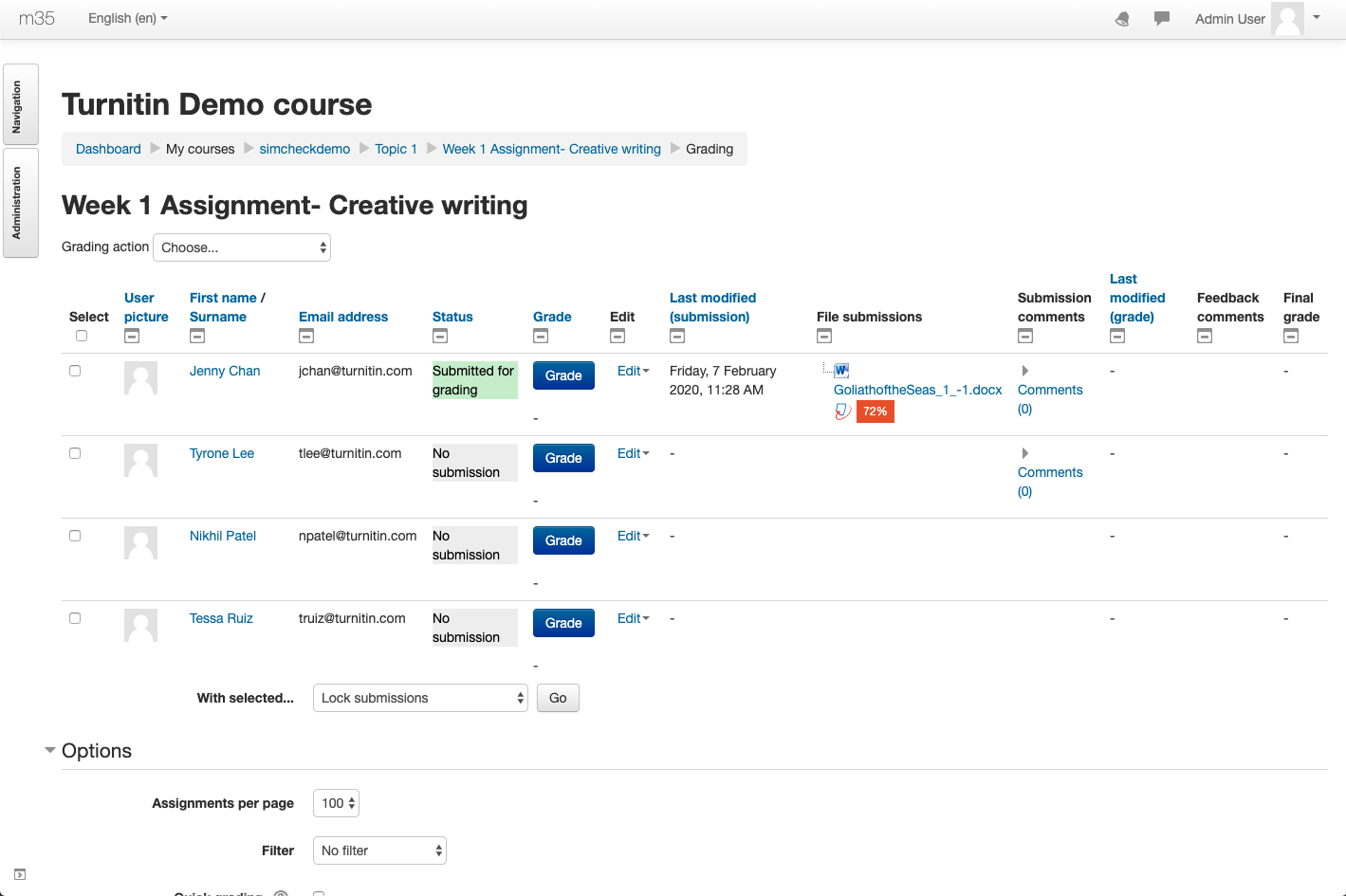
Utilize Turnitin Integrity’s Similarity Report and Authorship investigating tools within Moodle’s assignment workflow by integrating with the Turnitin Integrity plugin. Turnitin Integrity is a commercial plagiarism and authorship detection system whose features depend on which paid license has been selected. This plugin is developed and maintained by Turnitin.
Price option: Free

Supports Moodle 4.5-5.1 See all versions
Latest release: 6 months ago
Installations: 1187
Downloads (last 90 days): 487

Frankenstyle name: plagiarism_turnitinsim
Plagiarism
Turnitin

Comments

Comments are no longer open for new posts. Existing comments remain available to read.

That's great. I was impressed by your writing. I am happy to see such a topic. https://www.summithealth-patientportal.com
Can you please add the AI score to the faculty view so we can see the similarity and AI score next to each other? We have cases were similarity is 0% and AI is 100%, but you wouldn't know that except for if you open every single assignment or discussion report.
The Turnitin Integrity Plugin has a lot of potential
Hi , we are using turnitin integrity plugin for around 3 months now. Now certain users receiving turnitin submission emails which are not relevant to them. They are receiving emails related to someone else's submissions. We are using Moodle 3.9.1 with mariadb. This caused havoc between users. Could you please let me know if there are any such known issues
Please can I also quickly raise another query: when installed under Moodle 3.9.1 this plugin displays a Turnitin section within the settings area for every activity and resource installed on the system i.e. whenever creating or editing a new activity or resource a Turnitin settings section is displayed at the bottom of the activity/resource settings area. Is this intentional and, if so, https://mcdvoice.me/ why? The Turnitin settings being displayed in activities where they can't have any effect as far as I can tell (e.g. Chat, Choice, Label, etc.) is likely to confuse our teachers and, again, I just don't understand how Turnitin could work in those contexts.
Where does this plugin get installed to? Which moodle directory. Also is there a dependency that this module has on any other plugins?
Hi Sarah, we are currently preparing a release. I can't put a date on it but expect it very soon!
Hi David! Any updates on when the next plugin release might be that addresses the display settings context bug? Thanks!
Hello! I am eager for the next release that will fix the display settings context issue, is there an estimated date for release? Thanks
Hi Roland, my apologies for this. This is a bug - the plugin should only display settings for assignment, forum and workshop. We have written a fix and it will go out in the next release.
Hi Jake - apologies for the late follow-up, and thanks for providing clarification. Please can I also quickly raise another query: when installed under Moodle 3.9.1 this plugin displays a Turnitin section within the settings area for every activity and resource installed on the system i.e. whenever creating or editing a new activity or resource a Turnitin settings section is displayed at the bottom of the activity/resource settings area. Is this intentional and, if so, why? The Turnitin settings being displayed in activities where they can't have any effect as far as I can tell (e.g. Chat, Choice, Label, etc.) is likely to confuse our teachers and, again, I just don't understand how Turnitin could work in those contexts. By contrast, the plagiarism_turnitin plugin only displays settings in the activities where it is actually functional i.e. Assignment, Forum and Workshop which is a more sensible approach, in my opinion. Thanks again for any guidance you can offer.
Hi Roland, This plugin is for our integrity products including Simcheck and Turnitin Similarity. The other plugin is for our Feedback Studio Product. If you are unsure which Turnitin product you are using please reach out to our support team at https://supportcenter.turnitin.com/s/
Hi. Please can you clarify the difference between this plugin and the plagiarism_turnitin plugin, and why one should be used in favour of the other? Many thanks.
Hi Yezi, the issue with the plagiarism plugin has been resolved in a release today, you can find it here https://moodle.org/plugins/view/plagiarism_turnitin
Hi,
We just upgraded the Turnitin plugin plagiarism_turnitin 2020070801 on your Moodle system (Moodle 3.7.5) last week. And we found a terrible bug. In the setting of assignment activity, the ‘Turnitin plagiarism plugin settings’ section appears twice, as shown in the screen shot in the link in Google Photo (https://photos.app.goo.gl/iAy7vMGJw9taf1fE9). Moreover, teachers need to enable Turnitin in BOTH sections to successfully enable Turnitin. It is really confusing to teachers. Could you solve it as soon as possible, please?