Prompt2Slide AI - Moodle Activity Plugin
Description
This plugin allows Moodle users to generate PowerPoint presentations from text prompts using Google Gemini AI /Open AI/Local Models.
Features
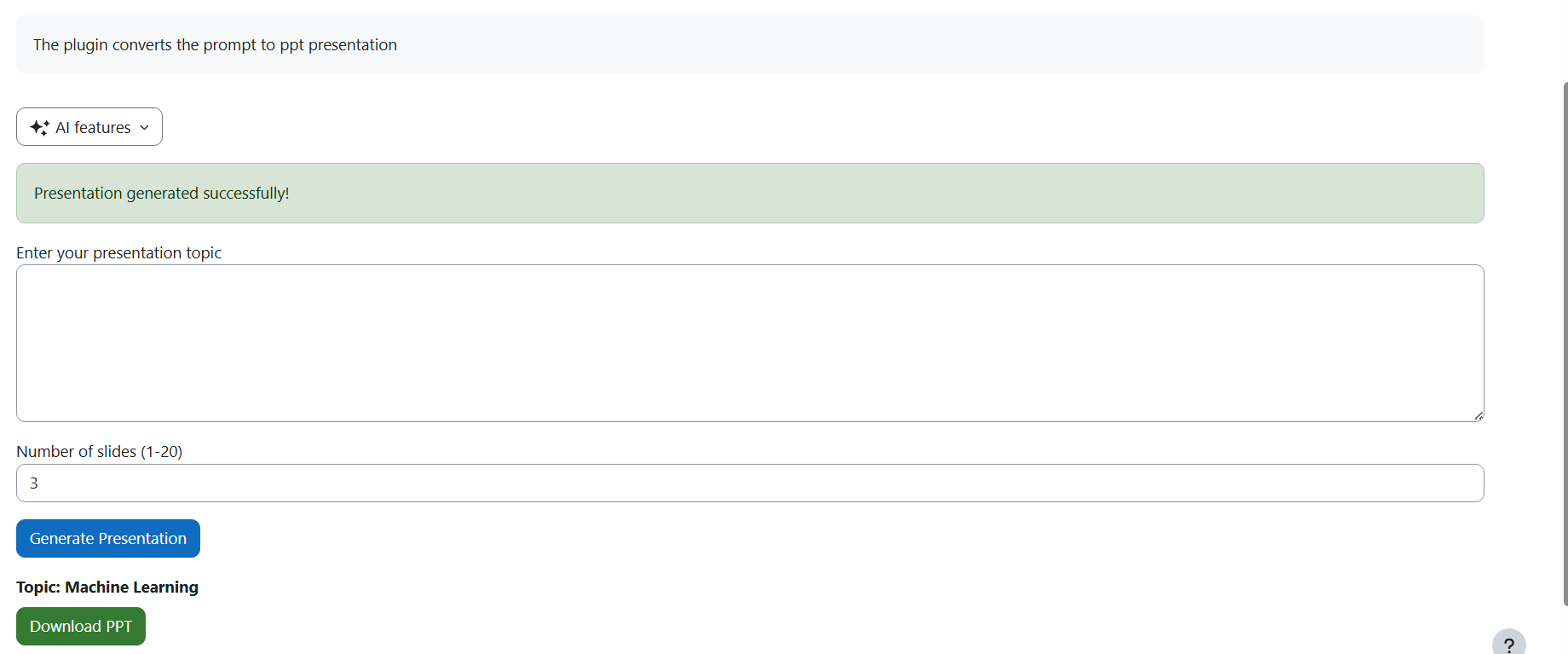
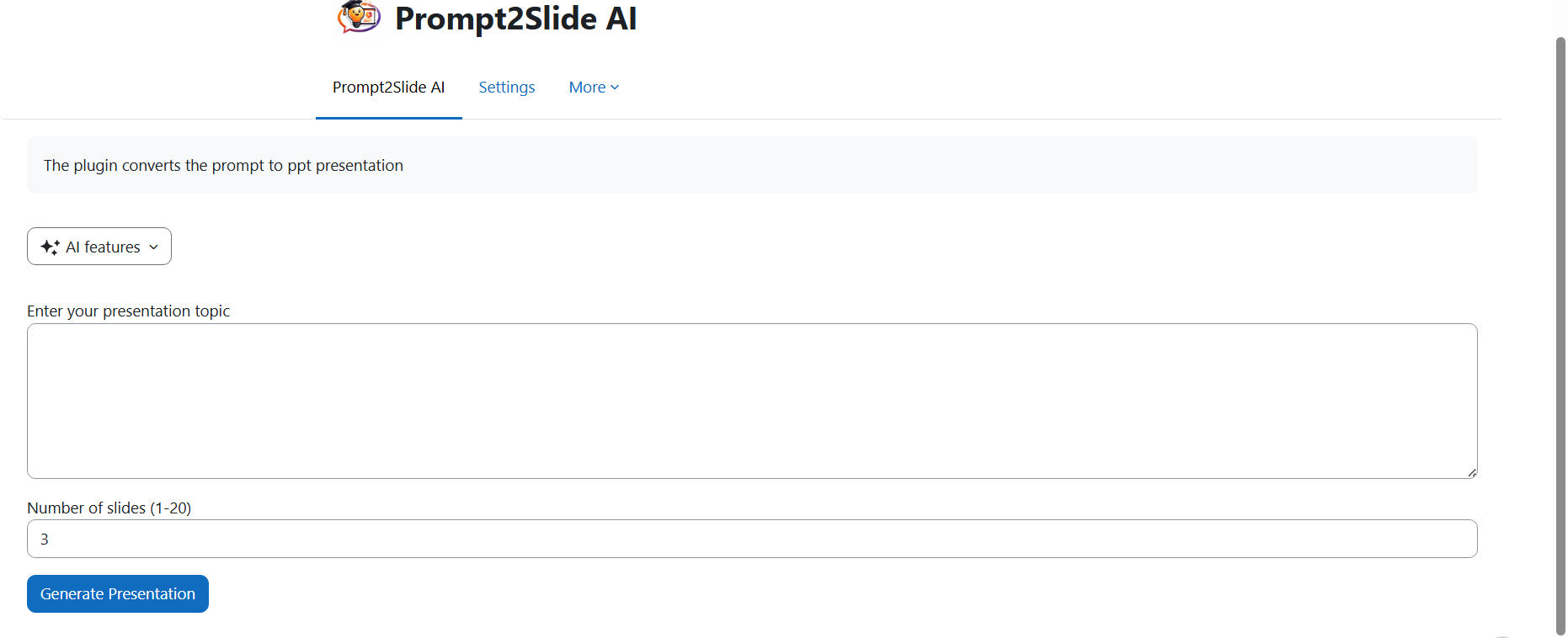
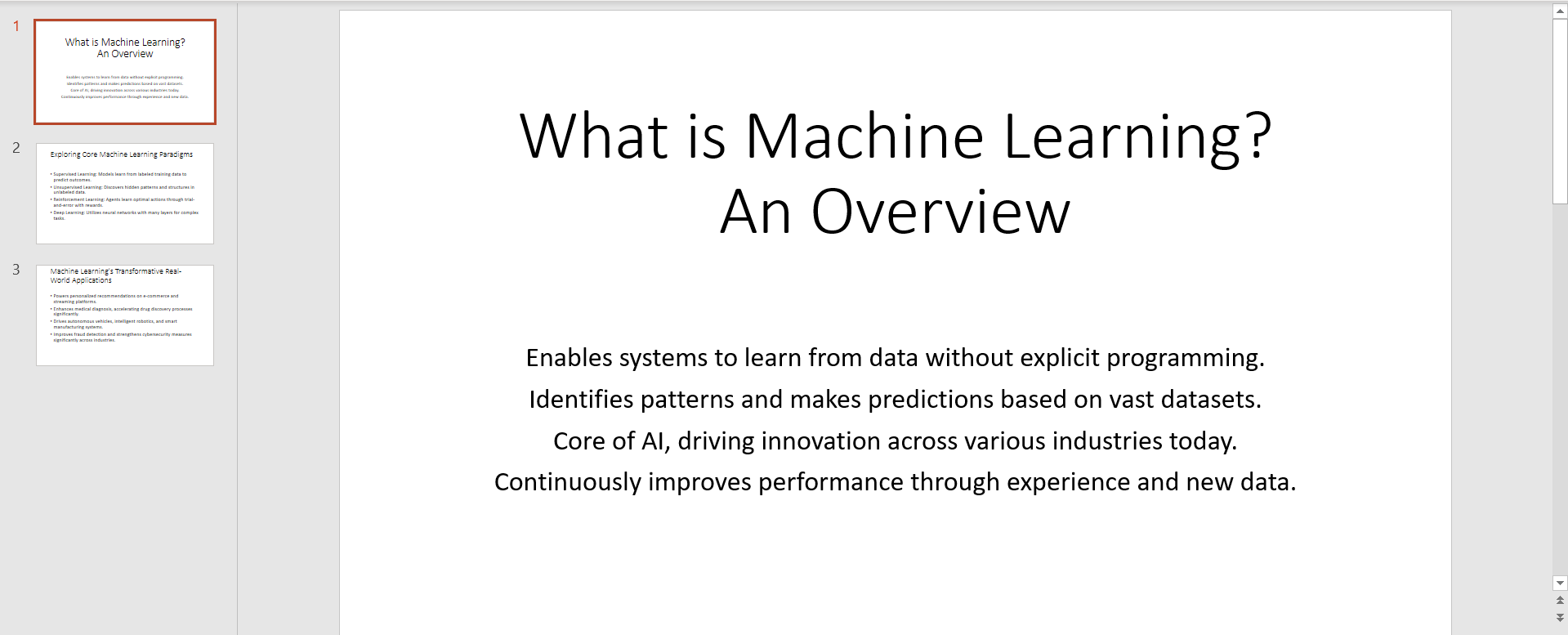
- Generate clean, professional PowerPoint slides from text prompts
- Customize number of slides (1-20)
- AI-powered content generation
- Download generated presentations directly
Requirements
- Moodle 4.1 or higher
- PHP 7.4 or higher
- Google Gemini API key (free tier available) / OpenAI API Key / Local Models
Installation
Method 1: Install via ZIP (Recommended)
- Download the plugin ZIP file
- Go to Site administration ' Plugins ' Install plugins
- Upload the ZIP file
- Click "Install plugin from the ZIP file"
- Follow the on-screen instructions
Method 2: Manual Installation
- Extract the ZIP file
- Upload the
pptgen folder to /mod/ directory on your Moodle server
- Visit Site administration ' Notifications
- Complete the installation process
Configuration
Get a Google Gemini API Key
- Visit https://ai.google.dev/
- Sign in with your Google account
- Click "Get API Key" ' "Create API Key"
- Copy your API key
Add API Key to Moodle
- Go to Site administration ' Plugins ' Local plugins ' Prompt to PPT
- Paste your Gemini API key in the "Google Gemini API Key" field
- Click "Save changes"
Usage
For Teachers
- Go to your Moodle course
- Turn editing on
- Click "Add an activity or resource"
- Select "Prompt2Slide AI"
- Give it a name and save
Example Prompts
- "Create a presentation about Machine Learning fundamentals"
- "Explain the water cycle for grade 5 students"
- "Benefits of renewable energy sources"
Troubleshooting
Error: "Gemini API key not configured"
- Make sure you've added your API key in plugin settings
Error: "PPT template not found"
- Ensure the
template/template.pptx file exists in the plugin folder
Blank slides generated
Support
For issues and feature requests, contact the developer.
License
GNU GPL v3 or later
Author
Developed by IntegrationPath LLC
Version 0.1 (Proof of Concept)