Anatoliy Yashenkin
Lead maintainer


This plugin was created by LMS-Service, which is one of the leading developers and integrators of Moodle in Russia.
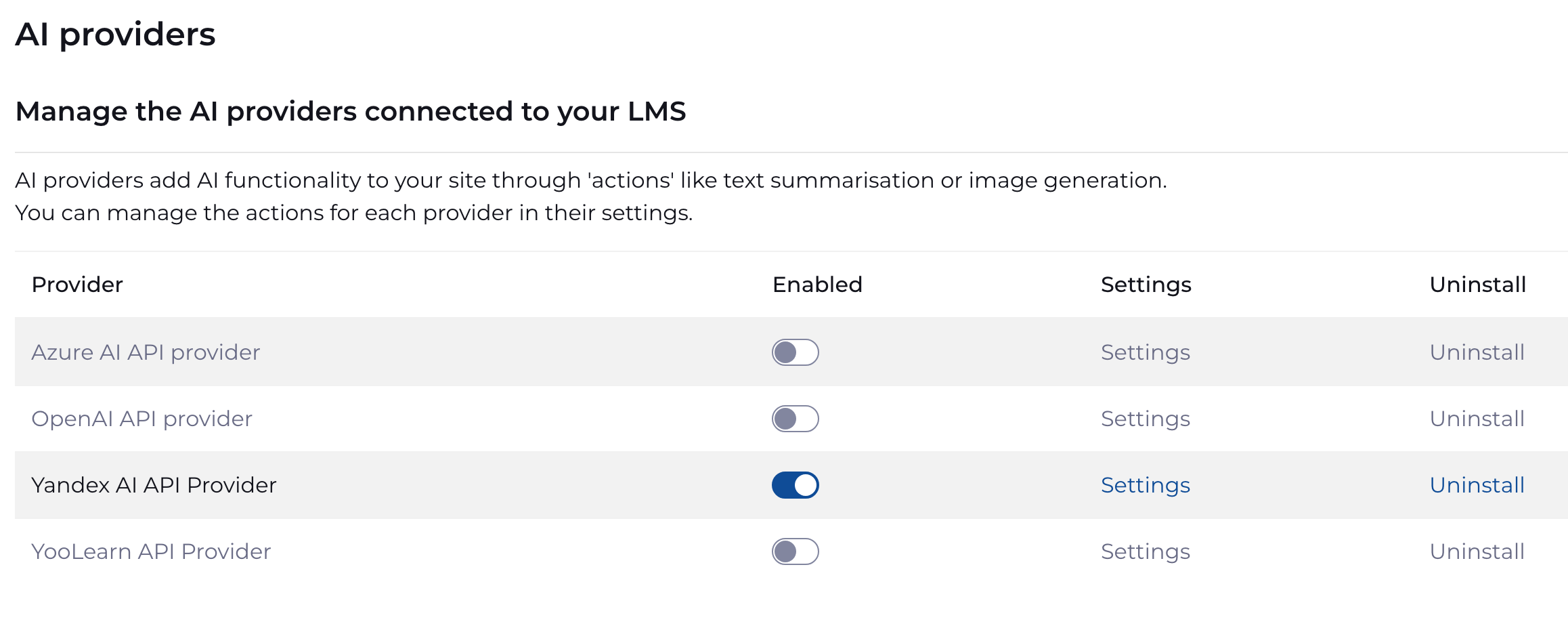
It allows you to integrate Yandex AI directly into Moodle, supporting all types of placement available in the core of the system. Moreover, using this plugin, you can use any language models available in Yandex Cloud, including YandexGPT Pro, Qwen3 235B, DeepSeek and some others.
Installation
Install this plugin by navigating to `Site administration > Plugins > Install Plugins`, then drag the plugin `moodle-aiprovider_yandexai.zip` in the *Install plugin from ZIP file* zone. Press the *Install plugin from the ZIP file* button.
Plugin Settings
After installing the plugin, you need to configure it. To do this, create a service account in the Yandex.Cloud console and grant it the necessary permissions. Learn more here
Next, you do not need to specify the received API key in the "YandexAI API Key" parameter.
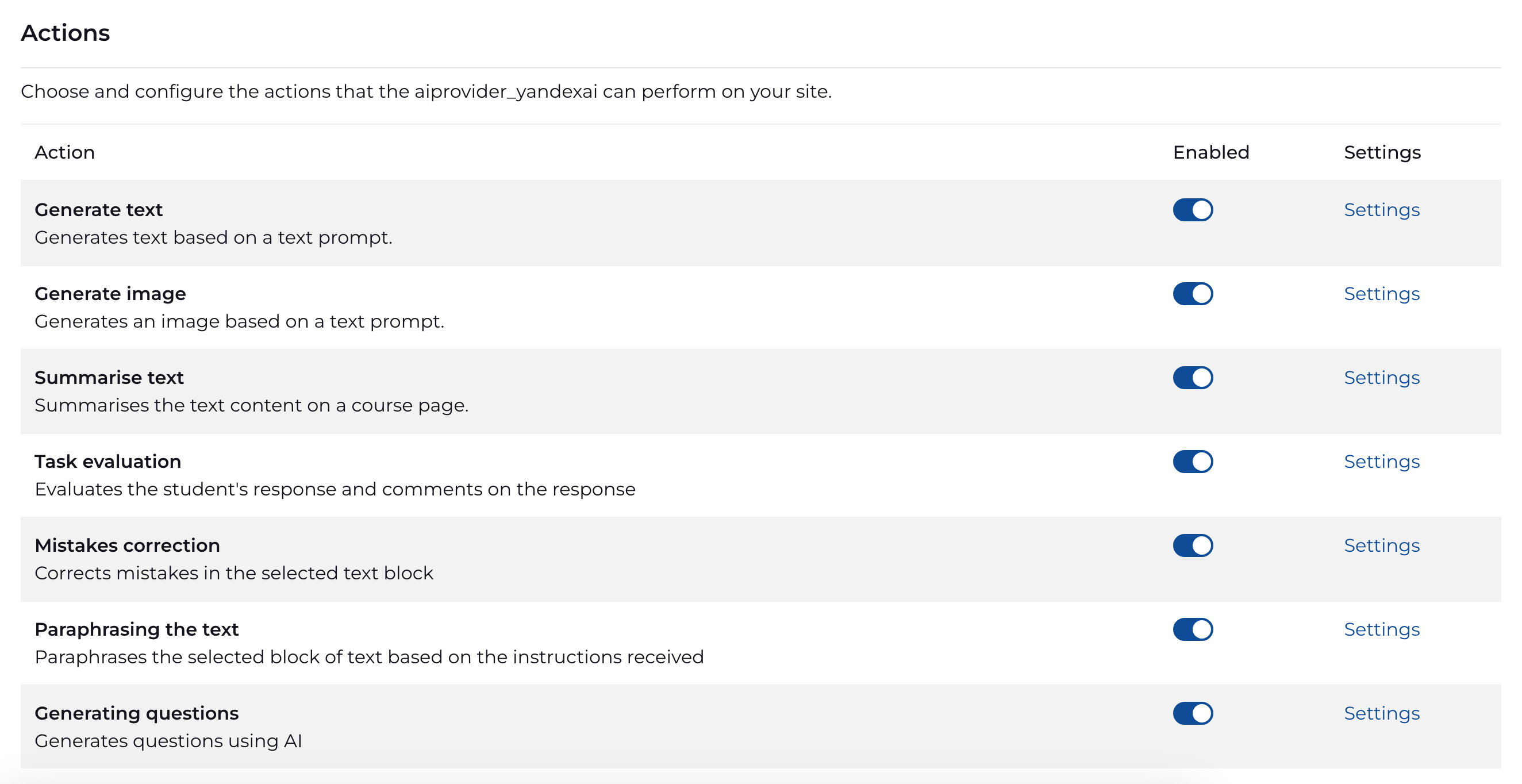
In the settings of each placement, you must specify the address of the model to be accessed.
-------------------
Этот плагин создан компанией LMS-Service, которая является одним из ведущих разработчиков и интеграторов Moodle в России.
Плагин позволяет интегрировать Yandex AI в Moodle, поддерживая все виды размещений, доступные в ядре системы. 'олее того, с помощью этого плагина можно использовать любые языковые модели, доступные в Yandex Cloud, в том числе YandexGPT Pro, Qwen3 235B, DeepSeek и ряд других.
Установка
Для установки плагина перейдите в раздел `Администрирование > Плагины > Установка плагинов`. Перетащите архив `moodle-aiprovider_yandexai.zip` в зону *Установить плагин из ZIP-файла*. "ажмите кнопку *Установить плагин из ZIP-файла*.
"астройки
После установки плагина необходимо осуществить его настройку. Для этого необходимо создать сервисный аккаунт в консоли Яндекс.Облака и предоставить ему необходимые разрешения. Подробнее здесь
Далее нееобходимо полученный ключ API указать в параметре "Ключ API YandexAI".
' настройках каждого размещения необходимо указать адрес модели, к которой будут осуществляться обращения.
