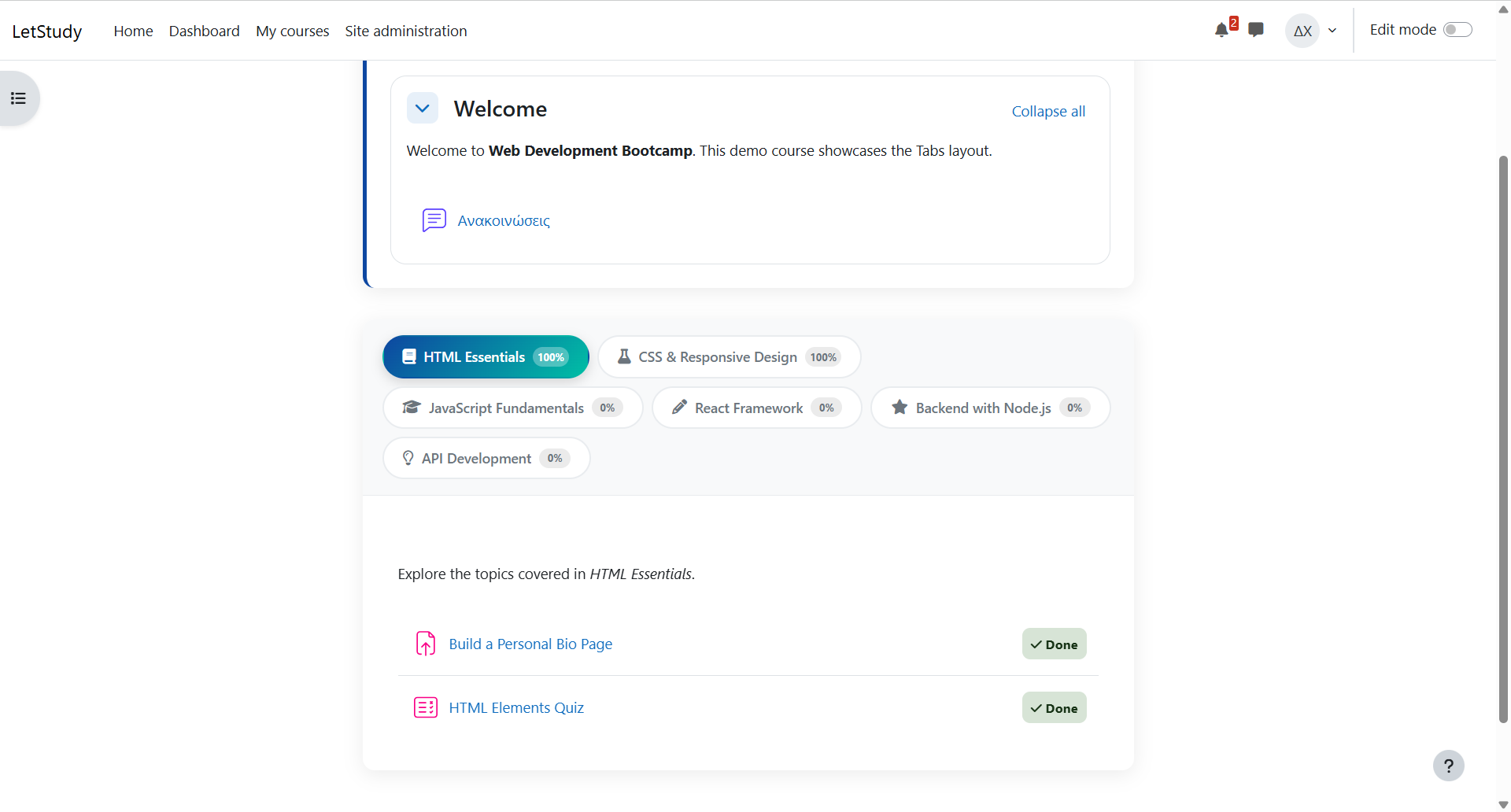
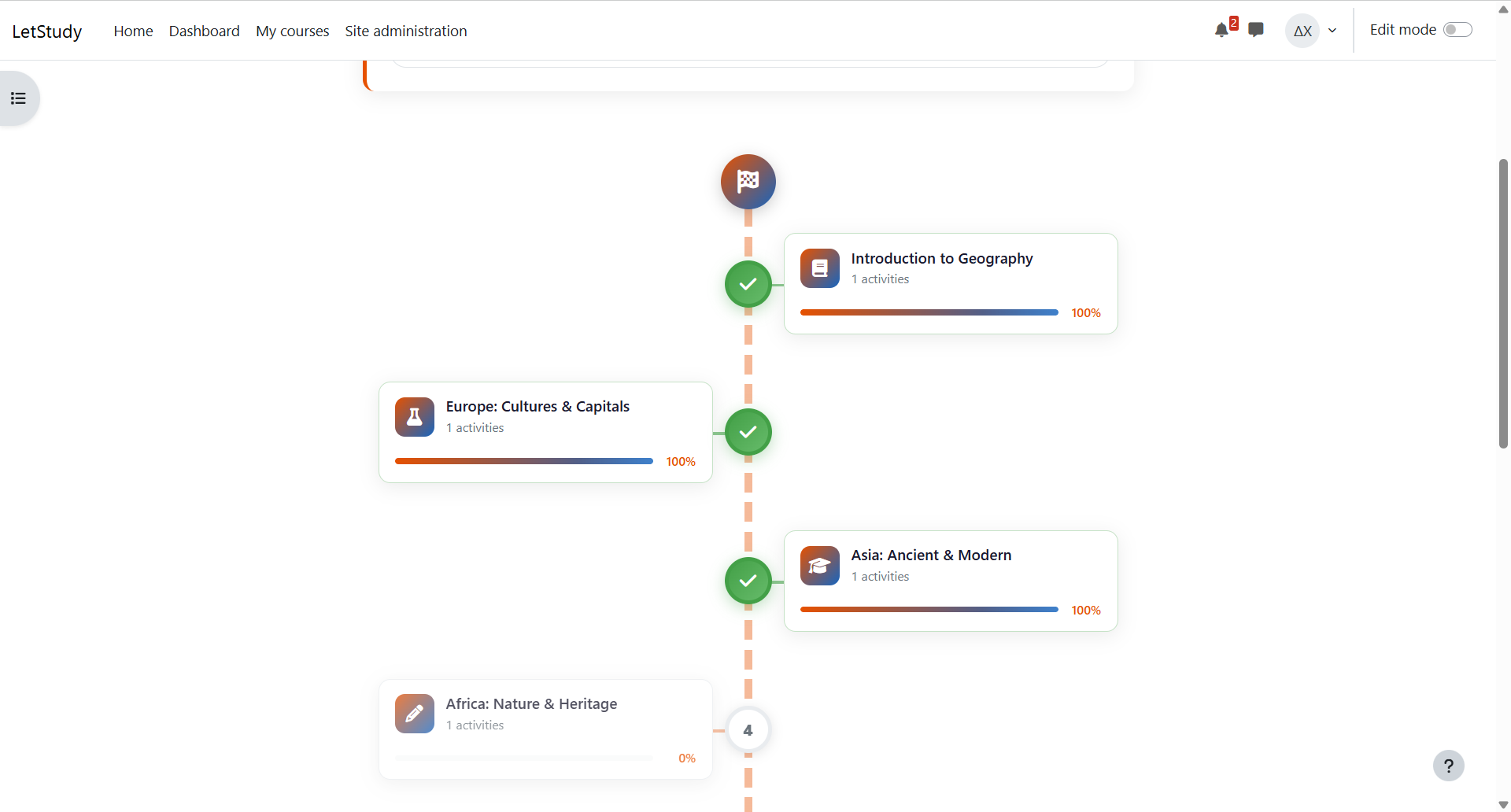
LetStudy Course Formats transforms how courses look and feel in Moodle by offering 10 unique visual layouts for presenting course sections.
Layouts:
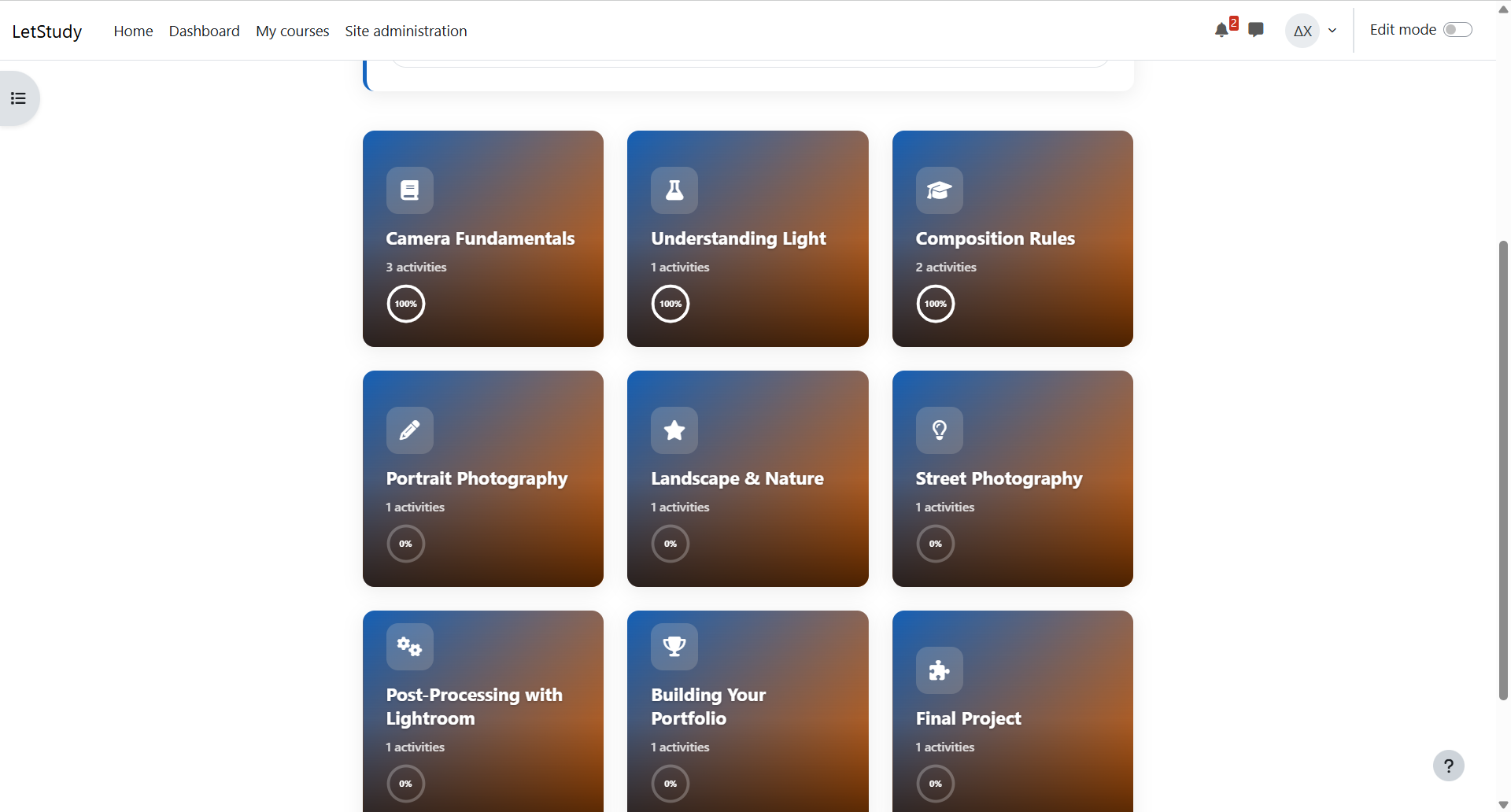
- Cards / Grid – Clickable flip cards with optional background images
- Tabs – Horizontal tab navigation for inline section switching
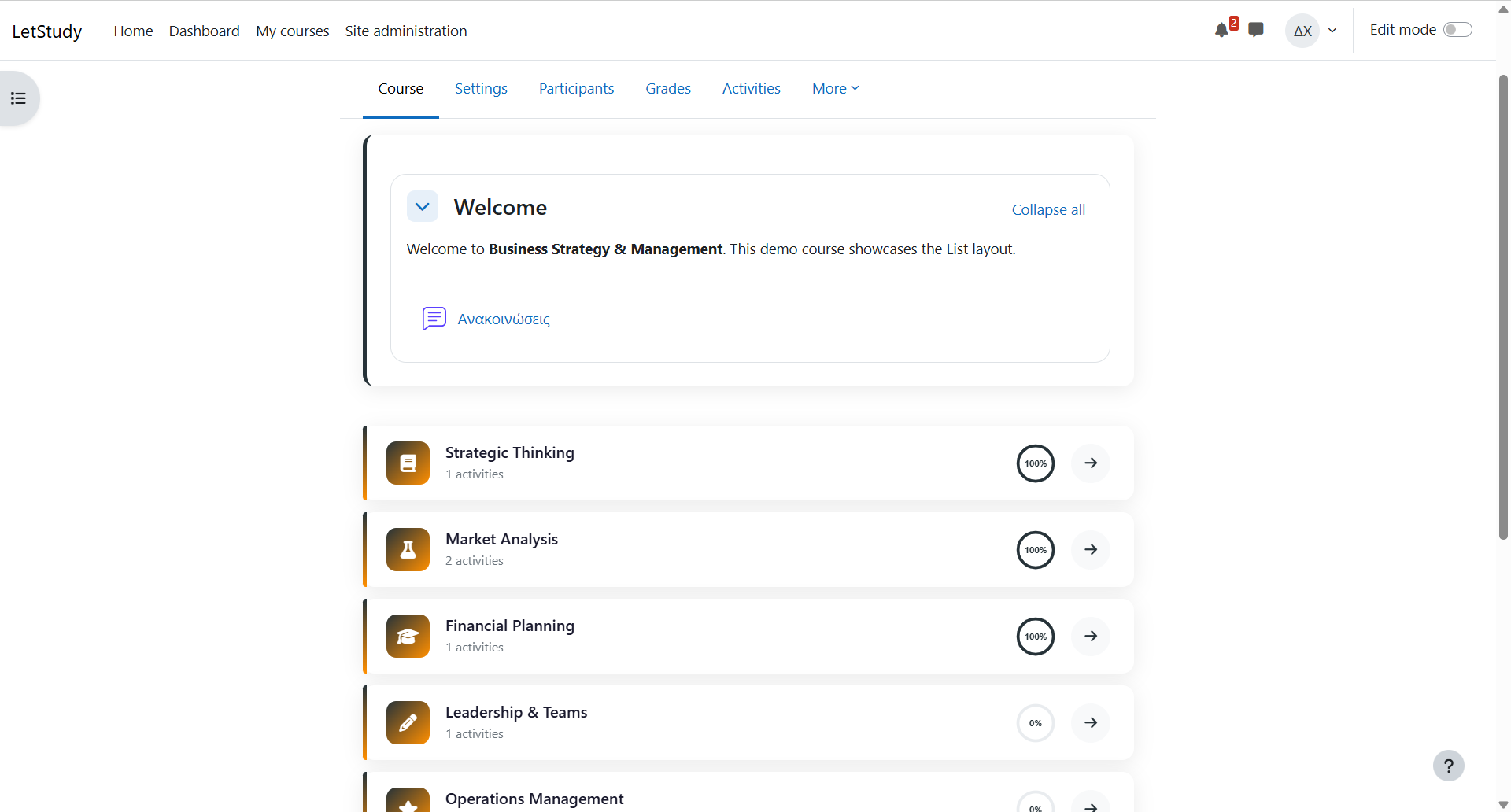
- Modern List – Clean vertical list with progress bars
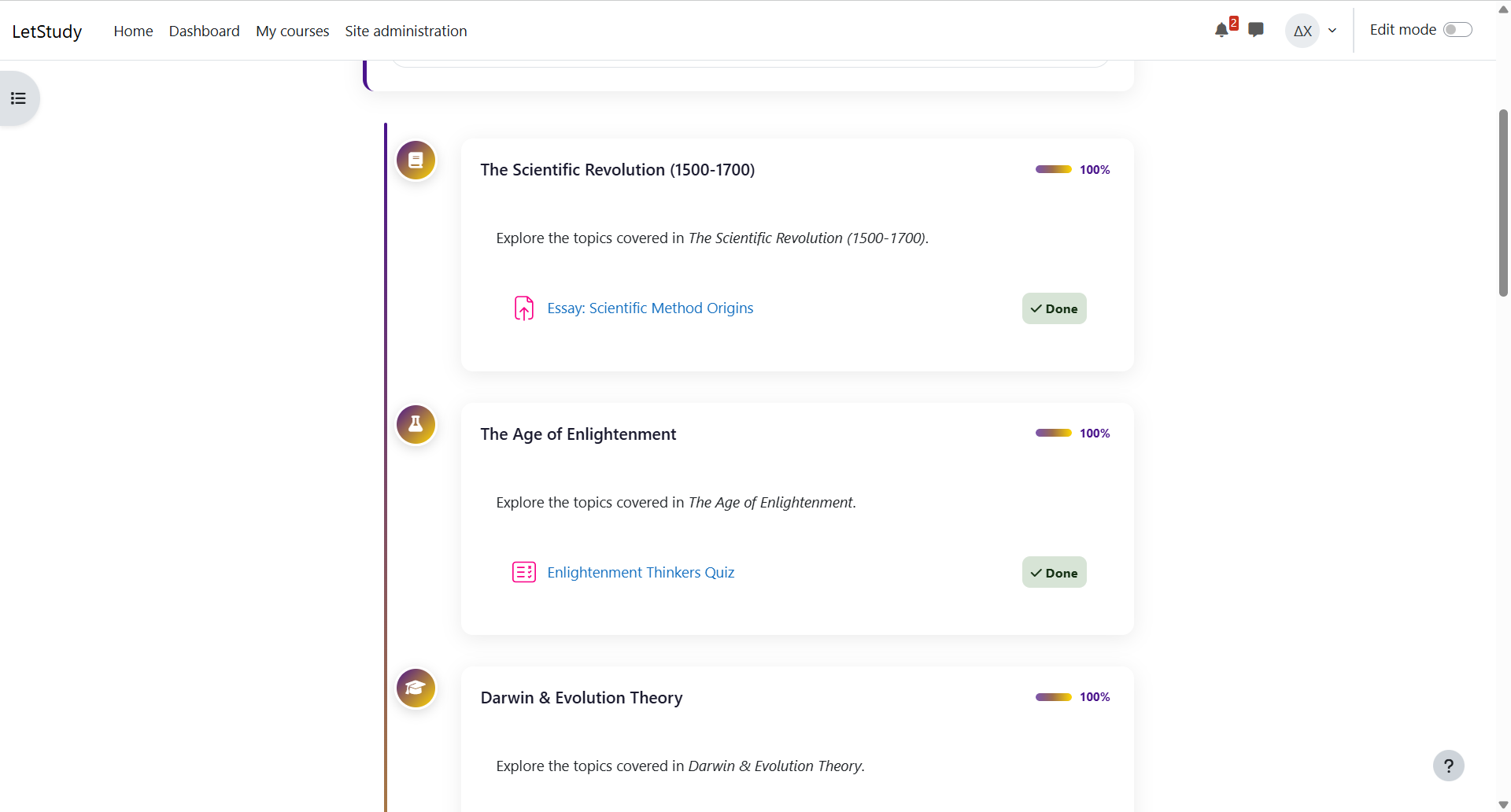
- Timeline – Vertical timeline with alternating content
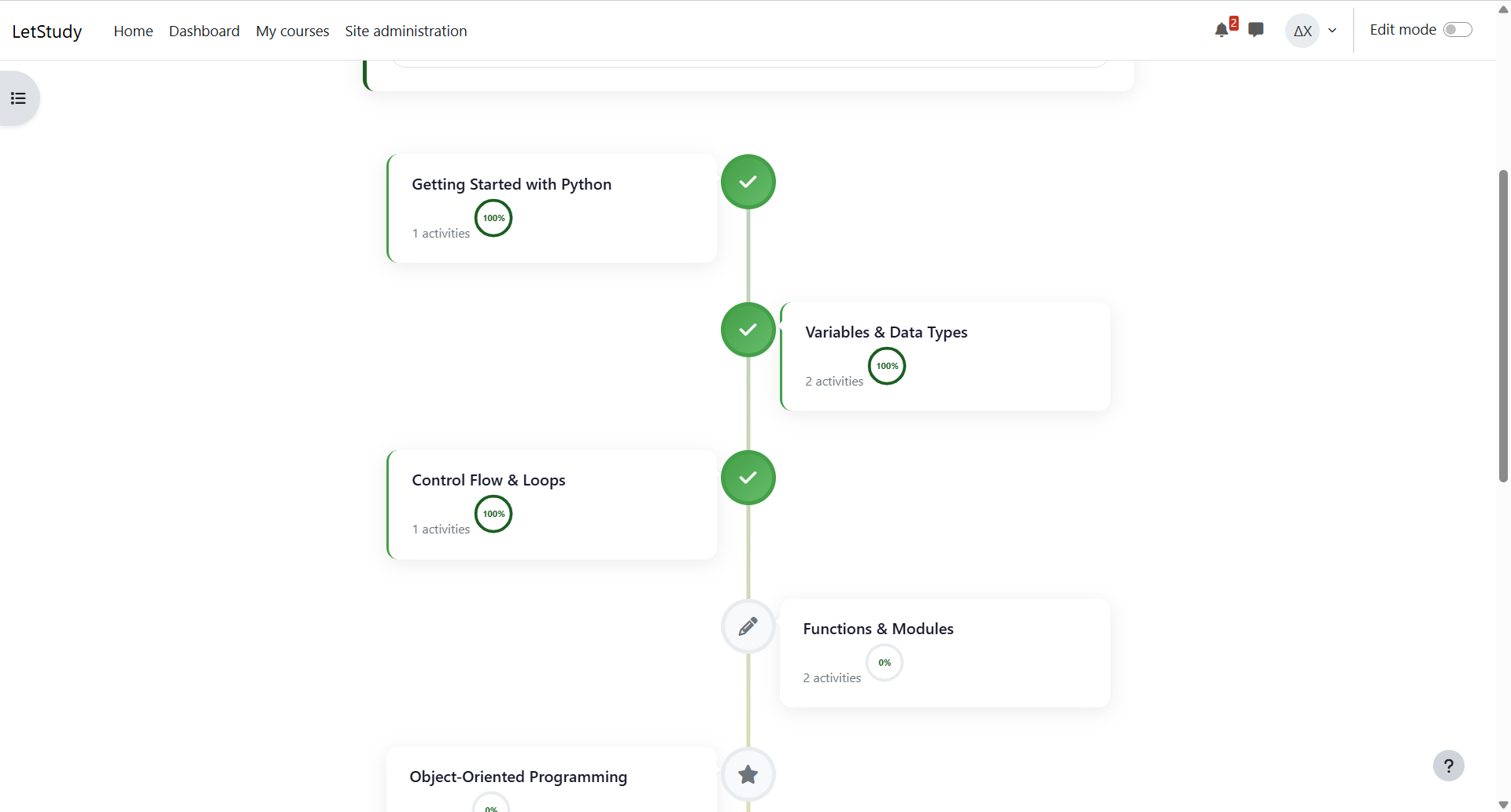
- Learning Path – Zigzag milestone path showing student progress
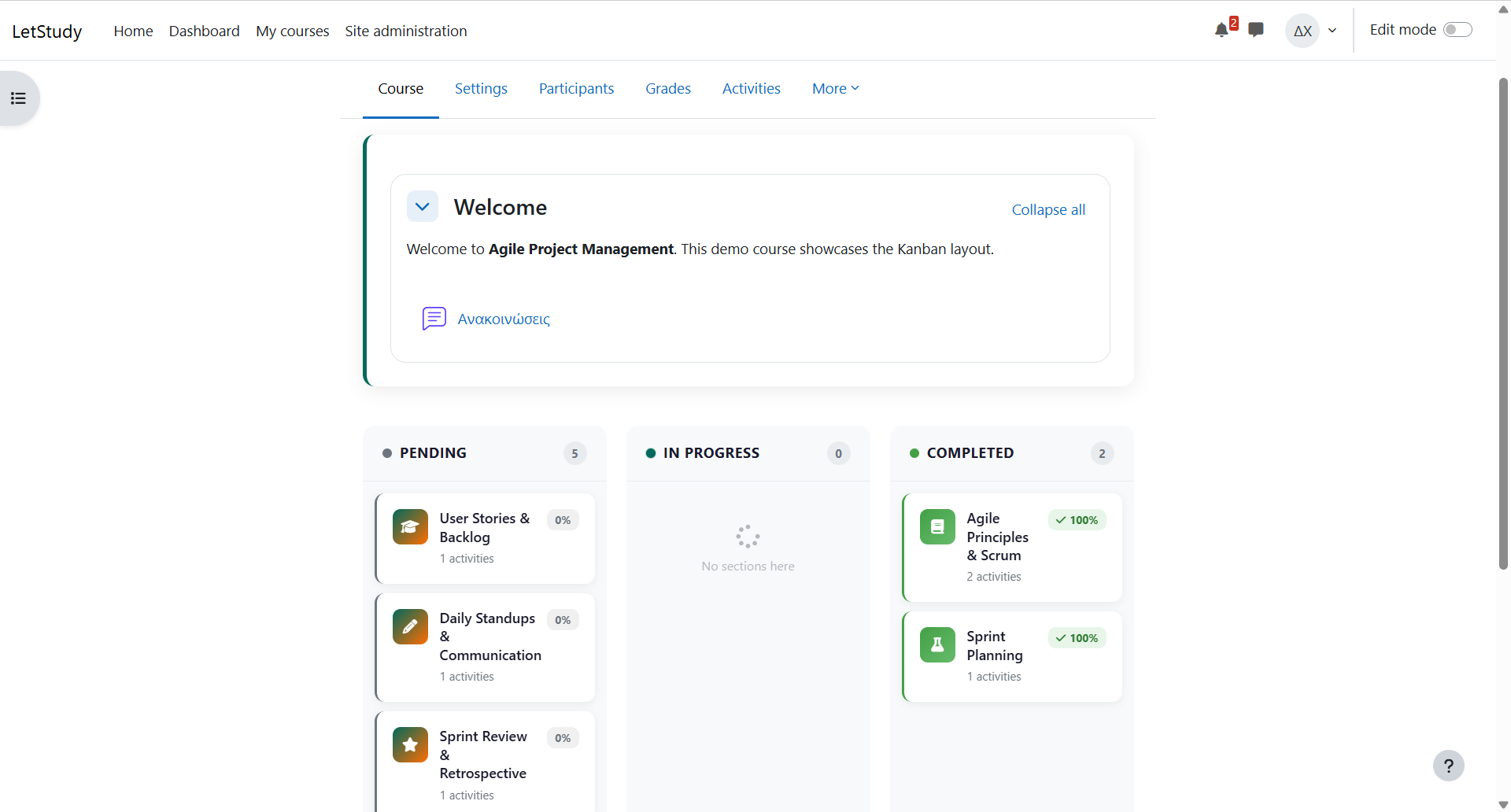
- Kanban Board – Sections auto-sorted by completion status
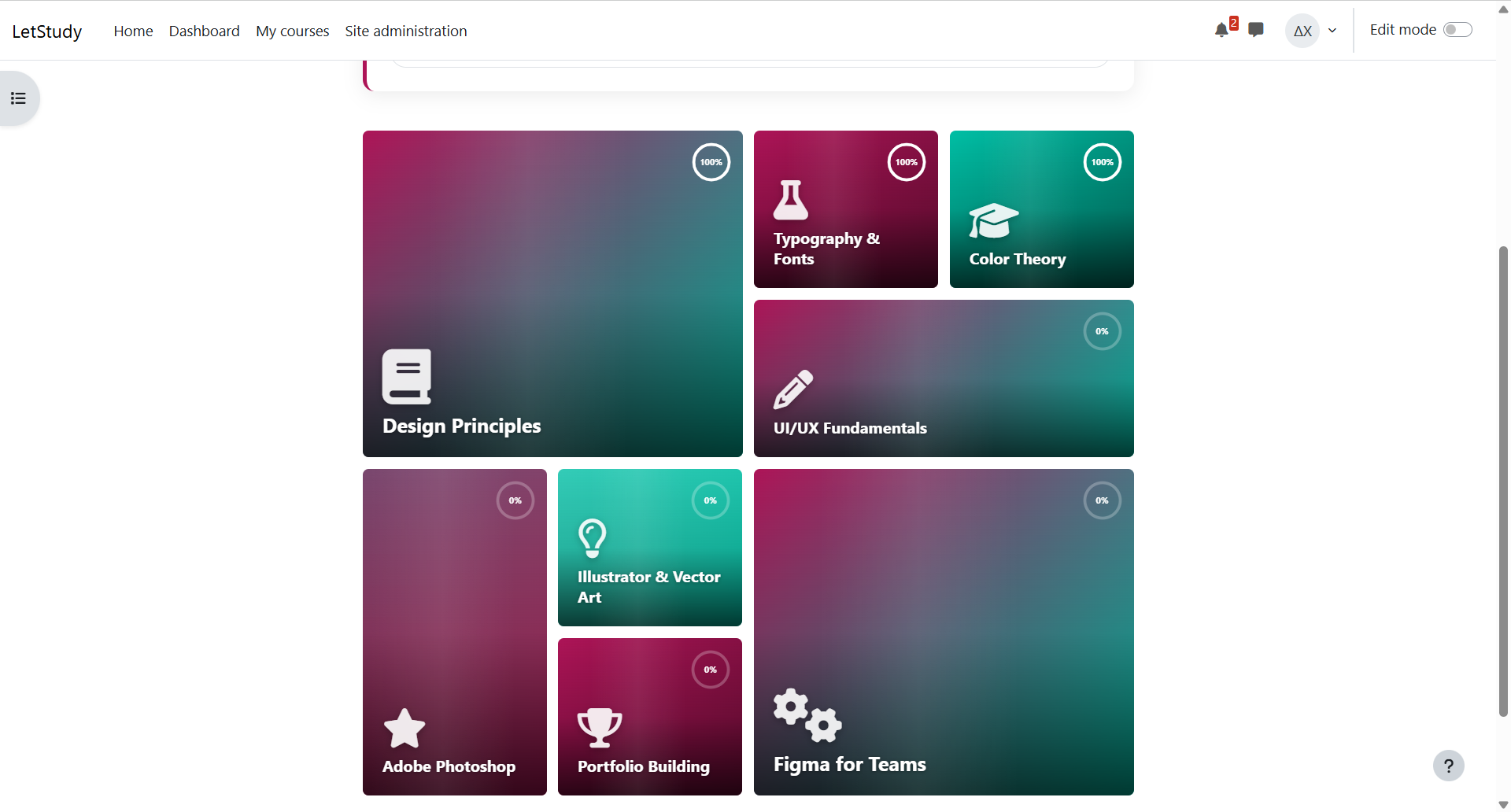
- Metro Tiles – Dynamic grid with bold colours and hover effects
- Map Journey – Board-game winding road with stops and a finish trophy
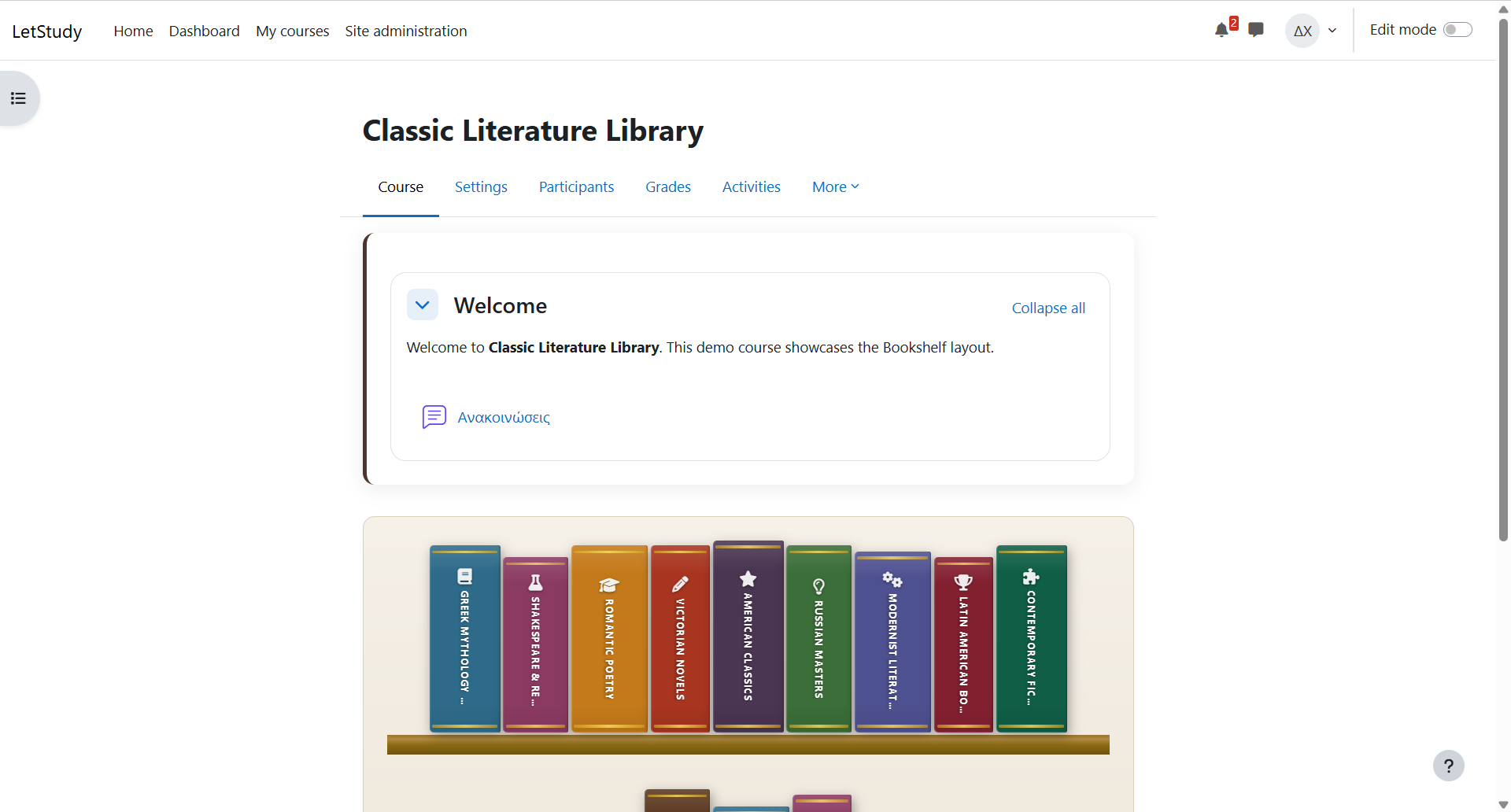
- 3D Bookshelf – Books on a wooden shelf with 3D hover effects
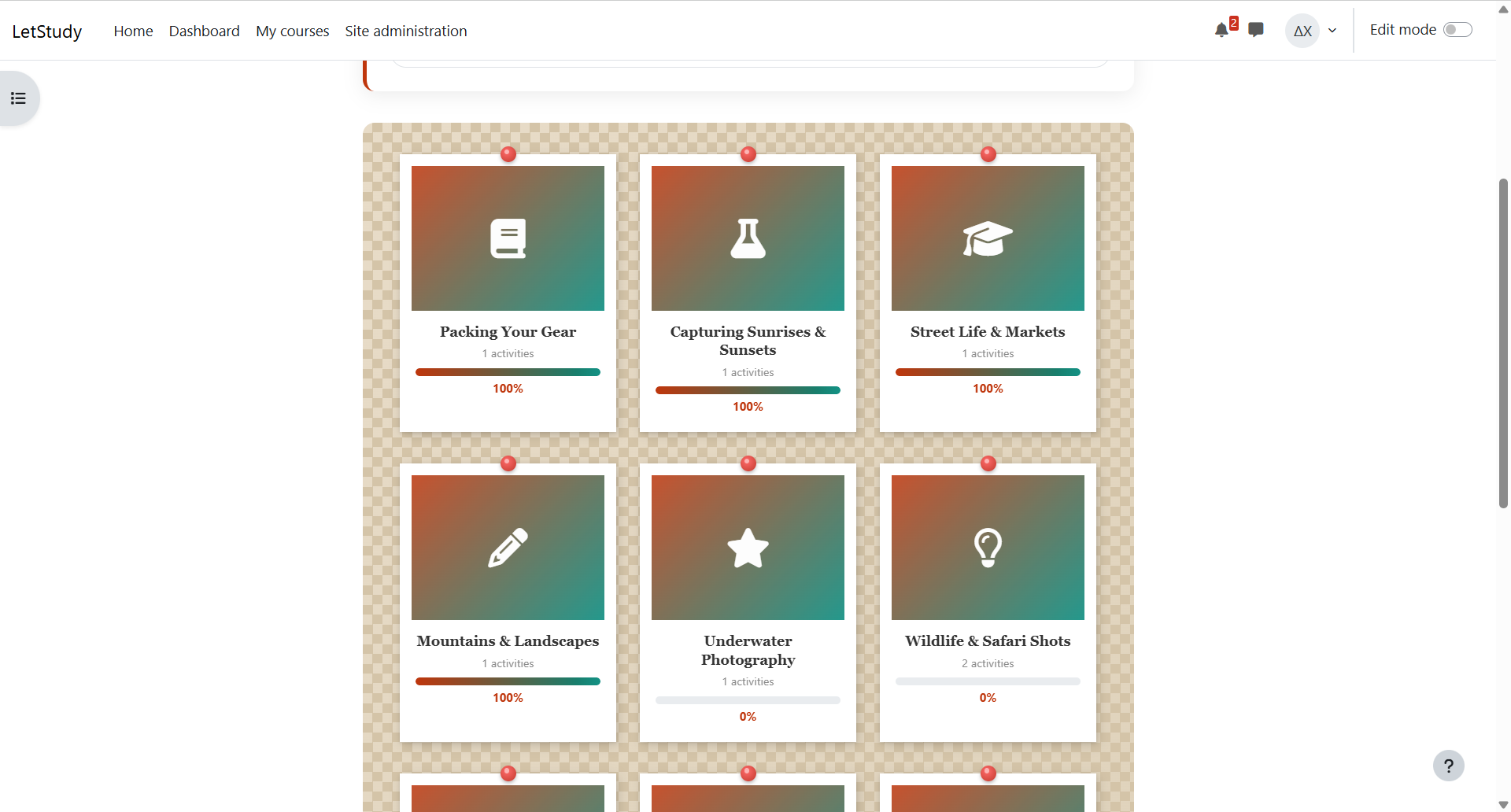
- Polaroid Wall – Pinned photos with subtle rotations
Features:
- Per-course brand and secondary colours (with colour picker)
- Per-section FontAwesome icons (with visual icon picker)
- Per-section background images (upload or URL)
- Circular or linear progress tracking per section
- Real-time progress updates without page reload
- 4 entrance animation styles (Fade, Slide, Zoom, Bounce)
- Respects prefers-reduced-motion accessibility setting
- Full reactive course editor (drag-and-drop) support
- Works with any Moodle theme
- English and Greek translations included
Developed by LetStudy Group – https://letstudy.gr