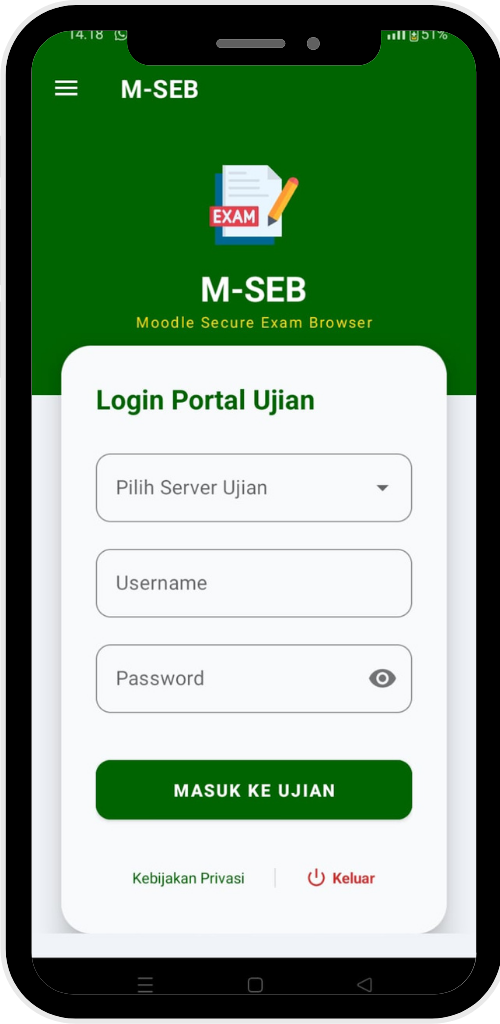
Moodle Secure Exam Browser icon

Moodle Secure Exam Browser

Maintained by Mahfud Duwi Saputro
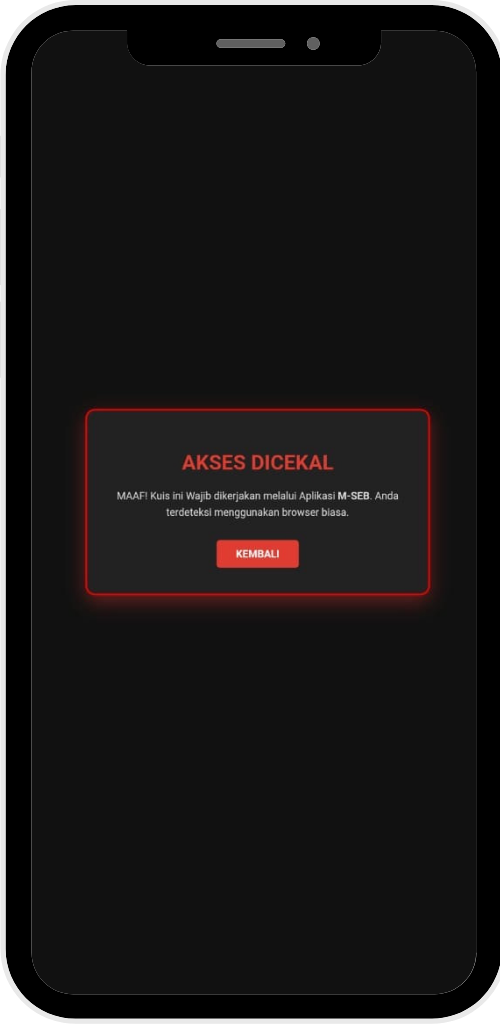
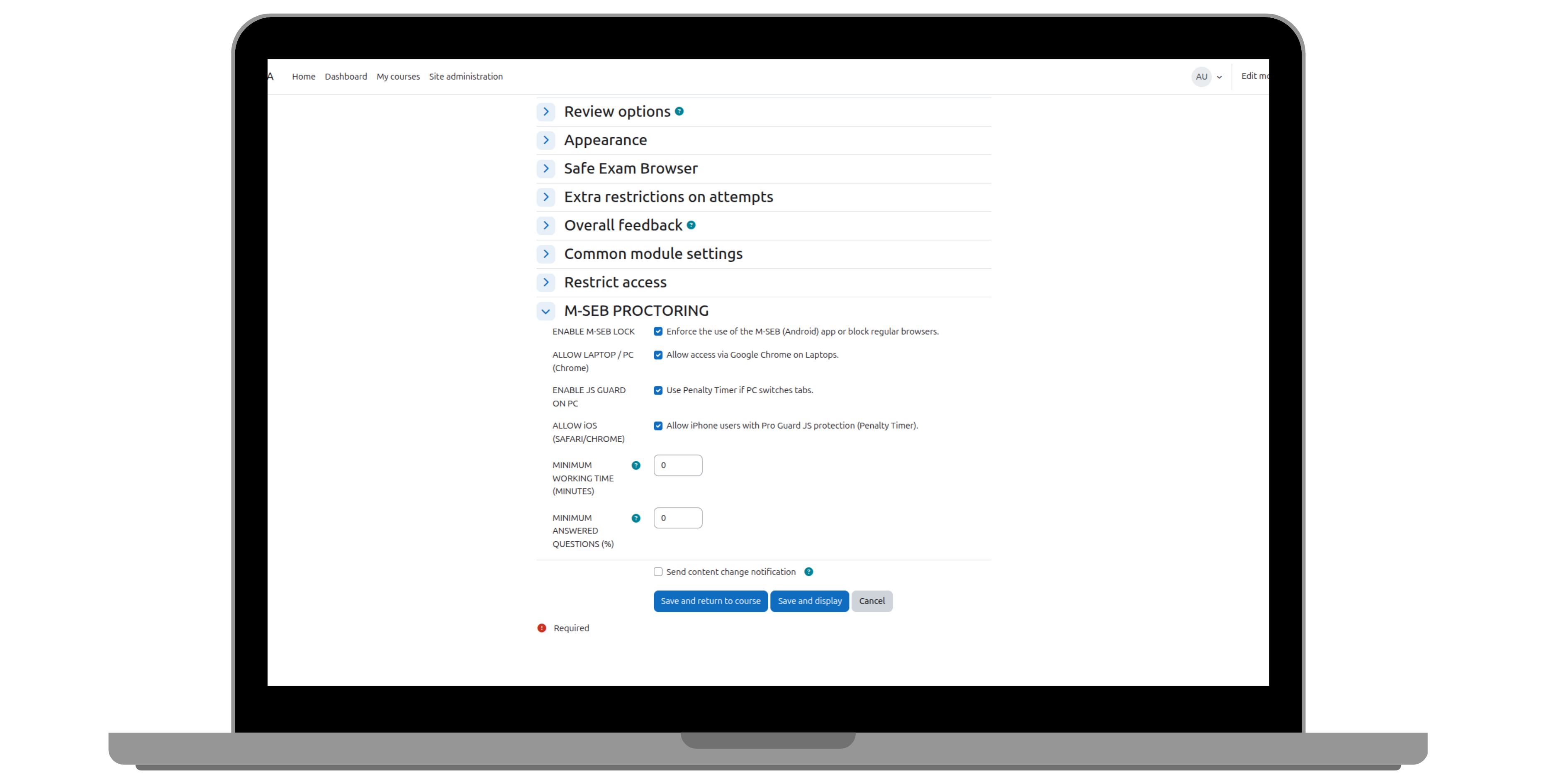
M-SEB (Moodle Secure Exam Browser) is an Android-specific browser solution designed to secure Moodle-based exams. With kiosk mode technology, M-SEB provides a high level of security to prevent exam participants from digitally cheating.
Price option: Free

Supports Moodle 3.5-5.2 See all versions
Latest release: 3 months ago
Installations: 21
Downloads (last 90 days): 410

Frankenstyle name: local_mseb
Local plugins

Description

M-SEB (Moodle Secure Exam Browser) is an Android-specific browser solution designed to secure Moodle-based exams. With kiosk mode technology, M-SEB provides a high level of security to prevent exam participants from digitally cheating.

Android App Link: M-SEB
Home Page Link: m-seb.my.id

Key Security Features:

  1. Anti-Screenshot & Screen Recording: Eliminates the possibility of distributing exam questions through screenshots or recordings.
  2. Kiosk Mode (Lock Application): Prevents participants from switching to other applications during the exam.
  3. Anti-Split Screen & Multi-Window: Disables the split-screen feature to prevent participants from using companion applications or AI.
  4. Anti-Copy Paste: Prevents copying exam questions and pasting answers from outside sources.
  5. System Security Detection: Detects if the device is rooted, in Developer Mode, or USB Debugging is enabled.
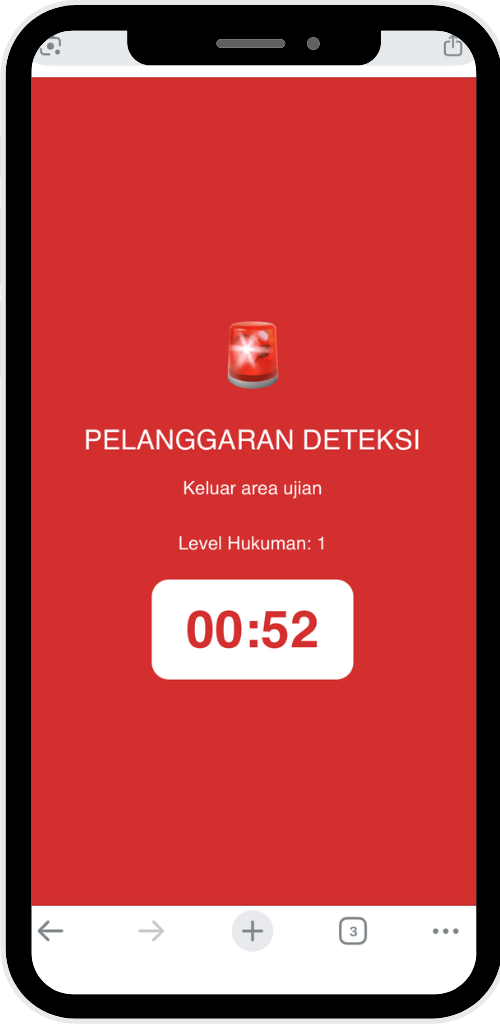
  6. Penalty Timeout System: Automatically imposes a time penalty (temporarily locking the screen) if a violation is detected.

Benefits for Institutions & Schools:

  1. User Agent Identification: The Moodle server can only recognize access through the official M-SEB application.
  2. Enhanced Integrity: Helps ensure honest, fair, and transparent exams for all participants.

Contributors

Awards

Privacy friendly
Early bird 5.2