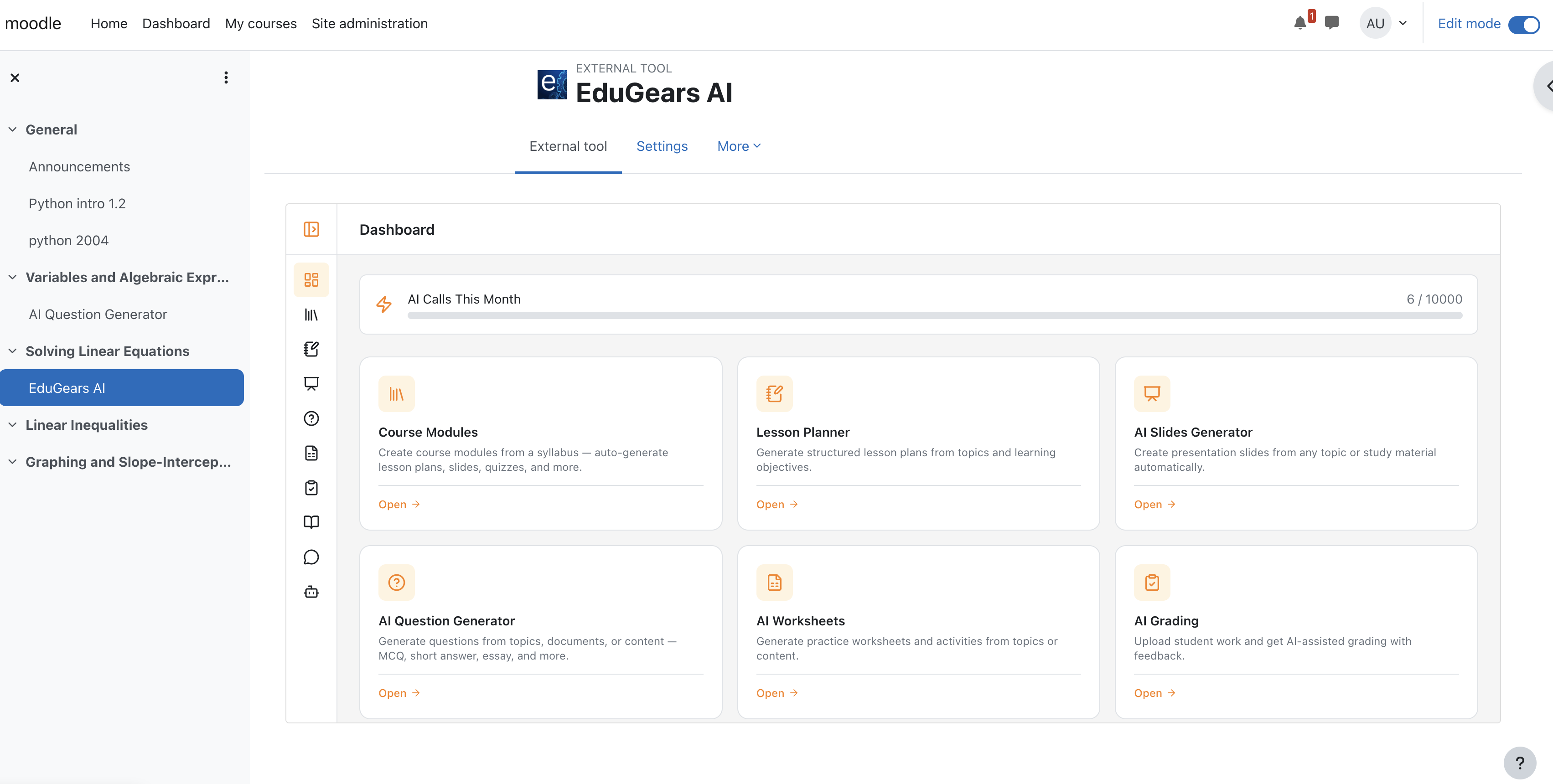
EduGears AI LTI brings 26 AI-powered educational tools directly into your Moodle LMS through a single LTI 1.3 Advantage integration. All tools support 80 languages. Free to get started. For questions or issues, contact support@edugears.ai.
Two ways to register:
Plugin Registration (Recommended for firewalled sites) — Install this plugin and click "Register EduGears AI" in the settings page. The tool is created locally in Moodle and registered with EduGears through your browser. No server-side network access required — works behind firewalls, VPNs, WAFs, and private networks.
URL Registration — Without installing the plugin, go to Site Administration > Plugins > External tool > Manage tools, paste https://lti-api.edugears.ai/lti/register, click Add LTI Advantage, then Activate. Requires your Moodle server to be reachable from the internet — use plugin registration if it is not.
Setup video:
AI Provider Options — Use the EduGears AI default provider, or Bring Your Own Key (BYOK, recommended) — connect your own API key from supported AI providers (OpenAI, Anthropic, Google, Deepseek, Sarvam AI, and more) for unlimited AI calls with no monthly limits. Keys are encrypted and stored securely per institution.
All 26 AI Tools (supports 80 languages):
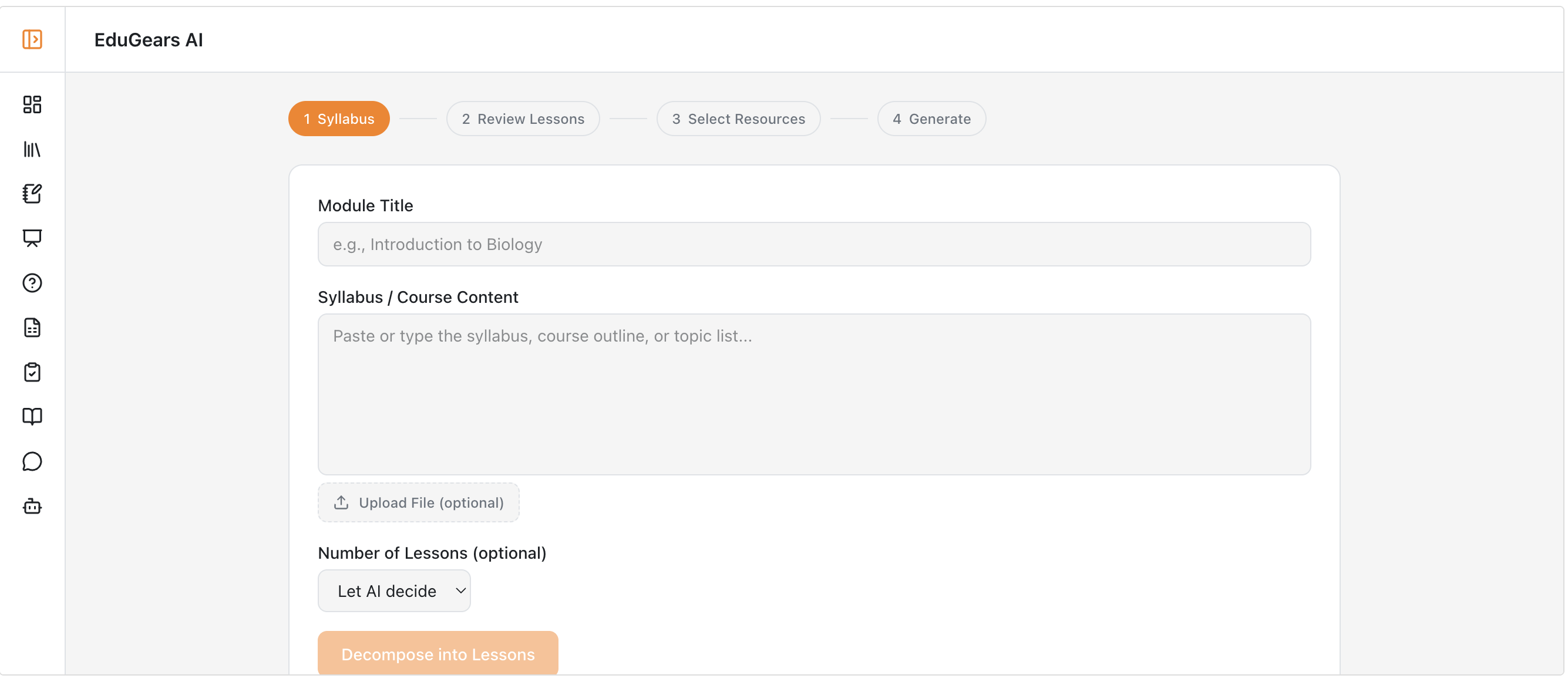
- AI Course Modules — Upload a syllabus and AI builds structured lessons with slides, quizzes, study guides, and worksheets. Export as SCORM.
- Multi-Module Builder — Decompose a syllabus or source documents into a full set of modules in one pass.
- Curriculum Import — Import SCORM, Canvas Common Cartridge, or Moodle course backups as native, editable activities.
- AI Course Build — Build a full course straight from an import, then lift any piece of content with AI.
- Course Export — Export as SCORM 1.2, SCORM 2004, or Common Cartridge 1.3; questions as QTI 2.1 or Moodle XML.
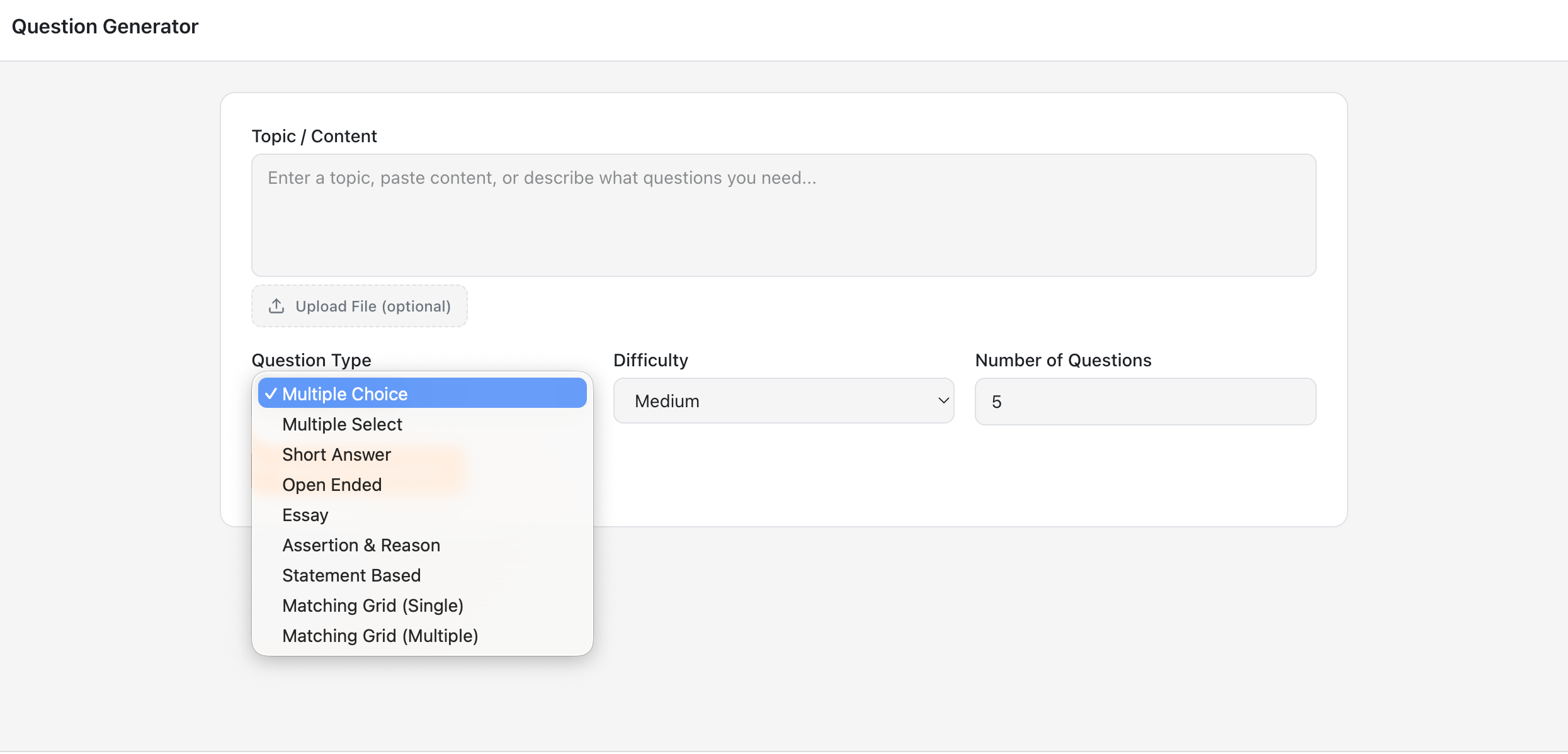
- AI Question Generator — 9 question types with customizable difficulty. Export to QTI.
- Question Banks — Reusable question pools from AI generation, manual entry, or Moodle/QTI import.
- Practice Sets — Lesson-tied practice with hints, solutions, and a flashcard view. Ungraded.
- Quizzes — Timed, single or multiple attempt quizzes; question groups draw random items so every student gets a unique exam. Grade passback included.
- Diagnostic Pre-Check — "Start here" diagnostics that never gate progress or touch the gradebook.
- Rubrics — Reusable rubrics with custom criteria; AI grades per criterion with manual override.
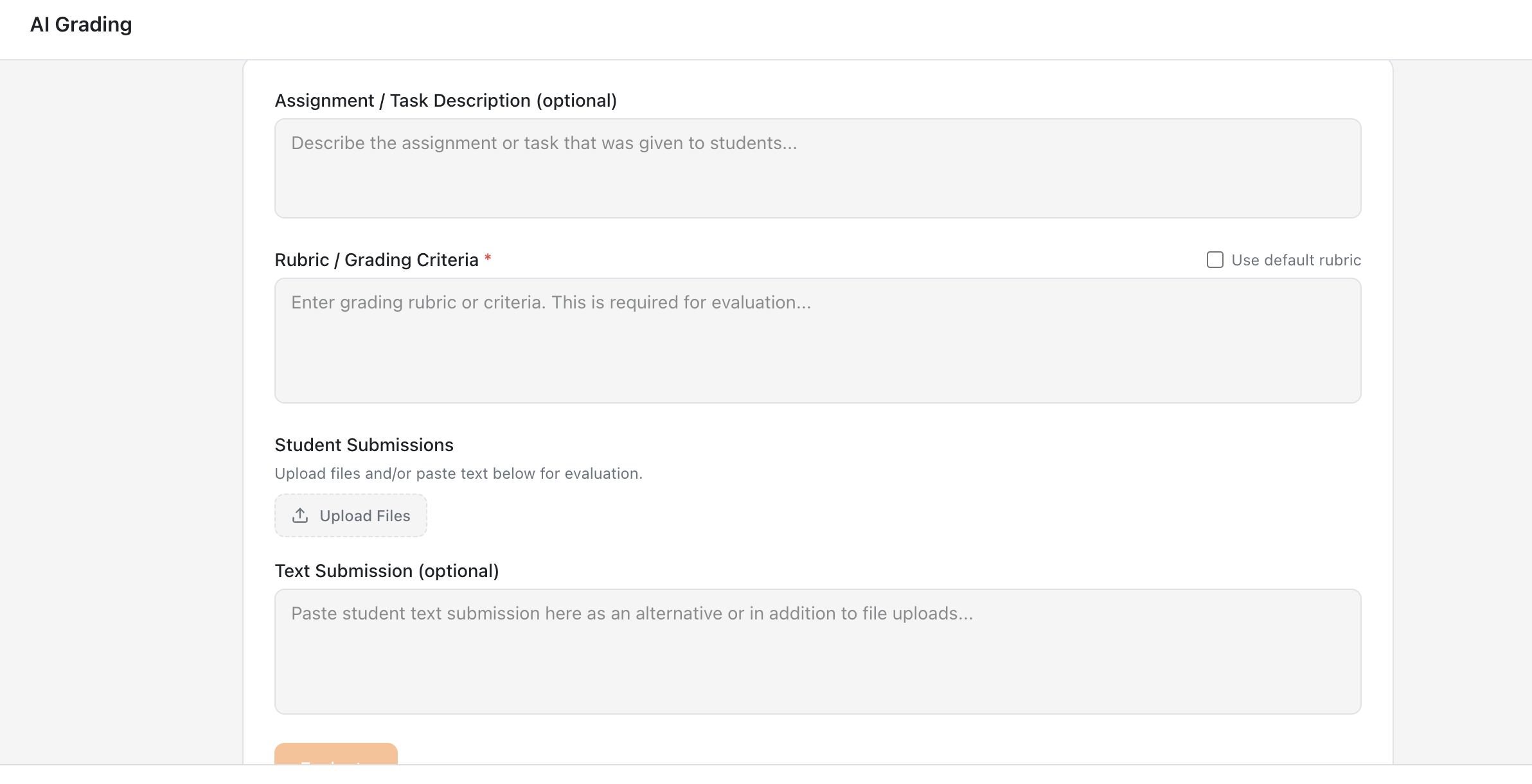
- AI Grading — Rubric-based grading with detailed feedback and automatic gradebook sync. Upload handwritten or typed answer sheets.
- Capstone Projects — End-of-course projects graded by AI against your brief and rubric; you approve before grades post.
- Project Work — Open-ended projects with file submissions and per-criterion AI grading.
- Reflections — Open, ungraded prompts; AI writes a short, supportive note back.
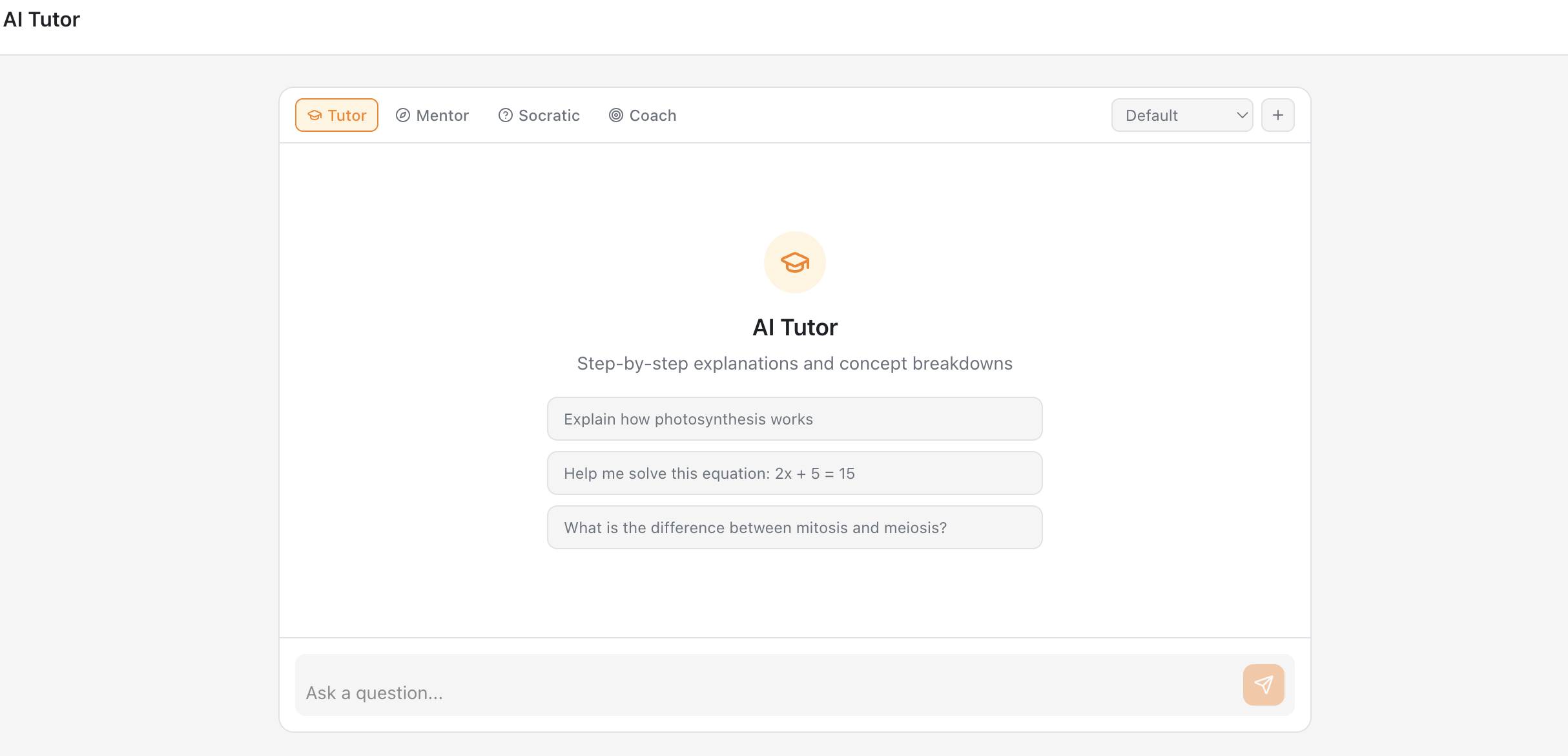
- AI Tutor — 24/7 support with 4 roles (Tutor, Mentor, Socrates, Coach), grounded in the resource on screen and your course materials.
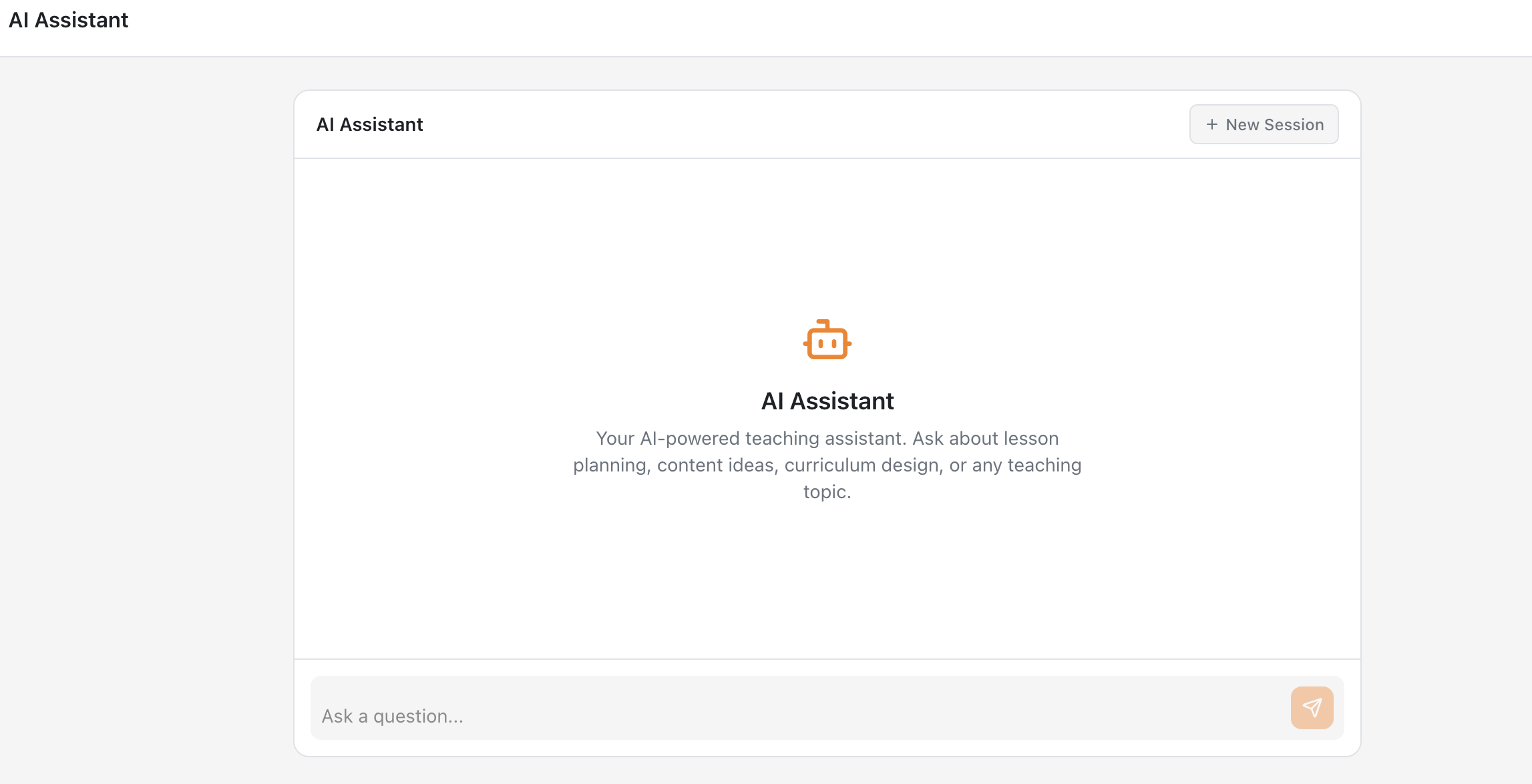
- AI Assistant — Teaching co-pilot for instructors: lesson planning, content strategy, in-context authoring help.
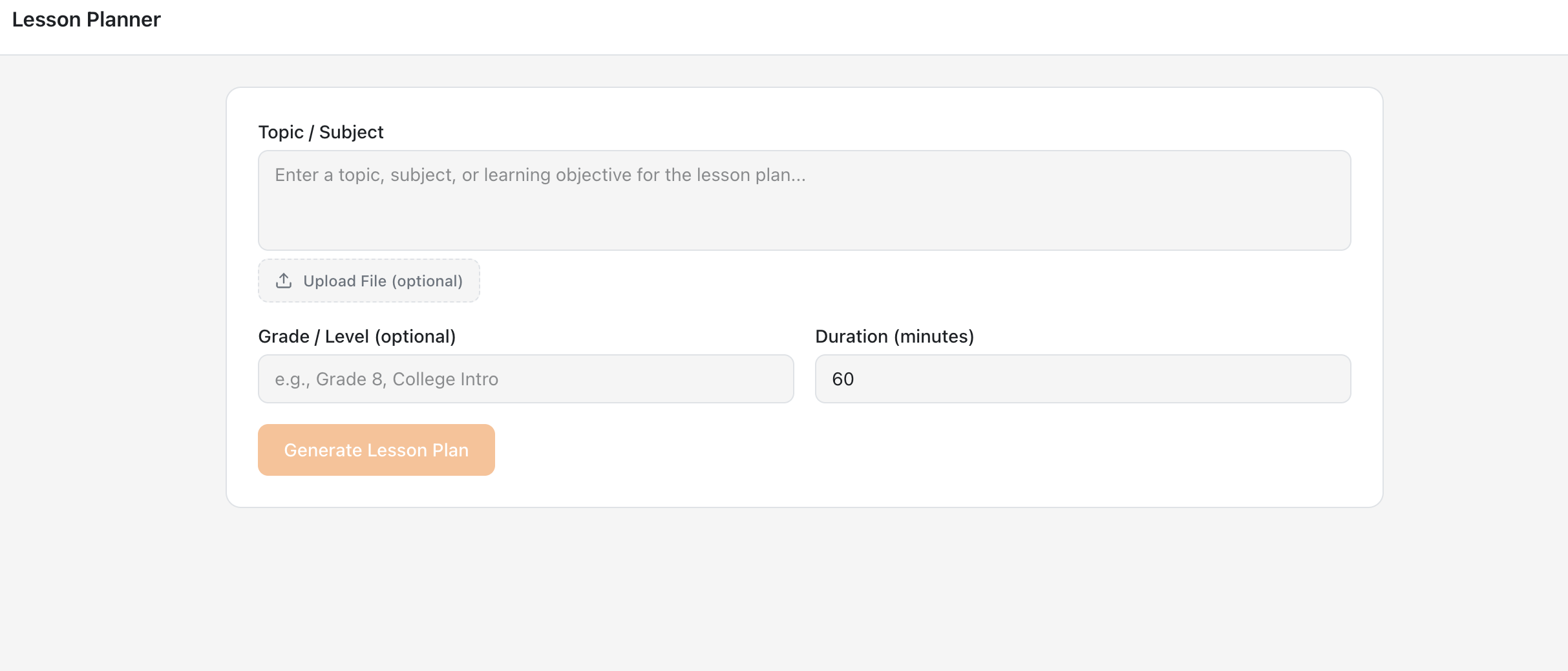
- AI Lesson Planner — Complete lesson plans with objectives, activities, assessments, and timing. Hidden from students.
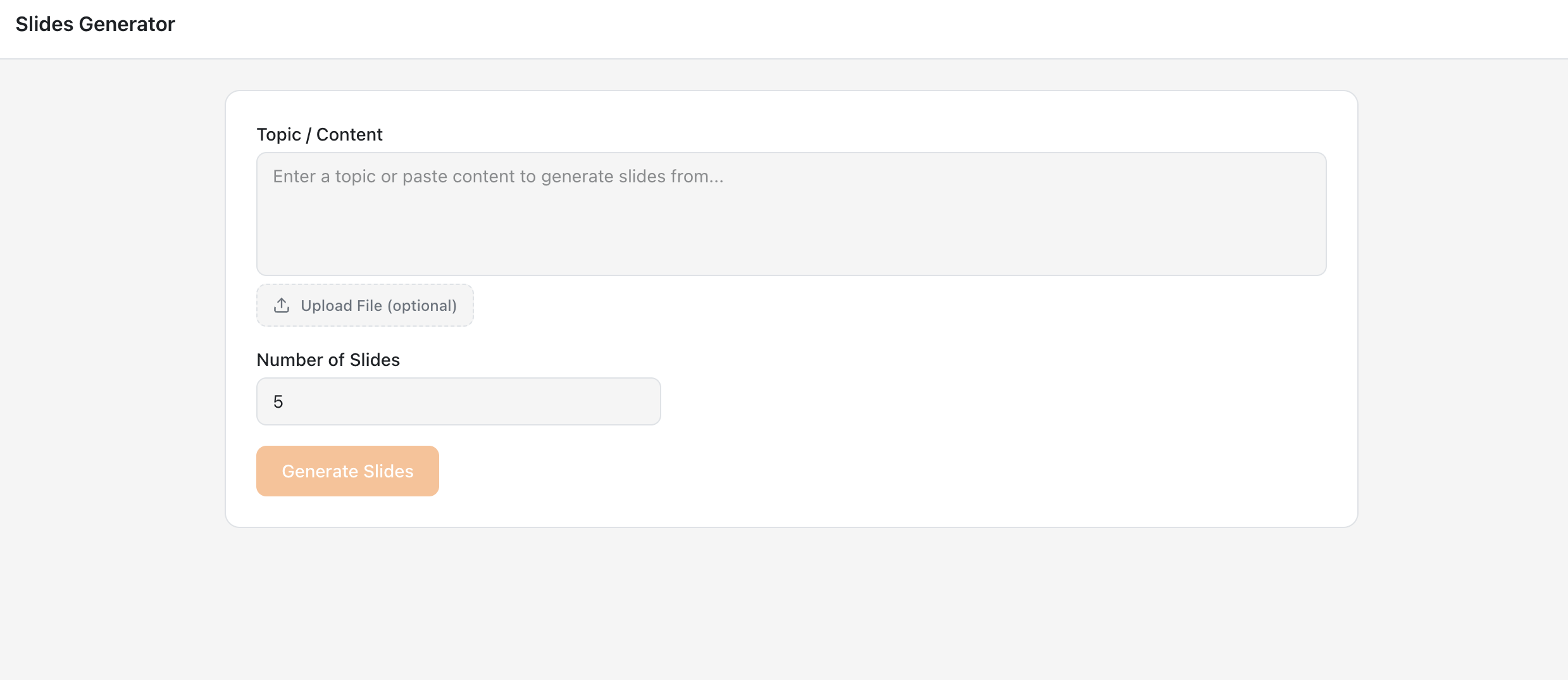
- AI Slides Generator — Presentation slides from any topic or document. Students get view-only access.
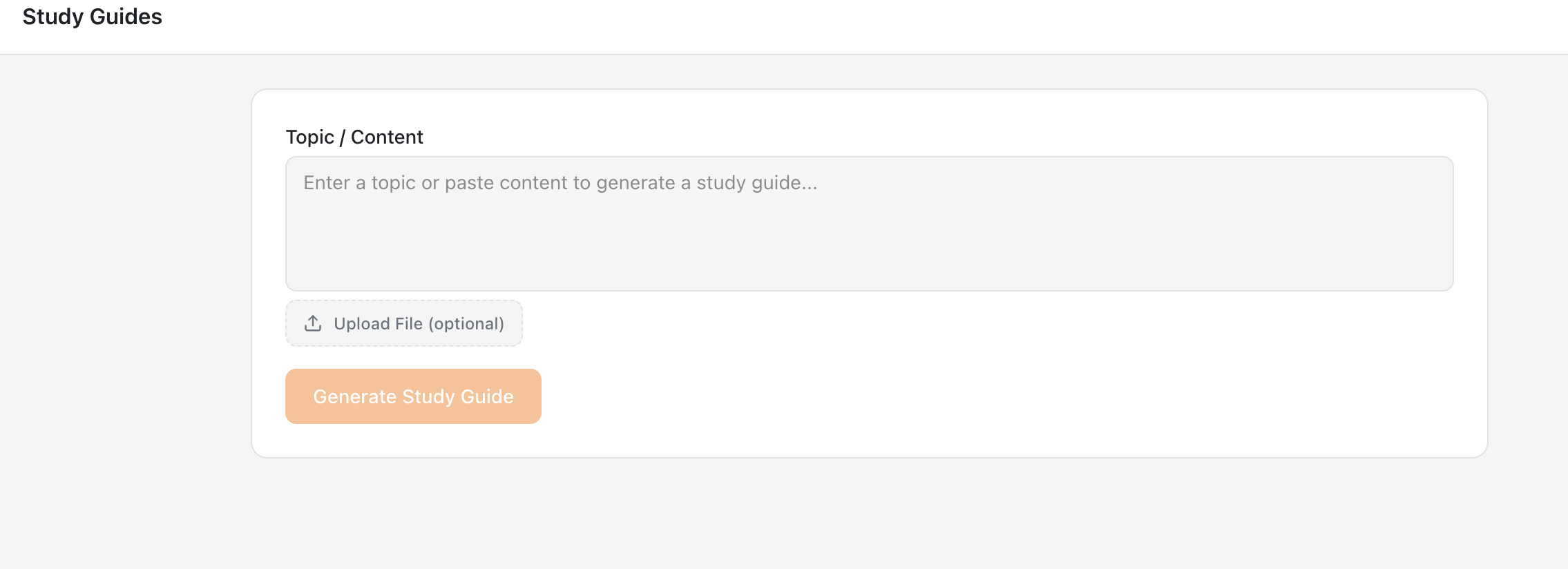
- AI Study Guide Generator — Study guides, summaries, and revision materials on demand.
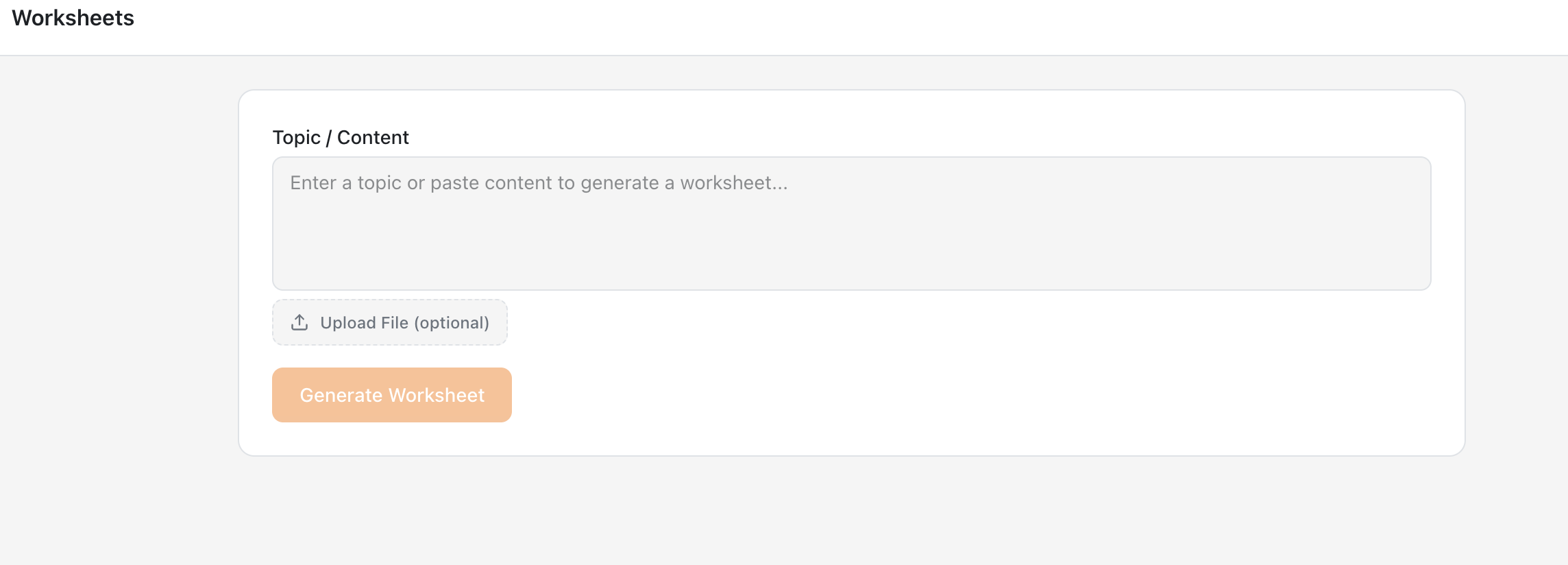
- AI Worksheet Generator — Worksheets for any topic or grade level. Student view hides the answer key.
- AI Page Generator — AI-written formatted content pages with math and chemistry notation. Export to PDF.
- Module Player — Student-facing player with progress tracking, resume, and a built-in contextual tutor.
- Curriculum Intelligence — Upload course materials (PDF, DOCX, PPTX) and every tool generates course-aligned content. Instructors only.
- Enhance with AI — Click Enhance on any content, describe the change, preview and accept or reject the revision.
- Rich Text Editor with AI Images — WYSIWYG editing across every tool with inline AI image generation, tables, LaTeX math, and code.
Key Features:
- LTI 1.3 Advantage with deep linking, grade passback (AGS), and names/roles provisioning
- Works with Moodle 3.10 and later (Moodle 4.5+ recommended)
- One-click registration that works behind firewalls and VPNs — no server configuration needed
- FERPA and COPPA compliant; all data encrypted in transit and at rest
- Student content is never used to train AI models
- Free to get started with a generous usage allowance
For detailed setup instructions, visit https://lti.edugears.ai/setup. For questions or issues, contact support@edugears.ai.
Links: