
Anoop Kakkur Rich Text Editor
Maintained by
ANOOP PA, Anoop Kakkur
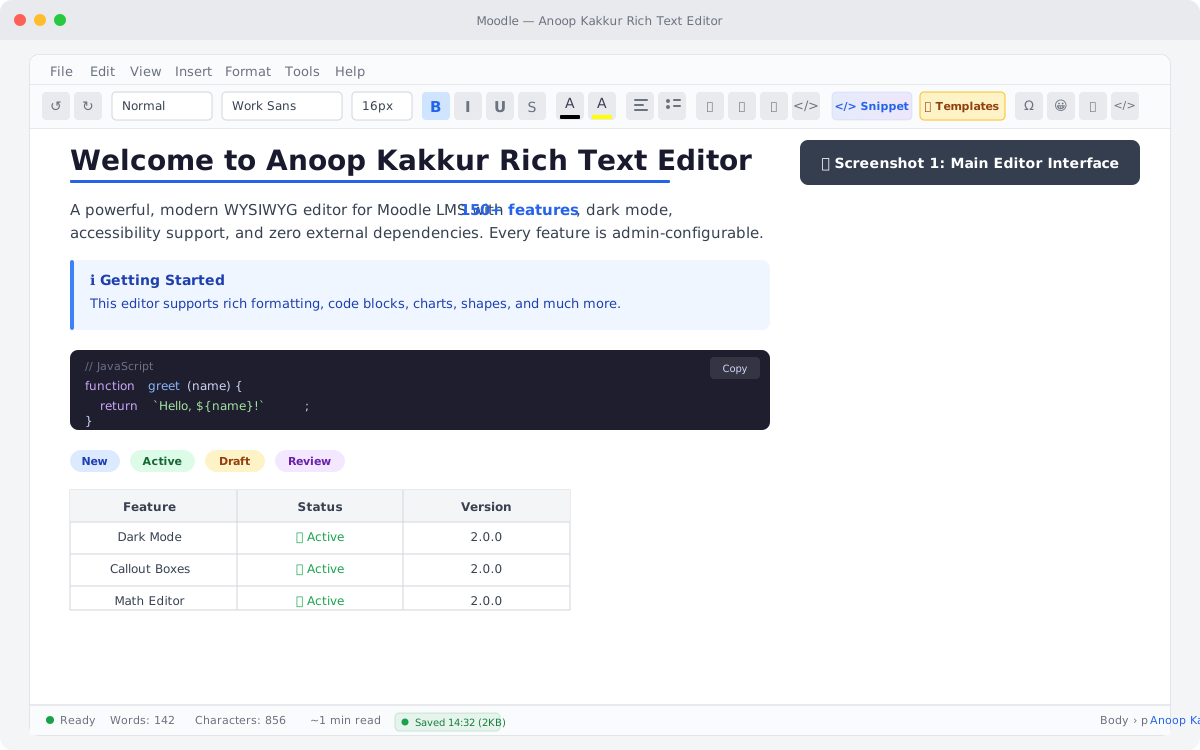
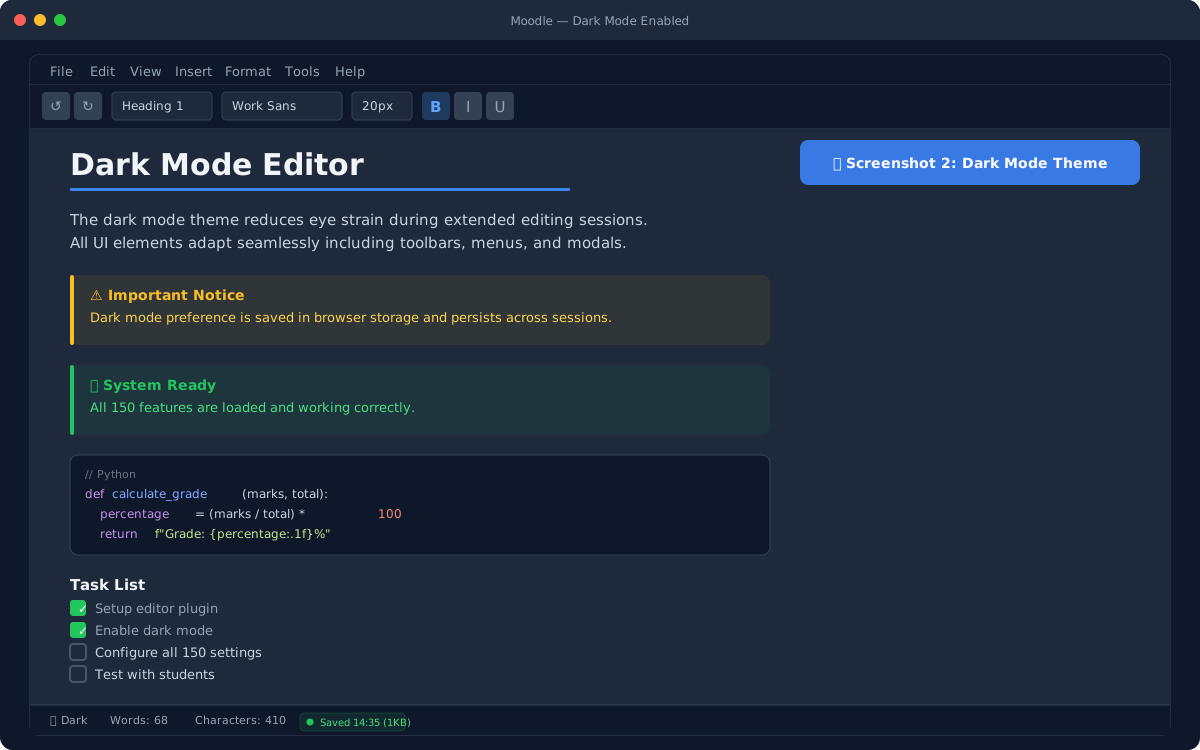
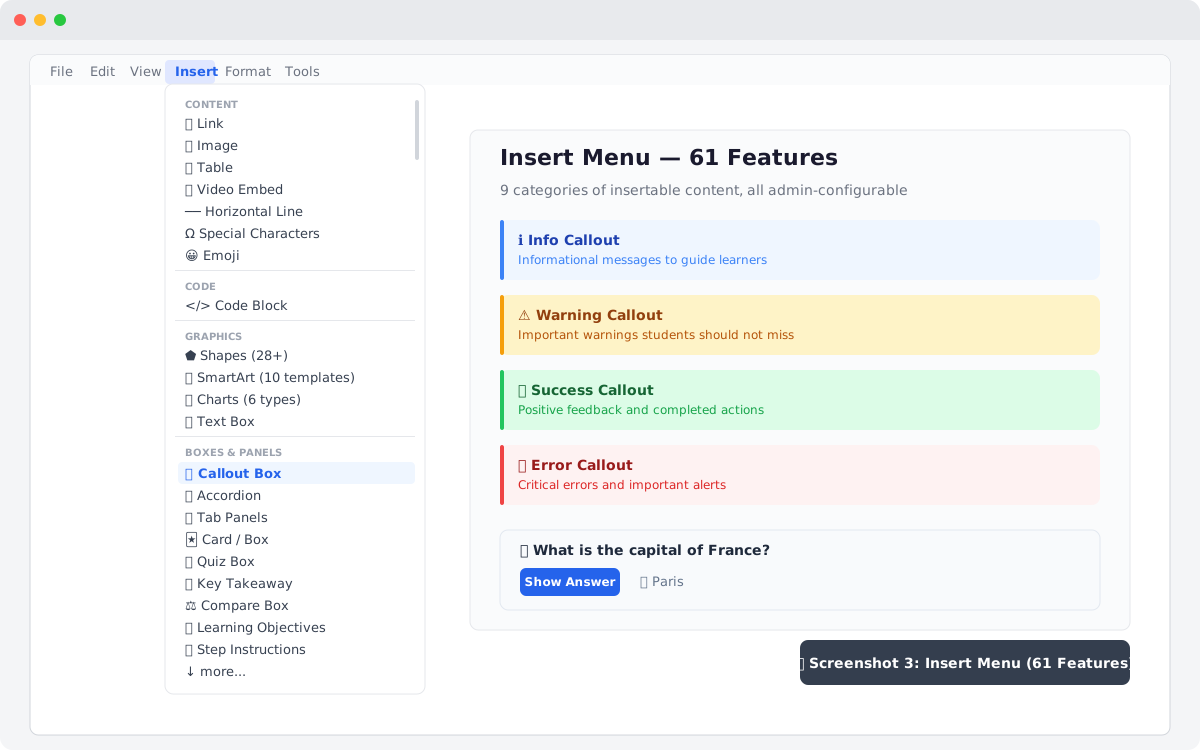
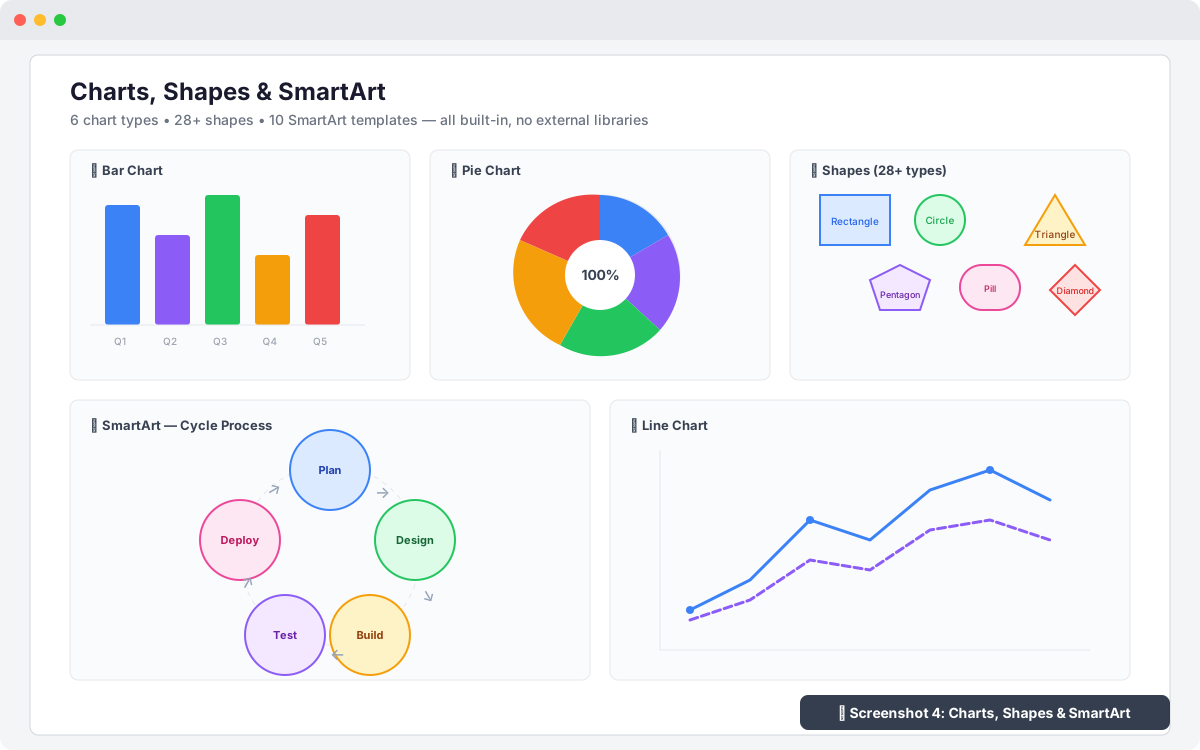
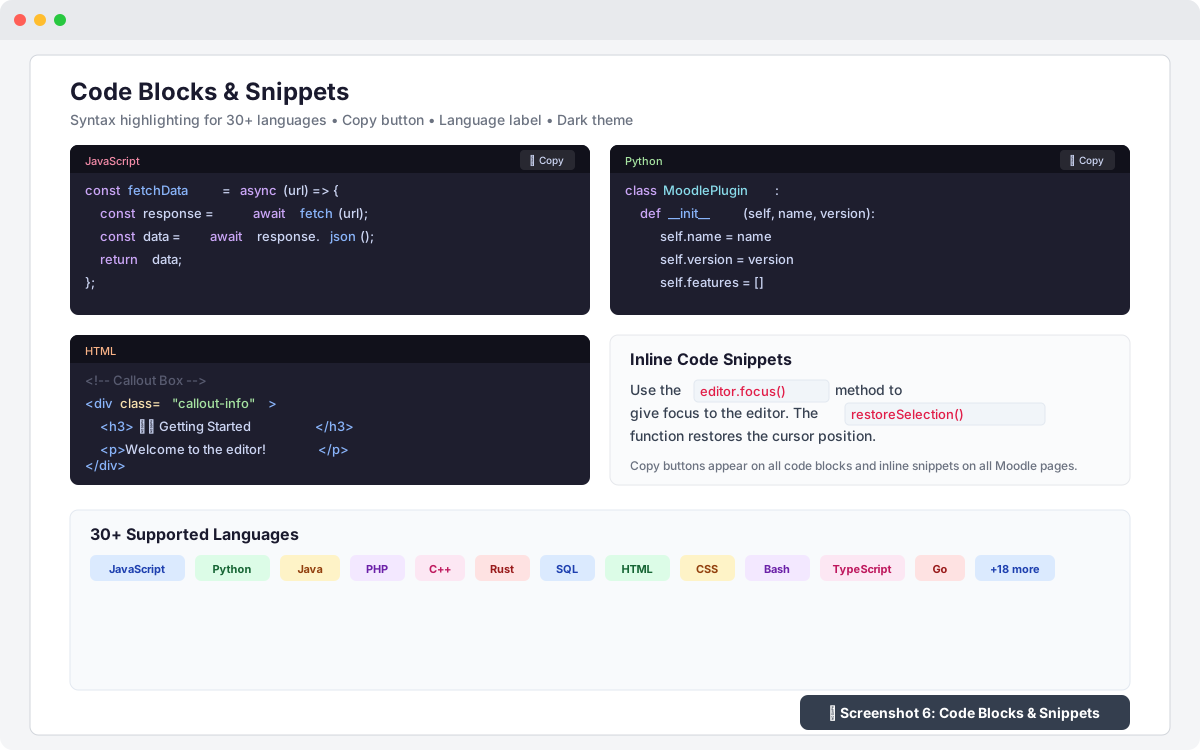
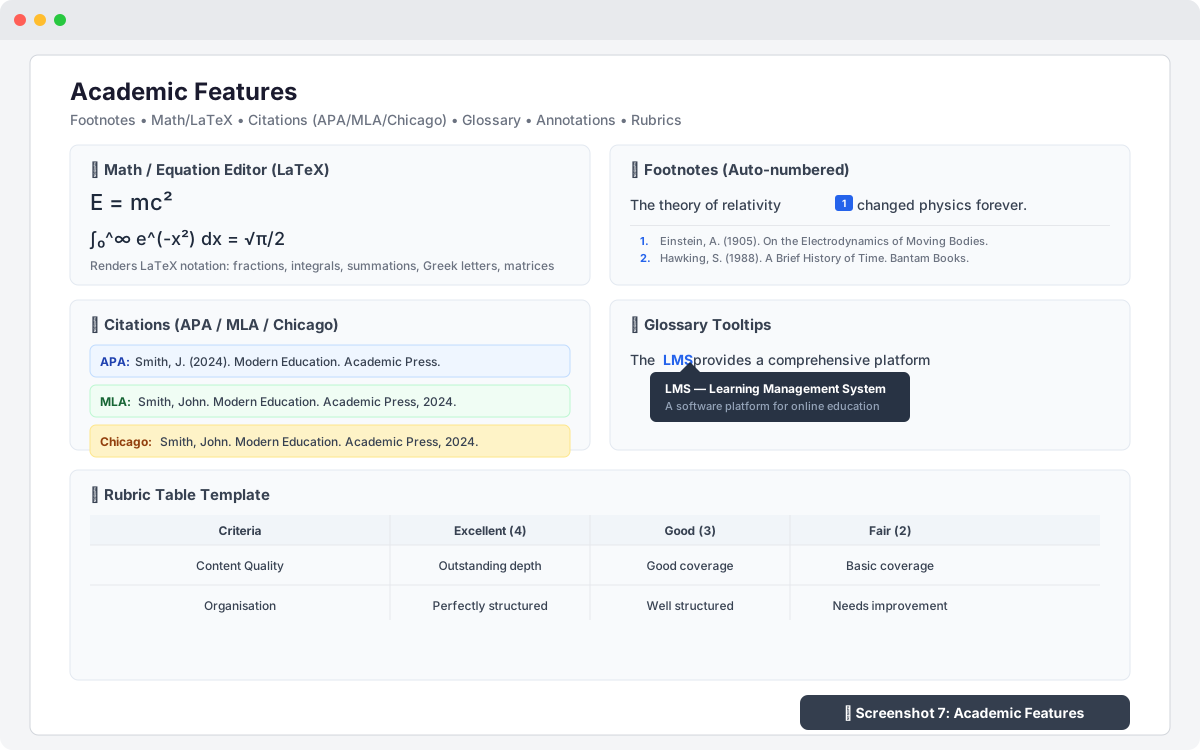
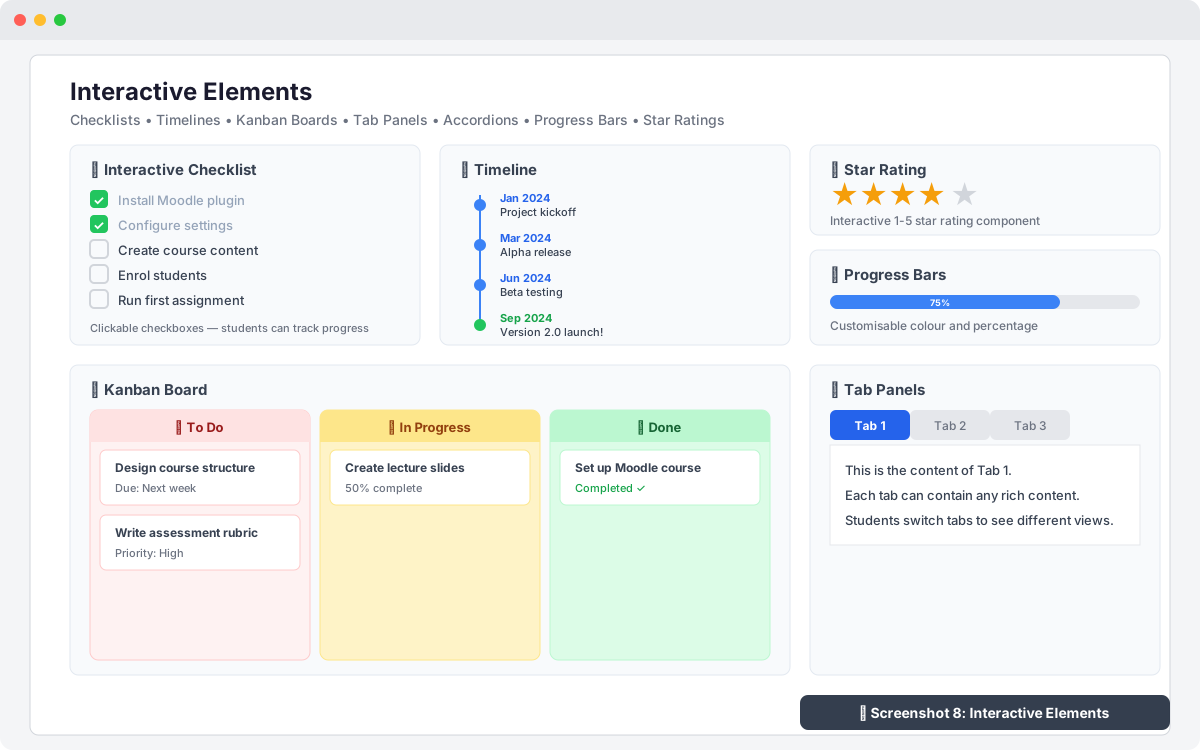
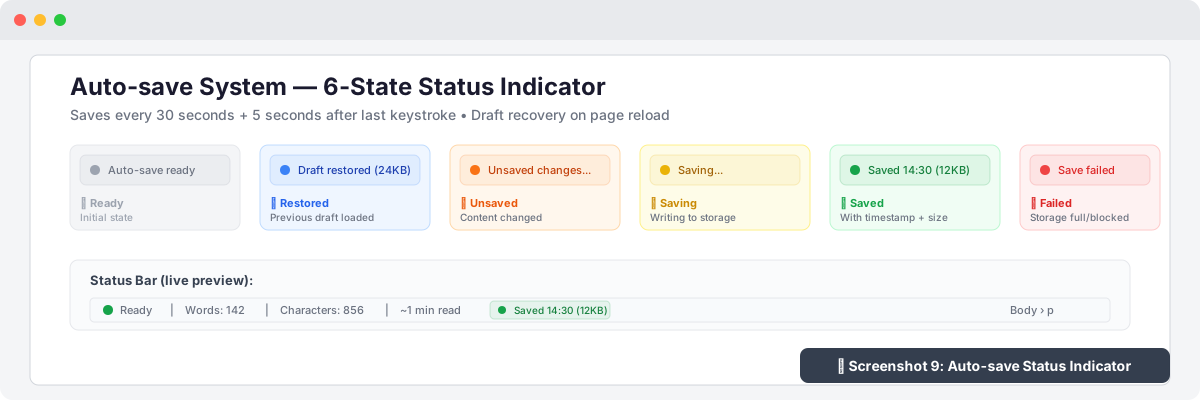
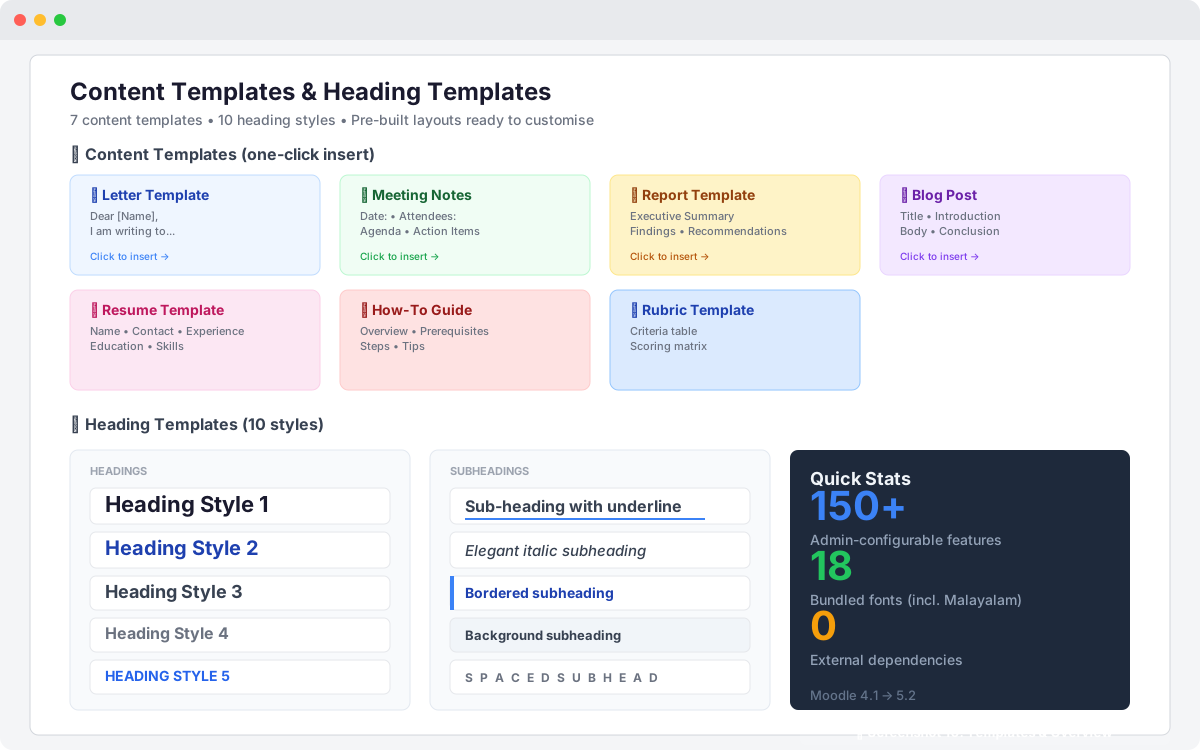
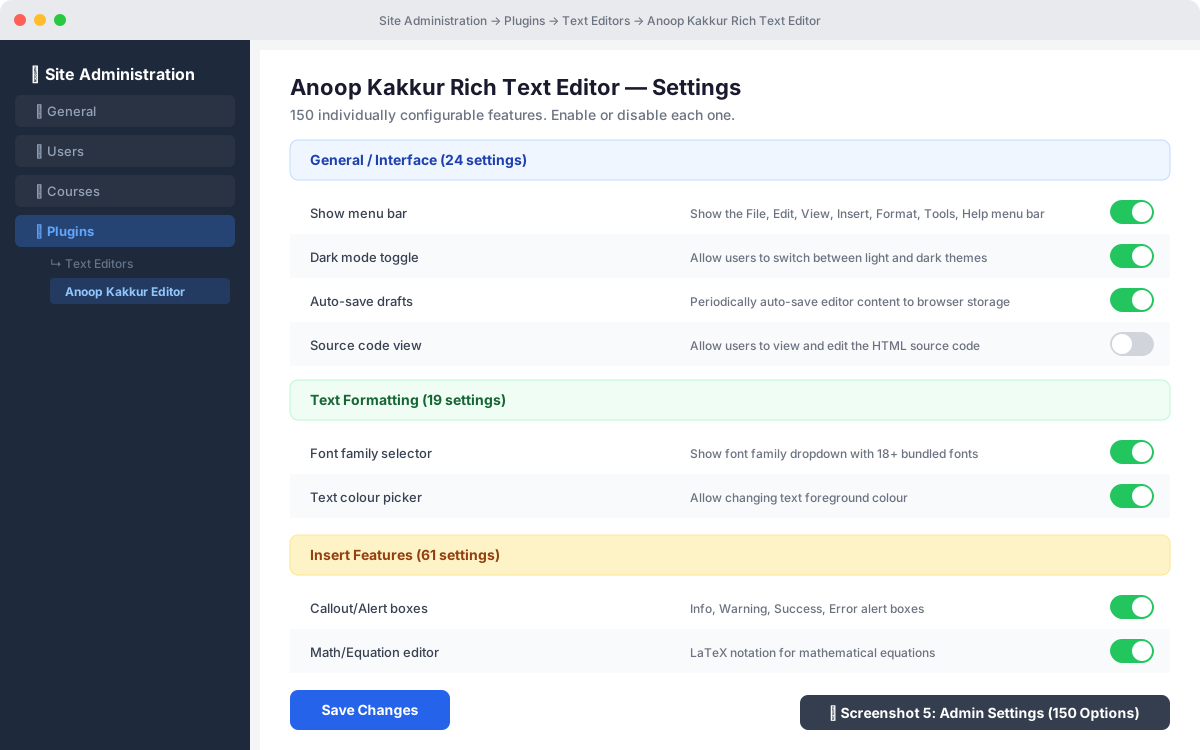
A powerful, modern WYSIWYG Moodle editor with 150+ admin-configurable features including dark mode, math equations, code blocks, charts, kanban boards, markdown, auto-save, and full accessibility—all with zero external dependencies.
Comments
Comments are no longer open for new posts. Existing comments remain available to read.
From the code:
background-image: url('https://mysite.org/pluginfile.php/3426/course/section/263/img.jpg')
We get:
"background-image: "
How do I delete previously attached files?
Thank you so much for your kind words and for taking the time to report these issues — feedback like yours is exactly what helps make this editor better for everyone.
I'm happy to let you know that all three issues you mentioned have been addressed in v3.1.4, which is now available:
1. Autosave restoring old values on new objects — Fixed. The autosave system now checks whether Moodle has pre-filled the editor with existing content before attempting to restore a draft. If the editor already has content (e.g. editing an existing Forum post or Diary entry), the old draft is cleared automatically. New objects will only see a restored draft if the editor is genuinely empty.
2. Iframe and external embed support — Fixed and expanded. You can now embed iframes from 25+ educational platforms including CodePen, Padlet, Canva, EdPuzzle, Nearpod, Quizlet, Kahoot, Mentimeter, Google Maps, and many more. Iframes inserted through the editor are now preserved by the HTML sanitiser and will no longer be stripped on save.
3. H5P content insertion — New feature added. You'll find a new menu item at Insert → 🎓 H5P Content. It supports:
• Moodle Content Bank URLs
• H5P.org embed and share URLs
• Moodle H5P activity URLs
The embedded H5P content is fully interactive inside the editor — media playback, quizzes, drag-and-drop all work.
To update: download v3.1.4 from the plugin directory or pull the latest from GitHub (https://github.com/ianoop007/moodle-editor_customeditor), then go to Site Administration → Notifications to complete the upgrade.
Please let me know if you run into any other issues or have further suggestions. Your feedback is greatly appreciated!
Best regards,
Anoop Kakkur