Stefan-Alexander Scholz
Lead maintainer




Media Time is the all-in-one media management solution for Moodle — built to store, organize, and deliver your media assets directly inside your learning platform. Start with video today, with support for additional media types coming soon. Manage all your videos in a centralized, permission-controlled repository — without depending on external hosting.
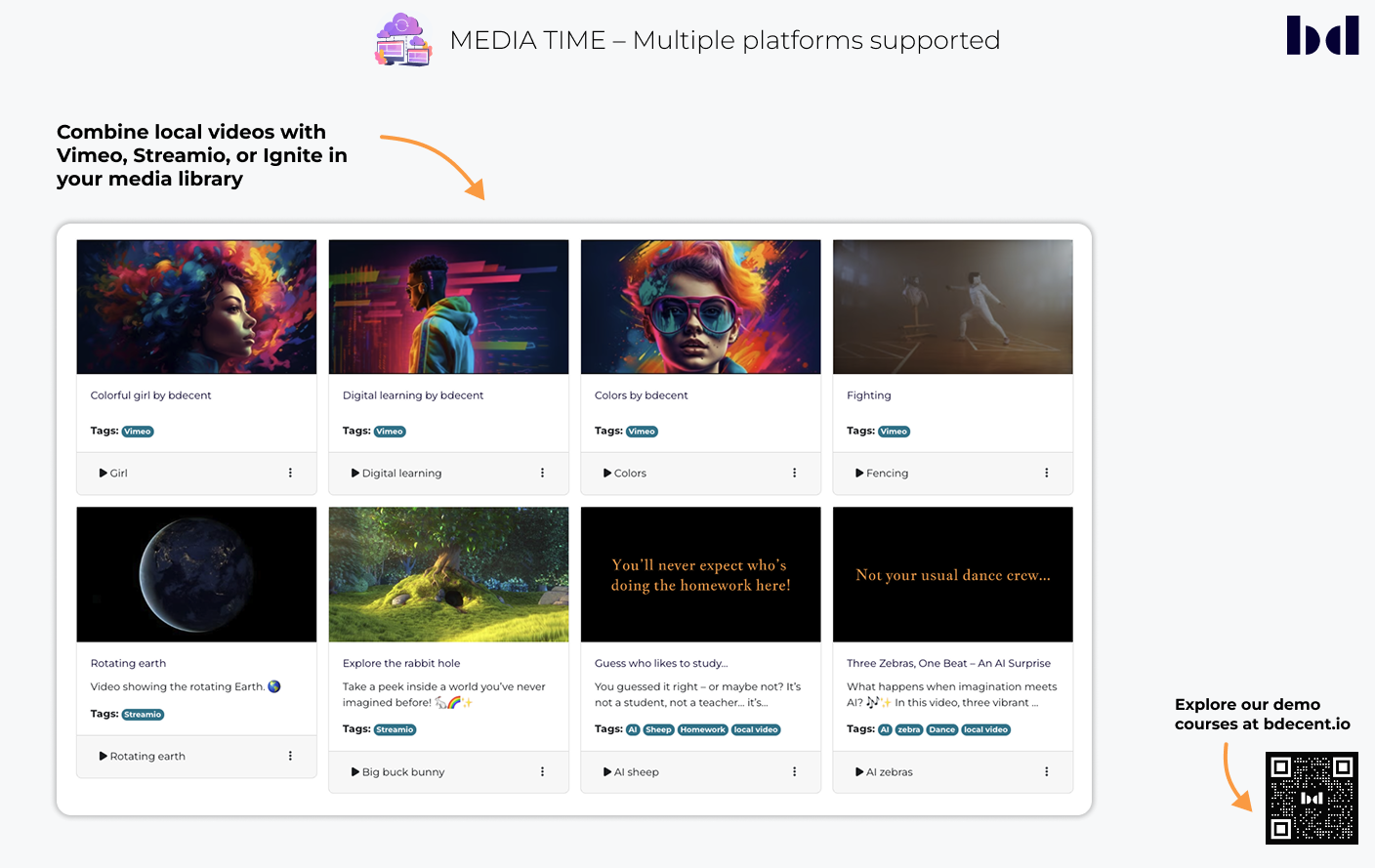
With connectors for Vimeo, Streamio and Ignite, you stay in full control of where and how your media is hosted. More connectors will be added in the future, ensuring flexible workflows that adapt to your needs — please let us know which ones you need. Media Time requires the (free) Video Time plugin and has to be installed.
Use cases
Manage all your videos centrally within Moodle while maintaining full control over your content and its appearance.

Manage all video assets within a unified interface to ensure consistency across courses, with or without external hosting.
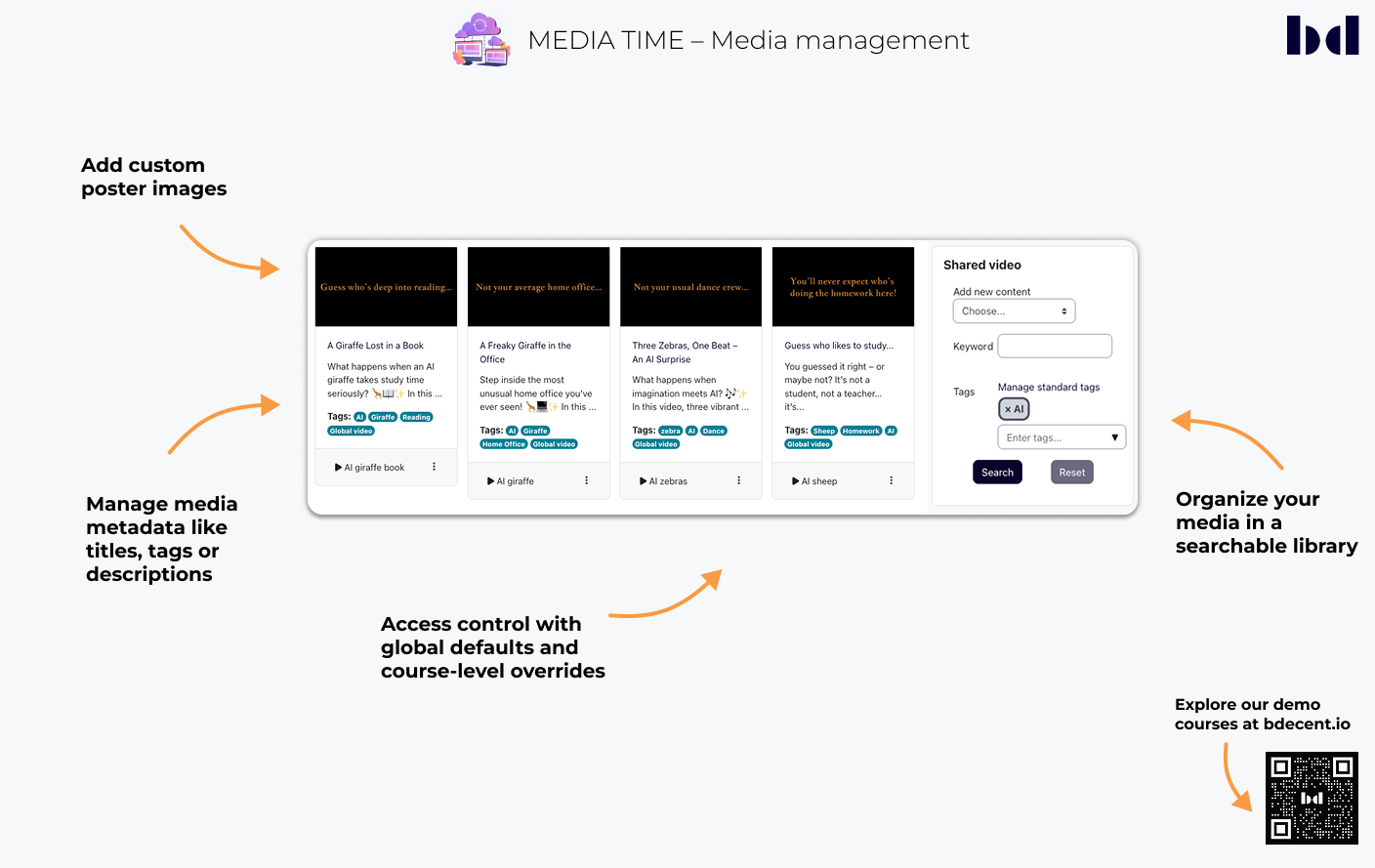
Use role-based permissions to define who can upload or view media. Admins set global defaults, while teachers can override settings (e.g., to allow student uploads) at the course level.
Edit titles, descriptions, and tags to improve discoverability, accessibility, and learner orientation.
Set custom thumbnails to ensure a professional and consistent visual experience before a video starts.
Organize local and external media in a searchable database using tags and keywords for efficient management.
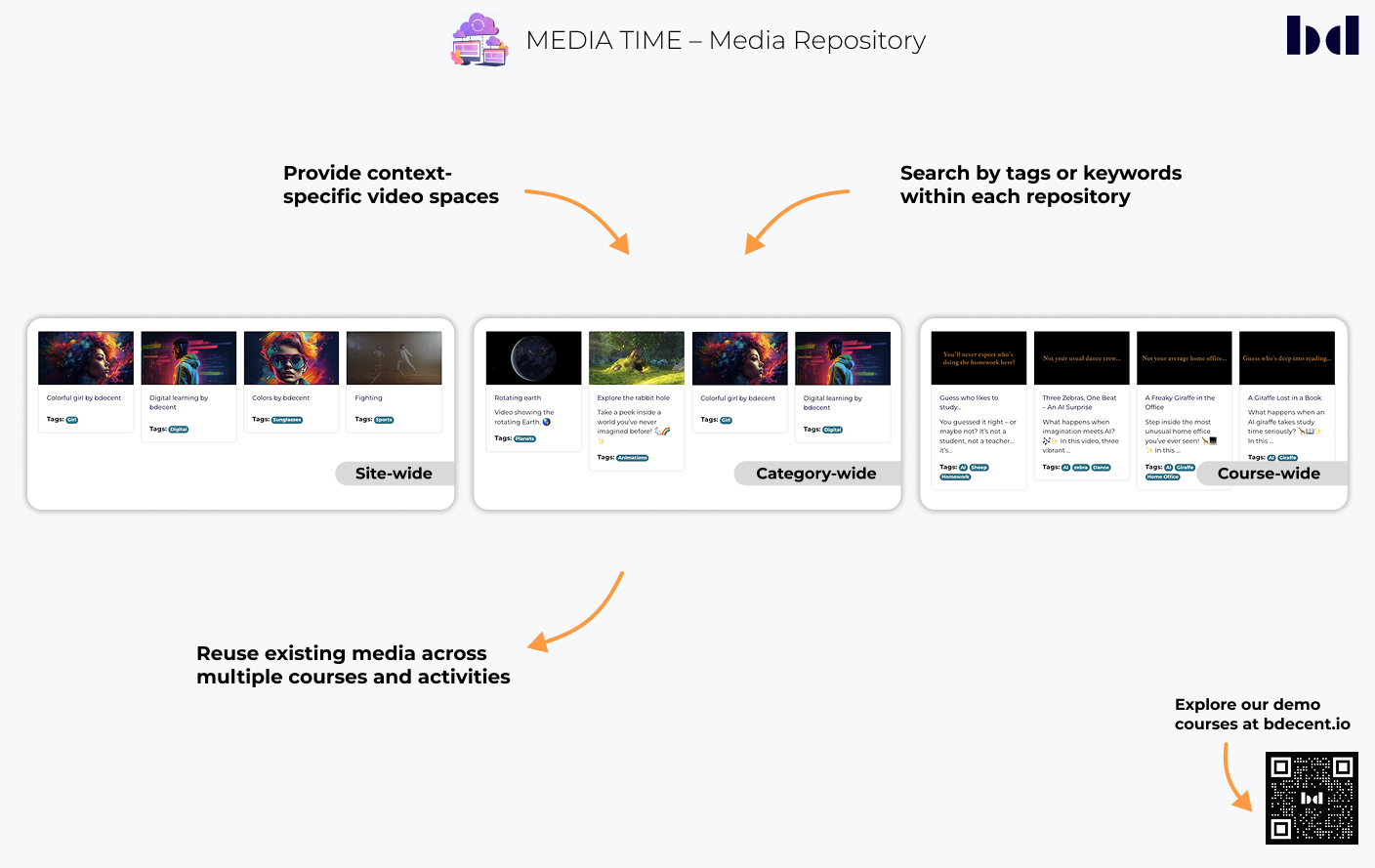
The repository structure ensures that content is stored efficiently and can be reused across the platform.

A three-tier hierarchy for asset storage: Site for global resources, Category for departments, and Course for specific teaching materials and student uploads.
Embed existing videos directly into Moodle activities. This avoids file duplication, saves storage space, and ensures a consistent experience.
Locate videos quickly by title, tags, or keywords using integrated filtering tools without leaving the Moodle environment.
Extend the local repository by connecting external hosting providers for a seamless workflow.

Manage and display Streamio-hosted media directly in Moodle while keeping the files on the external server.
Visibility can be scoped to specific course categories, course pages only, or platform-wide. Tools can also be disabled for certain activity types — for example, hiding the menu during quizzes.
Connect Vimeo accounts (Non-Enterprise & Enterprise) to sync metadata automatically and manage videos within the unified library.
Seamlessly integrate and manage media assets from the Ignite platform within the Media Time repository.


