MediaTime
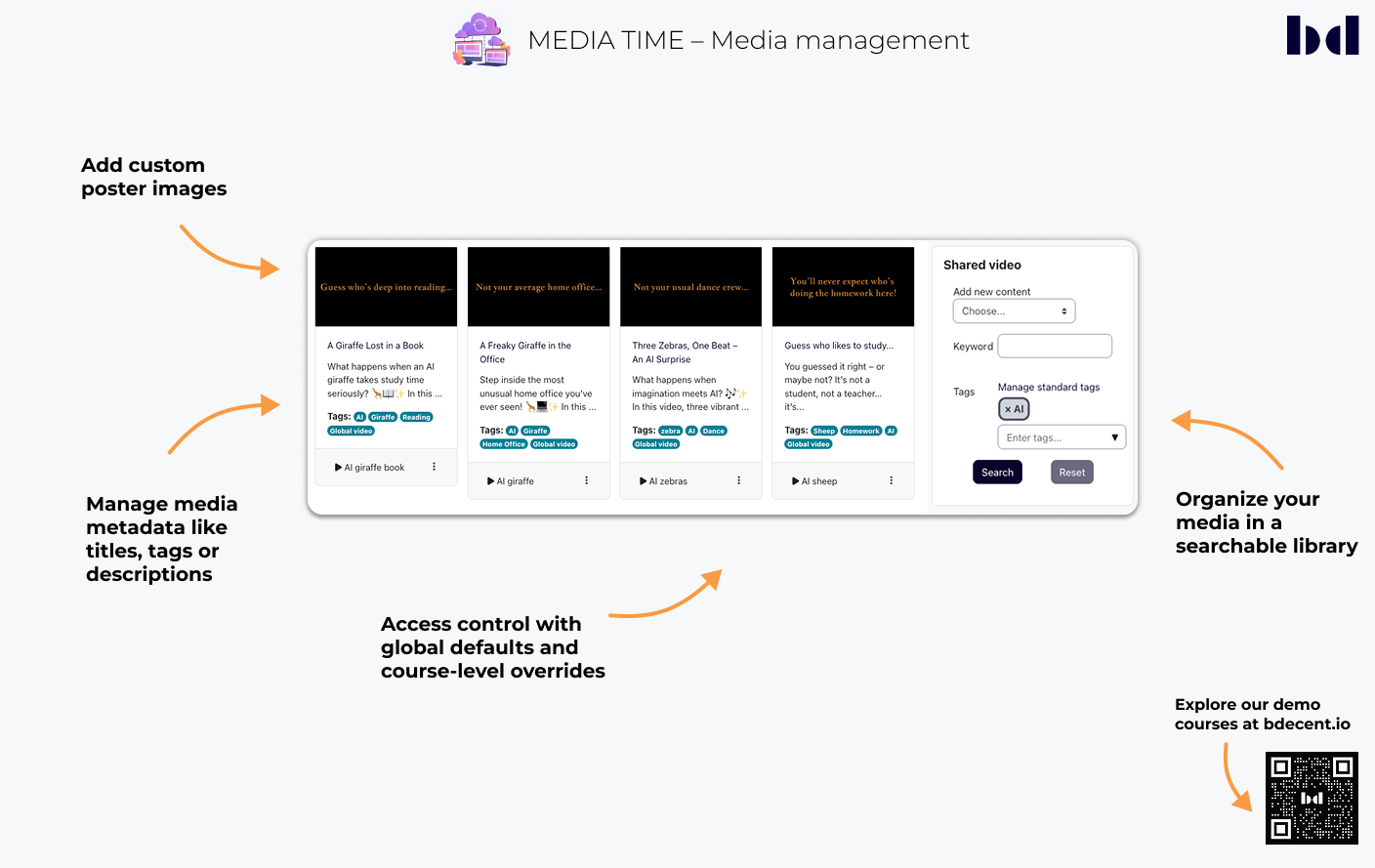
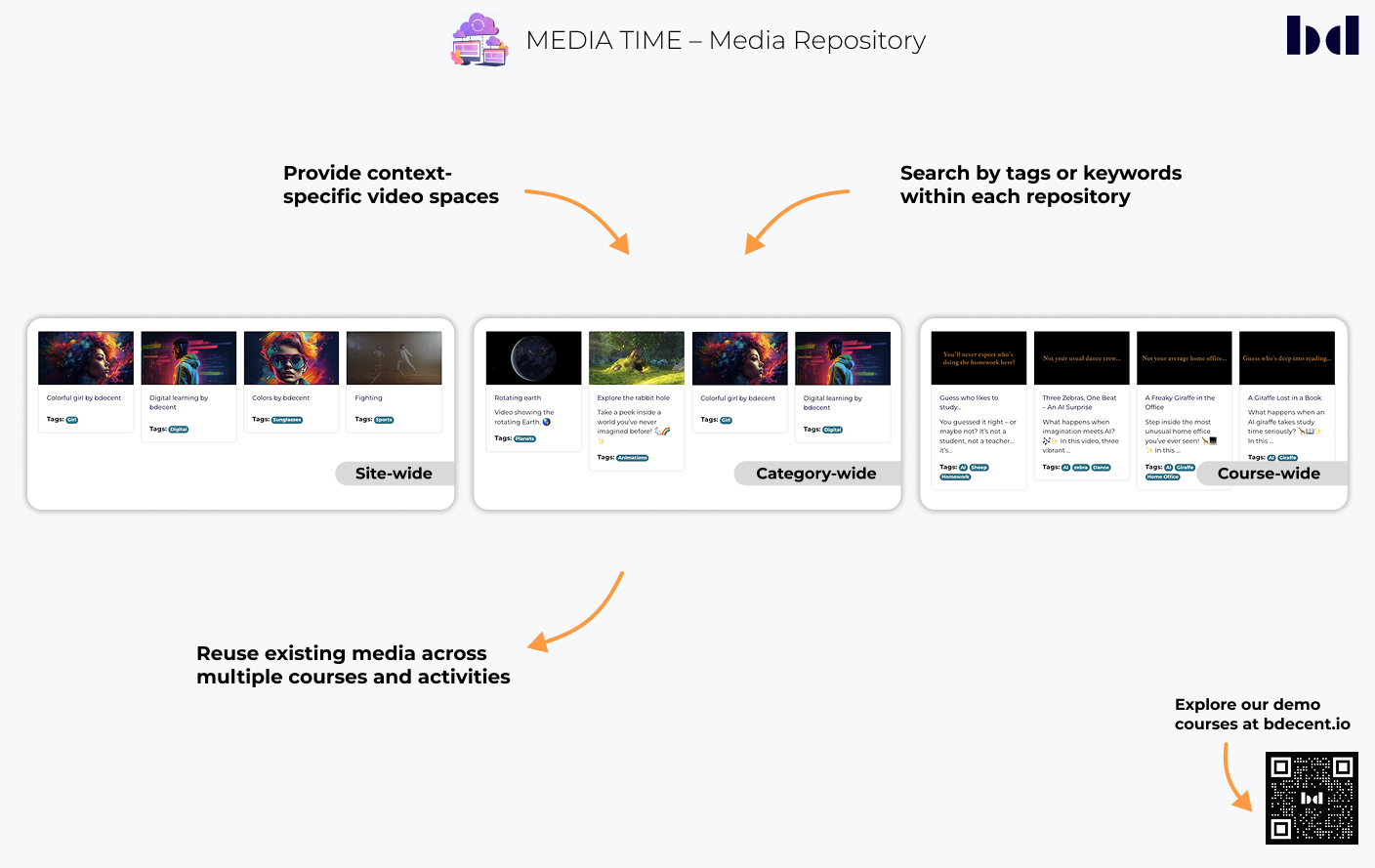
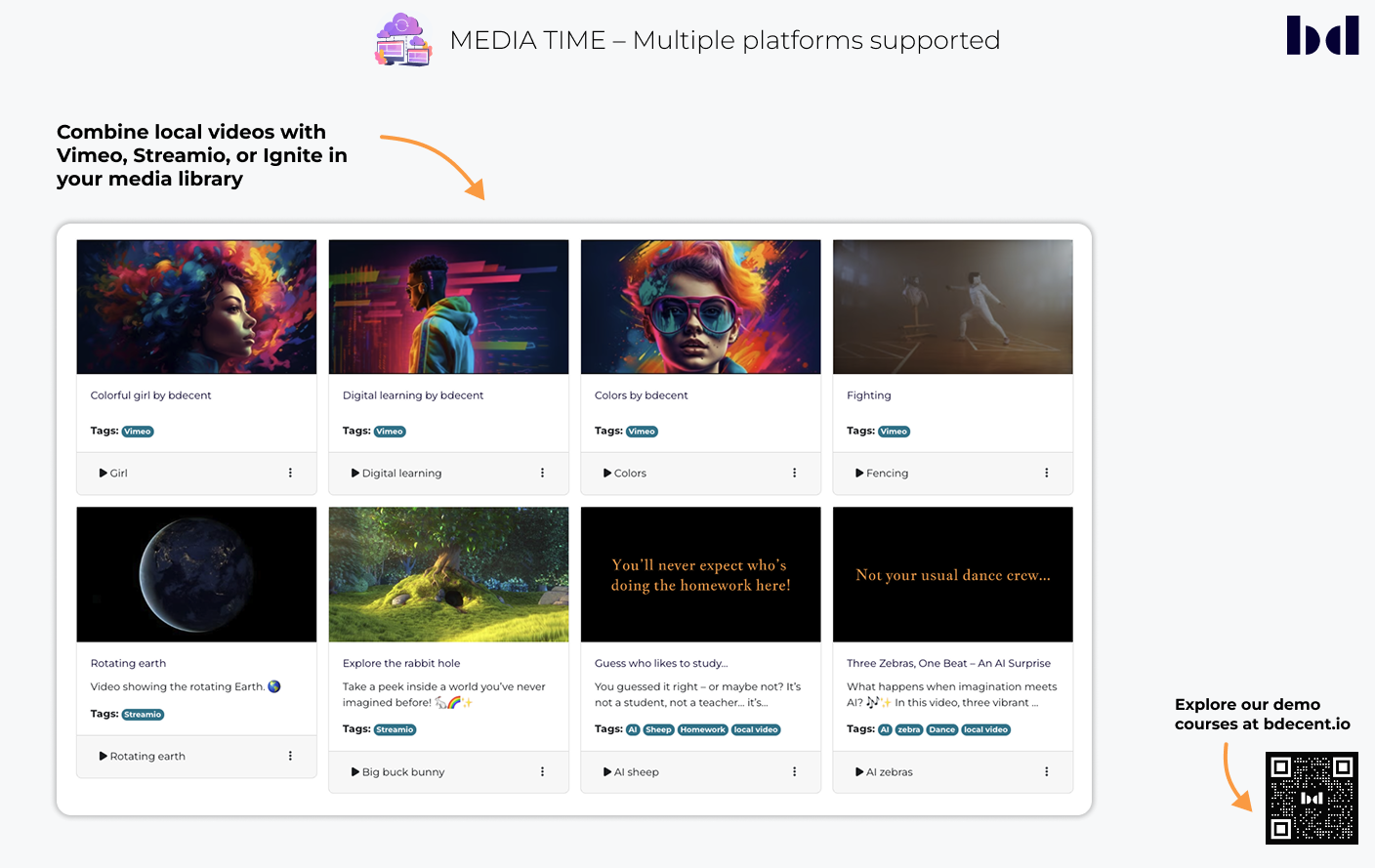
Admin tool to store and edit media resources to by used in site
Dependencies
Media Time uses the Video Time player to display video and must be installed as prerequisite.
Get it here: https://moodle.org/plugins/mod_videotime
Installing via uploaded ZIP file
- Log in to your Moodle site as an admin and go to Site administration >
Plugins > Install plugins.
- Upload the ZIP file with the plugin code. You should only be prompted to add
extra details if your plugin type is not automatically detected.
- Check the plugin validation report and finish the installation.
Installing manually
The plugin can be also installed by putting the contents of this directory to
{your/moodle/dirroot}/admin/tool/mediatime
Afterwards, log in to your Moodle site as an admin and go to Site administration >
Notifications to complete the installation.
Alternatively, you can run
$ php admin/cli/upgrade.php
to complete the installation from the command line.
License
2024 bdecent gmbh https://bdecent.de
This program is free software: you can redistribute it and/or modify it under
the terms of the GNU General Public License as published by the Free Software
Foundation, either version 3 of the License, or (at your option) any later
version.
This program is distributed in the hope that it will be useful, but WITHOUT ANY
WARRANTY; without even the implied warranty of MERCHANTABILITY or FITNESS FOR A
PARTICULAR PURPOSE. See the GNU General Public License for more details.
You should have received a copy of the GNU General Public License along with
this program. If not, see https://www.gnu.org/licenses/.