Daniel Ferrada
Lead maintainer
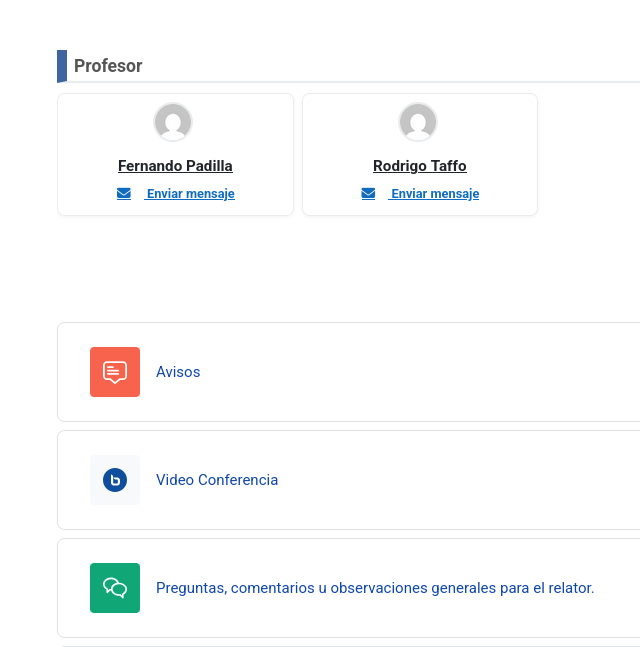
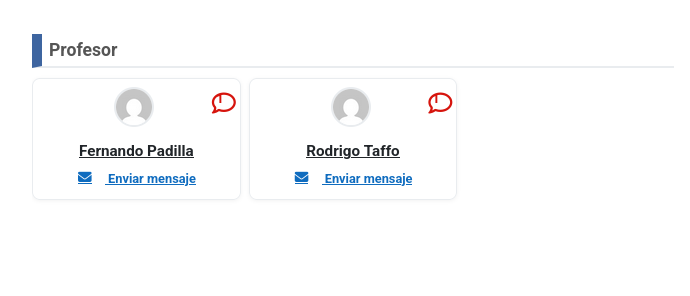

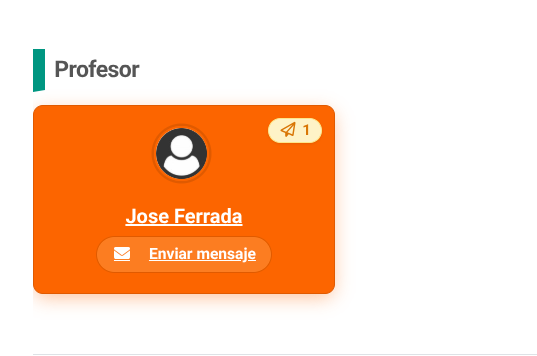
This is a filter plugin for Moodle 4+ designed to display course teacher in a visual and organized manner. Its main function is to replace the {courseprofesores} text tag with an attractive list of profile cards.
Key Features
Grouping by Role: Automatically organizes teachers according to their role in the course (e.g., Course Editor, Teacher, Administrator).
Profile Cards: Each teacher is displayed with their avatar photo, full name, and department/institution information (if available).
Direct Actions: Includes quick links to:
View the teachers full profile.
Send a direct message via Moodle’s internal messaging system.
Flexible Styles: Offers different configurable display modes (Cards, List, or Compact).
Privacy: Complies with GDPR, as it does not store personal data; it only reads existing information from the system.
How to Use It
To use it, simply insert the following tag anywhere in your course content (tags, pages, activity descriptions, etc.):
text
{courseprofesores}
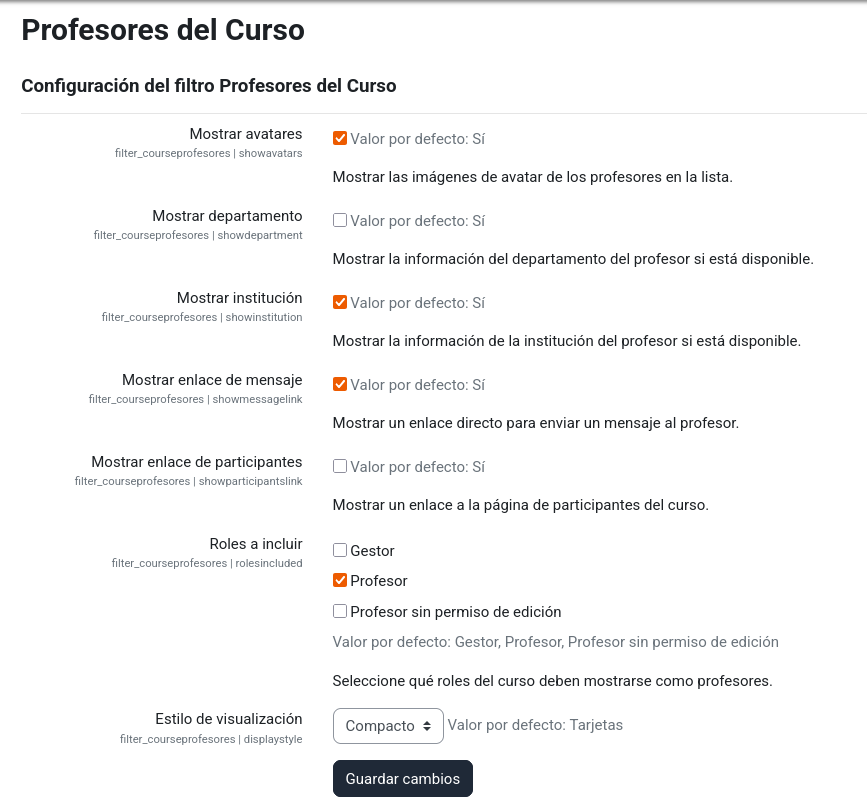
Settings
As an administrator, you can adjust its behavior under:
Site Administration > Extensions > Filters > Course Teachers
There you can choose which roles to include, whether to display avatars, and select the default visual style.

