
Otopo
Maintained by
Luiggi Sansonetti, Christophe BOITEUX, Support E-Learning Touch'
The OTOPO activity module allows teachers to offer their students a self-positioning grid made up of multi-level items.
Comments
Comments are no longer open for new posts. Existing comments remain available to read.
We're going to look at this issue soon.
Please, also add this note into issue tracker
https://github.com/E-learningTouch/moodle-mod_otopo/issues
Thanks.
- Deleting a template results in a redirection error (but the deletion itself is successful).
- Undoing a template edit also results in a redirection error.
My Moodle version is 4.5.3+ (Build: 20250404)
And the plugin version is 1.1.1
2025062700
Best regards
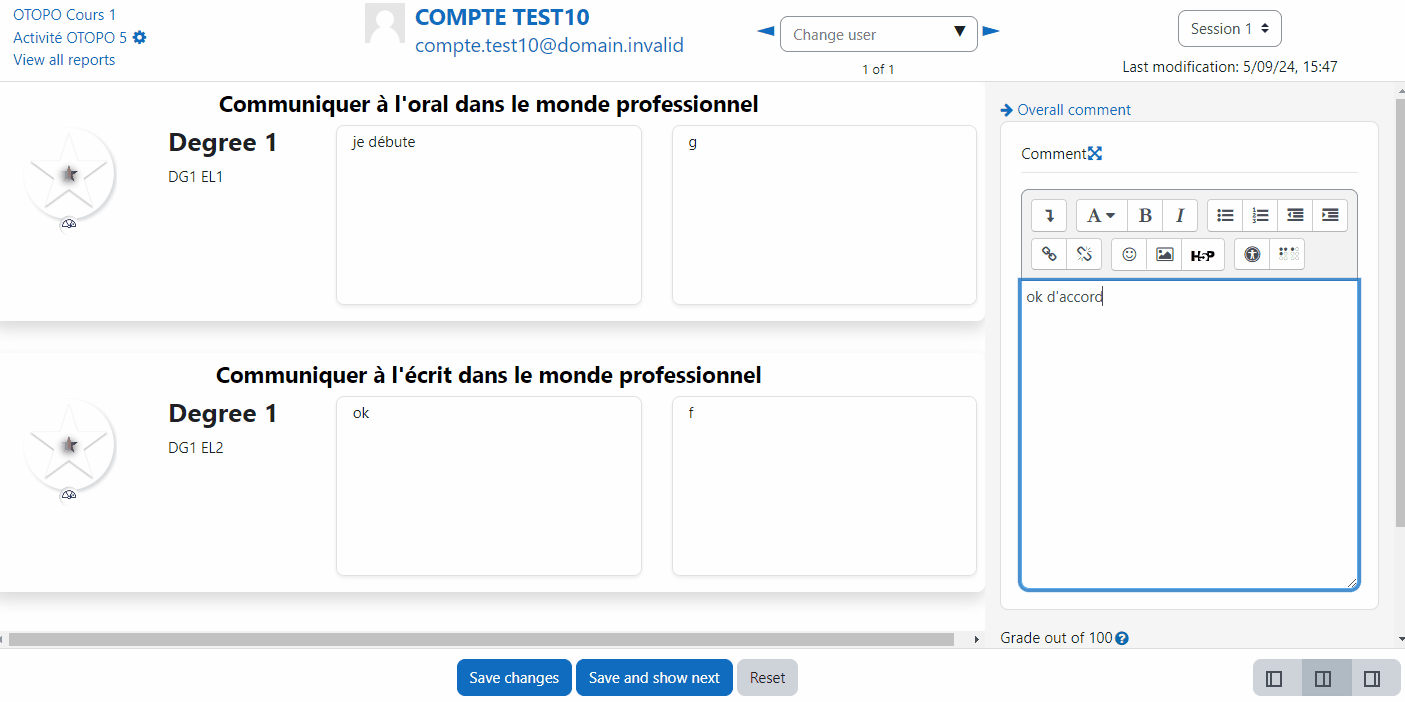
To provide feedback, you have to go to "view reports" tab and click to "session x" for a student
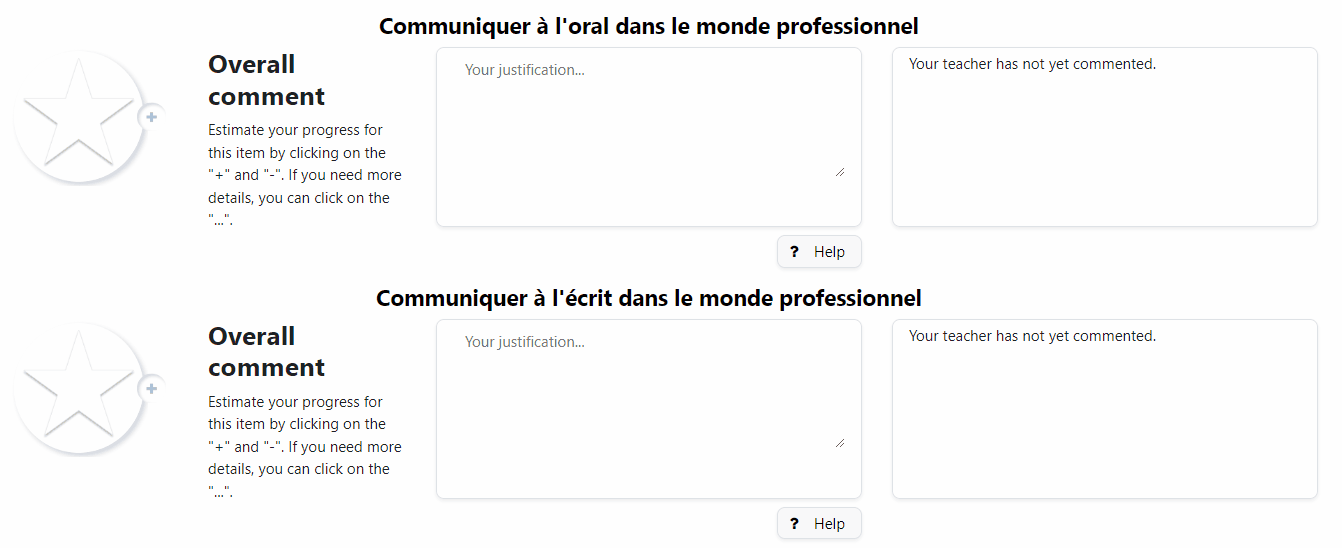
Here you can add a global feedback "overall comment" or some specific feedback for each item
To see the global comment as a teacher, in "View all reports" you have the teacher global feedback in the "session comment" column
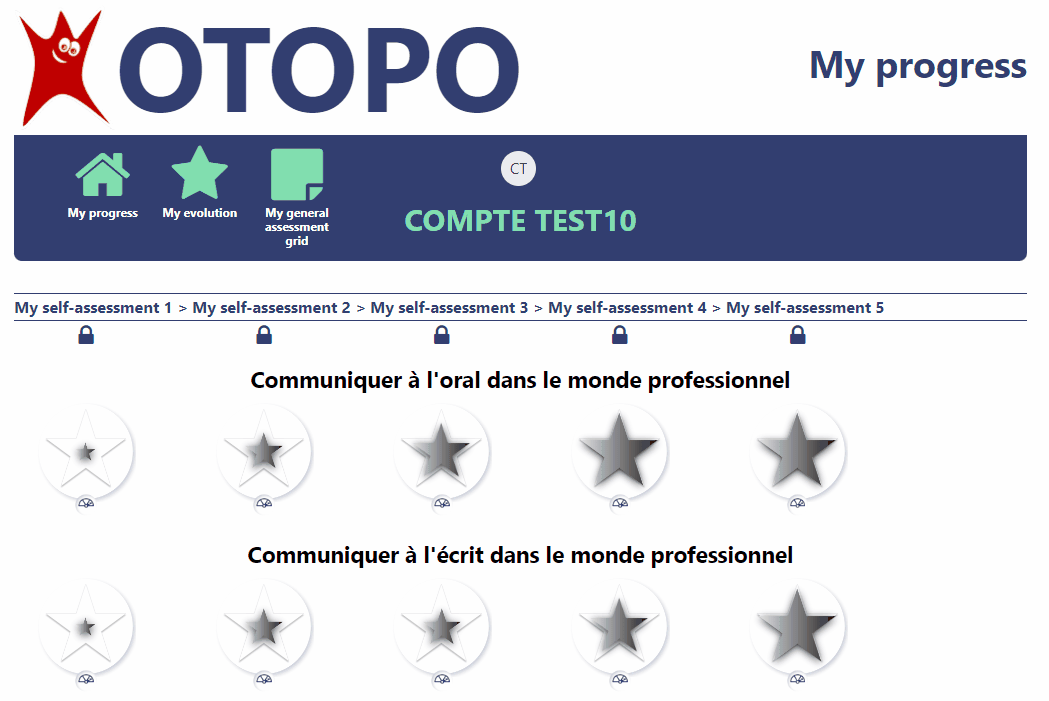
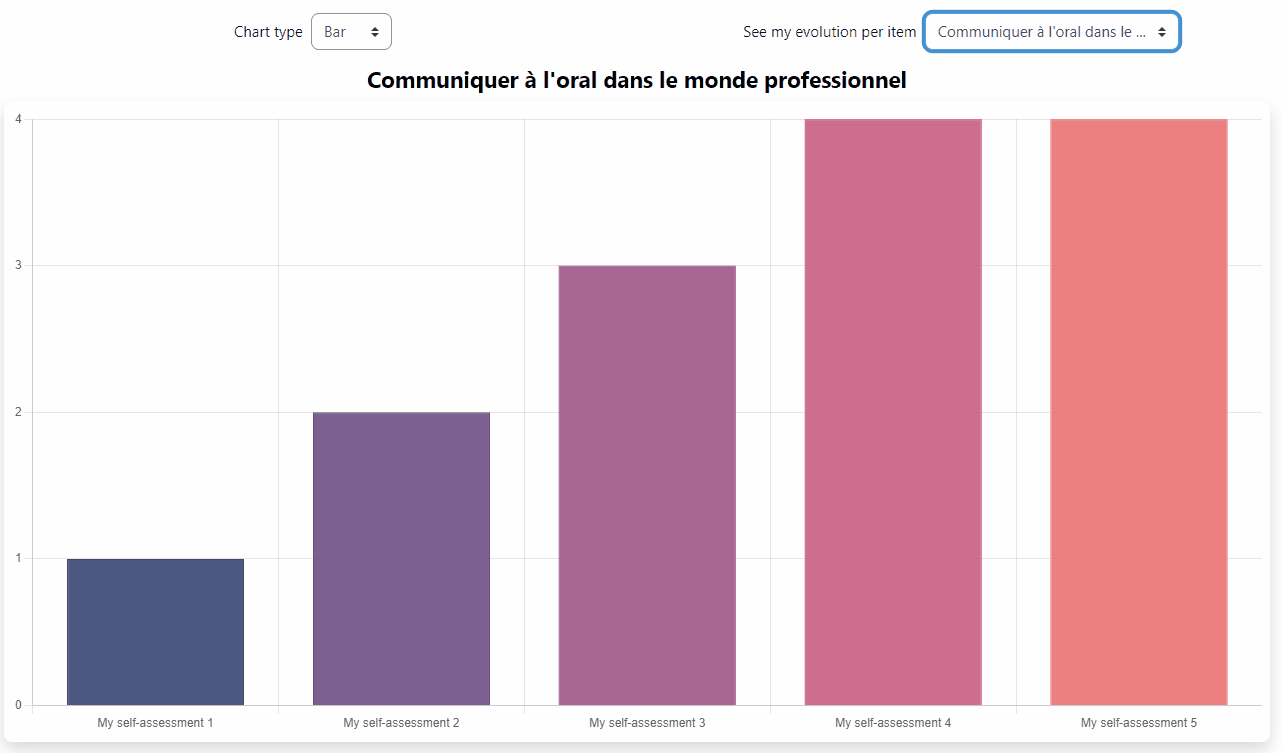
Student could see the global comment from "My evolution" page, under the star
Specific feedback are displayed in each session
If it's clear for you
If not, please use the tracker issue and be as closer as possible
Cheers.
Thanks
The first one concerns the entry of comments by the teacher once the student's self-assessment has finished. Entry seems to be possible but when I click on the ‘’record‘’ or ‘’record and move on‘’ button to move on to another self-assessment or to return to the Otopo activity in my Moodle course, the interface becomes grey. No action is possible any more. Every button becomes inactive. The only thing I can do is close the navigation window and reconnect to my Moodle course. Once I reconnect I see that any comments I have entered have not been saved, I have lost everything.
Could you help me solve this problem?
The second question concerns the possibility of disabling teacher comments from the OTOPO activity. I think it is sufficient to do this from the Moodle admin login (image attached), removing the comments by default, no? But if I do this I disable them system-wide, for anyone using the Otopo activity, no? Is it possible to do this directly from the activity parameters, only on my course level?
Thank you for your help.
Best regards,
Chiara
A new release will be soon available from this page
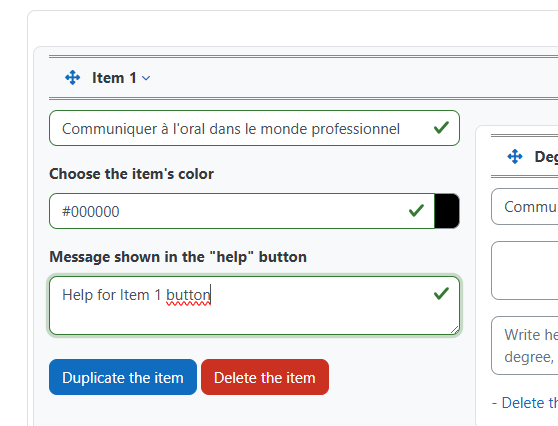
In the Otopo activity, you can create a grid template from "Grids" tab
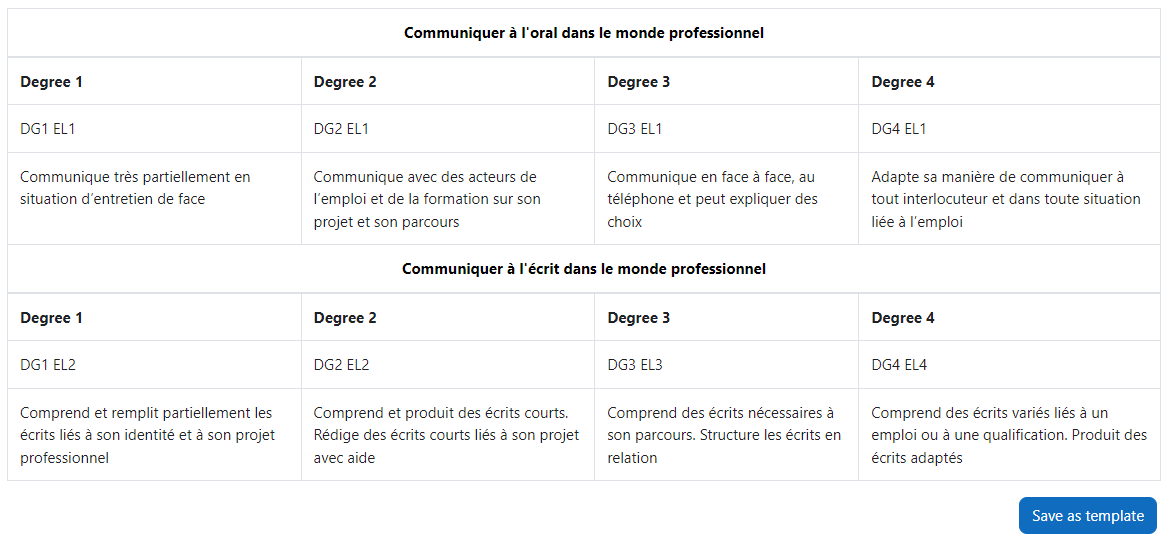
Create a grid and save as template
Or, from site administration / plugins / activity modules / otopo / manage templates
Once template created, in activity, you can create a grid from template
Select and save changes
And clic on "create/modify" tab to see it and save the grid
Always in edit / grids page, from "import" button, you can add a csv file
And clic on "create/modify" tab to see it and save the grid
It's maybe this "create/modify" step after template/import is not clear enought...
- Use a previously defined template
- Import a grid as a CSV file.