Matheus Mathias
Lead maintainer

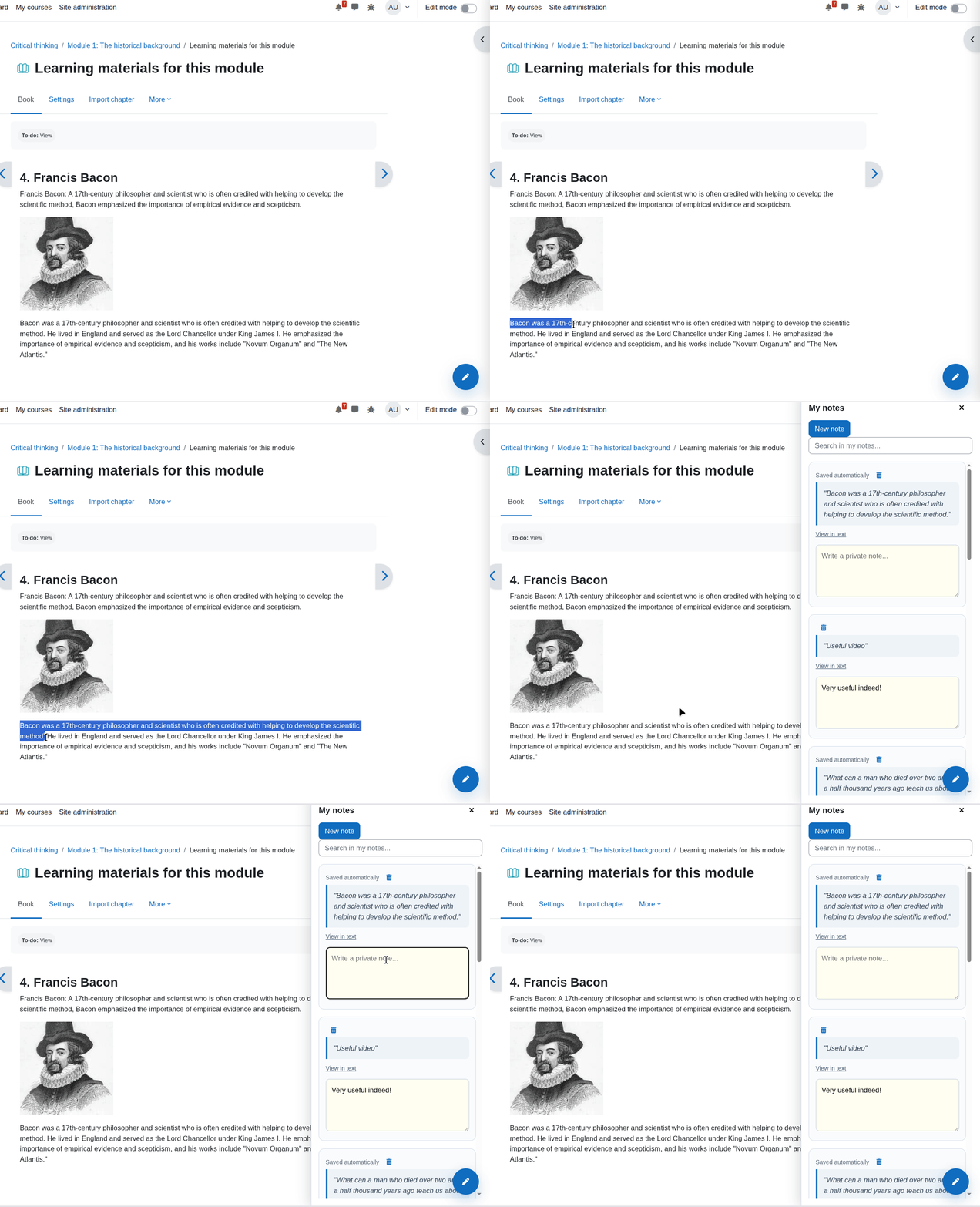
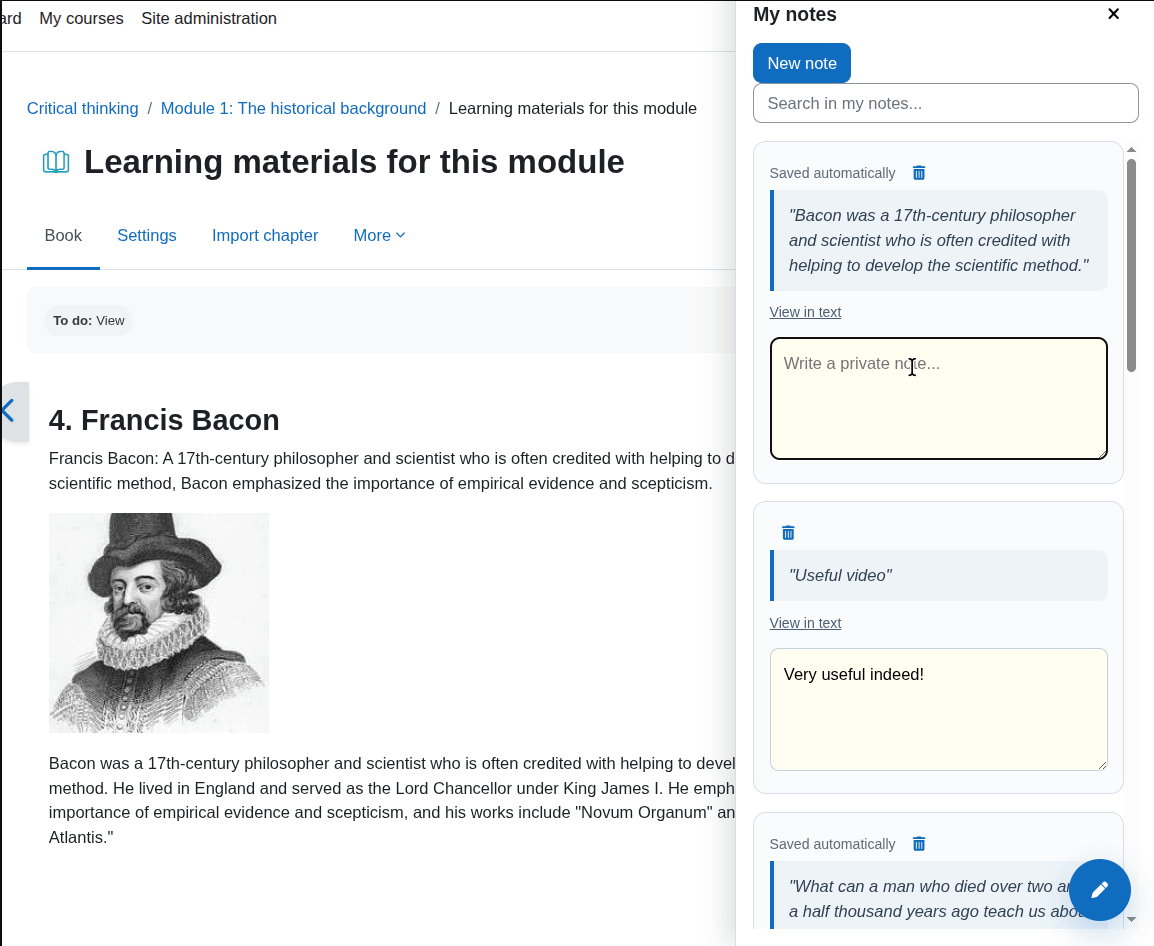
Designed for the native Boost experience in Moodle 4.4, 4.5+ and 5.0+, QuickNote helps students capture important excerpts while reading course materials, connect those excerpts to personal reflections, and return to the exact place where learning happened.
Instead of forcing learners to copy text into external apps, QuickNote keeps the study workflow inside Moodle. Students can highlight a passage, save it instantly as a quote, add their own interpretation, and revisit the original context later through browser text-fragment navigation.

#:~:text=), returning users to the exact original passage with visual highlighting.view.php): A dedicated dashboard for students to view all their notes with Global Search, Course Filtering, sorted by last modified date, and equipped with Pagination (configurable display limits) for optimal database performance.- Moodle `4.4+`
- Boost theme (or Boost child themes). Non-boost themes are not officially supported.
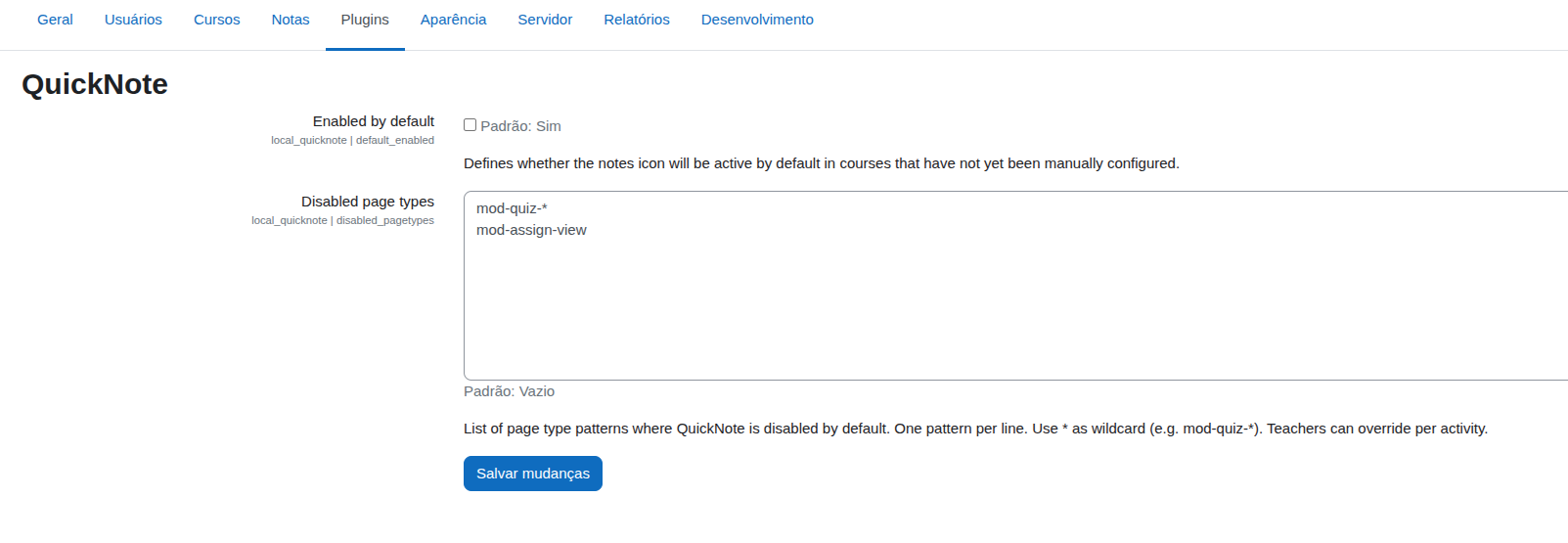
Go to Site administration > Plugins > Local plugins > QuickNote to:
Define the default state (Enabled/Disabled) for newly created courses.
Choose the screen side for the toggle button and sidebar (Left or Right).
Set the global Pagination limit for the Notes Center (12, 24, 48 notes per page, or no pagination).
Exclude specific system pages (e.g., mod-quiz-*) from rendering the plugin.
Teachers can fine-tune the plugin alignment with their pedagogical design:
Open the target course and go to Course Settings.
Locate the QuickNote section to enable or disable the tool for that entire course.
Use page-specific toggles to control visibility on individual activity pages.
Select any meaningful text excerpt on a supported Moodle course page.
Click the floating button that appears near your selection to save it as a quote and open the sidebar.
Add your personal reflection or summary in the annotation field (saved automatically in the background).
Access the Notes Center to filter, search, paginate, or Export to PDF your complete study history.
Click View in text on any note to instantly jump back to the original page location.
- Plugin name: QuickNote
- Component: `local_quicknote`
- Plugin type: Local plugin
- License: GNU General Public License v3 or later

