Roger D.
Lead maintainer

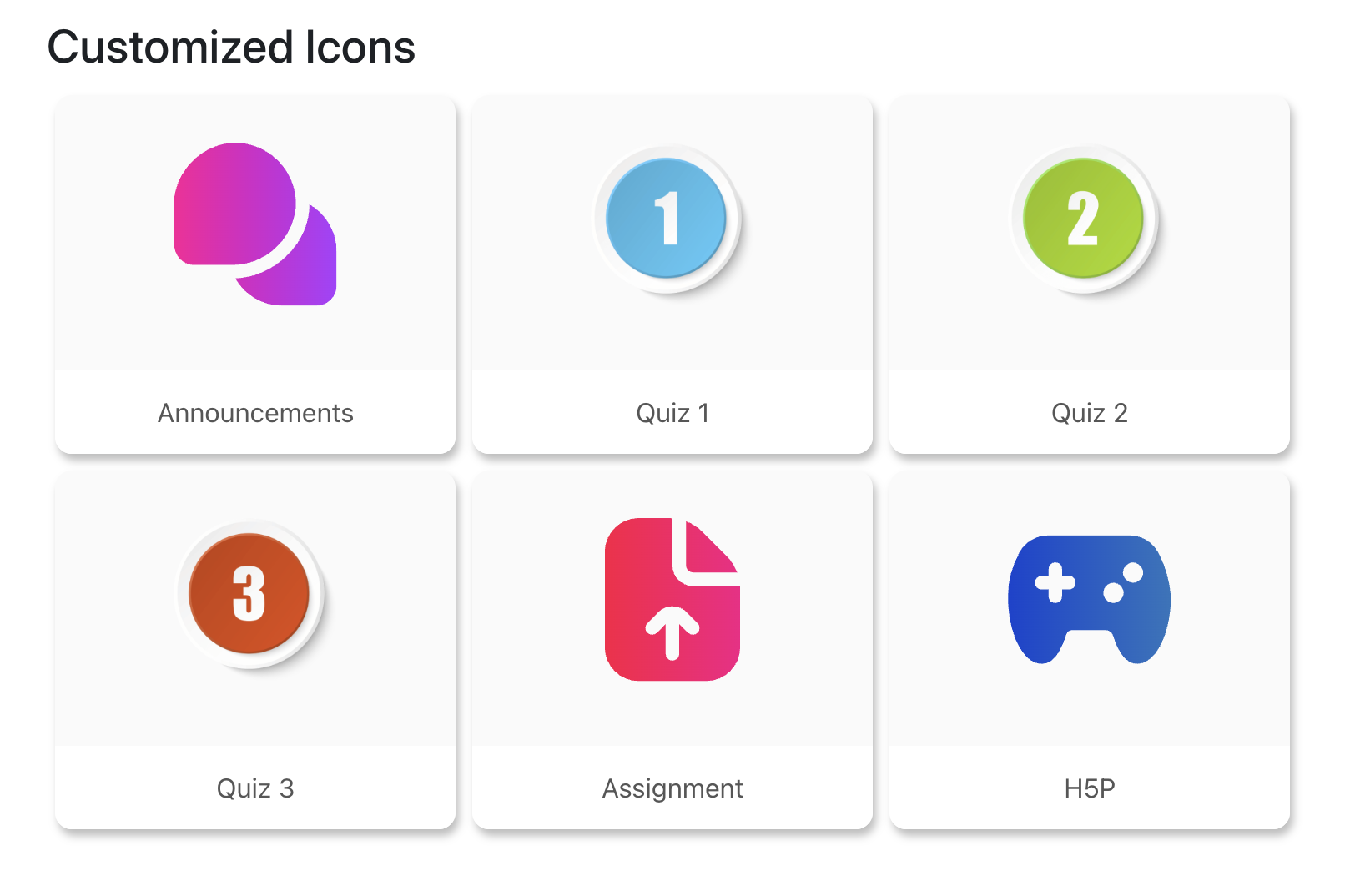
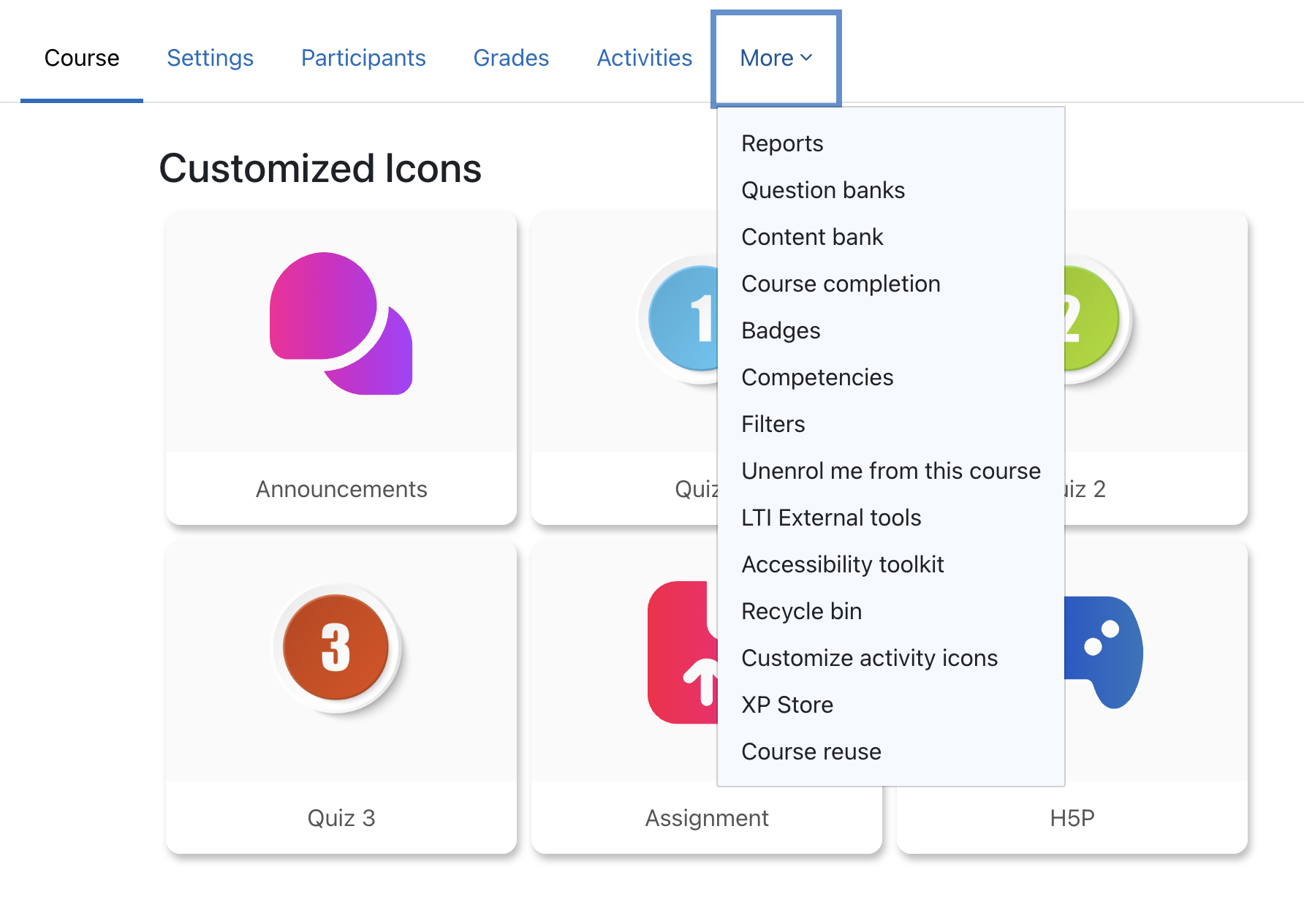
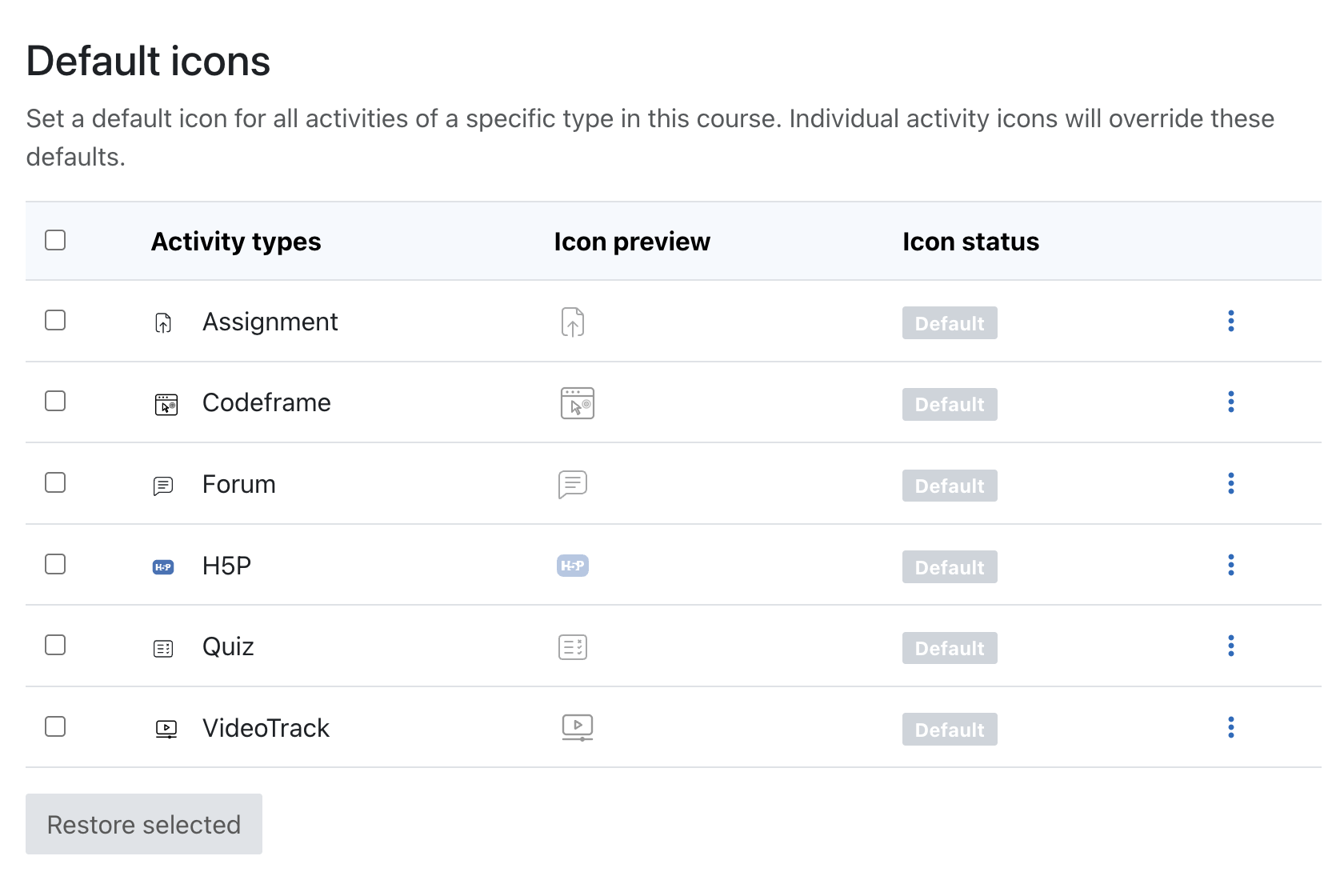

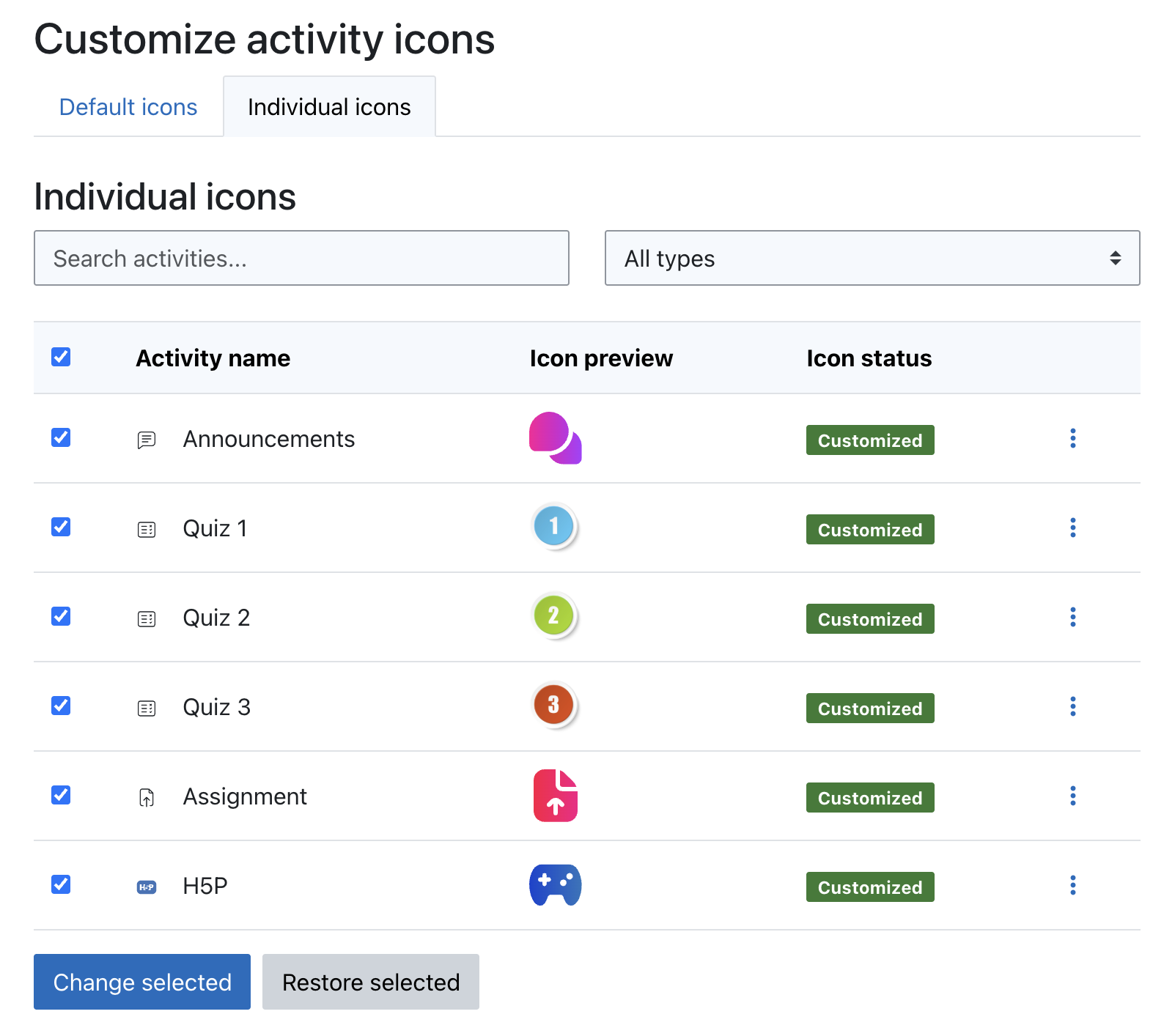
How to use it
Pro Tip for Images
While the images do not strictly need to be square (the plugin uses smart scaling to prevent distortion), using a 1:1 square ratio is highly recommended. This ensures the icon perfectly fills the circular or square containers without leaving empty gaps.
Key Features
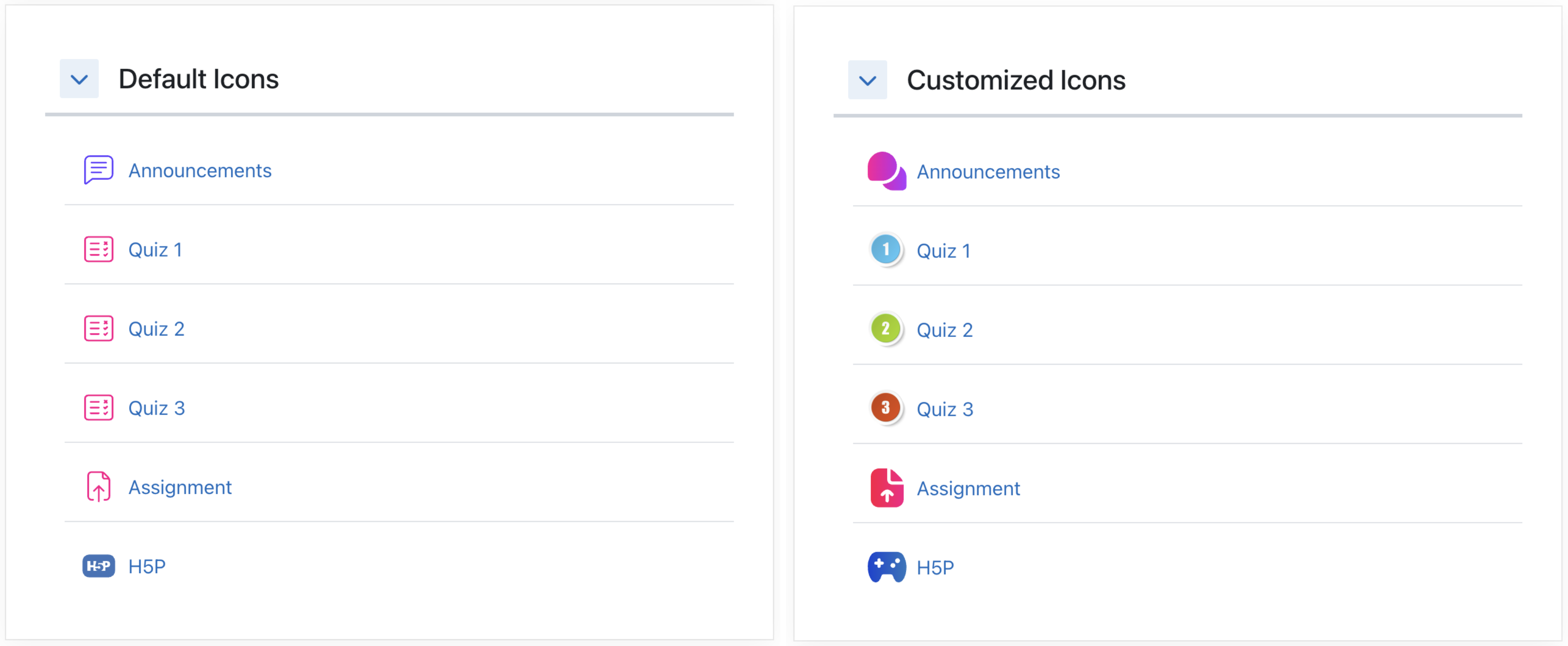
Default Icons: Set a default icon for an entire activity type (e.g., all Assignments or Quizzes) in one click. Individual icons can still overwrite defaults.
Bulk Upload: Update multiple activities at once. Select several items and change all their icons with a single upload.
Automatic Image Optimization: Automatically resizes large images and compresses JPG, PNG, and WebP files to save space and boost performance, keeping course loading speeds blazing fast.
Smart Adaptability: The plugin detects the course format (including specialized formats like Format Tiles) to match the native size and style of the icons perfectly.
Animation Support: Allows uploading animated GIFs to bring more life and dynamism to your courses.
Developed to improve the visual experience in Moodle.
