Alexey Gusev
Lead maintainer
# Yandex Cloud Video Media Plugin for Moodle
A plugin for integrating video content from the [Yandex Cloud Video](https://video.yandex.cloud/) platform into Moodle. Automatically detects and embeds video resources hosted on the Yandex Cloud platform.
## Features
- Automatic URL detection for Yandex Cloud Video player URLs
- Supports both video and broadcast content types
- Responsive iframe-based player
## Supported URL Formats
- Videos: `https://runtime.video.cloud.yandex.net/player/video/{video_id}`
- Broadcasts: `https://runtime.video.cloud.yandex.net/player/episode/{episode_id}`
## Requirements
- Moodle 3.11 or higher (2021051700)
## Installation
1. Download the plugin ZIP archive from the [Releases](../../releases) page on GitHub or from the Moodle plugins directory.
2. Log in to Moodle as an administrator.
3. Navigate to **Site Administration** ' **Plugins** ' **Install plugins**.
4. In the "Install plugin from ZIP file" section, upload the downloaded archive.
5. Click **Install plugin from ZIP file** and follow the on-screen instructions to complete the installation.
## Configuration
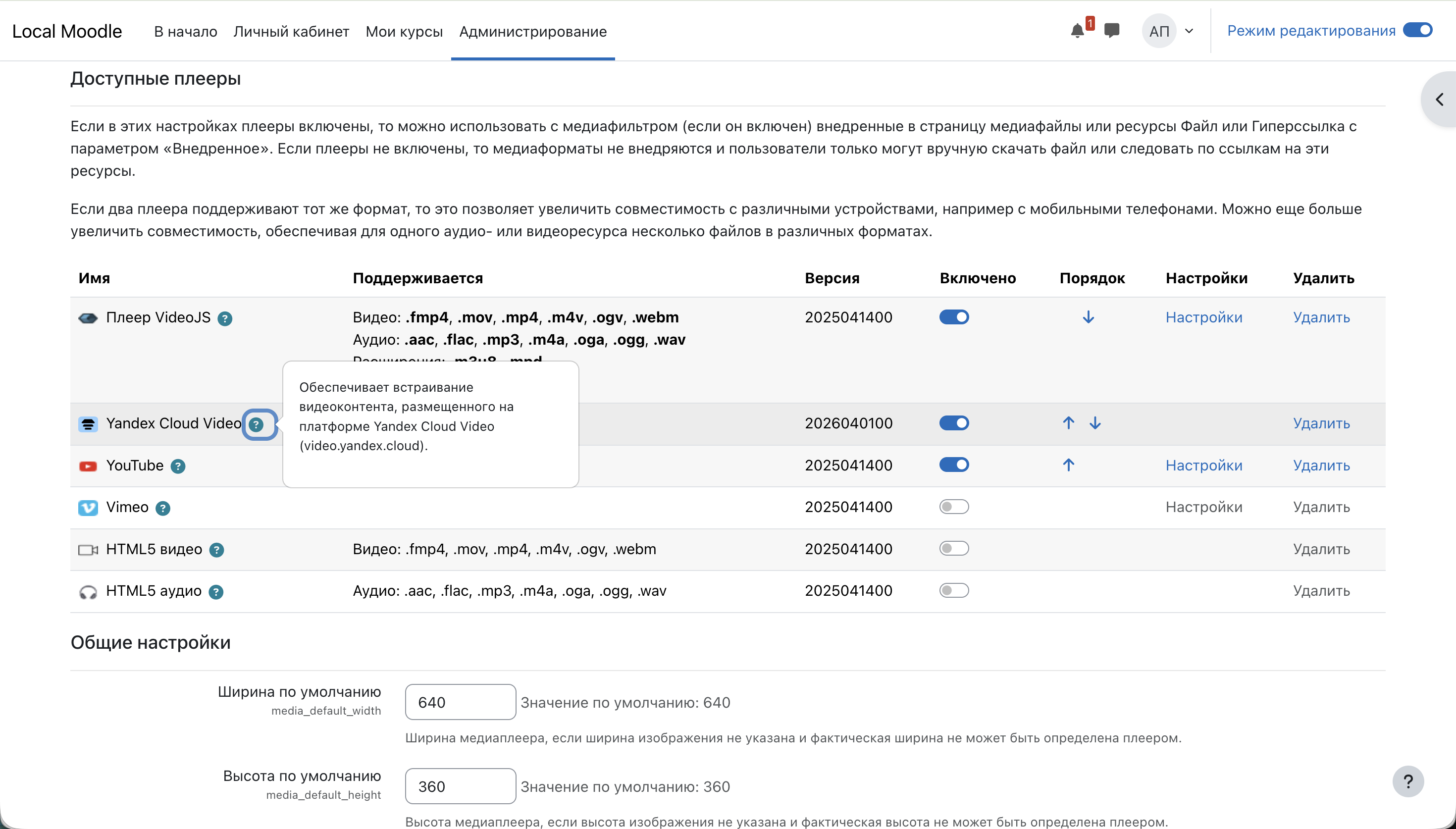
1. Navigate to **Site Administration** ' **Plugins** ' **Media players** ' **Manage media players**.
2. Locate "Yandex Cloud Video" in the list.
3. Enable the plugin by checking the box.
4. Save your changes.
## Usage
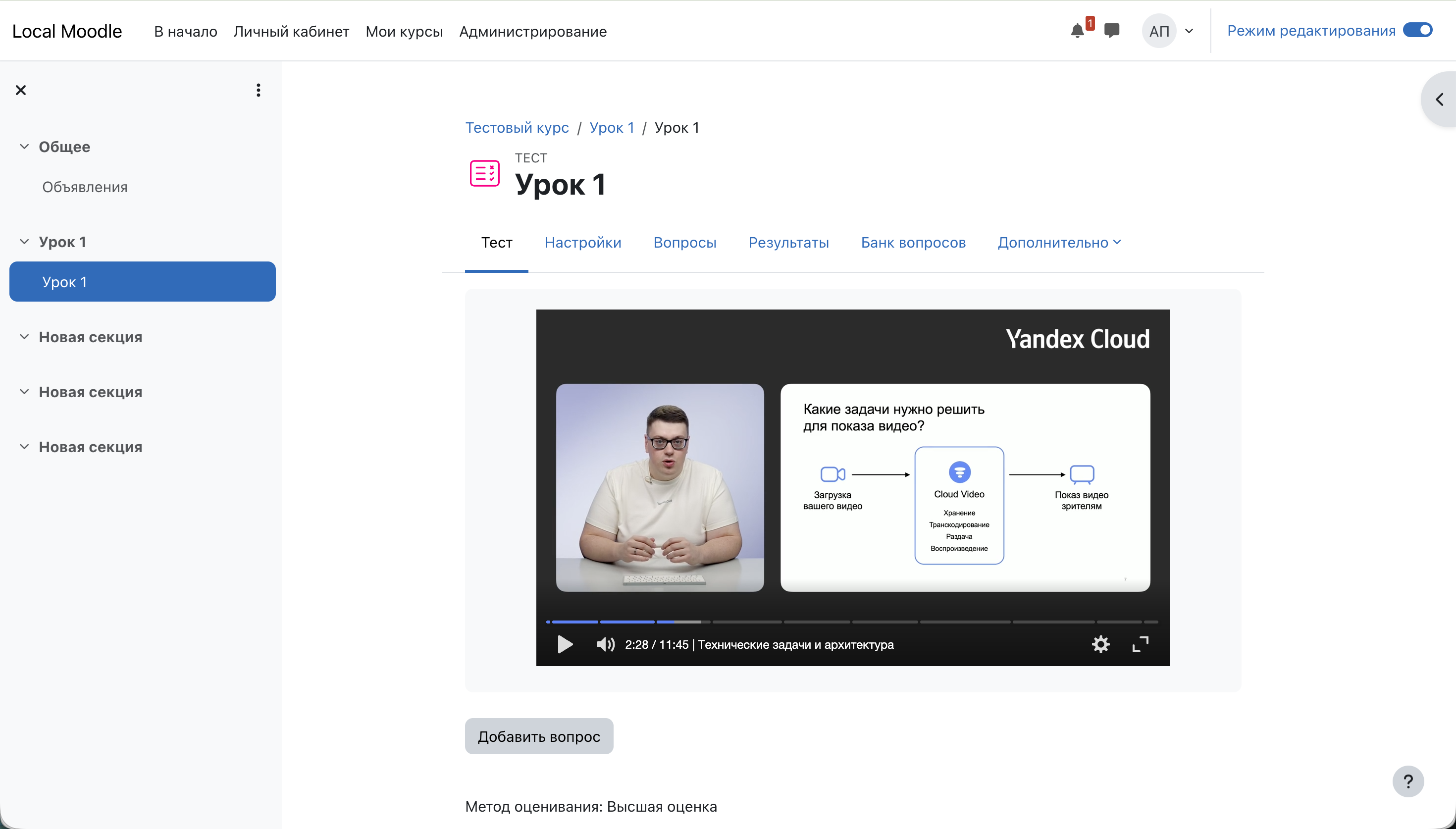
Simply paste a Yandex Cloud Video player URL into any course content:
```
https://runtime.video.cloud.yandex.net/player/video/vplv3ctl537xqazfnukl
```
The plugin will automatically transform the link into an embedded video player.
