Student Success Dashboard Pro icon

Student Success Dashboard Pro

Identify at-risk students, track academic progress, and take action with a clear, visual student success dashboard inside Moodle.
2 more prices See all prices
By buying, you accept the seller's Terms of Sale

Supports Moodle 4.1-5.2 See all versions
Reviewed annually for quality
Latest release: 3 months ago
Installations: 0
Downloads (last 90 days): 0

Frankenstyle name: local_studentsuccesspro
Local plugins

Description

Student Success Dashboard Pro

Students drop out because no one sees the warning signs early.

Student Success Dashboard Pro gives teachers and institutions a clear, actionable view of student performance, engagement, and risk — all in one place.

Reduce risk. Improve outcomes.


The Problem

In many Moodle environments, identifying struggling students is difficult:

  • Data is scattered across multiple reports
  • Teachers react too late
  • No clear indicators of risk
  • No structured way to prioritize interventions

This leads to lower completion rates and missed opportunities to support students.


The Solution

Student Success Dashboard Pro transforms raw Moodle data into a clear, visual system that helps educators:

  • Detect at-risk students early
  • Monitor engagement and performance
  • Take timely action
  • Prioritize interventions effectively

What does it do?

The plugin provides a real-time student success monitoring system, including:

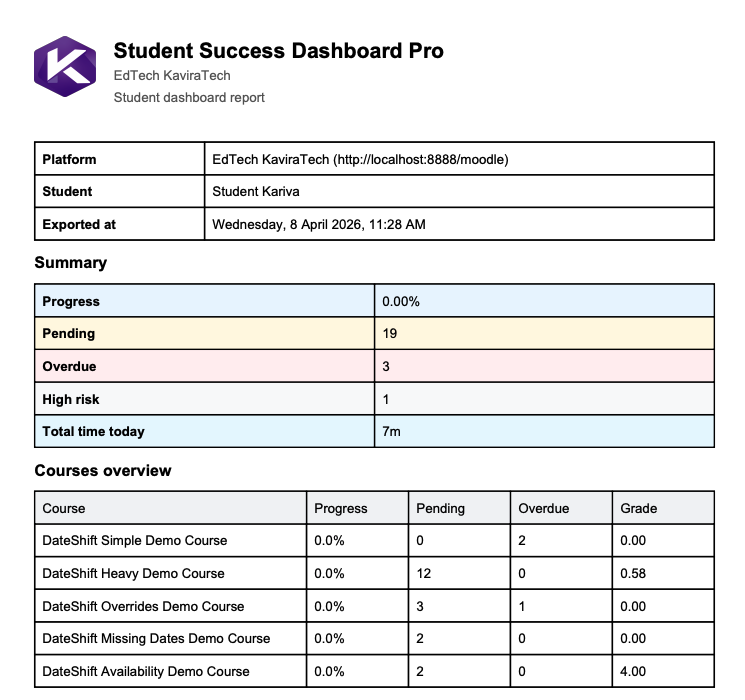
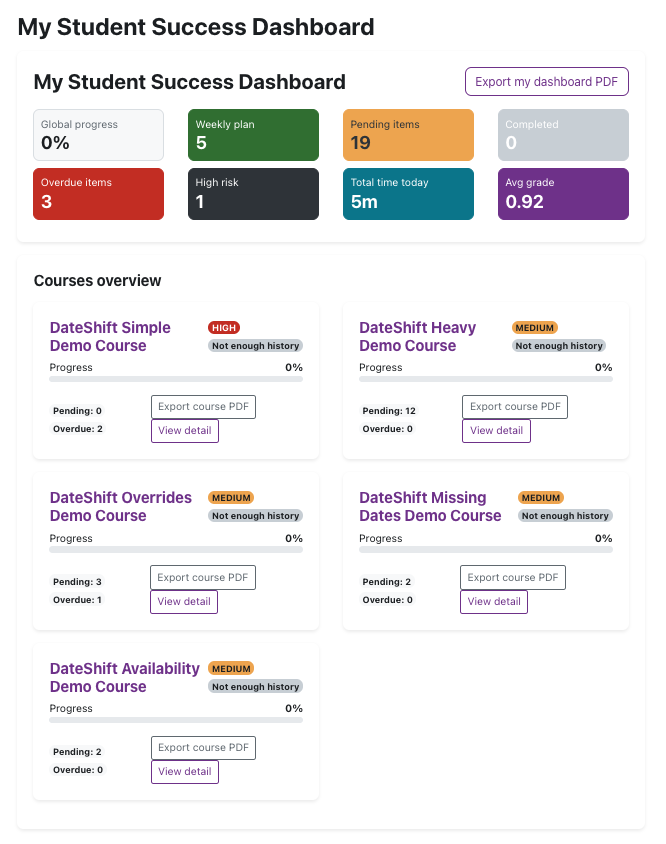
  • Student success dashboard overview
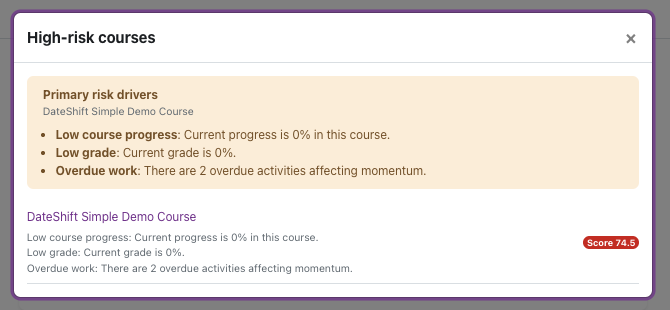
  • Risk-level identification (high, medium, low)
  • Course performance tracking
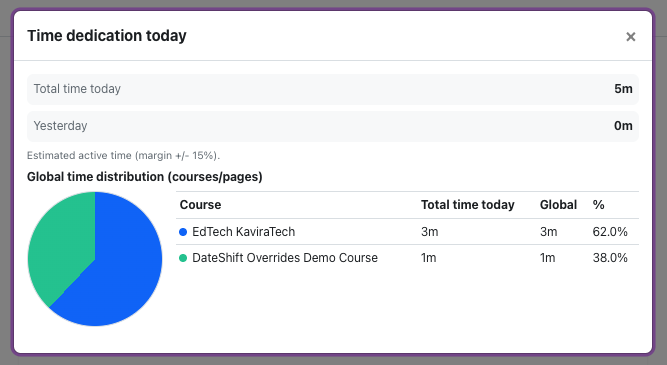
  • Engagement indicators (activity, time, participation)
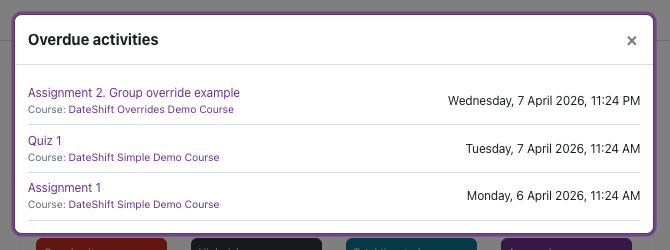
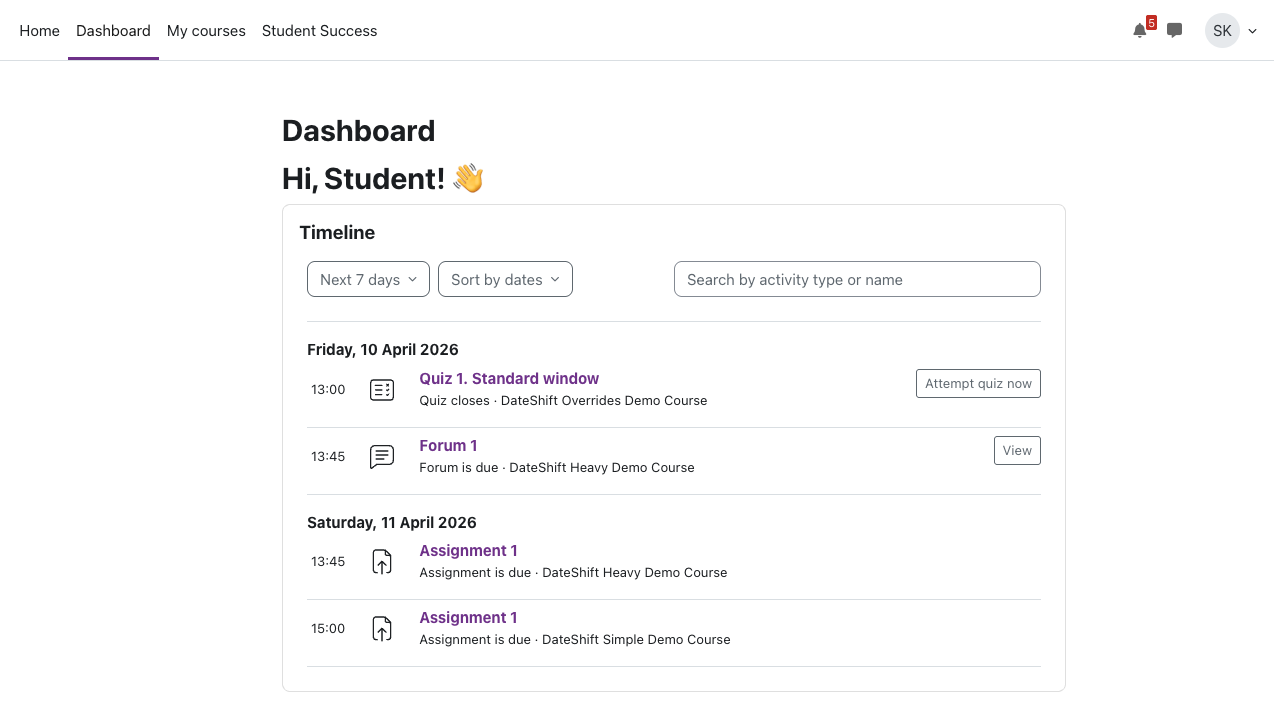
  • Overdue and pending activities detection
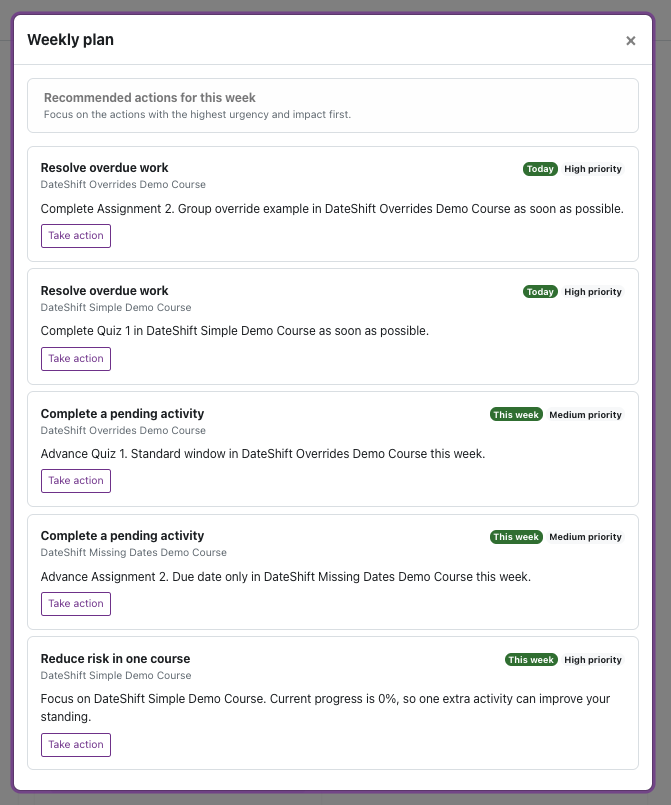
  • Weekly planning and workload visibility
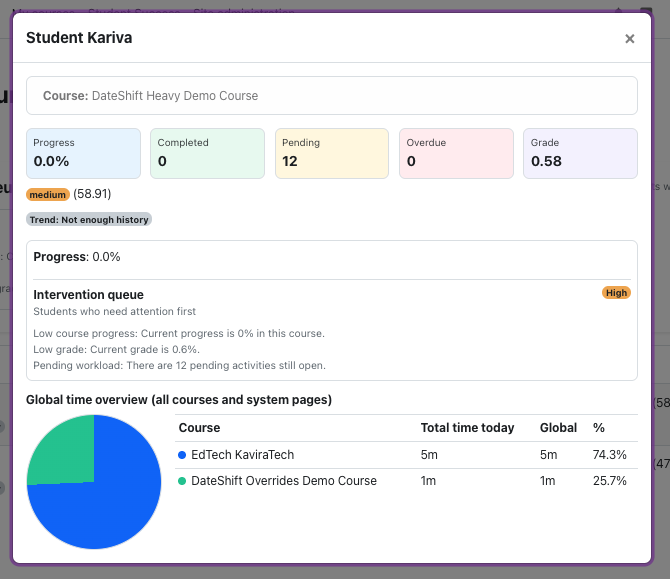
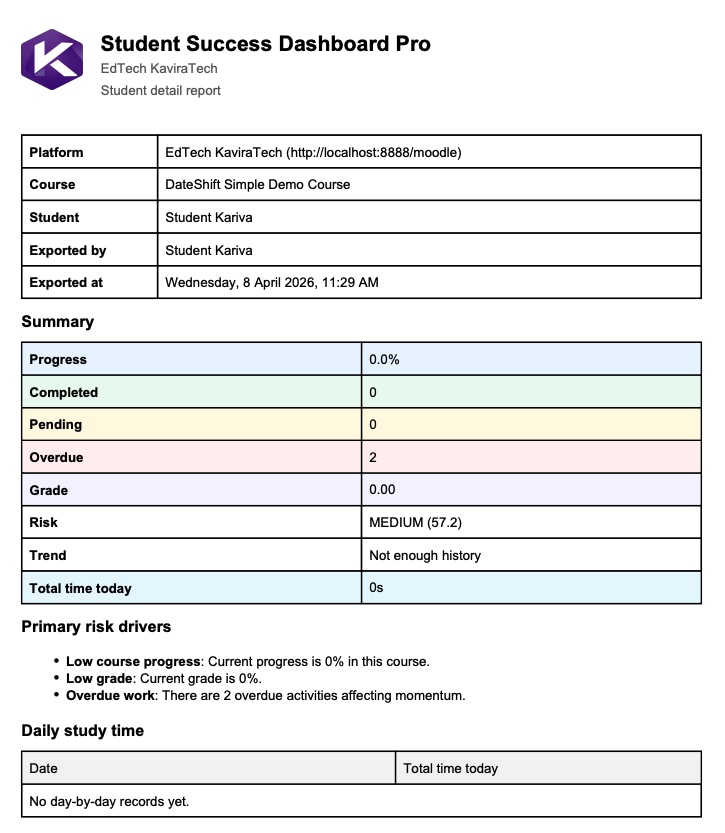
  • Detailed student drill-down view
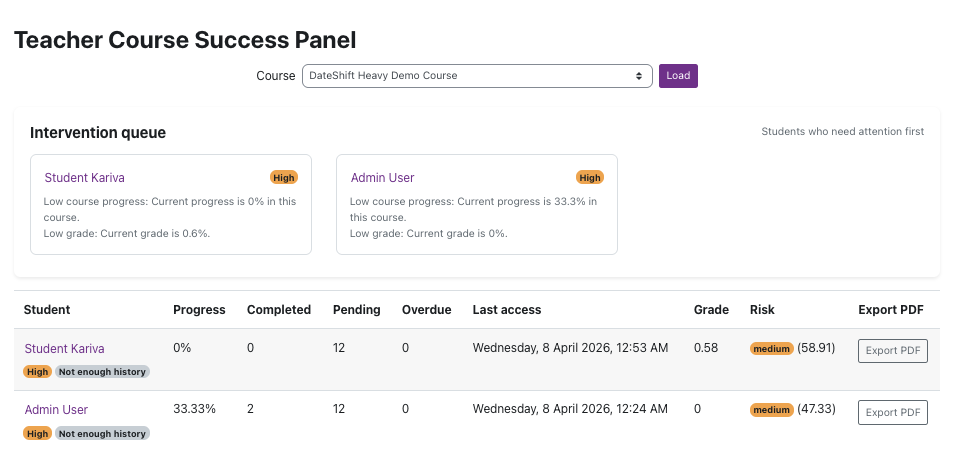
  • Intervention queue for teachers

Teachers instantly know who needs help and why.


Why Student Success Dashboard Pro?

Unlike standard Moodle reports, this plugin makes student data:

  • Visual
  • Actionable
  • Prioritized
  • Easy to interpret

No complex reports. No guesswork.


Key Features

  • Visual student success dashboard
  • Risk-level classification system
  • Course-level performance insights
  • Engagement and activity tracking
  • Overdue activities detection
  • Weekly student planning view
  • Student detail modal with full context
  • Teacher intervention queue
  • Seamless integration with Moodle data

Benefits

For Teachers

  • Quickly identify struggling students
  • Focus on what matters most
  • Reduce time analyzing reports
  • Take timely and effective action

For Students

  • Better support from teachers
  • Increased chances of course completion
  • Improved academic performance

For Institutions

  • Higher retention rates
  • Better academic outcomes
  • Data-driven decision making

Use Cases

  • Universities
  • Online education platforms
  • Corporate training programs
  • Certification courses
  • Distance learning environments

Requirements

  • Moodle 4.1 or later

Contributors

Awards

Privacy friendly