FastPix Video Embed icon

FastPix Video Embed

Maintained by FastPix Inc
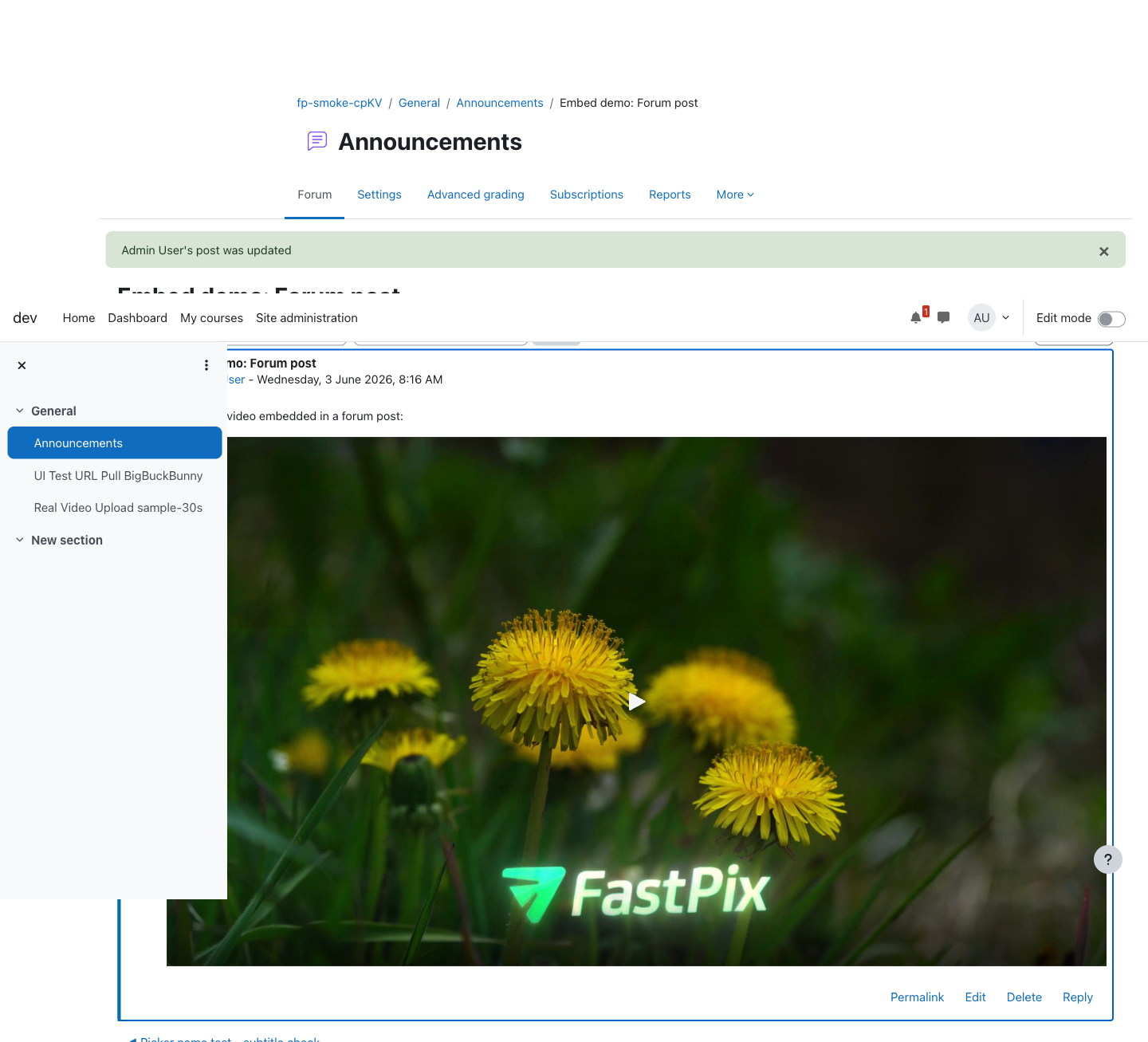
Embed FastPix-hosted public videos anywhere Moodle supports rich text using a simple shortcode, including forum posts, Pages, Book chapters, labels, course summaries, and quiz feedback.
Price option: Free

Supports Moodle 4.4-5.2 See all versions
Latest release: 1 month ago
Installations: 2
Downloads (last 90 days): 68

Frankenstyle name: filter_fastpix
Filters

Description

The FastPix Video Embeds plugin (filter_fastpix) adds support for embedding FastPix videos directly into Moodle rich-text content. Teachers and content authors can insert a shortcode—or use the optional FastPix editor button—and Moodle automatically replaces it with a playable FastPix video when the page is viewed.

filter_fastpix is a display-only plugin. It stores no user data, tracks no viewing activity, and writes no grades. For completion tracking, watch analytics, grading, private videos, or DRM-protected content, use the FastPix Video activity plugin (mod_fastpix).

The plugin builds on two FastPix Moodle components:

  • local_fastpix, which manages FastPix credentials, API communication, and asset metadata.
  • mod_fastpix, which provides the playback capability checks and player rendering used by the filter.

Install local_fastpix and mod_fastpix before installing this plugin.

Video embedding

  • Embed videos in any Moodle rich-text field using a simple shortcode.
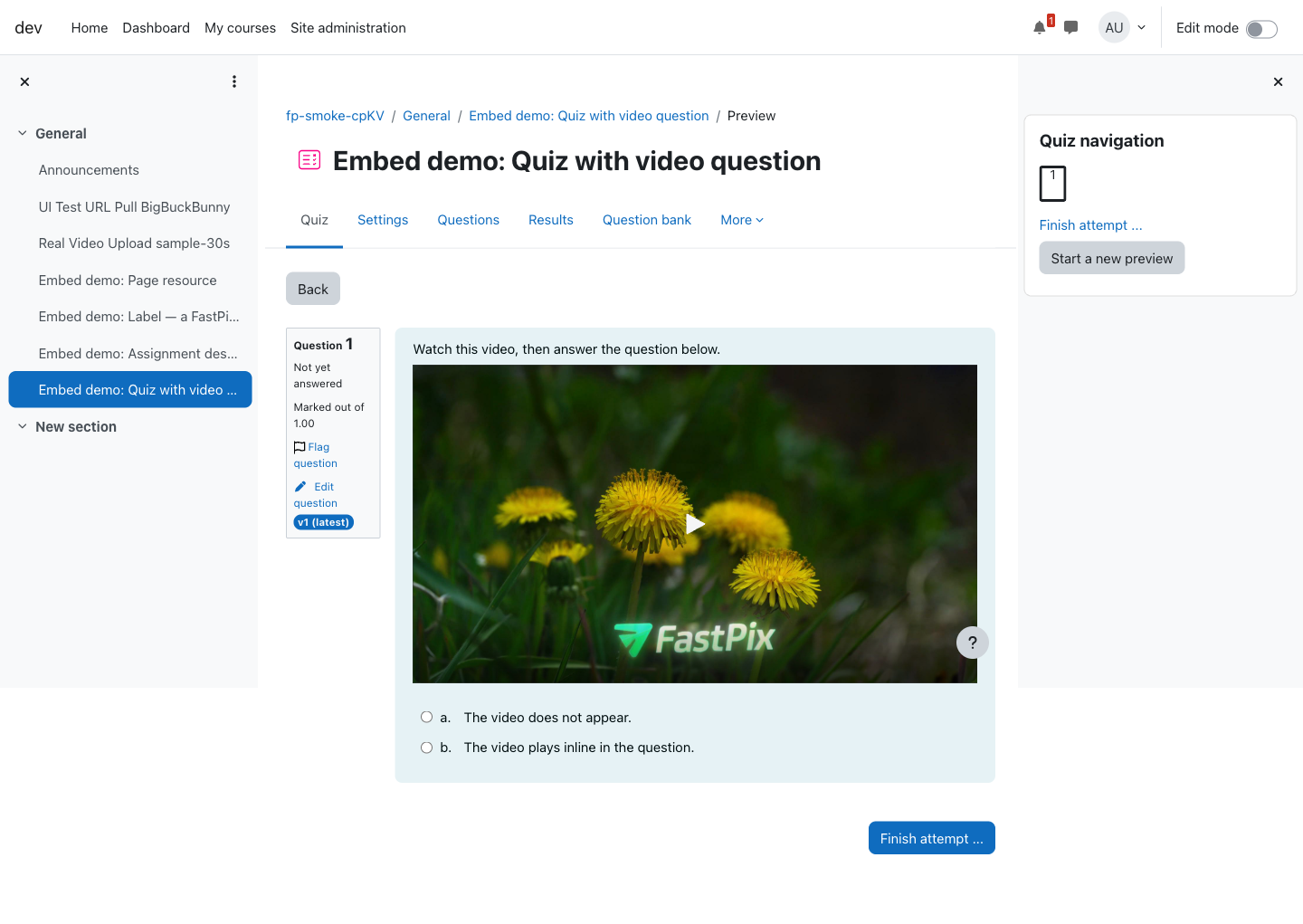
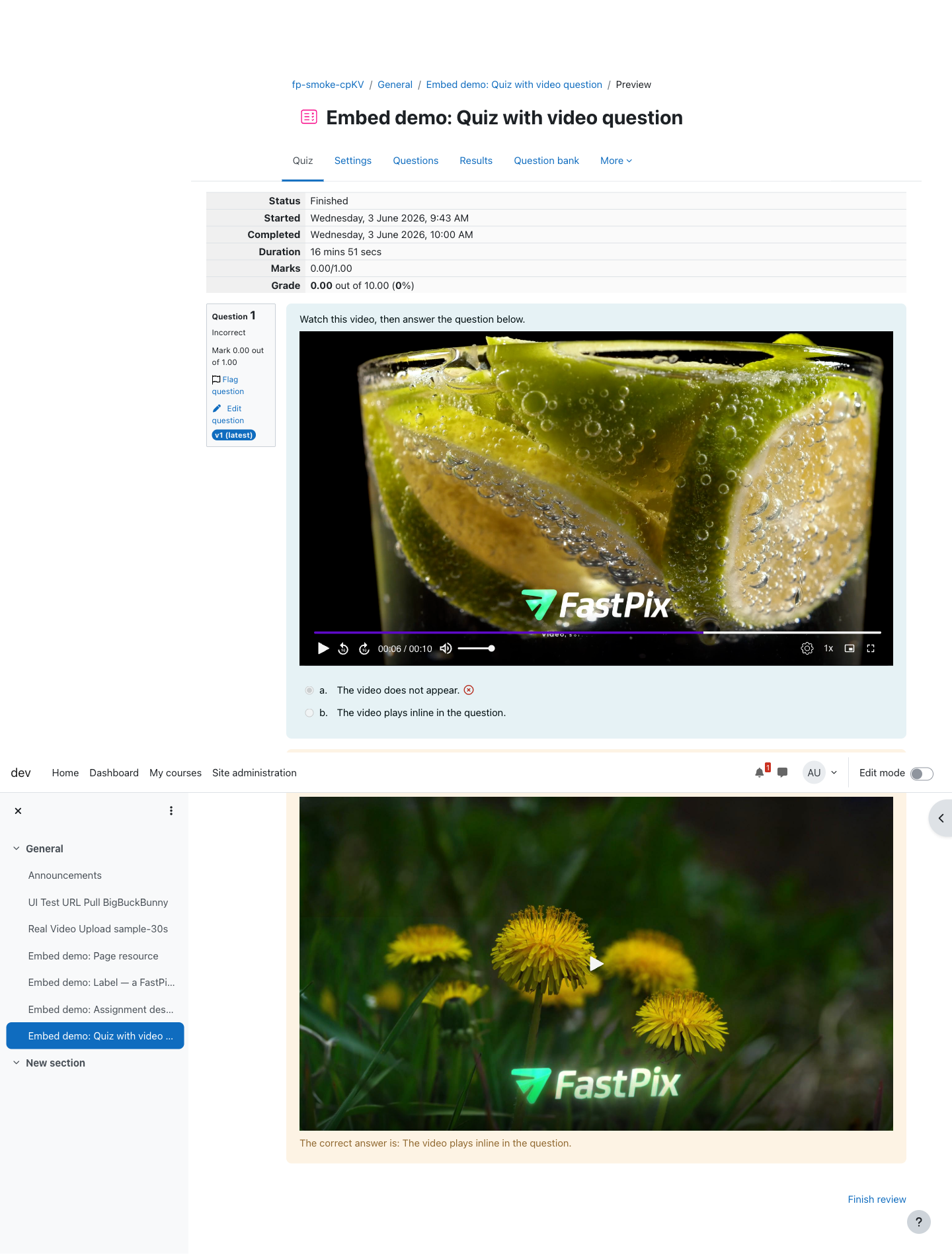
  • Works in forum posts, Pages, Book chapters, labels, course summaries, quiz feedback, and other supported content areas.
  • Optional editor integration allows authors to select videos from a picker instead of manually entering playback IDs.
  • Multiple videos can be embedded on a single page.

Playback experience

  • Videos render using the same FastPix player used by the FastPix Video activity.
  • Adaptive playback works across modern browsers and mobile devices.
  • Content surrounding the shortcode remains unchanged.
  • Public videos become playable directly within Moodle content.

Permissions and access control

  • Rendering respects Moodle's mod/fastpix:view capability.
  • Users without permission see the original shortcode instead of a broken player.
  • Missing, deleted, or unavailable videos display a friendly notice.

Private and DRM-protected videos

  • Public videos can be embedded directly.
  • Private and DRM-protected videos are intentionally blocked from inline embedding because they require short-lived playback tokens.
  • Users are directed to the FastPix Video activity where secure playback can be managed correctly.

Performance and privacy

  • No watch tracking, completion tracking, grades, or analytics are recorded.
  • No personal data is stored by the plugin.
  • Implements Moodle's Privacy API as a null provider.

Administration

  • Simple installation through the Moodle Plugins Directory or ZIP upload.
  • Standard Moodle filter management controls for enabling and ordering the filter.
  • Recommended filter ordering guidance helps avoid conflicts with other content-processing filters.

For installation, configuration, and verification steps, see the FastPix Video Embeds integration guide.


Contributors

Awards

Privacy friendly
Automated testing support