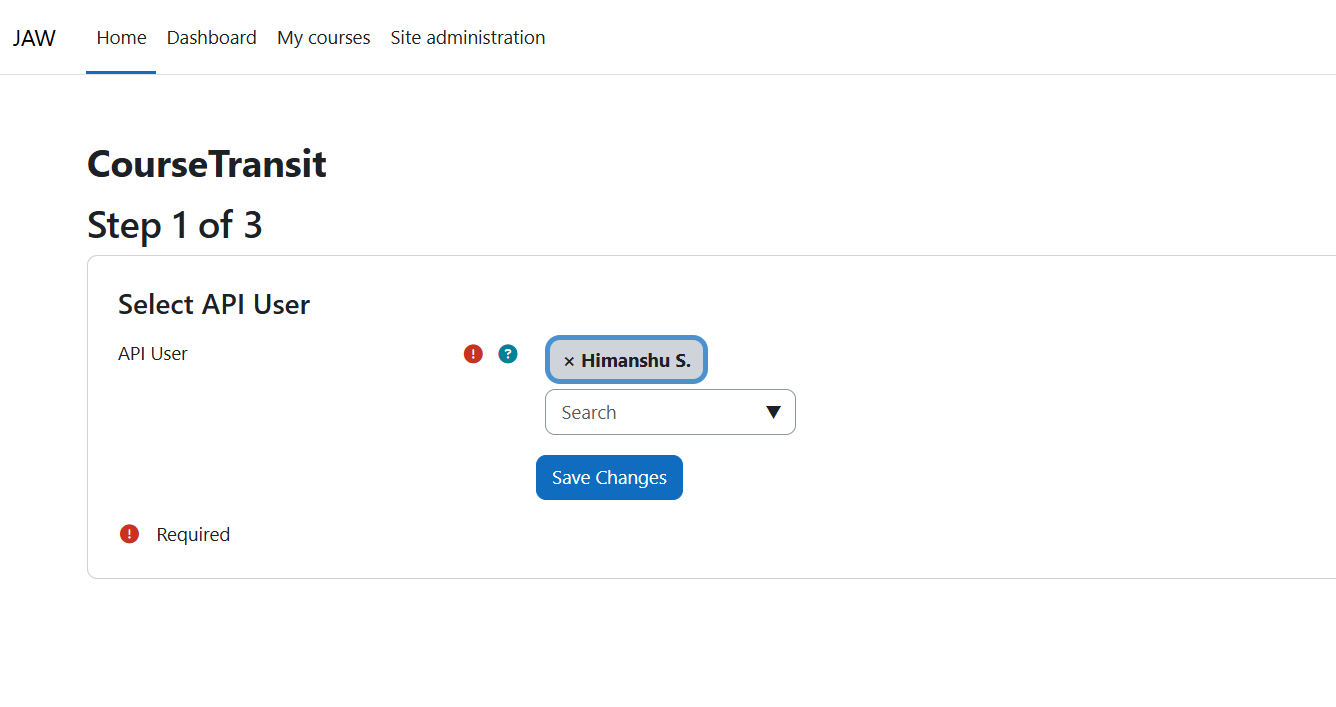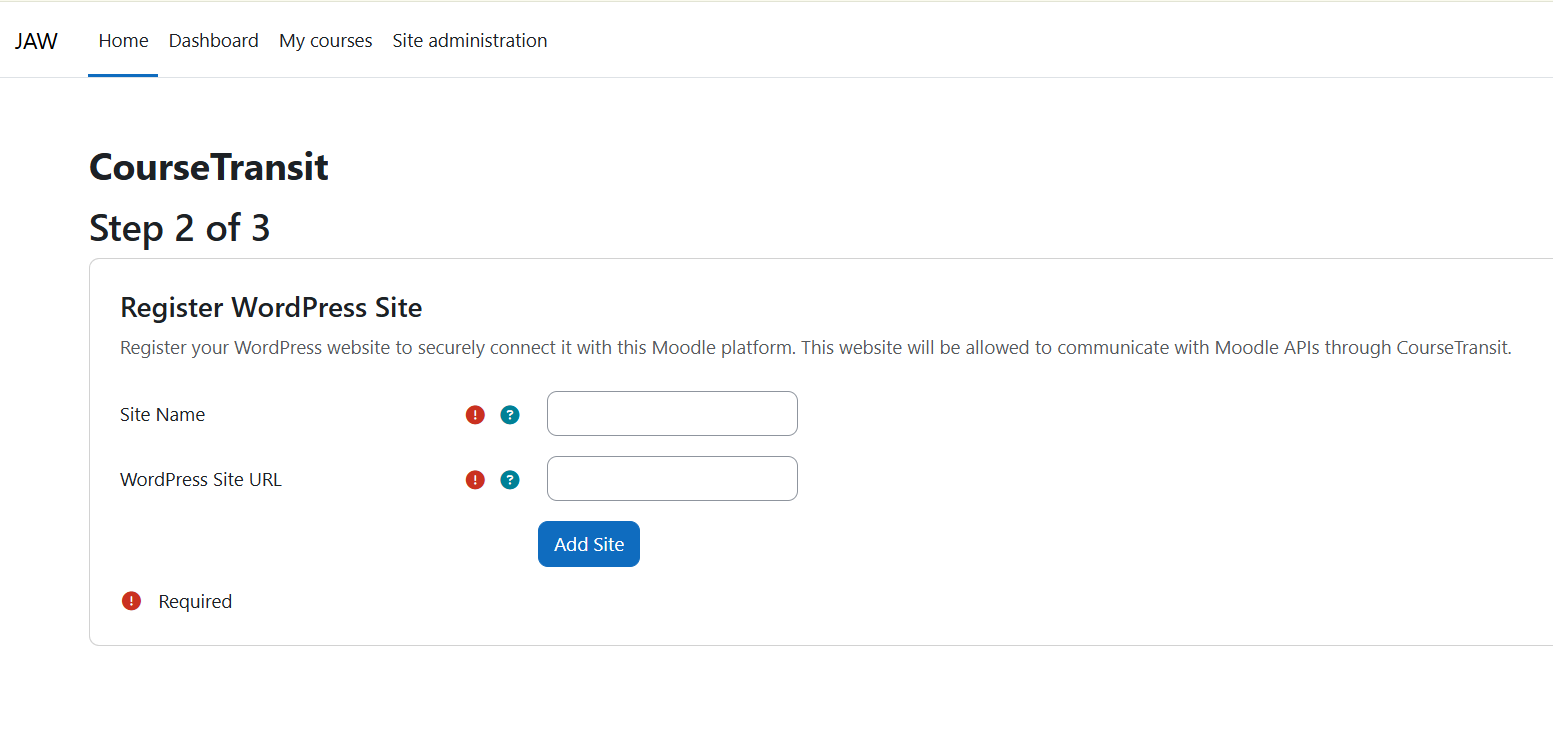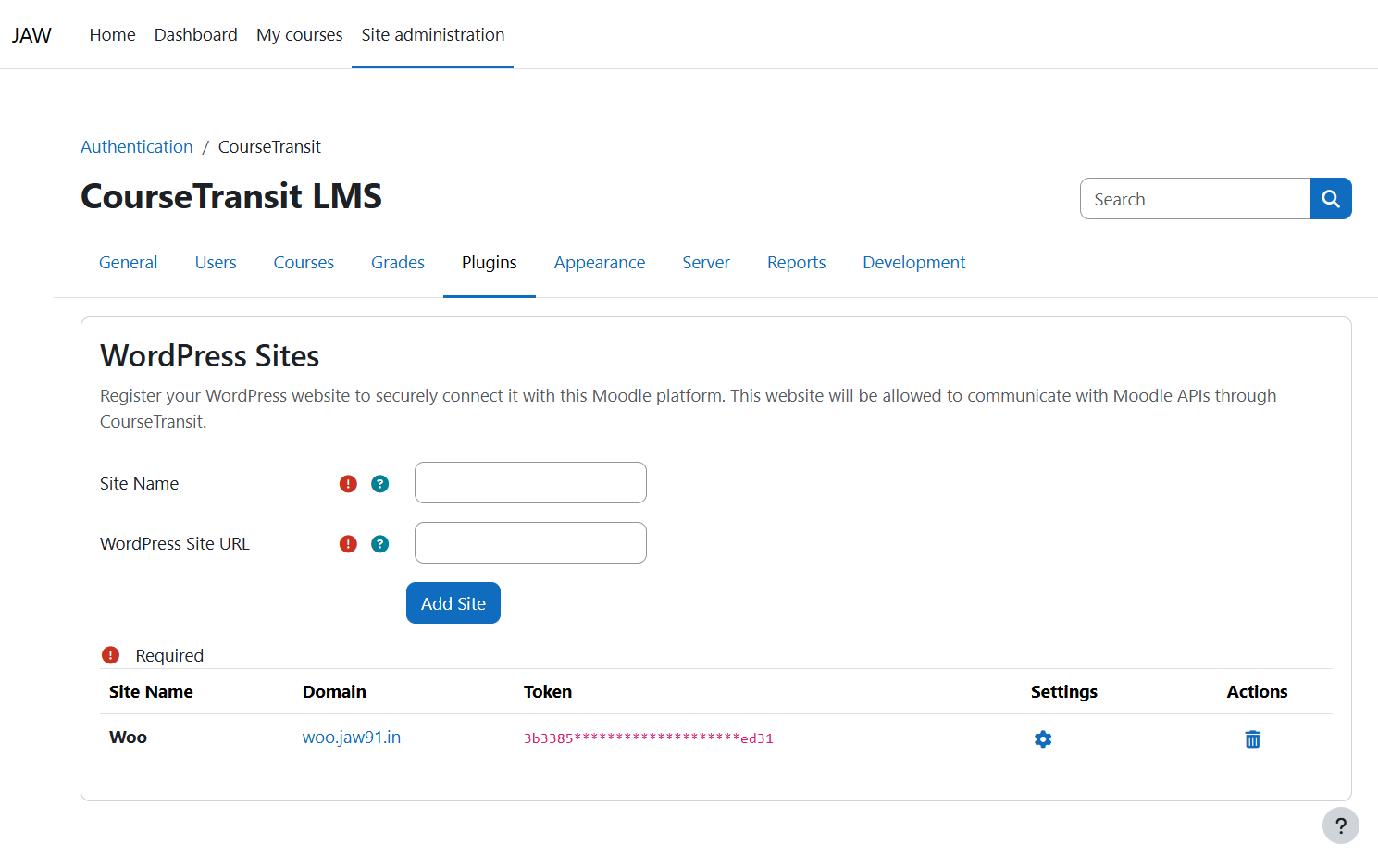
CourseTransit
Sell Moodle™ courses using WordPress + WooCommerce — without custom integrations.
CourseTransit is a bridge plugin that connects Moodle LMS with WordPress (WooCommerce), enabling automated course sales, user creation, and enrollments.
Features
- WooCommerce ' Moodle enrollment sync
- Automatic user creation in Moodle
- Secure API-based communication
- Instant enrollment after purchase
- Lightweight and developer-friendly
How It Works
- User purchases a course via WooCommerce
- Plugin captures the order
- User is created or matched in Moodle
- Enrollment is triggered via Moodle API
- User gets access instantly with email notifications
Requirements
WordPress
- WordPress 6.x+
- WooCommerce 7.x+
Moodle
- Moodle 3.9+ (recommended 4.x)
- Web Services enabled
- API token access
Installation
Moodle (Auth Plugin)
Method 1: Install via UI
Go to:
Site administration ' Plugins ' Install plugins
Upload the plugin ZIP file
Click "Install plugin from the ZIP file"
Follow on-screen steps
After installation, go to:
Site administration ' Plugins ' Authentication ' Manage authentication
Enable CourseTransit
Method 2: Manual Installation
Extract plugin and copy to:
/auth/coursetransit
Set correct permissions
Visit:
Site administration ' Notifications
Complete installation
Enable plugin:
Site administration ' Plugins ' Authentication ' Manage authentication
WordPress Plugin
Upload plugin via:
wp-admin ' Plugins ' Add New ' Upload
Activate plugin
Configure:
- Moodle API URL
- Web service token
- Course mappings
Use Cases
- Sell Moodle courses via WooCommerce
- Paid LMS platforms
- Course marketplaces
Contributing
Pull requests are welcome. Open an issue first for major changes.
Disclaimer
This plugin is not affiliated with or endorsed by Moodle Pty Ltd or the WordPress Foundation.
License
This project is licensed under the GNU General Public License v3.0.
See: https://www.gnu.org/licenses/gpl-3.0.html