Roger D.
Lead maintainer

XP Store (local_xpstore)
A gamification plugin for Moodle that transforms the learning experience by allowing students to redeem their experience points (earned through Level Up XP) for rewards, grade boosts, or special content within each course.
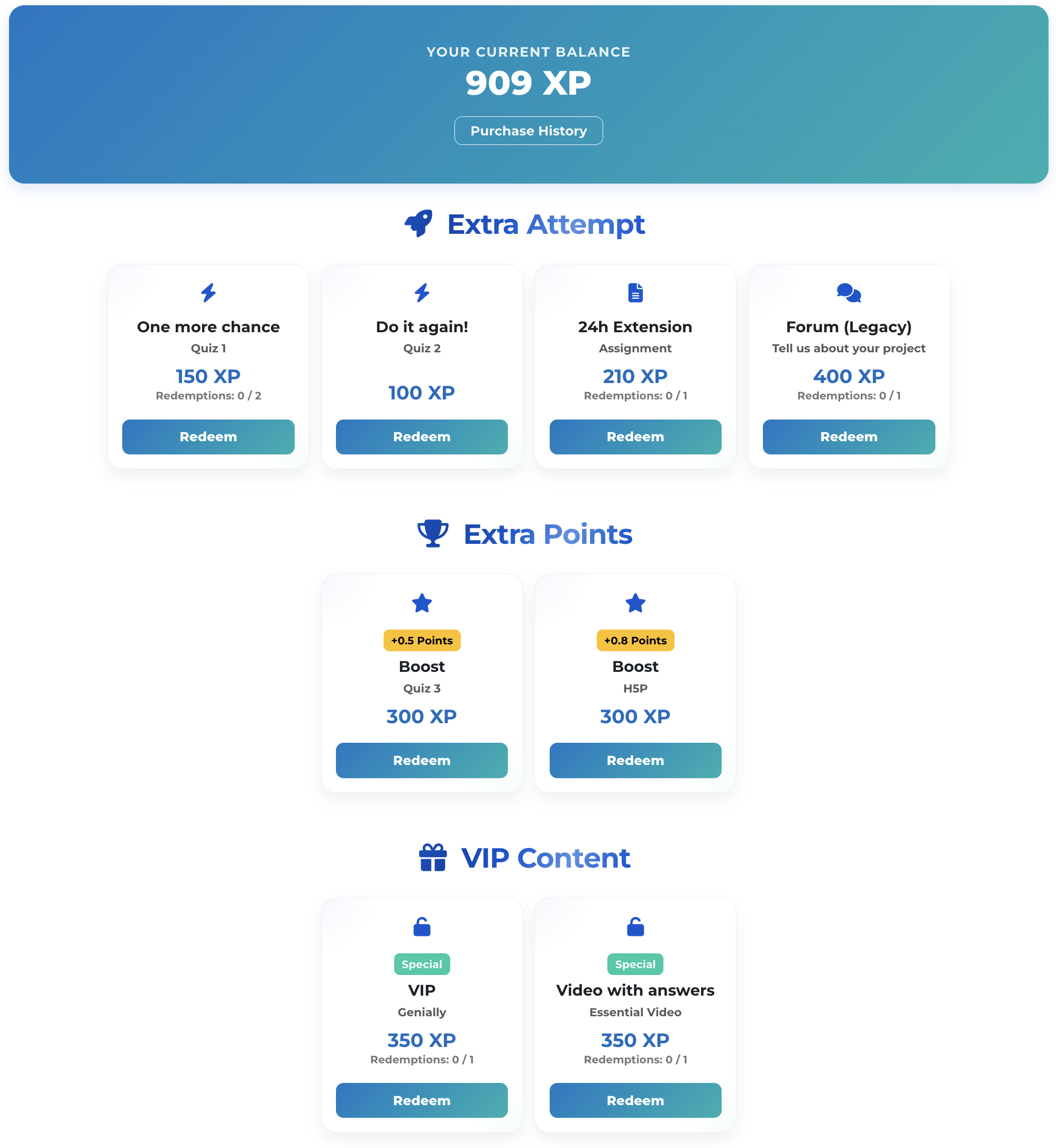
The store allows teachers to configure different types of benefits based on standard Moodle modules or specific gamification mechanics. When a student buys an item, the plugin processes the transaction based on its specific type:
⚡ Extra Attempt: Works with Quizzes. Students can spend XP to unlock an additional attempt for a specific quiz, even if it's already closed.
⏳ 24h Extension: Works only with Assignments. Students can redeem their points to get extra time to submit a task.
' Forum (Legacy): Works with Forums. Allows students to spend XP to unlock and interact in a specific forum even after its strict cut-off date has passed.
⭐ Bonus: Adds extra points directly to any grade item within the Moodle gradebook. It is fully compatible with assignments, quizzes, forums, manual grade items, or any other gradable element. Perfect for "Extra Credit" or "Second Chance" mechanics.
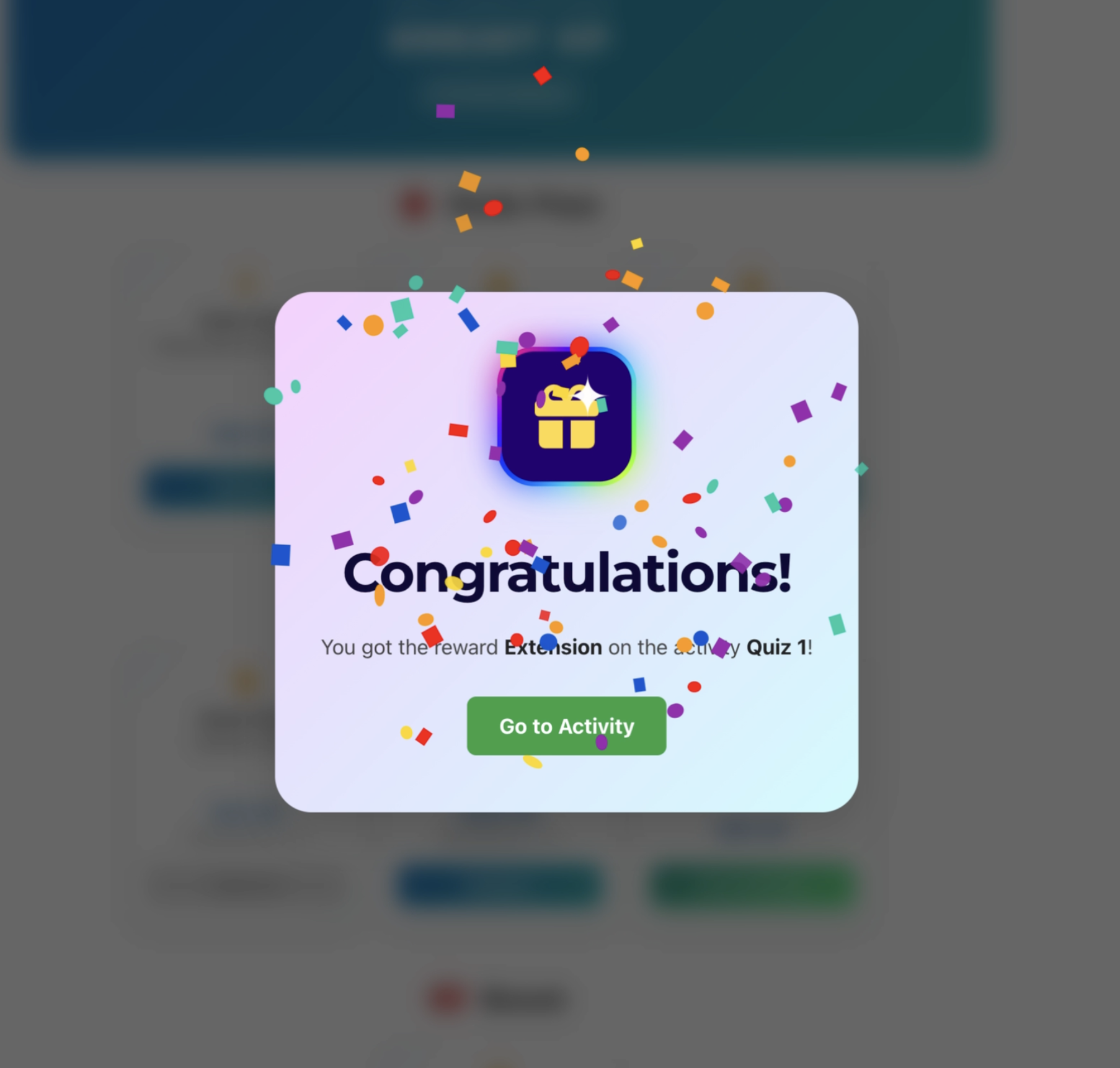
🔓 Special: Unlocks exclusive content or access to VIP areas within the course. Upon purchase, the plugin automatically creates a dedicated Moodle group for the target activity and seamlessly assigns the student to it.
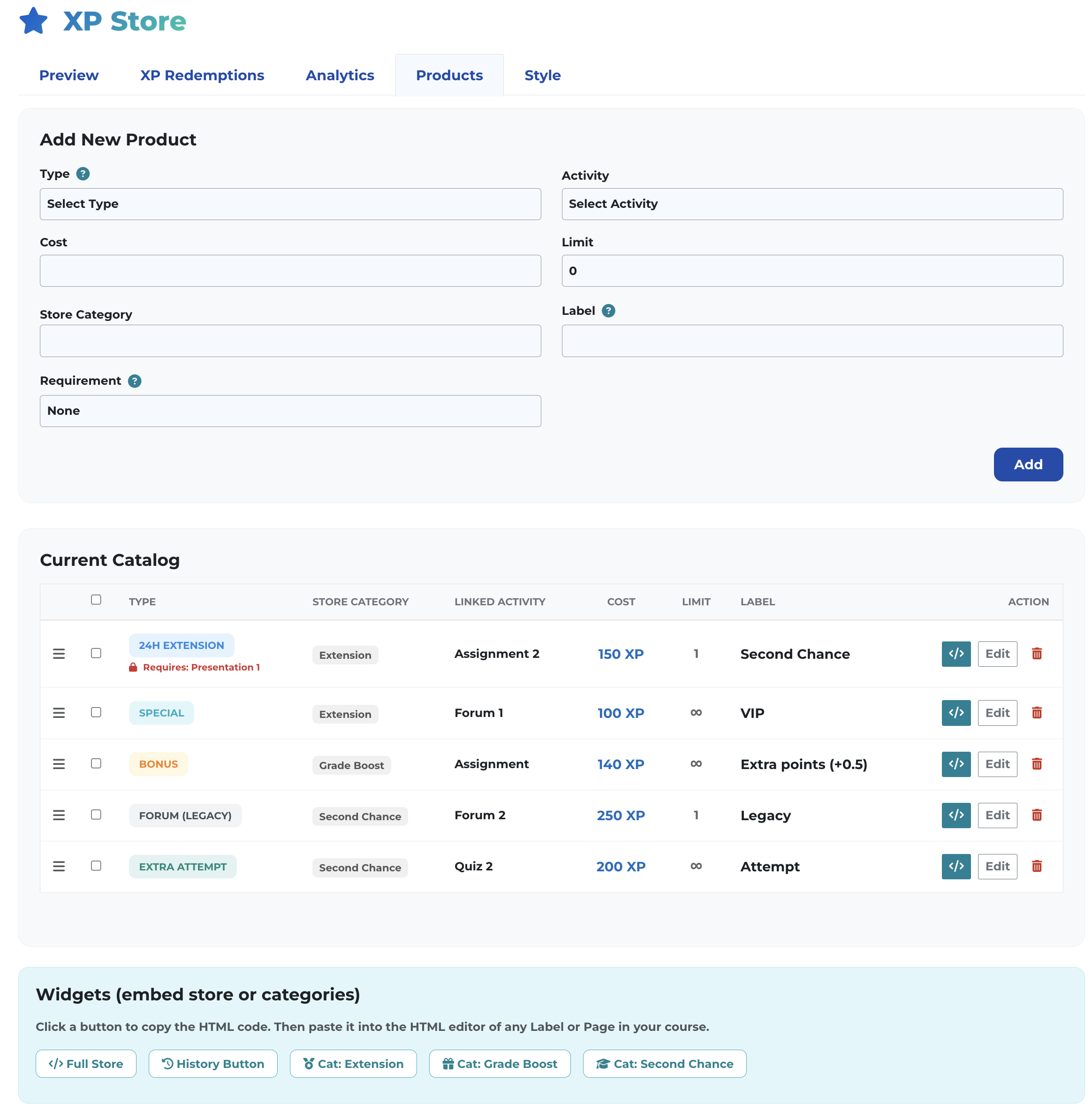
Independent Course Catalogs: Each course has its own configuration, product catalog, and color palette isolated from others.
Purchase Limits: Full control over how many times a student can acquire a specific item or benefit.
Modern & Responsive Design: Clean interface with ample breathing room.
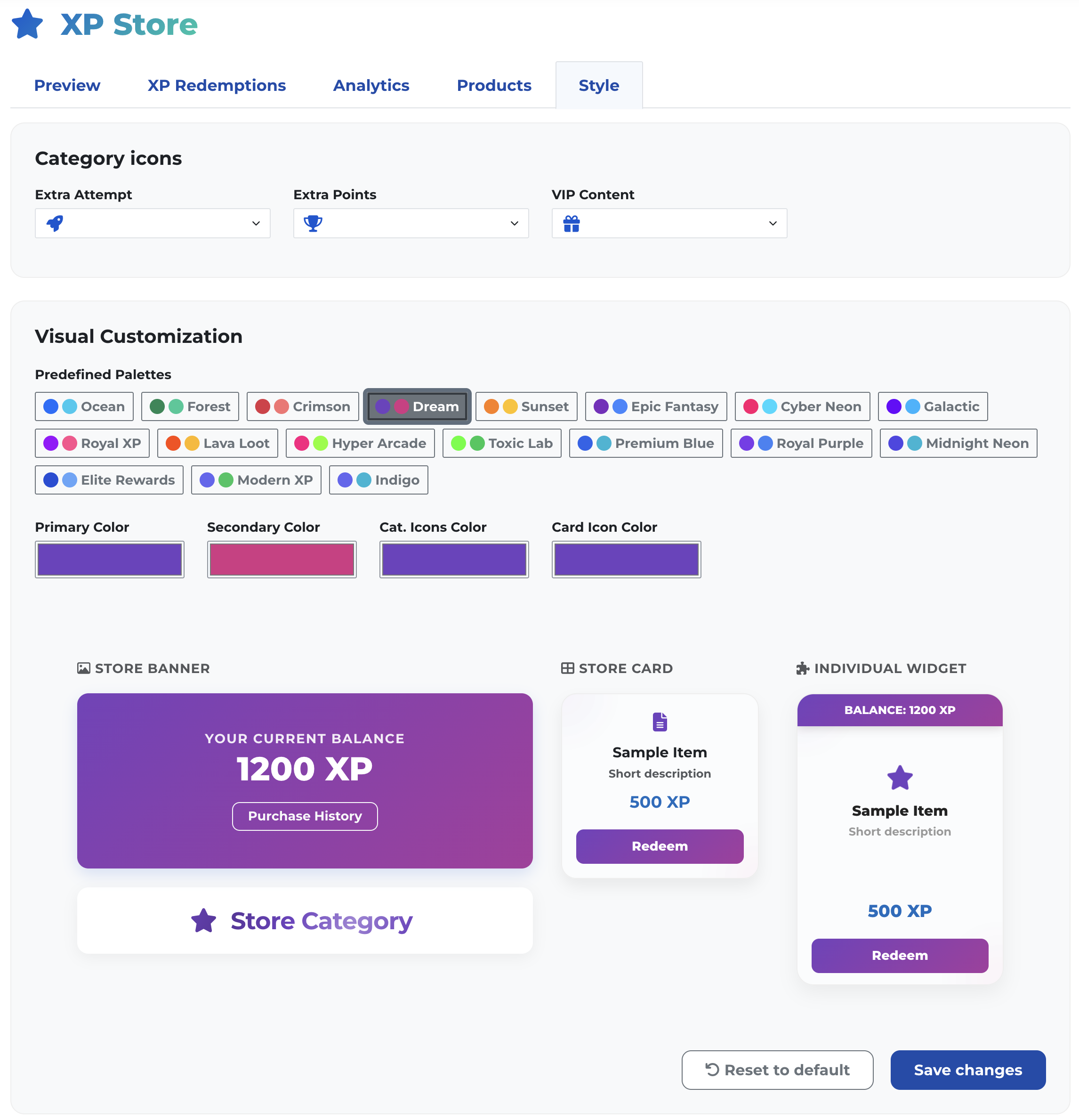
Visual Customization (UI): Adjustment of primary color, secondary color (interactive gradients), product icon colors, and category icon colors, manageable directly from the course interface.
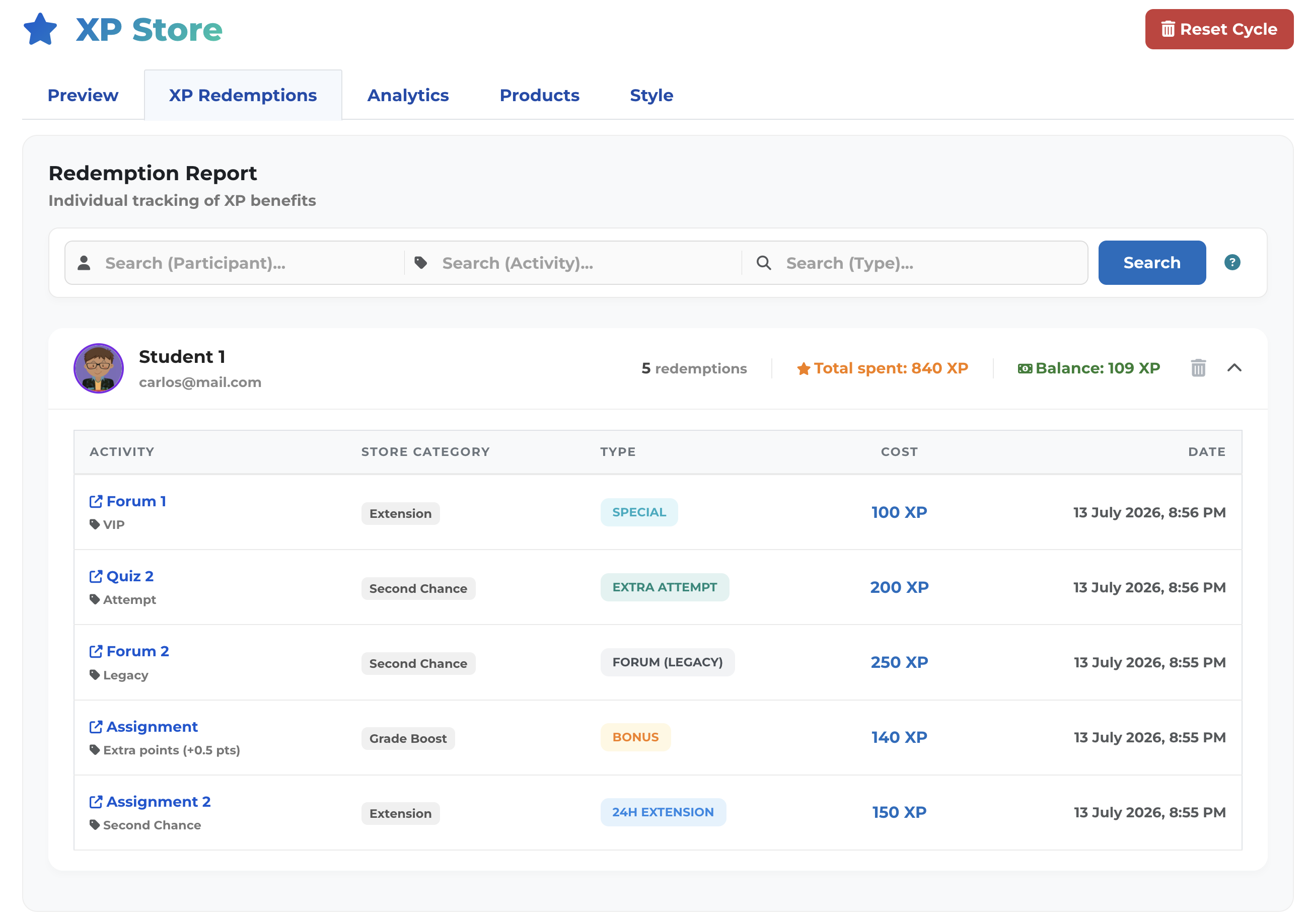
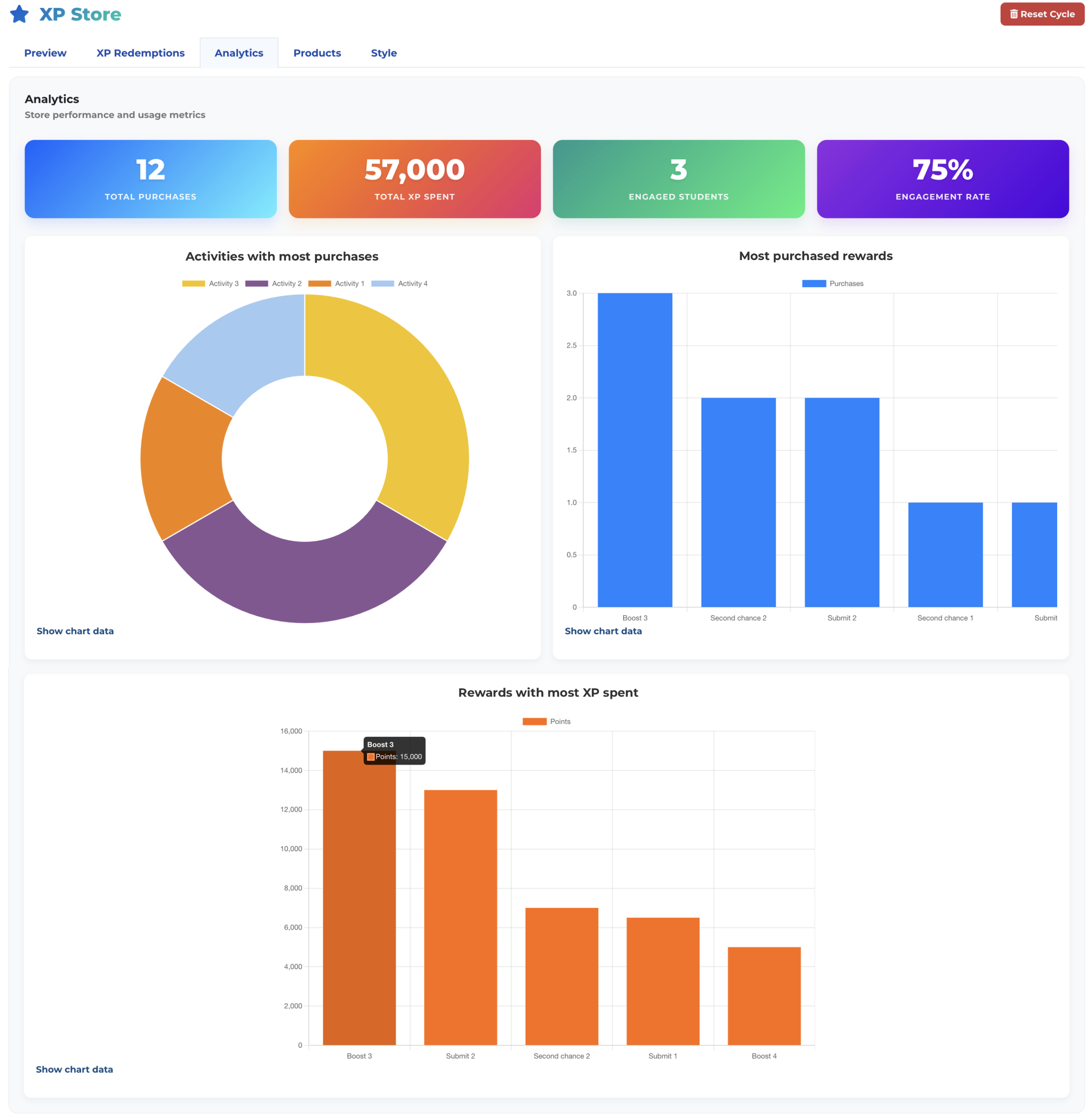
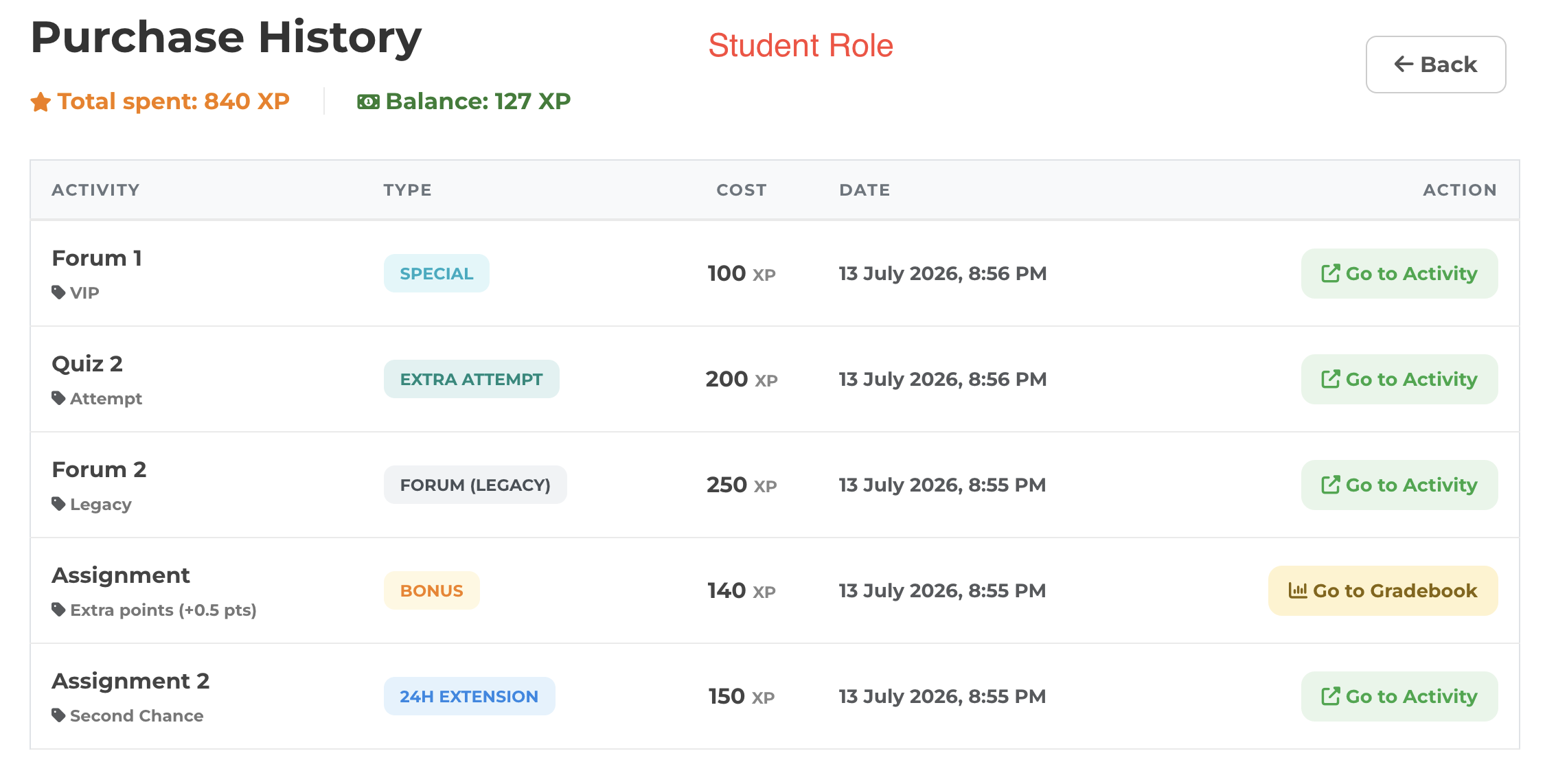
Audit & Reports: Complete dashboard for teachers with a detailed history of redemptions per student, avatars, and direct links to activities or the gradebook.
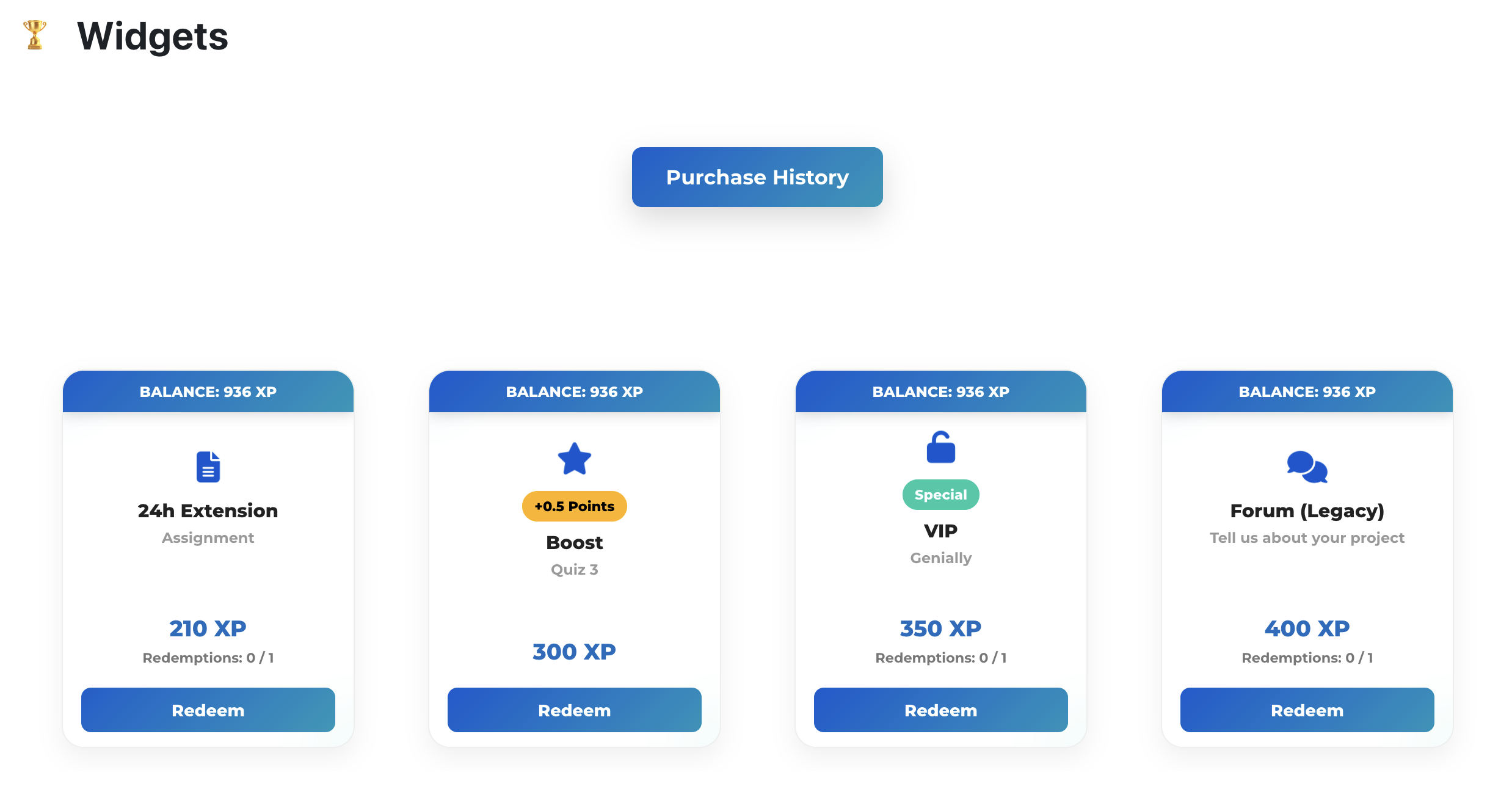
Embedded Widgets Ecosystem: Specialized views ready to be integrated into lessons or labels via Iframes (Single cards, Full categories, and Floating history button).
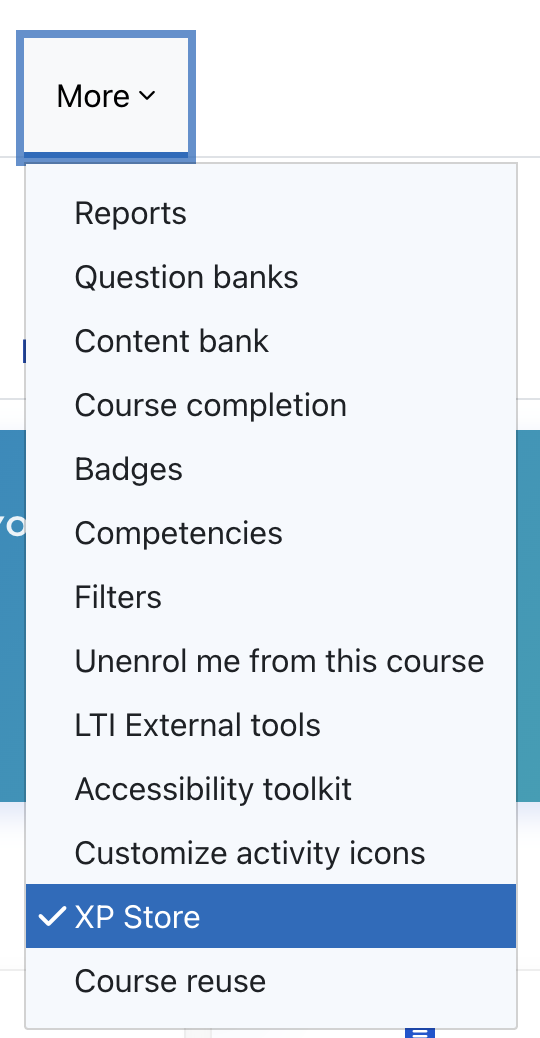
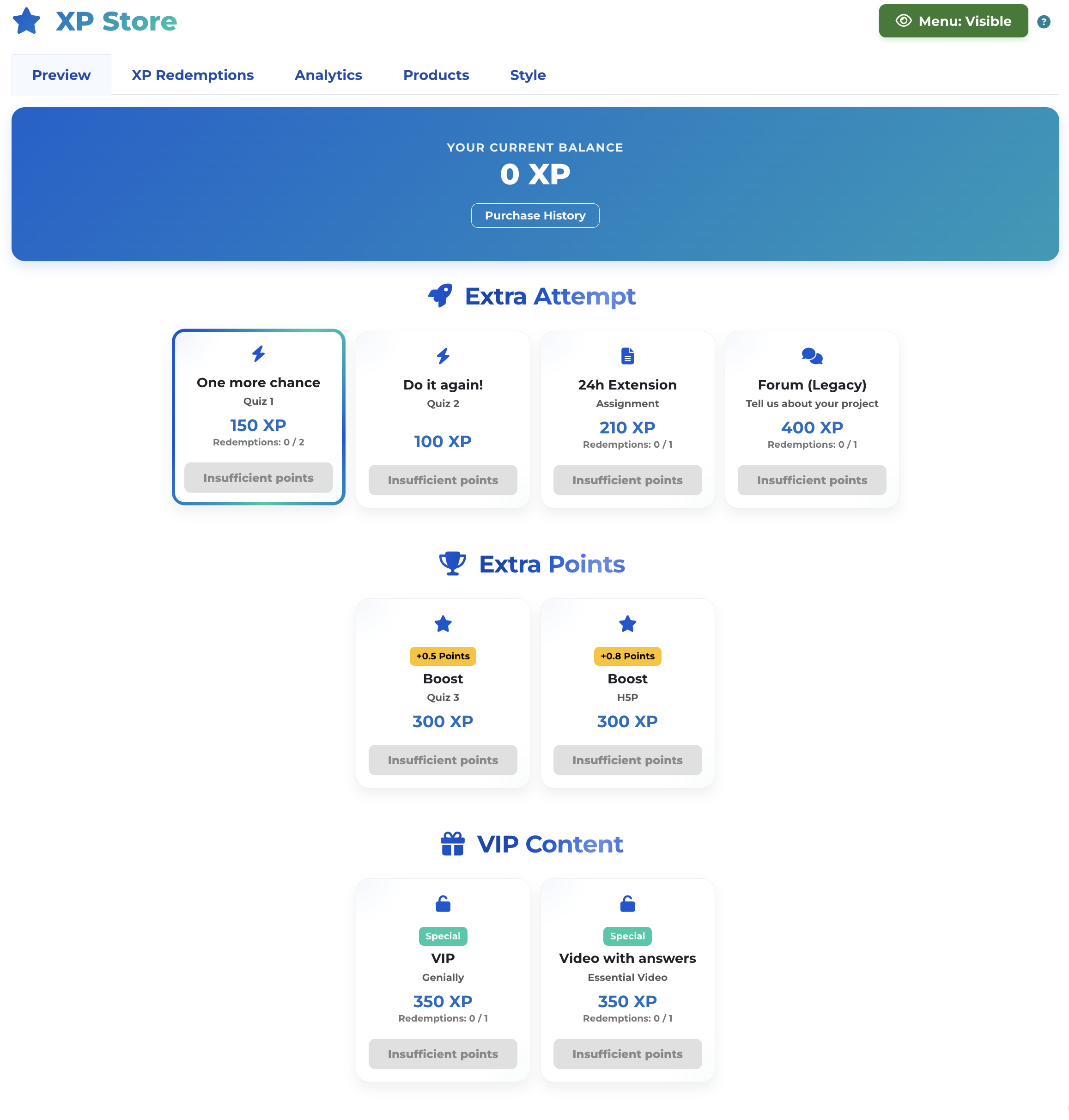
Before using the store, ensure the Level Up XP block is added to your course. Once the block is active, a direct link to the store will automatically appear in the main course navigation menu.
From this panel you can:
' Tip: The course configuration panel includes a tool that automatically generates the exact Iframe code for each widget, ready to be copied and pasted into your lessons.
Main Store Widget: Displays all available categories and reward cards.
Full Category Widget: Displays all cards corresponding to a specific category, with a fluid and centered design.
Individual Card Widget: Displays a single product or reward available for direct purchase.
Floating History Button: A clean and minimalist shortcut for students to review their previous redemptions.
Features:
Enhancements:

