Cashfree payment gateway for Moodle
Introduction
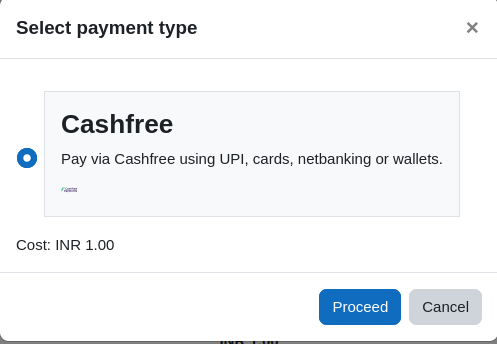
This is a payment gateway plugin to integrate the Cashfree payment gateway with Moodle.
About Cashfree
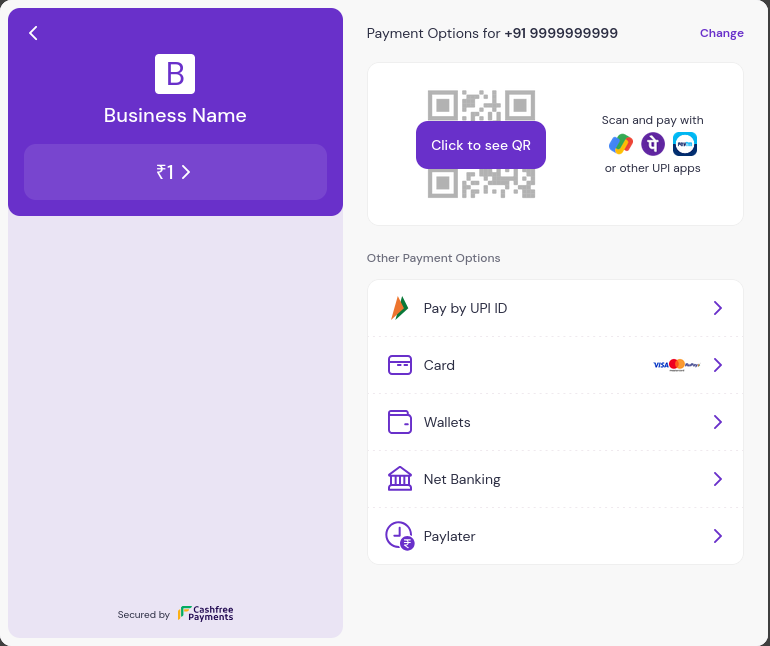
Cashfree Payments is an India-based fintech company that provides payment gateway services
to vendors, merchants, and e-commerce platforms. It allows businesses to accept, process,
and disburse payments using various modes including credit cards, debit cards, netbanking,
UPI, and popular wallets.
Note: This plugin is not affiliated with cashfree.com. The Cashfree name and logo are
trademarks of Cashfree Payments and are used here only to identify the payment service the
plugin integrates with.
Features
- Integrate the Cashfree payment gateway with Moodle's built-in payments (UPI, cards,
netbanking and wallets).
- Supports INR (Indian Rupees) currency.
- Payments are verified on your server against Cashfree before access is granted; client
amounts are never trusted.
- A signature-verified webhook delivers the enrolment even if the learner closes the browser
after paying. Delivery is idempotent.
Installation
- Download the zip file from the GitHub repository or the Moodle plugins directory.
- Extract the zip file and copy it to the
/payment/gateway folder, or install it from
Moodle's Install plugin admin feature.
- Visit Site administration ' Notifications to complete the install.
How to Use
- Register for Cashfree at https://www.cashfree.com.
- In the Cashfree dashboard, go to Developers ' API Keys and switch to Test mode (sandbox)
or Live mode (production).
- Generate your Cashfree App ID and Secret Key.
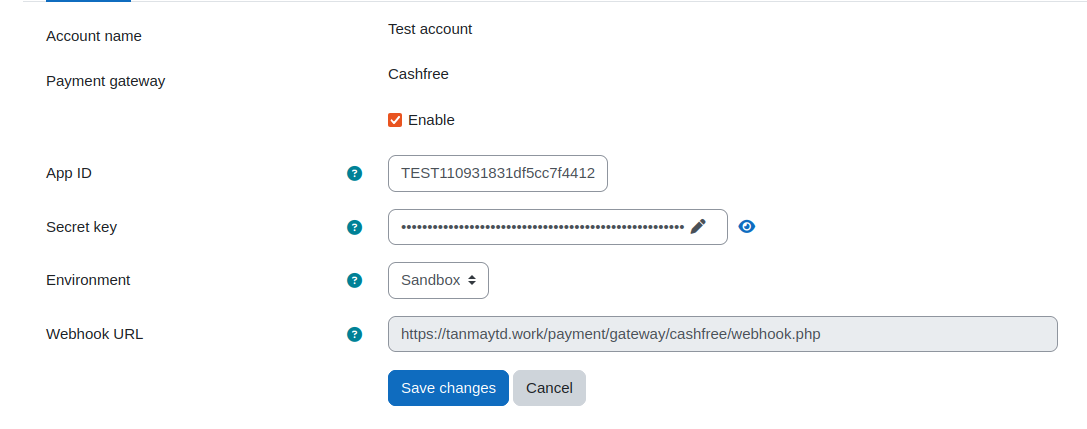
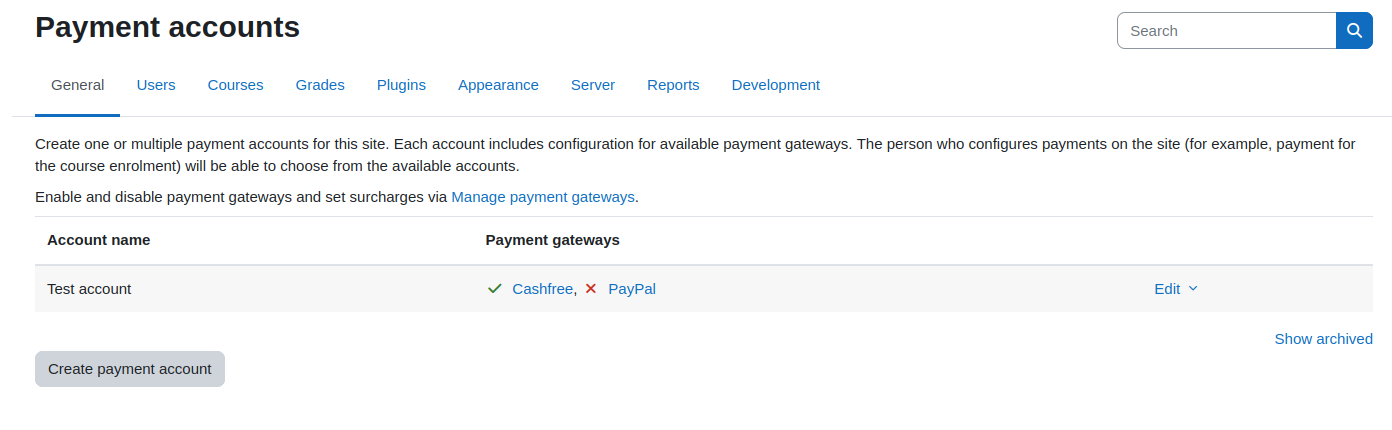
- In Moodle, go to Site administration ' Payments ' Payment accounts, enable Cashfree,
and configure it with those keys and the matching Environment.
- Copy the Webhook URL shown on the gateway settings into the Cashfree dashboard
(Developers ' Webhooks ' Add Webhook Endpoint). Under Select Events, subscribe to
the success payment event only — that is the event this plugin uses to deliver the
enrolment. The URL must be reachable from the internet. Register the webhook separately in
both the Test and Live environments.
- Add the Enrolment on payment method to the Moodle courses you want, and configure the
enrolment with the currency INR (Indian Rupees) only.
Demo Credentials
Cashfree does not publish shared public sandbox keys. Create a free Cashfree account, switch
the dashboard to Test mode, and generate your own sandbox App ID and Secret Key
to test this plugin with your Moodle setup.
Support
If you encounter issues or bugs, please open an issue in the official GitHub repository:
GitHub Issues
Author
Tanmay Deshmukh
Disclaimer
This is an unofficial, community-maintained plugin and is not affiliated with, endorsed by,
sponsored by, or supported by Cashfree Payments. For issues with the plugin, please use the
project's issue tracker — not Cashfree support.
License
This program is free software: you can redistribute it and/or modify it under the terms of
the GNU General Public License as published by the Free Software Foundation, either version 3
of the License, or (at your option) any later version.