Features
- Generate QR codes directly from a block instance.
- Multiple QR content modes (links, internal Moodle targets, event, geolocation, WiFi).
- Configurable QR size per block instance.
- Optional integration with a URL shortener service.
- Multiple block instances are supported.
Available QR target modes
When editing a block instance, you can choose one of the following modes via Content
- Link to the current page
Encodes the exact URL of the page where the block is shown.
- Link to this course
Encodes the course URL and optionally allows a description text.
- Link to a section or activity
Lets you select either:
- a course section (`section=<sectionid>`), or
- a course module/activity (`cmid=<cmid>`).
- Text/URL
Encodes custom text or a custom URL (for links, use `https://...`).
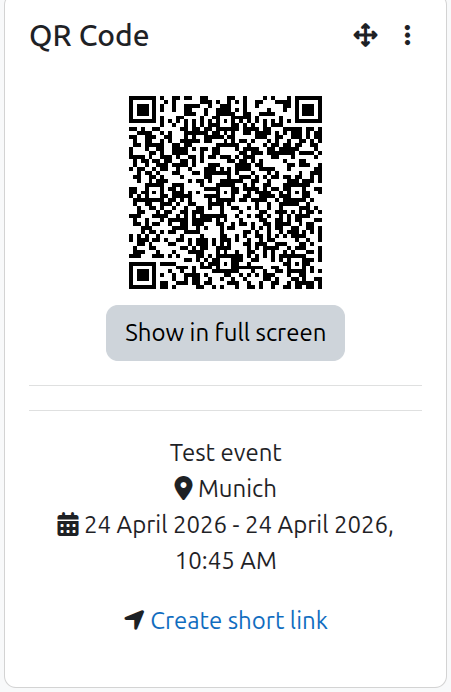
- Event
Encodes iCalendar-style event data including title, location, start, end, and all-day option.
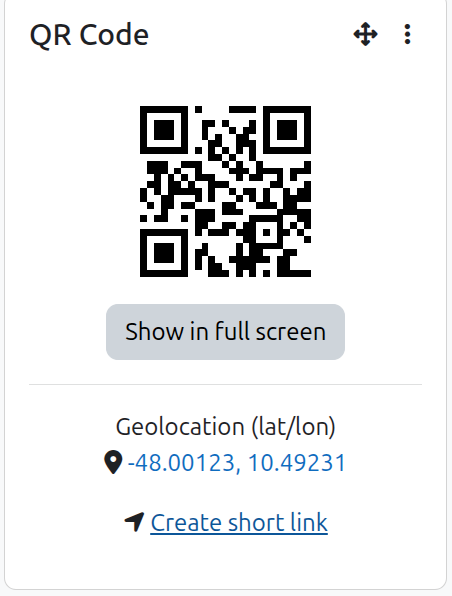
- Geolocation (lat/lon)
Encodes coordinates and can optionally include a map link target.
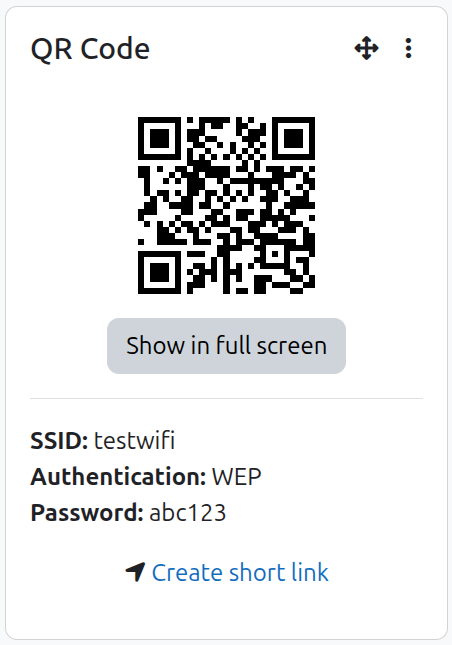
- WiFi
Encodes WiFi setup information (SSID, hidden SSID flag, authentication type, optional password).
Configuration
Block instance settings
Each block instance can configure:
- Content mode (see list above)
- Mode-specific fields (e.g., section/activity target, event data, geolocation, WiFi settings)
- QR size (`small`, `medium`, `large`)
Global plugin setting
The plugin supports a configurable short-link service URL (`configshortlink`).
If configured, a short-link action can be shown in block editing mode.