Features
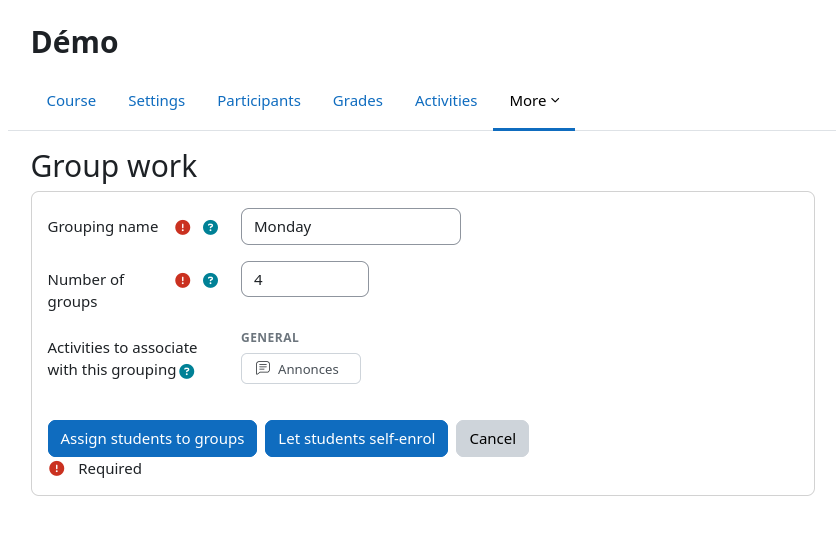
- Create groupings in seconds — enter a name and a number of groups; groups are named automatically (e.g. `Science_01`, `Science_02`).
- Three automatic distribution modes:
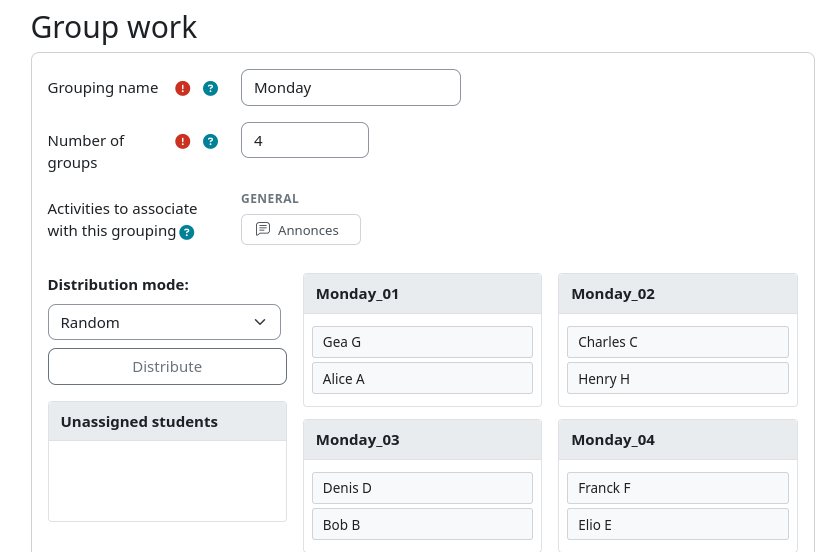
- Random — students are shuffled and distributed evenly.
- Homogeneous — students sorted by grade, distributed so each group has similar levels.
- Heterogeneous — students sorted by grade, distributed so each group has mixed levels.
- Cohort-aware — students from the same cohort are kept together during automatic distribution.
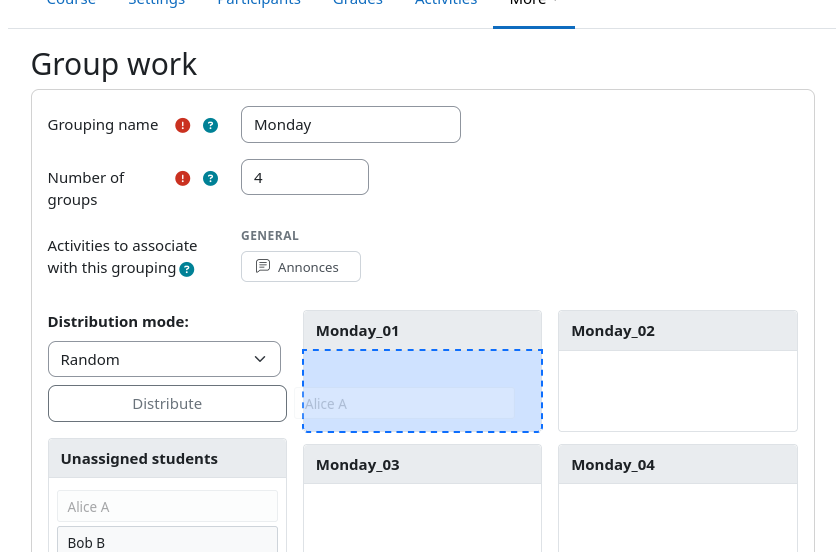
- Drag-and-drop manual assignment — fine-tune placements with a visual interface after automatic distribution.
- Activity association — link a grouping to multiple course activities (only activities that support group mode are shown).
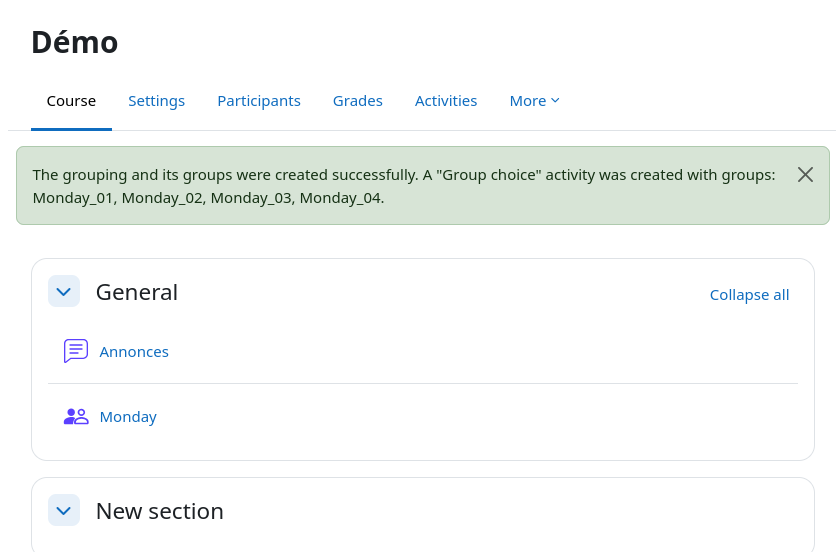
- Group Choice integration — optionally creates a `choicegroup` activity so students can self-enrol in a group.
- Live editing — add or remove groups after creation without losing existing assignments.
The mod_choicegroup plugin is only required if you want the Group Choice self-enrolment feature. SpeedGrouping detects its presence automatically.
Usage
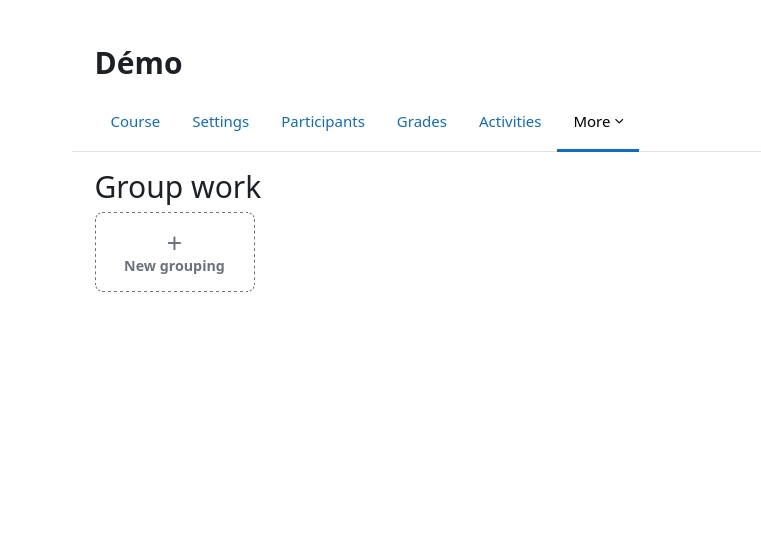
- In a course, open the Group work tool from the course navigation or via `…/local/speedgrouping/index.php?id=<courseid>`.
- Click New grouping, fill in the name and group count, select the activities to associate, then save.
- To assign students, click the grouping card and use the **Assign students** button to open the distribution panel.
Permissions
The plugin requires the moodle/course:managegroups capability, which is granted to teachers and course managers by default.