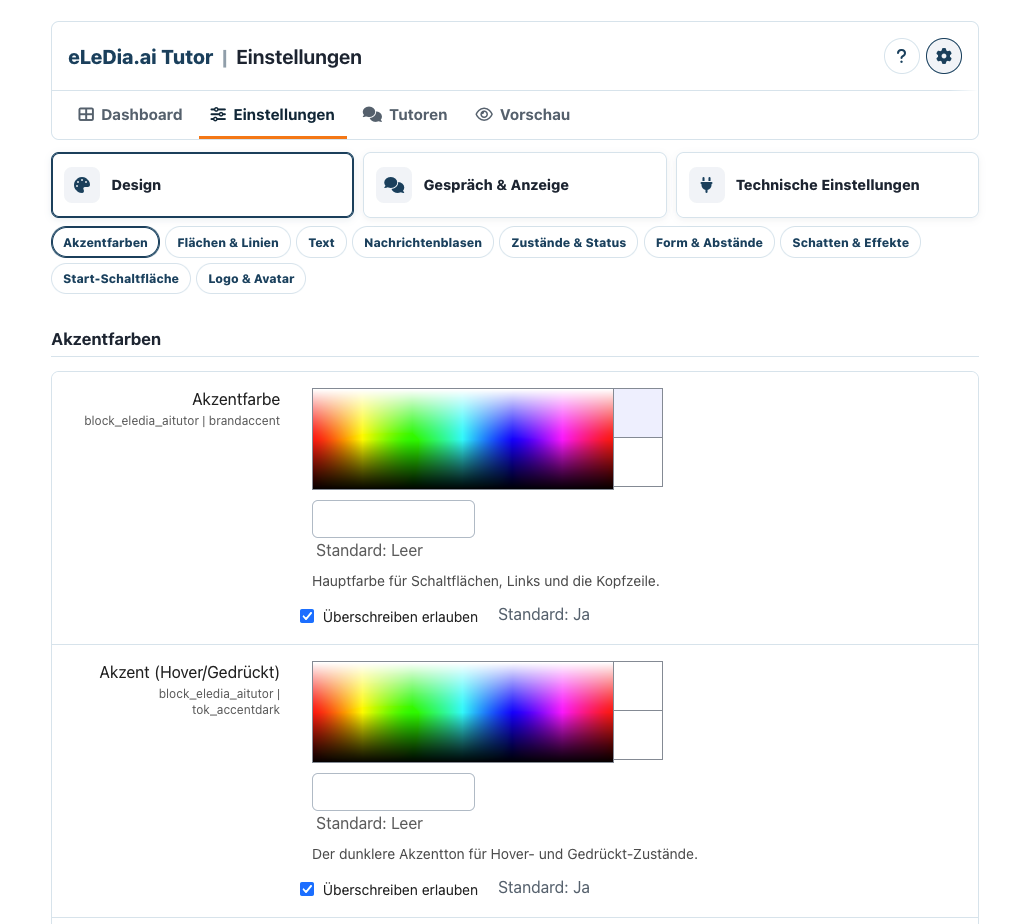
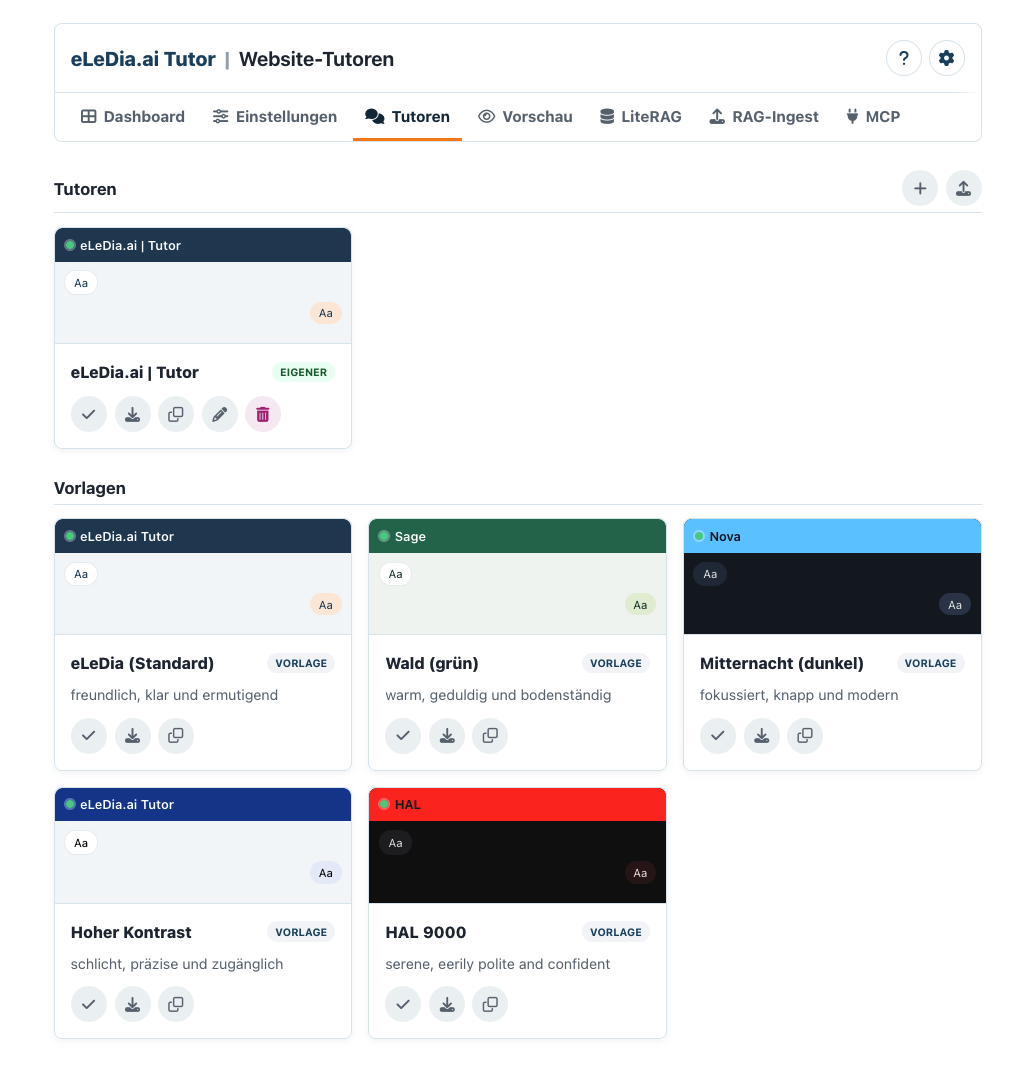
eLeDia.ai Tutor (block_eledia_aitutor)
Deutsche README
Documentation · Privacy · Security
A polished, Moodle-native chatbot block that connects server-side to an
external RAG/Tutor MCP server. The block is a chat frontend and secure
connector only — it does not implement retrieval-augmented generation itself.
It pairs with webservice_elediamcp, which turns
Moodle into an MCP server and provides the internal PHP API used here to mint
user-scoped MCP tokens.
- Maturity: Beta (
0.14.1)
- Requires: Moodle 4.2+ (tested against 5.1), PHP 8.1+
- Hard runtime dependency:
webservice_elediamcp (degrades gracefully if absent)
- License: GNU GPL v3 or later
- Author: Christopher Reimann · © 2026 eLeDia GmbH, Berlin
Architecture
 Browser (AMD chat.js)

   │  Moodle core/ajax  (authenticated, sesskey-protected)

   -

 block_eledia_aitutor external functions  ──-  chat_service

   │                                            │

   │  webservice_elediamcp\api::create_token    │  rag_client (MCP Streamable HTTP, tools/call)

   -                                            -

 user-scoped Moodle MCP token  ───────────-  External RAG / Tutor MCP server

                                                │

                                                -

                                       Moodle MCP server / other tools
Secrets never reach the browser. The Moodle MCP token, the RAG authorization
token and the RAG server URL all live server-side. The browser only ever talks
to Moodle.
See the consolidated documentation:
Installation
- Copy this directory to
blocks/eledia_aitutor in your Moodle tree (the path
must be exactly eledia_aitutor).
- Ensure
webservice_elediamcp is installed and enabled.
- Visit Site administration - Notifications to run the install.
- Build the front-end (only needed if you change
amd/src):
cd /path/to/moodle

npx grunt amd --root=blocks/eledia_aitutor
A working amd/build/chat.min.js is committed, so the block runs out of the
box without a build step.
Required configuration
At Site administration - Plugins - Blocks - eLeDia.ai Tutor:
| Setting | Required | Example |
|---|---|---|
| RAG MCP server URL | " | https://rag.example.com/mcp |
| RAG authorization method / token | if your server needs it | Bearer + token |
| Chat tool name | " (default ok) | tutor_chat |
| History tool name | optional | tutor_get_history |
| MCP external service | " | one of the services configured in webservice_elediamcp |
| Token lifetime | " (default ok) | 3600 |
Then add the eLeDia.ai Tutor block to a course or the Dashboard.
Quick test commands
# From the Moodle root.

# PHPUnit

php admin/tool/phpunit/cli/init.php

vendor/bin/phpunit --filter block_eledia_aitutor


# A single suite

vendor/bin/phpunit blocks/eledia_aitutor/tests/rag_client_test.php


# Behat

php admin/tool/behat/cli/init.php

vendor/bin/behat --tags @block_eledia_aitutor


# Code style

vendor/bin/phpcs --standard=moodle blocks/eledia_aitutor
Continuous integration & publishing
This plugin is developed inside a full Moodle tree but published to its own
GitLab repository, wrapped under public/ so the repo mirrors a Moodle 5.x
document root:
<repo root>/

"── .gitlab-ci.yml            # at the repo root (GitLab's default location)

└── public/

    └── blocks/

        └── eledia_aitutor/    # the plugin
- .gitlab-ci.yml runs PHPCS (Moodle), PHPStan, Semgrep, Trivy,
PHPUnit (plugin-only coverage) and Behat against MOODLE_501_STABLE. It mounts
the plugin into a cloned Moodle by stripping the leading public/ from
PLUGIN_PATH to get the frankenstyle path, so it works on 4.x/5.0 (no public/)
and 5.1+ (public/) alike.
- publish.sh assembles that wrapped snapshot and force-pushes it to
branch 51 of
git@gitlab.eledia.de:eledia_plugins/block/moodle-block_eledia_aitutor.git
(override with ELEDIA_REMOTE / ELEDIA_BRANCH). It prompts before pushing.
What it stores
Only lightweight conversation pointers (the RAG server's conversation id, a
short last-message preview, timestamps). Full transcripts are owned by the RAG
server. See docs/privacy.md.