Stephan Robotta
Lead maintainer
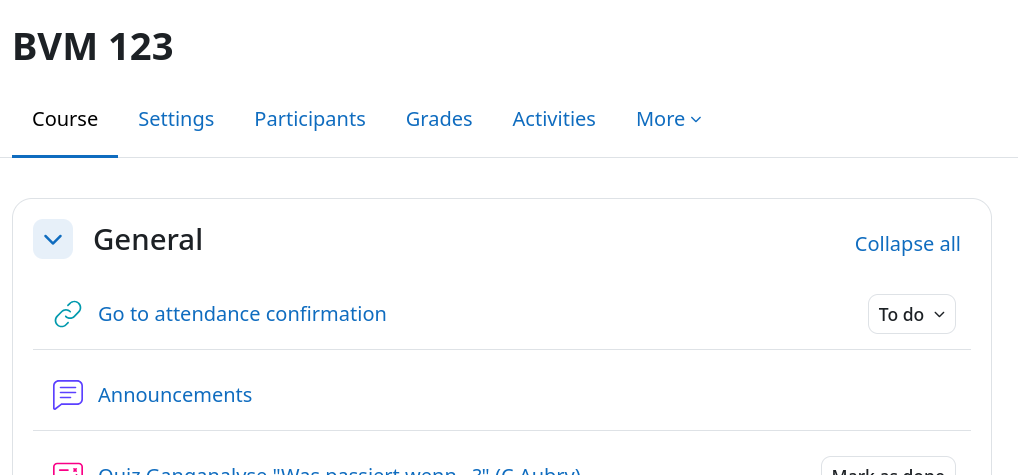
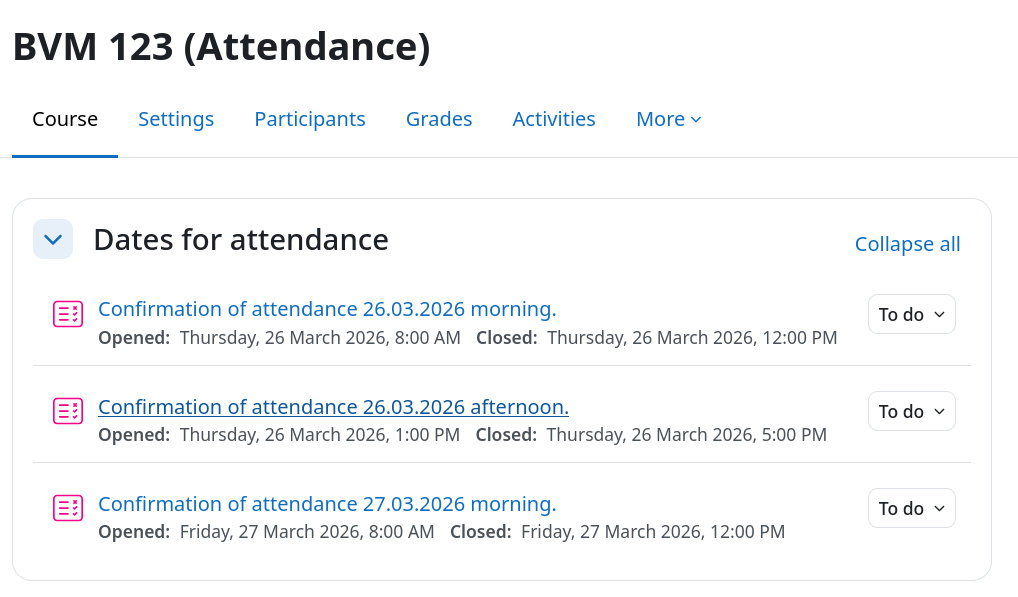
The idea of automatically track attendance of a course is done via a specific Moodle course. The tracking is not done in the course directly that is used for teaching, because the completion tracking depends on the presence only and not of the assessements that a student must fulfill. Therefore, to track the attendance of a course, a parallel Moodle course (a so called shadow course) is required that only tracks the attendance and awards the student a badge upon successful course completion (e.g. when a certain threshold of presence items is reached). The attendance is tracked by presenting the student a simple quiz with one question that they must answer so that their presence is counted. The quiz is open for the course presence time only and is password protected. The password is revealed during the presence time. Some teachers reported that the password for the test was given at the end of the presence time, to keep the students attention until the end of the event.
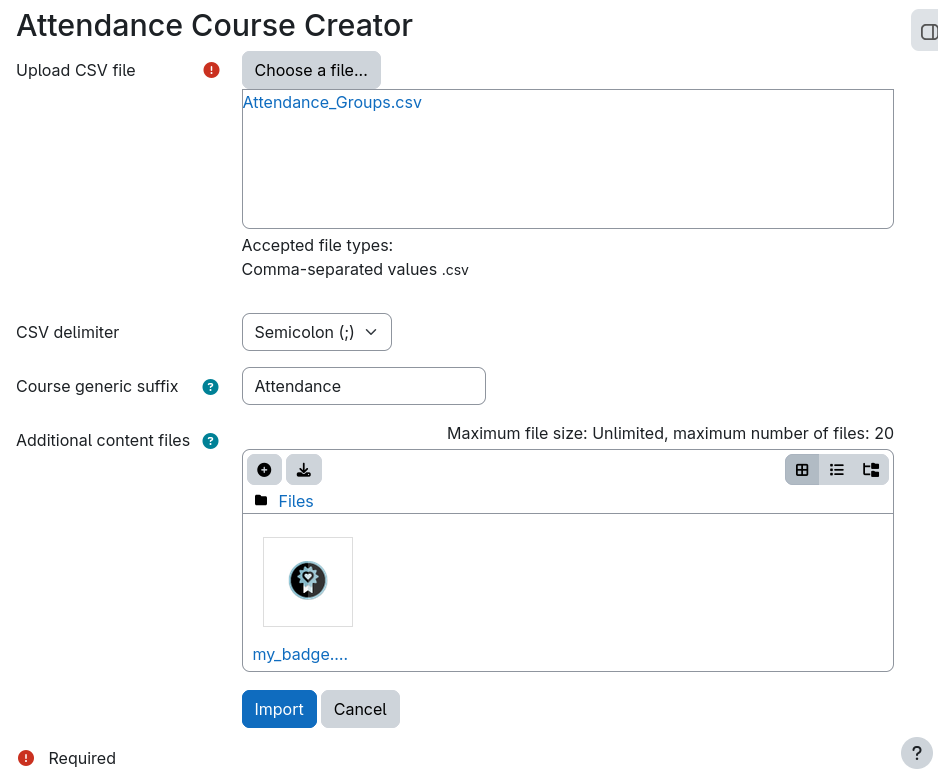
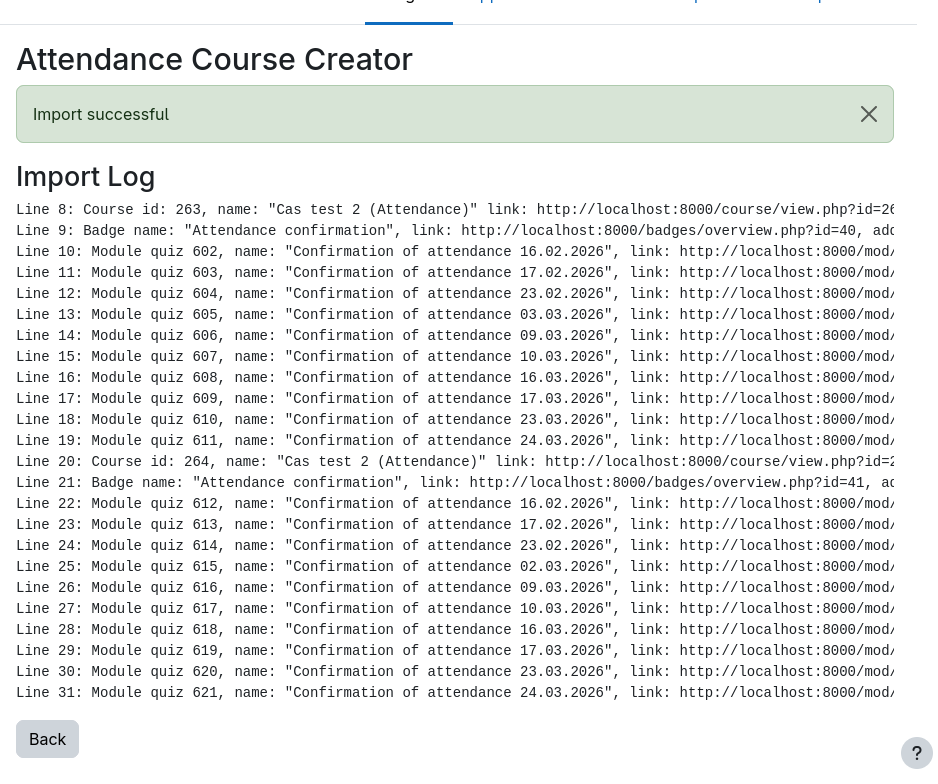
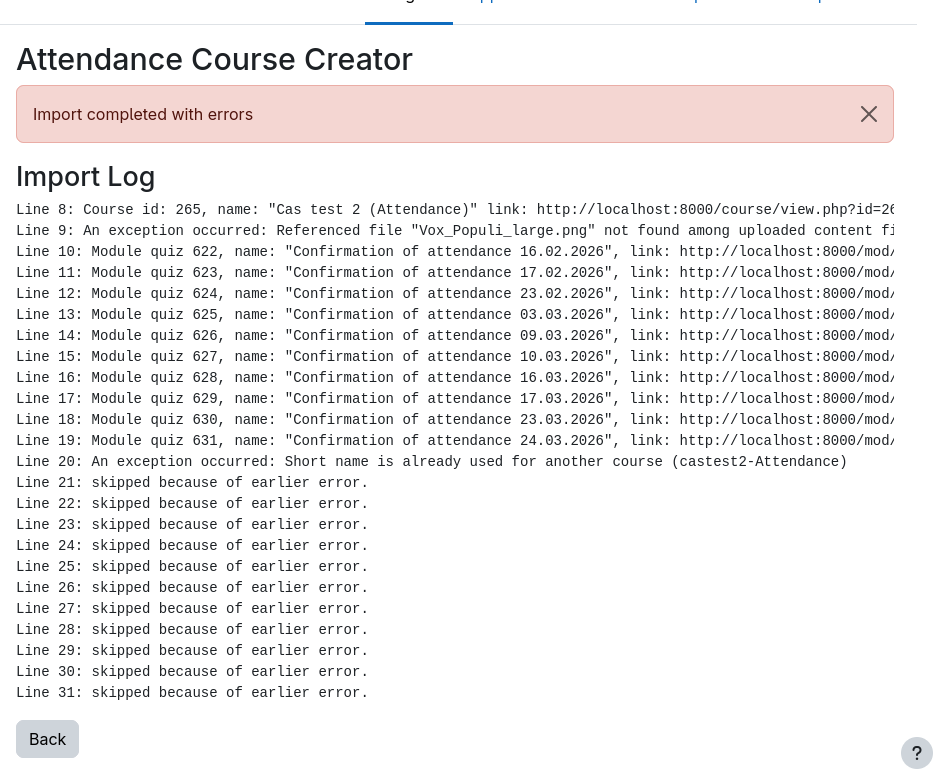
This plugin offers an upload form so that managers can prepare an import file with the course data to automatically create such courses. The plugin includes also templates in OpenOffice format that should make it easier to create the required input CSV file.