
AI Course Format
Certified Partner Plugin
Maintained by
LMS Hosting Services
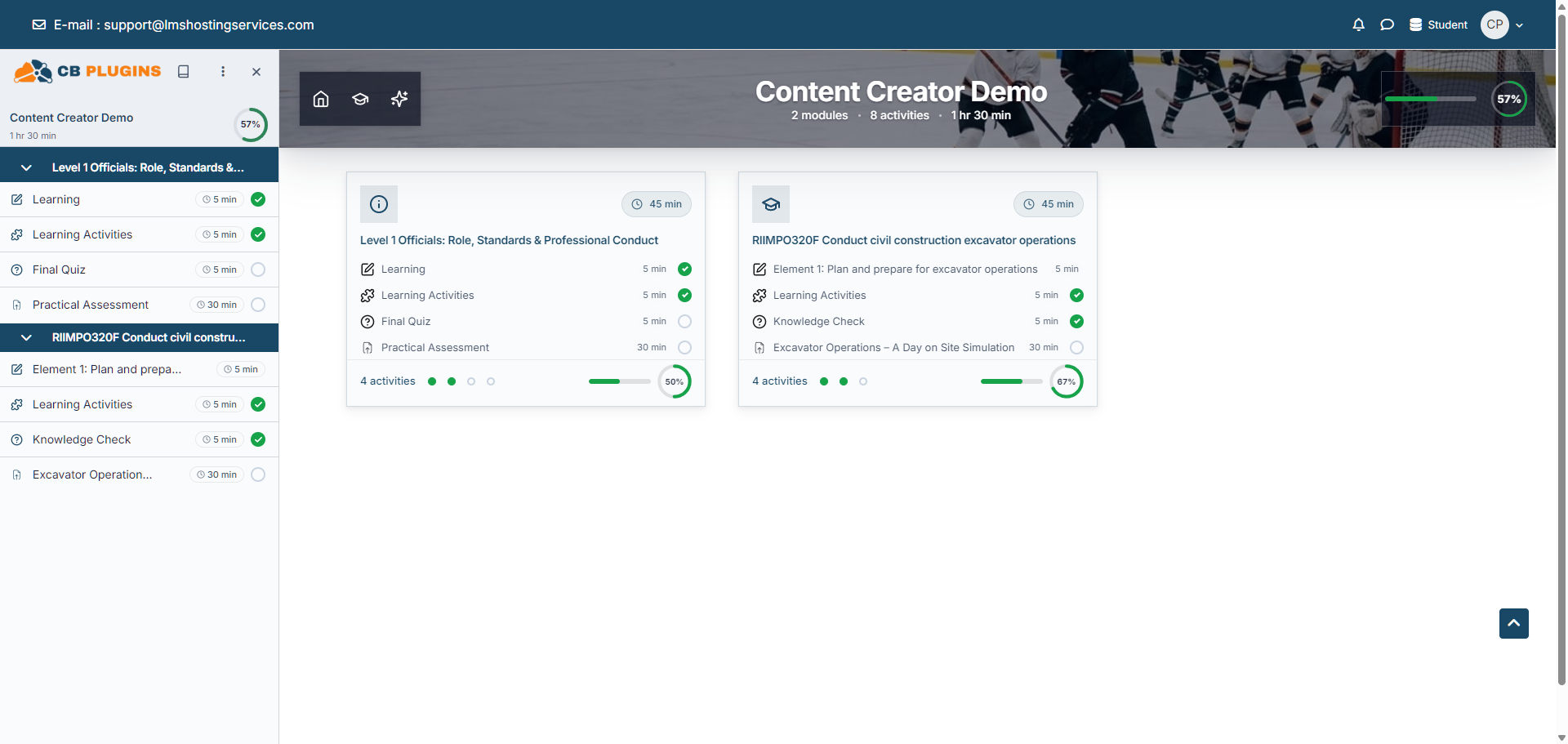
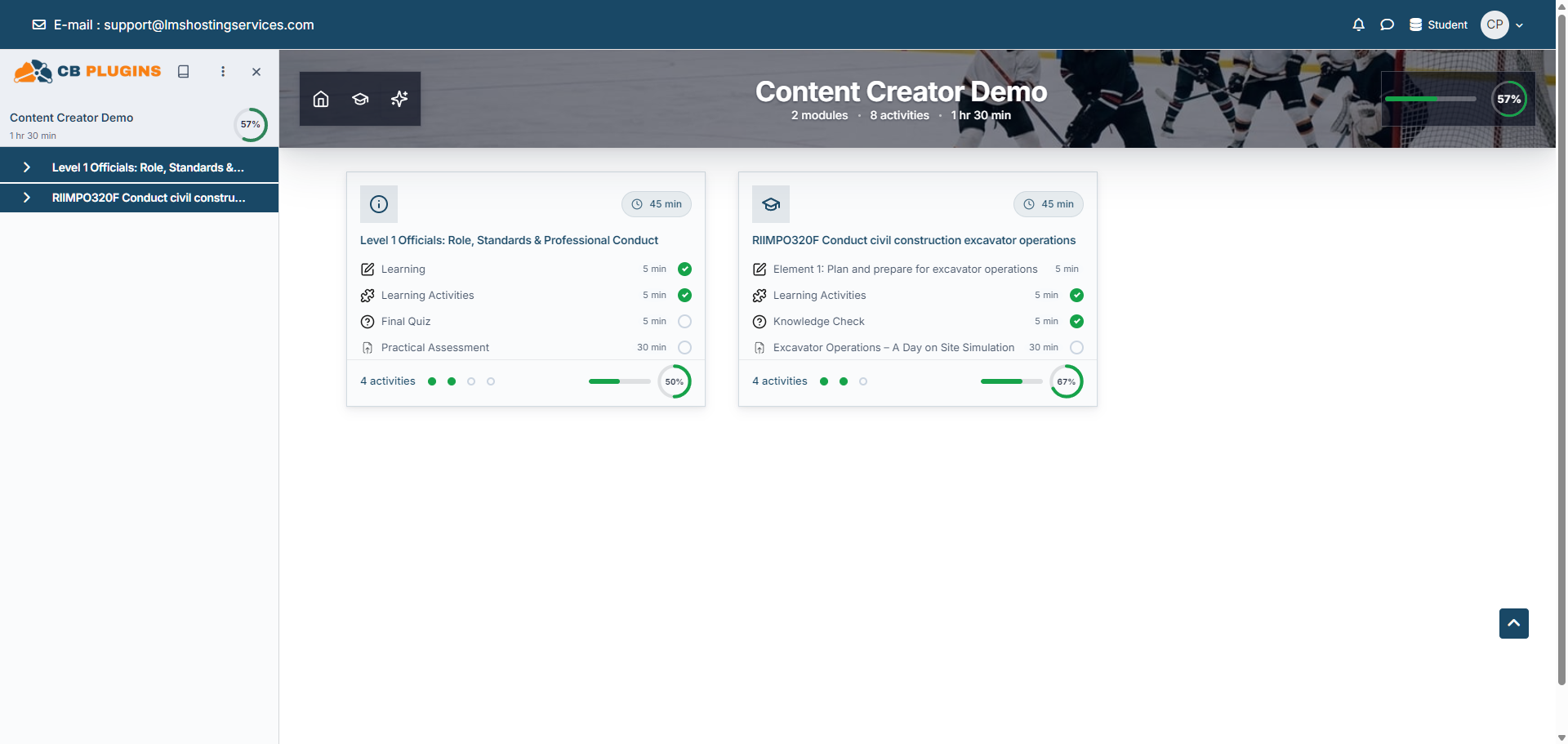
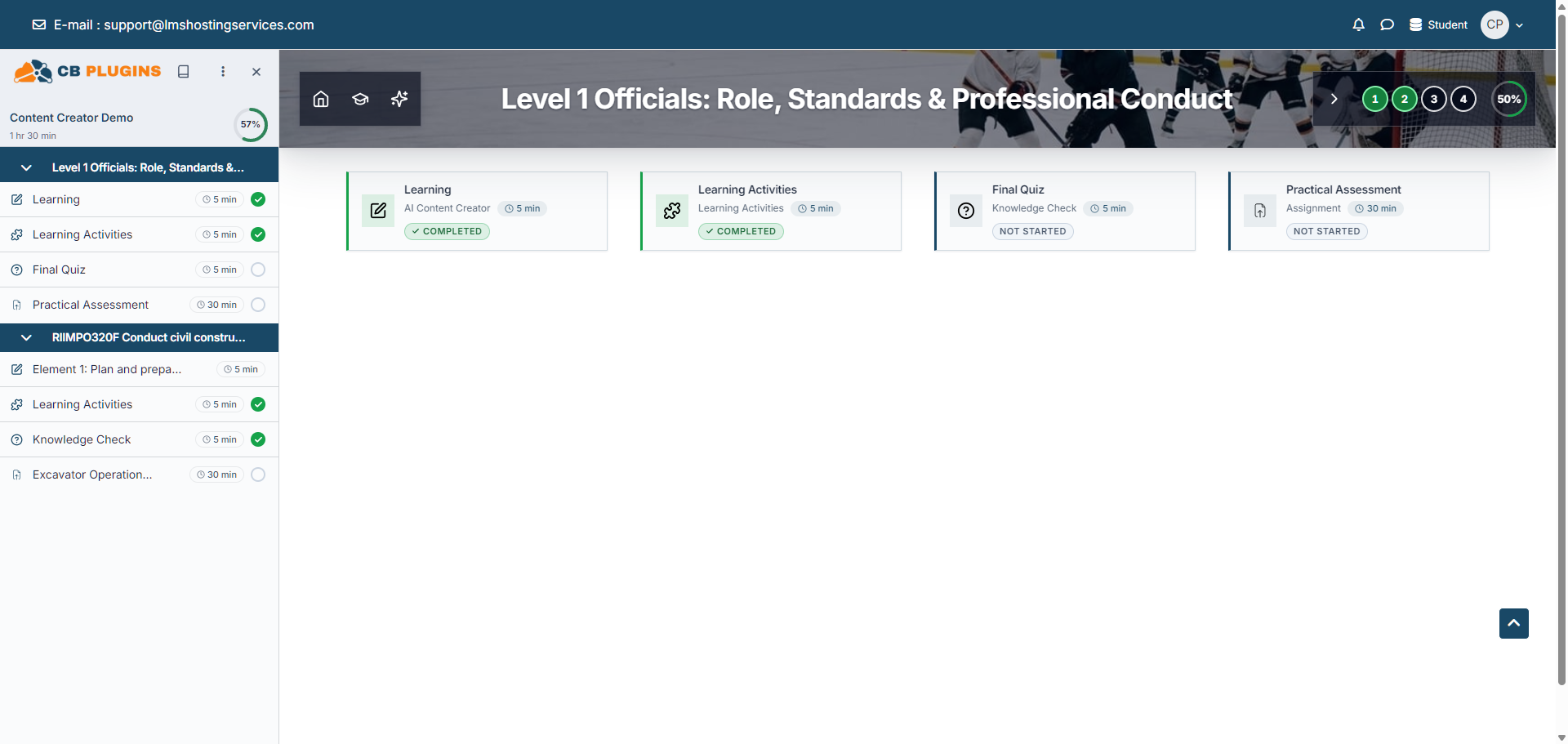
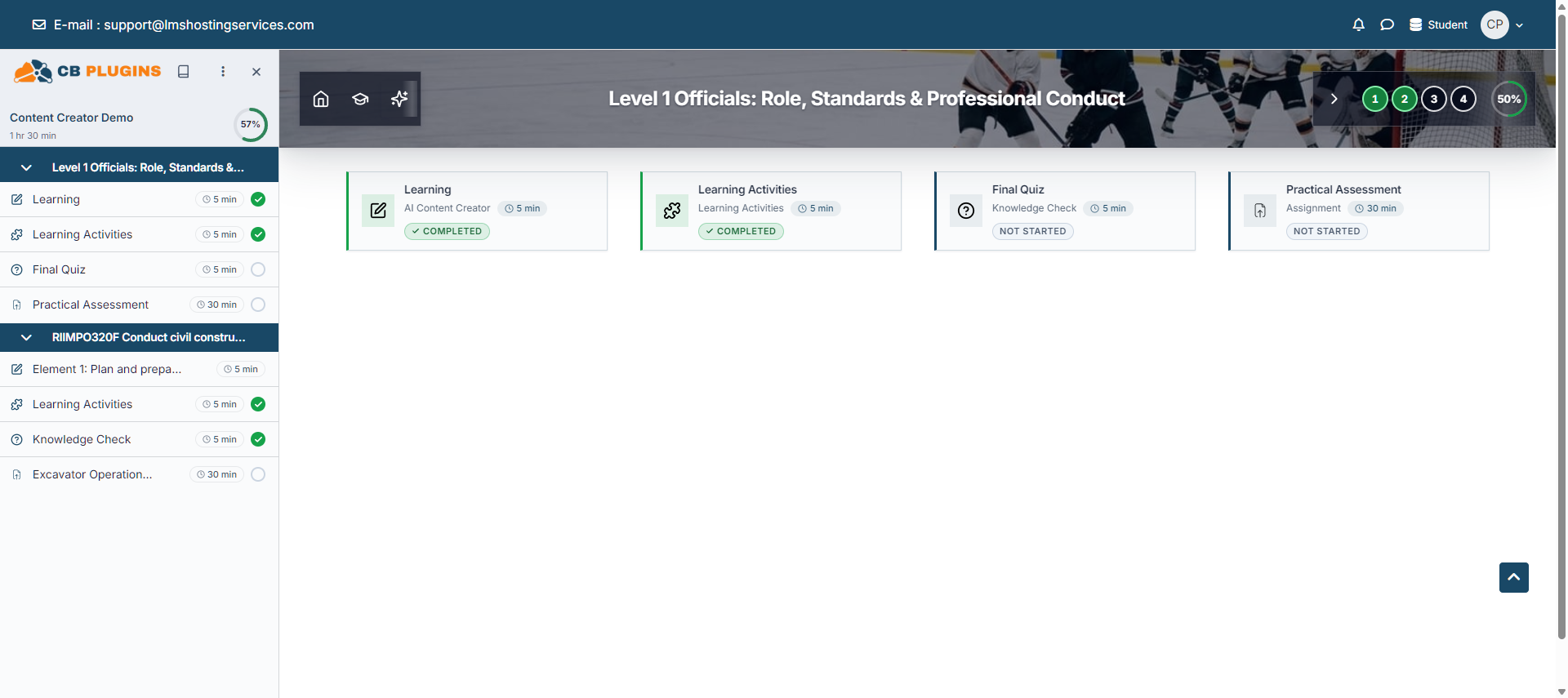
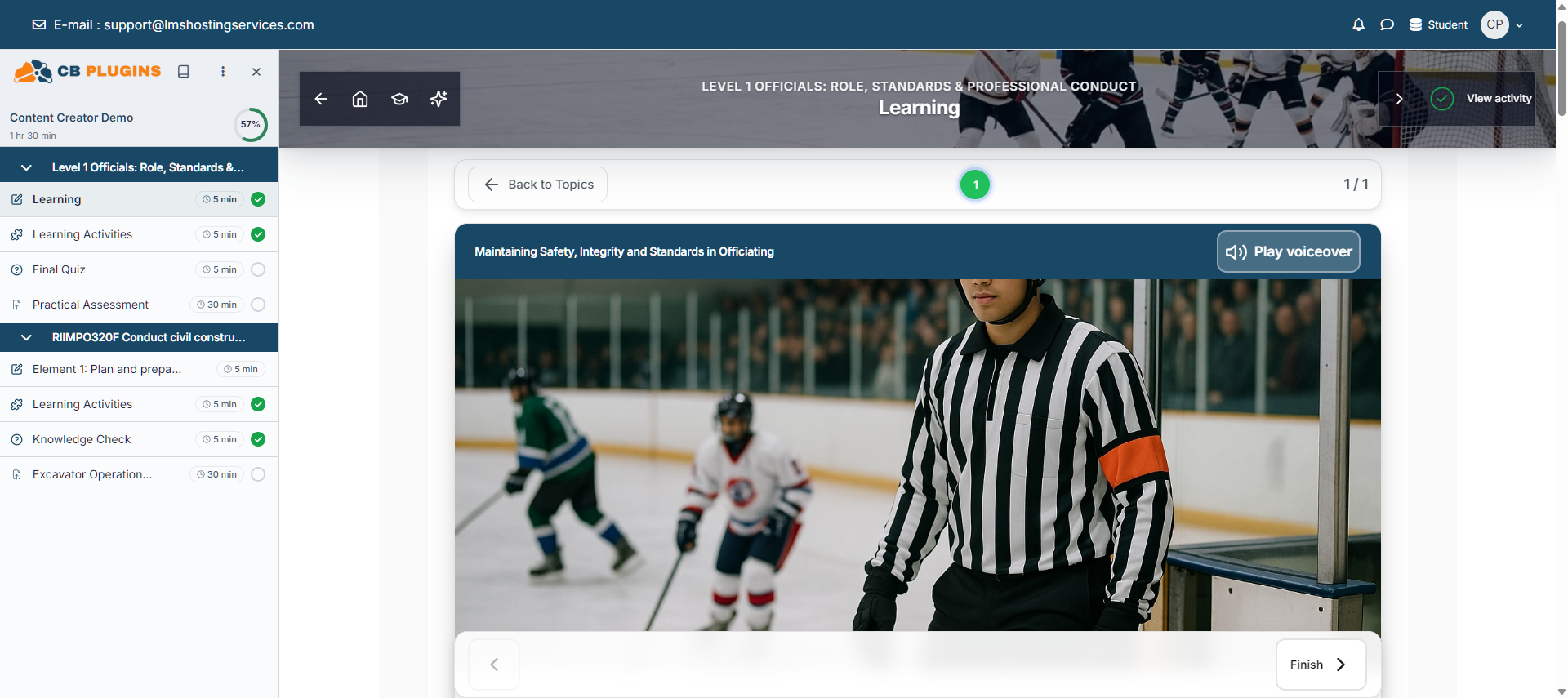
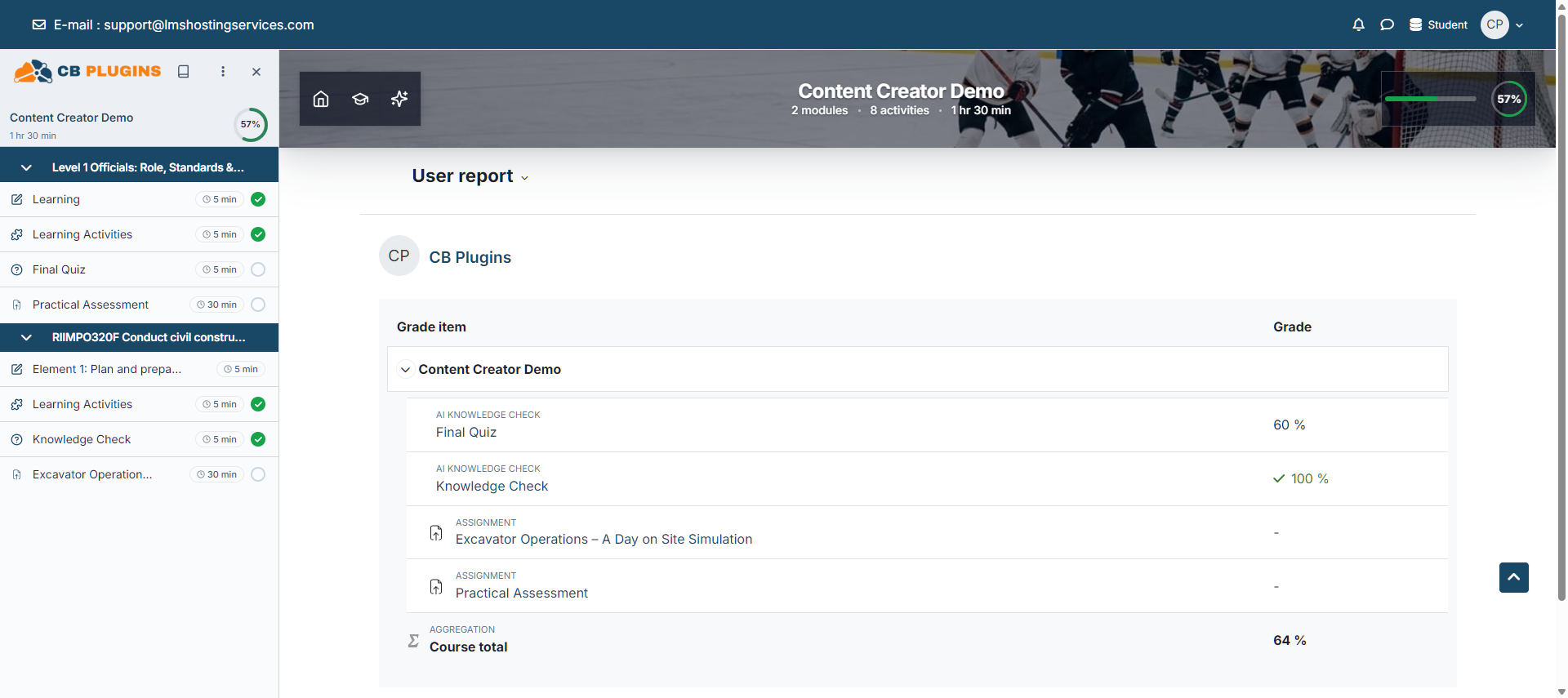
Turn Moodle courses into progress-driven learning journeys with hero banners, responsive section cards, a course-player sidebar, estimated times, guided tours, and an optional course-aware AI Tutor.
Support
Need help? Use the links below to report an issue or find more information.
- Issue/bug tracker URL
- https://github.com/lmshostingservices/moodle-format_aicourse/issues
- Discussion
- https://lms-labs.com/docs/ai-course-format
- Documentation
- https://lms-labs.com/docs/ai-course-format
- Website
- https://lms-labs.com
- Privacy information
- The visual course format, cards, navigation, completion UI, time estimates, tours, and local reports run inside Moodle. - AI Tutor — https://lms-labs.com/api/moodle/course-assistant/chat — Optional. A request is sent only when the Tutor is enabled, credentials are configured, the role has format/aicourse:useaitutor, and a user submits a question. The request includes the LMS-Labs Site ID/API key, relevant user/course/activity identifiers, first name, the question, and visible course context needed to answer it. Assessment answers are excluded by default and are included only when an administrator explicitly permits sharing. - AI banner generation — https://lms-labs.com/api/moodle/aicourse/generate-banner — Optional editor action. Sends the Site ID/API key, course ID, short name, and full name; it does not send learner data. Privacy: https://lms-labs.com/privacy — Terms: https://lms-labs.com/terms. The plugin declares the external transfer through Moodle's Privacy API. No Tutor request is sent when the Tutor is disabled or credentials are absent.