
Poodll Database Field
Maintained by
Justin Hunt
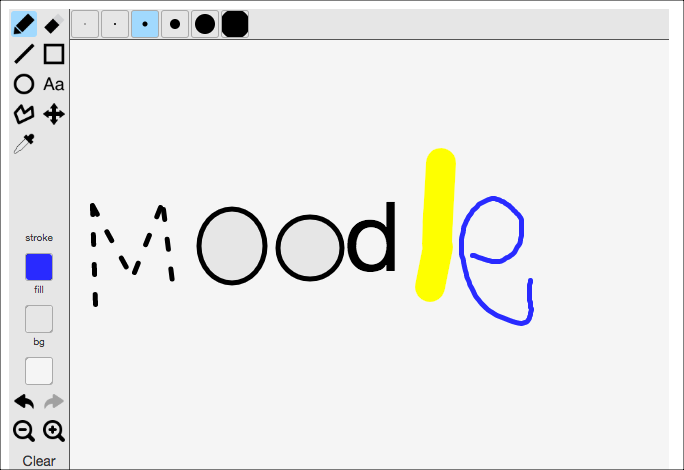
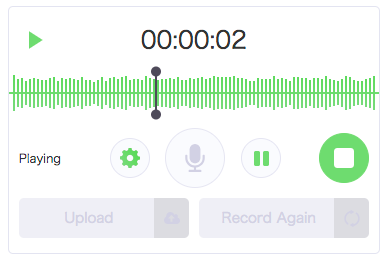
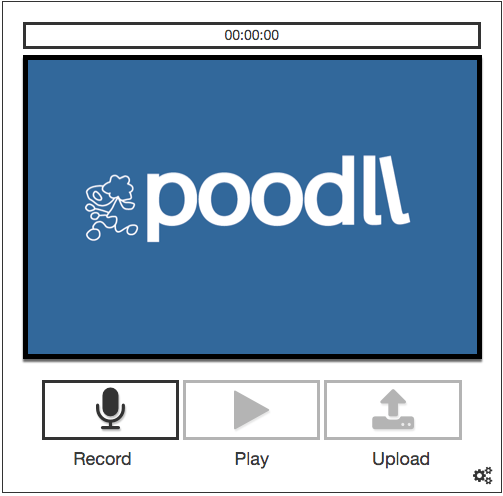
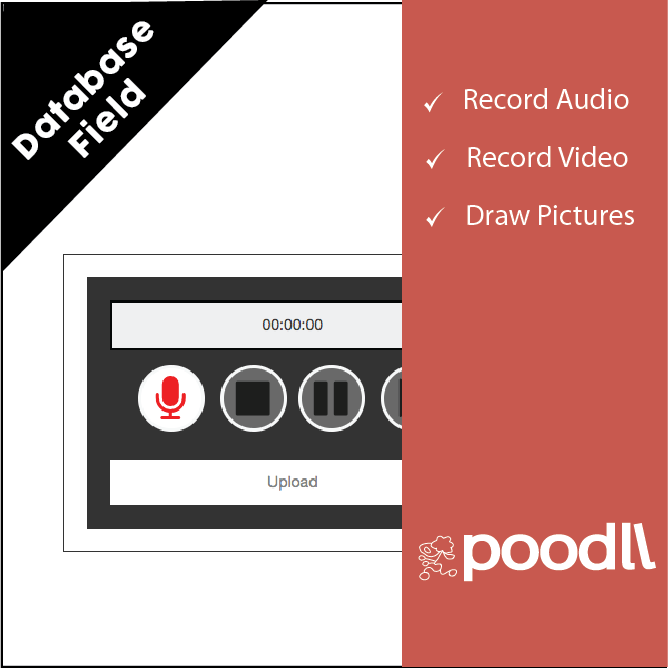
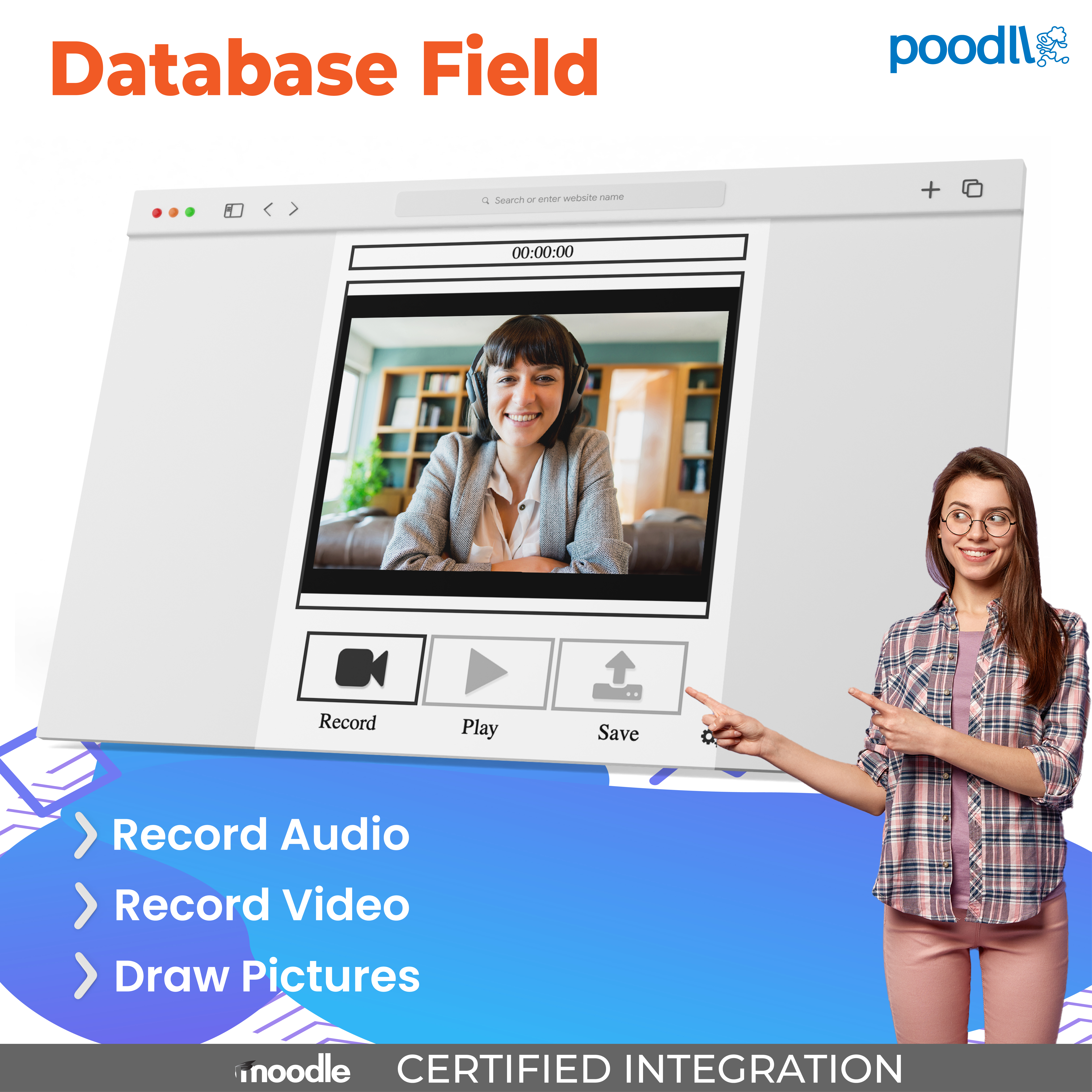
The Poodll database field allows the database activity to accept video, audio, snapshot and whiteboard submissions. The Poodll Filter must be installed to use the Poodll Database Field.
Comments
Product ratings and reviews are coming to Moodle Marketplace. Until then, existing comments remain available to read, but new posts have been disabled.
Moodle doesn't completely handle language strings for 3rd party database fields well. So you should add these strings to the bottom of [site_root]/mod/data/lang/en/data.php
$string['poodll'] = 'PoodLL';
$string['namepoodll'] = 'PoodLL';
If you skip this step however, the sky won't fall in. It will just look a bit odd when Moodle tries to display the name of the database field.
Best to keep these support style discussions in the PoodLL forum really: https://moodle.org/mod/forum/view.php?f=1189
No worries, it was the season
We do have multimediaplugins enabled, but we separate the formats between the plugins (Mulimedia takes care of Flash and MP3 because we have those also from other sources).
Paul. Gosh I am sorry I did not get back to you. I did test it but could not find any issue. I still suspect the filter is not enabled, or there is a conflict between it and another filter (multimedia plugins?)
The version field is in version.php twice with the end result that version is still 201406200
Yes, we have. The other Poodle plugins (assign submission and feedback and Poodll everywhere) function well.
In our Moodle 2.5.9 with Poodle data field plugin version 1.2.5 MP3 recording works, but there is a bug in the embedding of the recording. The codes shows as {POODLL:type=audio,path=https%3A%2F%2Fmoodle.... etc. Do you have any suggestion as to a solution? I suppose I can't install an older version, because Moodle will claim the database cannot go back to an earlier version.