Flexible sections format
Maintained by
Marina Glancy
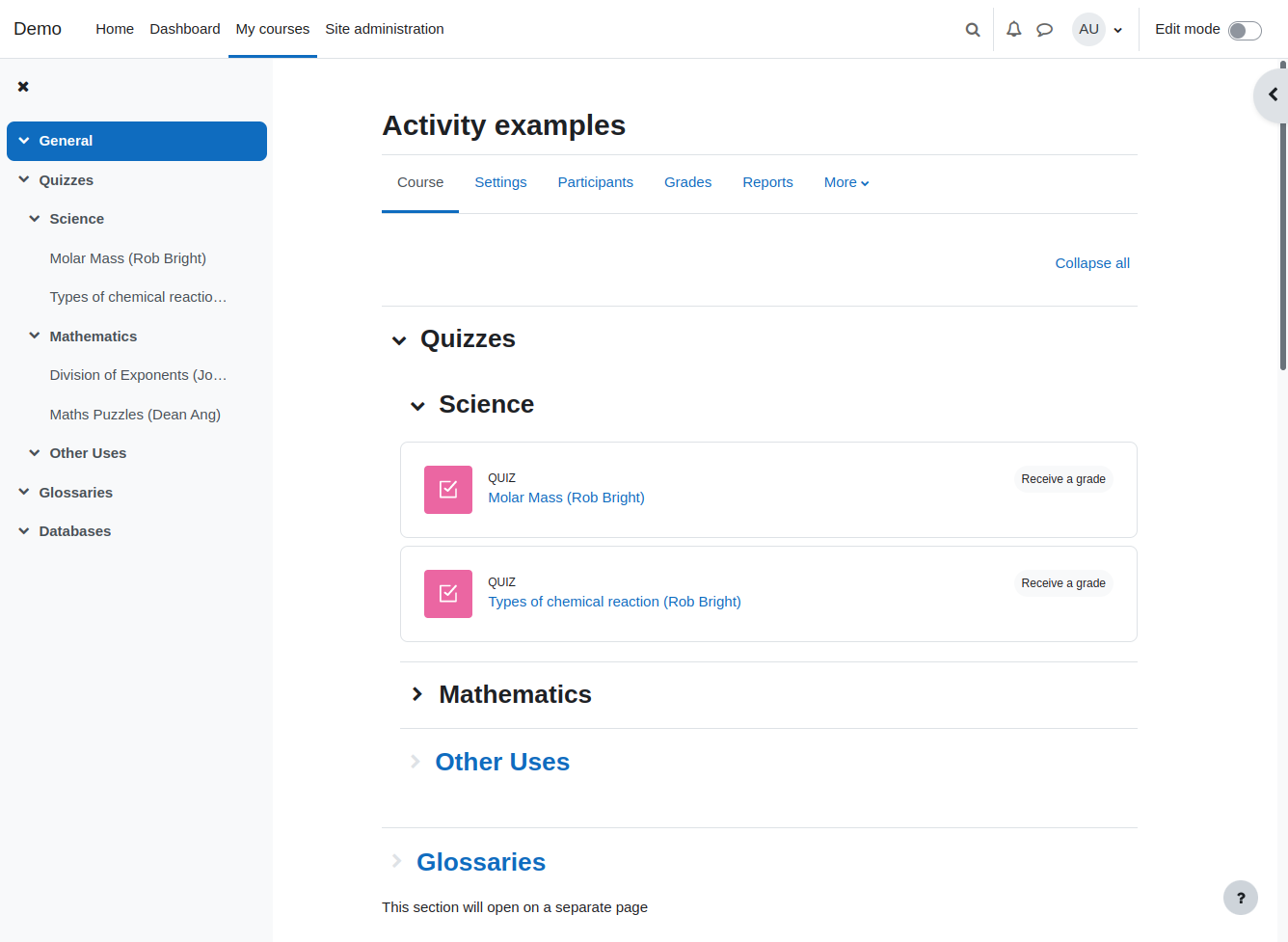
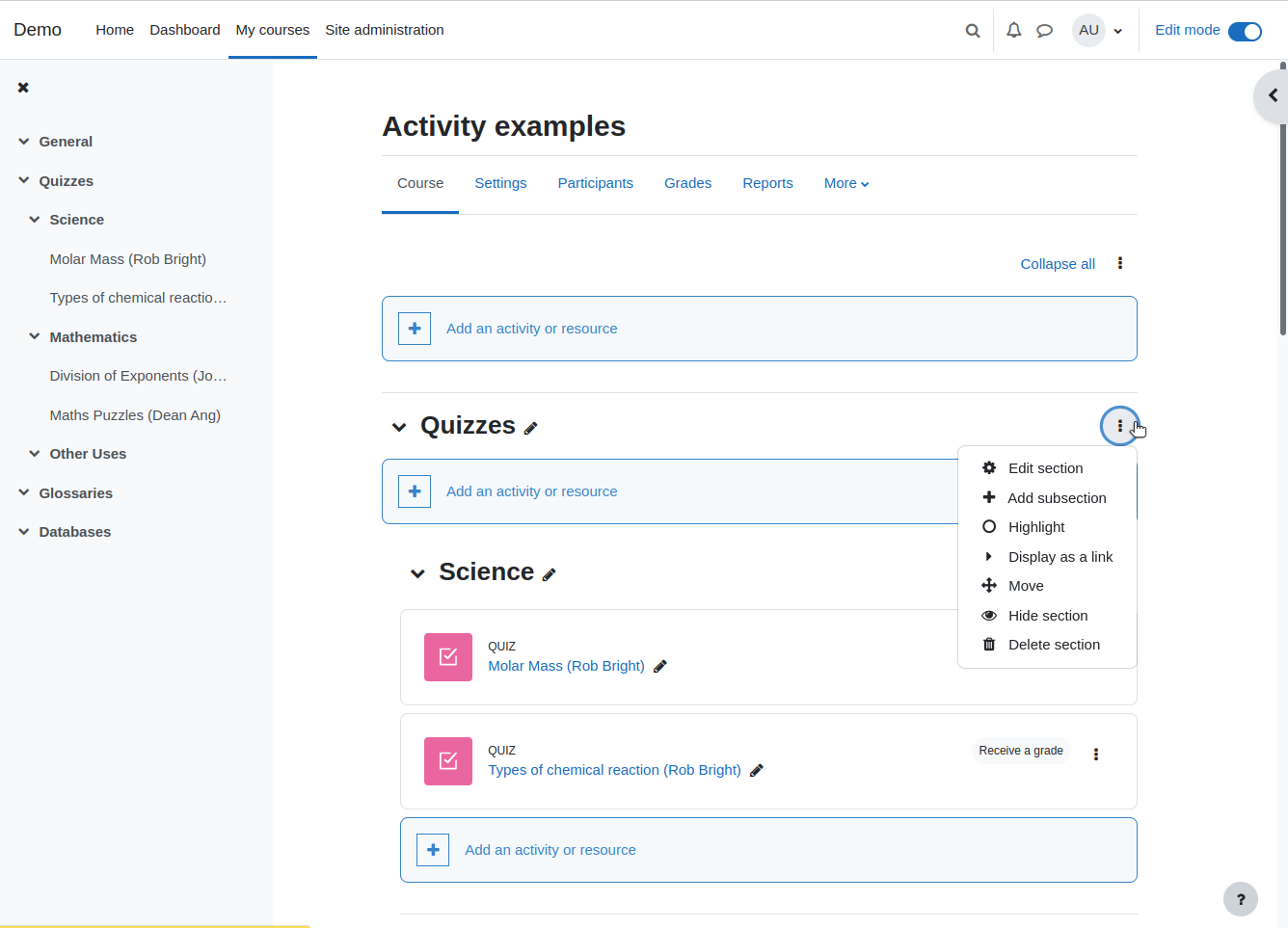
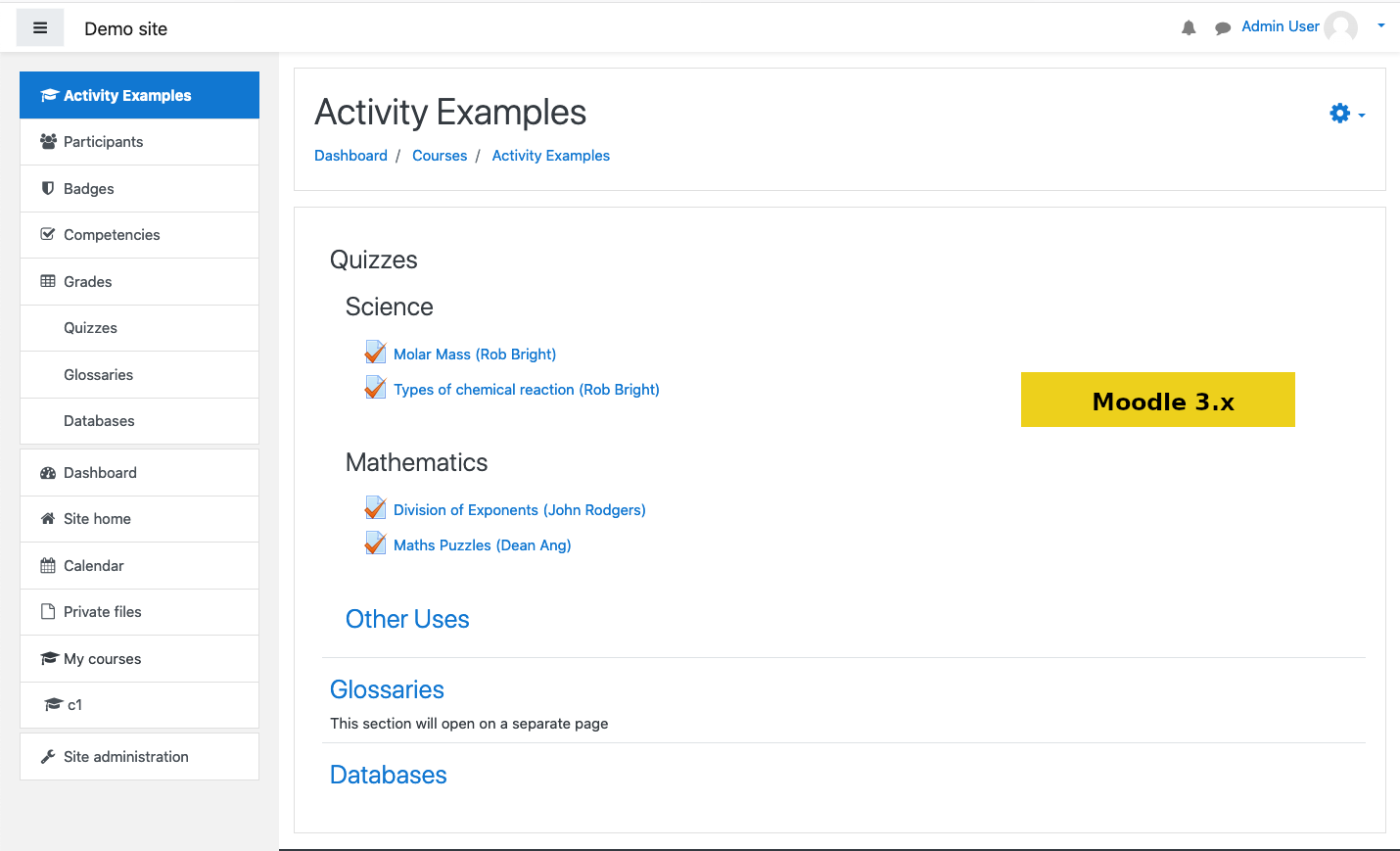
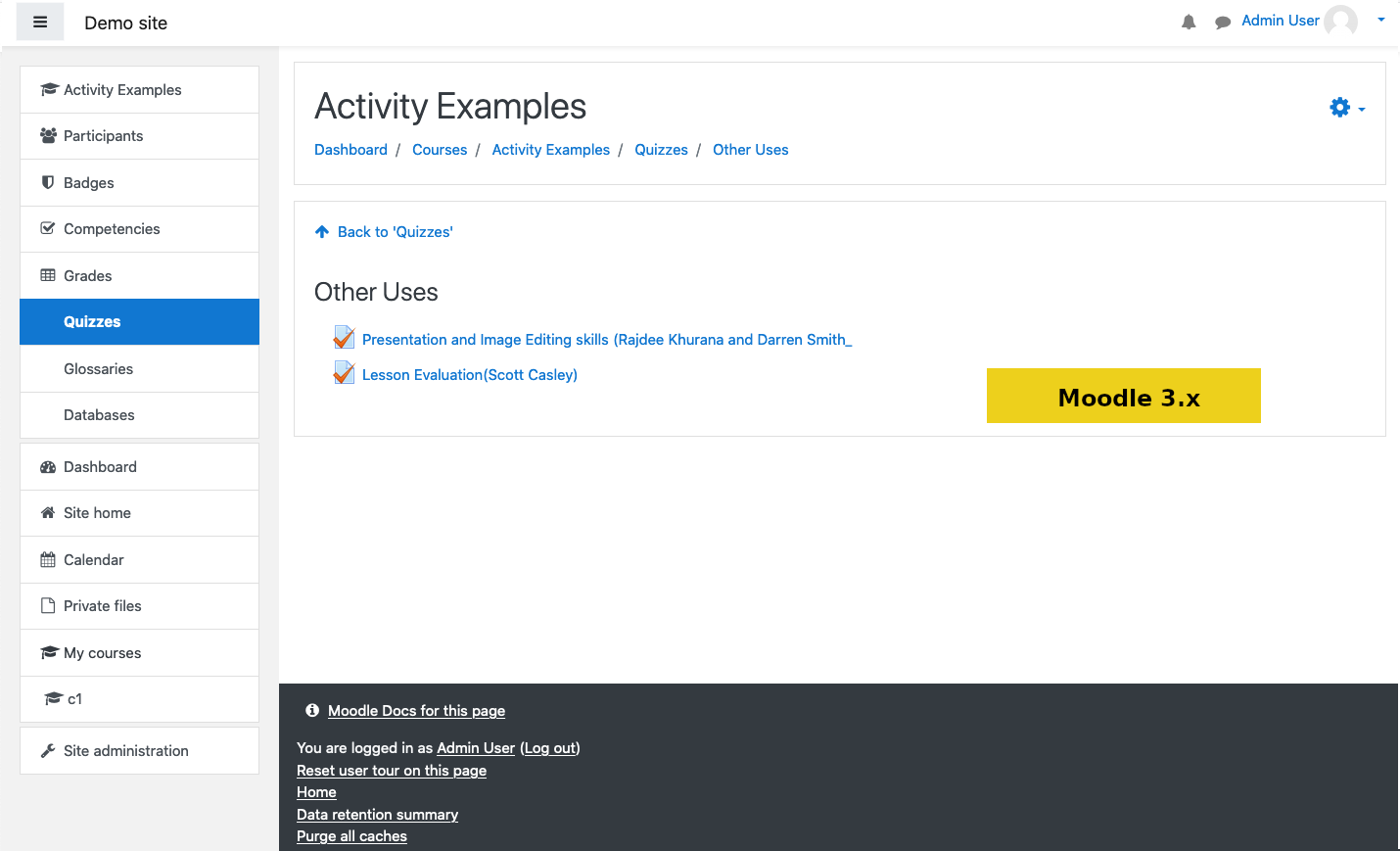
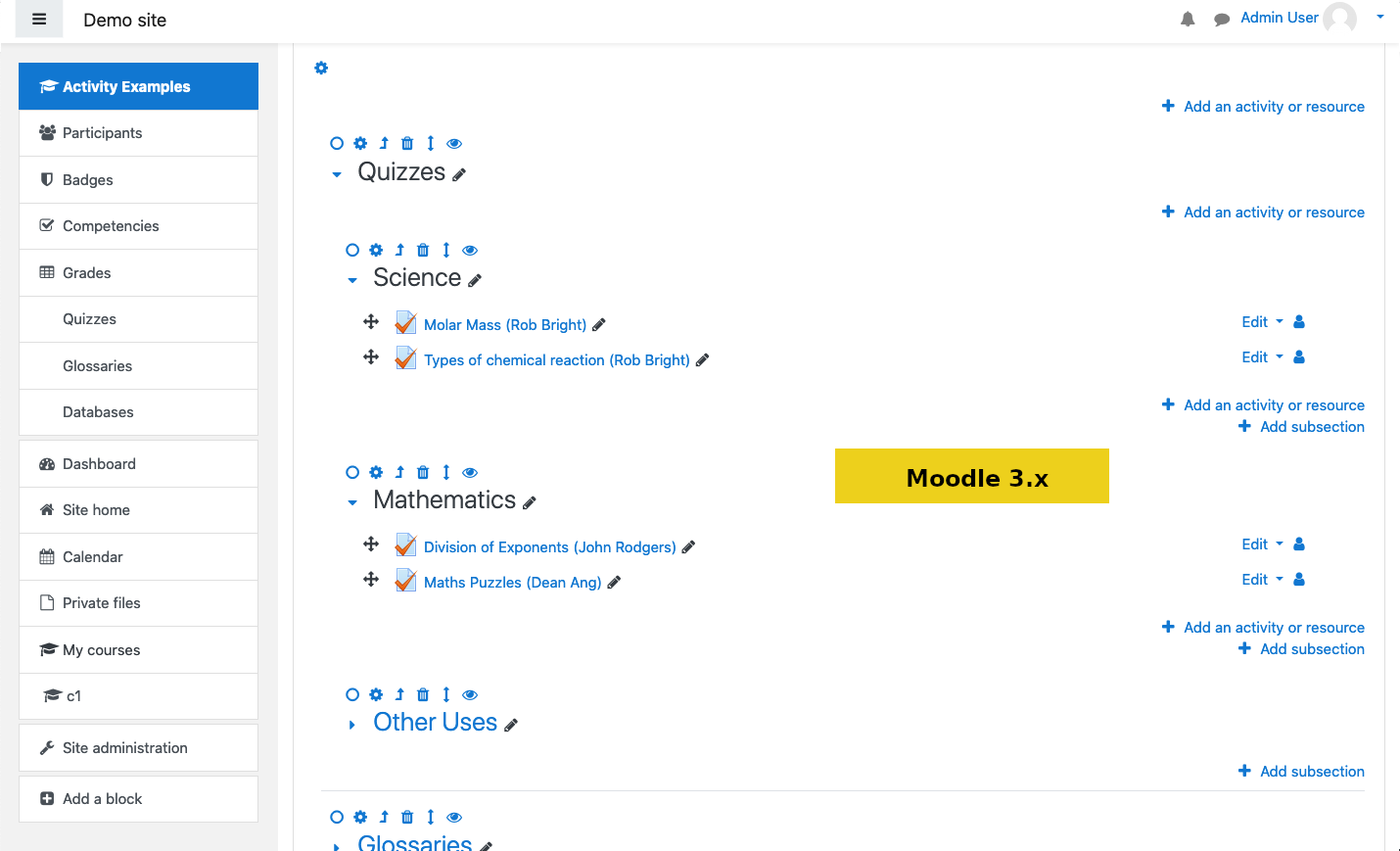
Organises course content in any number of sections that can be nested. Each section can be displayed on the same page or on a separate page

Comments
Comments are no longer open for new posts. Existing comments remain available to read.
Thank you for such a great contribution!
I'm trying to move the sections with the icon for that purpose, but it's greyed out and nothing happens when I try to move the section.
If I click on the icon, the page positions the section on top of the page, but nothing else happens either.
I'm on Moodle 2.9, Google Chrome.
Thanks in advance for your help!
On Moodle 3.0.2 the icons to modify or delete, ... a section or a subsection are 3px width ! (images are larger but there his 0.3em of padding on left and right) :
.format-flexsections .course-content ul.flexsections li.section .controls img {
padding-left: 0.3em;
padding-right: 0.3em;
}
Thanks!
The name of a collapsed section is missing from the breadcrumbs on 2.8 and 2.9, with different themes (on pages like this: http://yoursite.com/course/view.php?id=XXXX§ionid=YYYY). It was there on 2.6.
Is this intentional or should i open a new bug?
Inbar.
sorry maybe i confused the plugins name, should i redirect to another forum topic?