Flexible sections format

Maintained by Marina Glancy
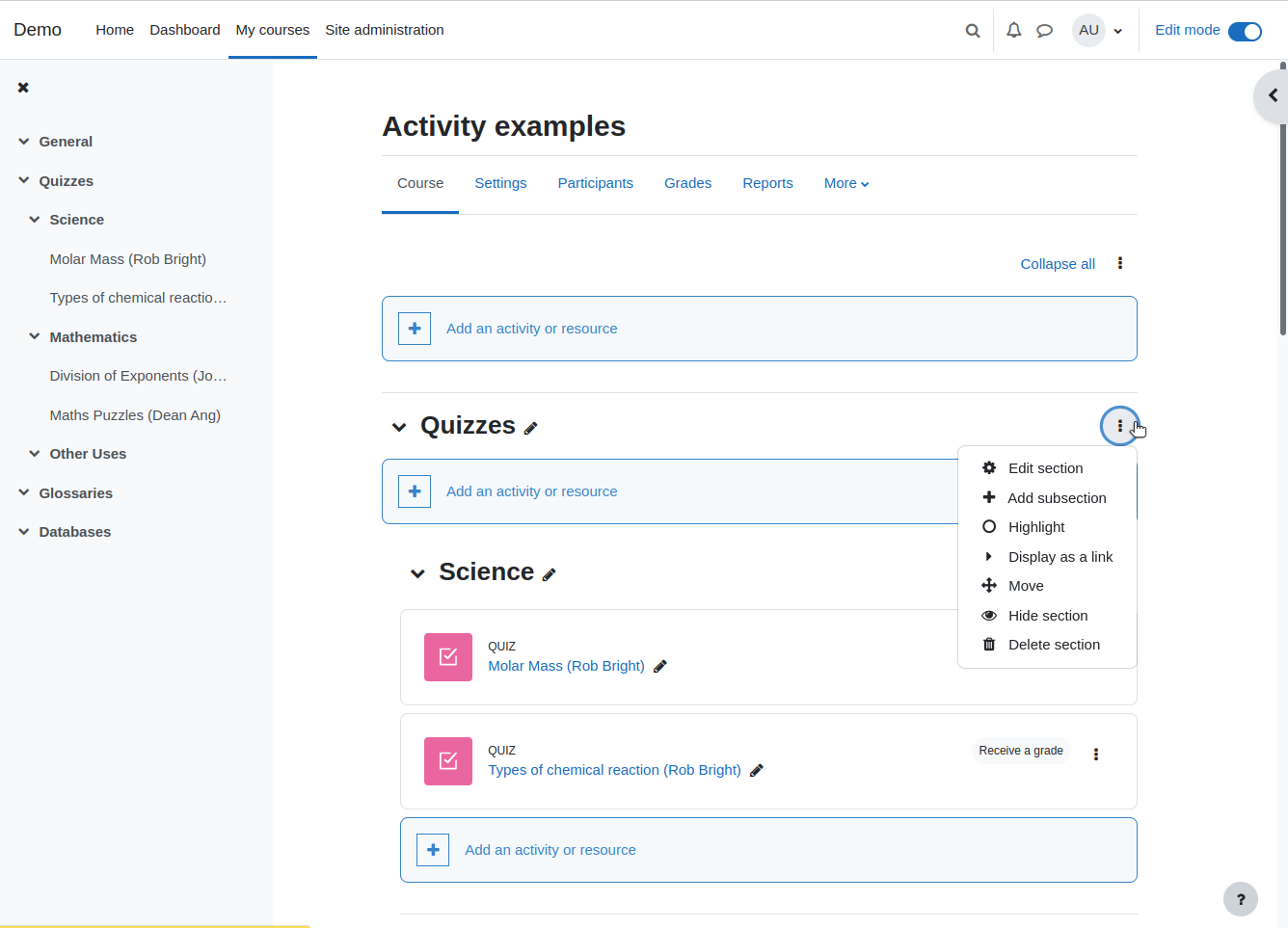
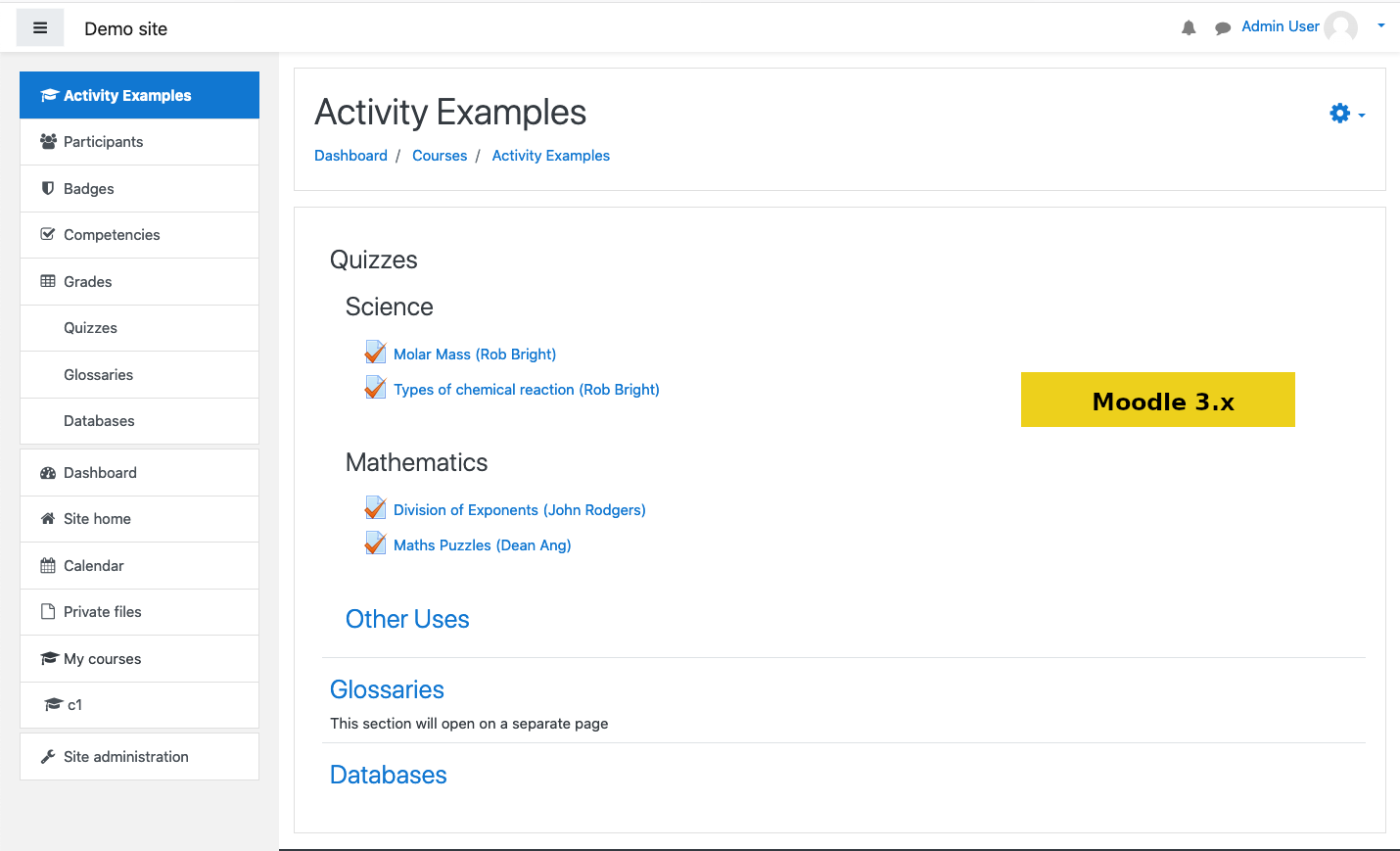
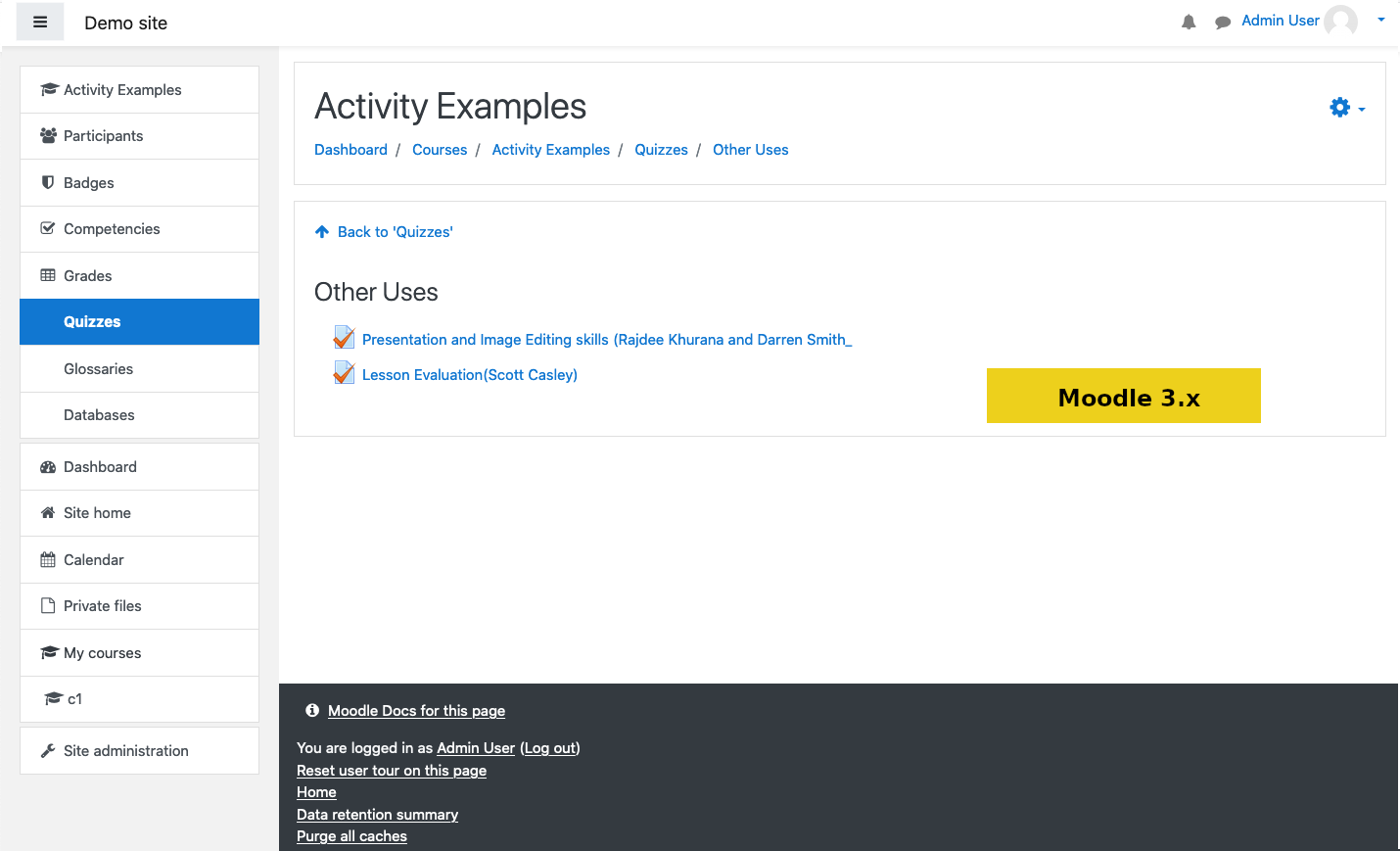
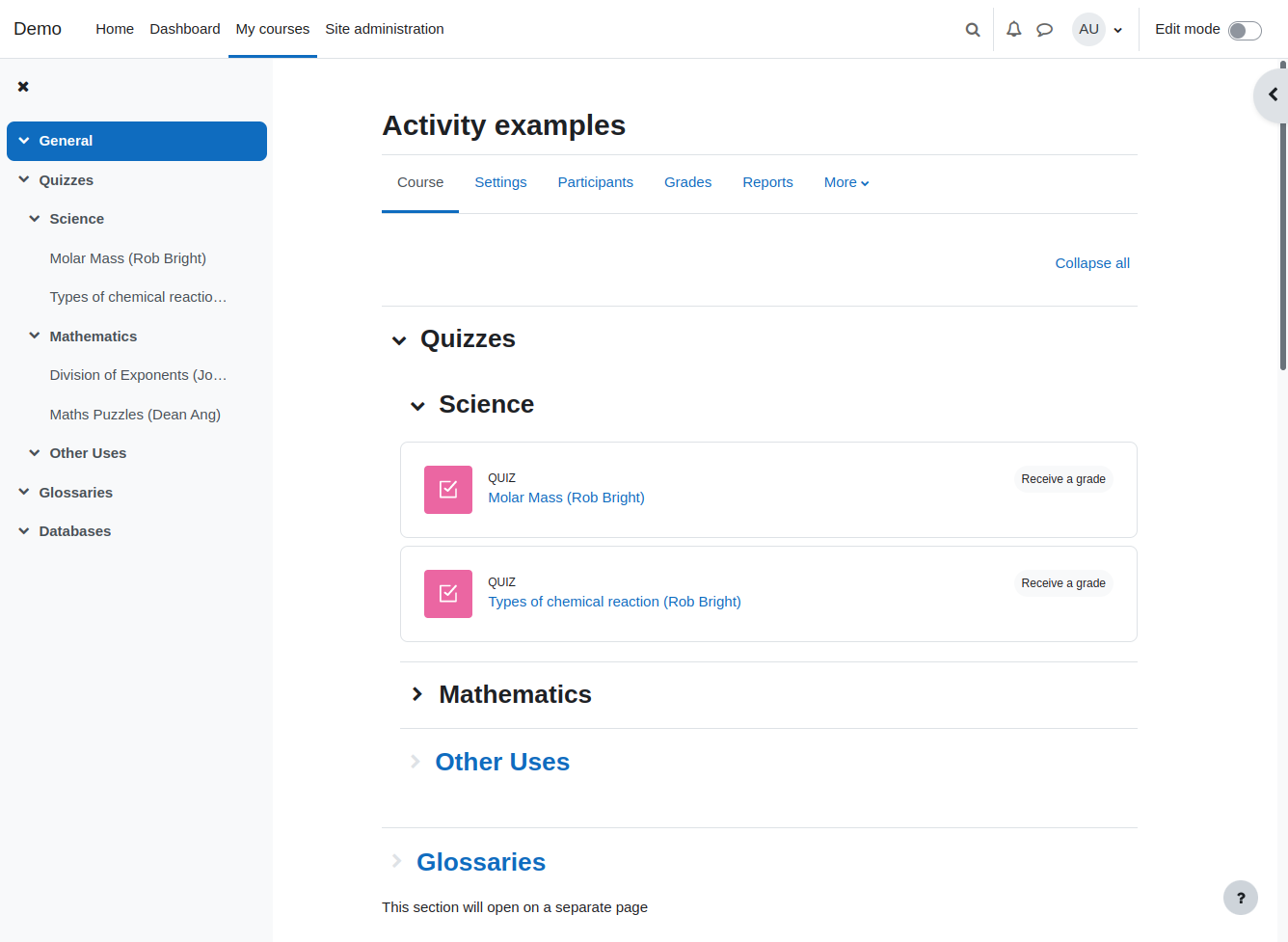
Organises course content in any number of sections that can be nested. Each section can be displayed on the same page or on a separate page
Price option: Free

Supports Moodle 2.4-5.2 See all versions
Latest release: 3 months ago
Installations: 4888
Downloads (last 90 days): 1249

Frankenstyle name: format_flexsections
Course formats

Comments

Comments are no longer open for new posts. Existing comments remain available to read.

Hello, we are using this format in our course, it was running smooth in the beginning. but recently we are facing some issues with this format, we can't select activities to make a backup its taking more than 2-3 minutes to tick single activity for backup process. this is happening only with the course with flexible section format, the other course in the same site with other format working fine. is there anyone face issue like this?
Cool. I will check it out. Thanks.
Hi Ryan, if you use 2.6 make sure to upgrade to the latest weeklies release, there was a bug in the core that prevented expand/collapse controls to work
Hi
Thanks for the reply. I see the collapse options, but none of them work. I have check the display as admin and student, but no luck :/
Aside from that, I feel the page nesting functionality is still quite important. If you have a huge course, you may be able to collapse things, but it can still get quite messy. It would be great to be able to say what level of sections display on new pages. Just some thoughts. I still think it's great smile
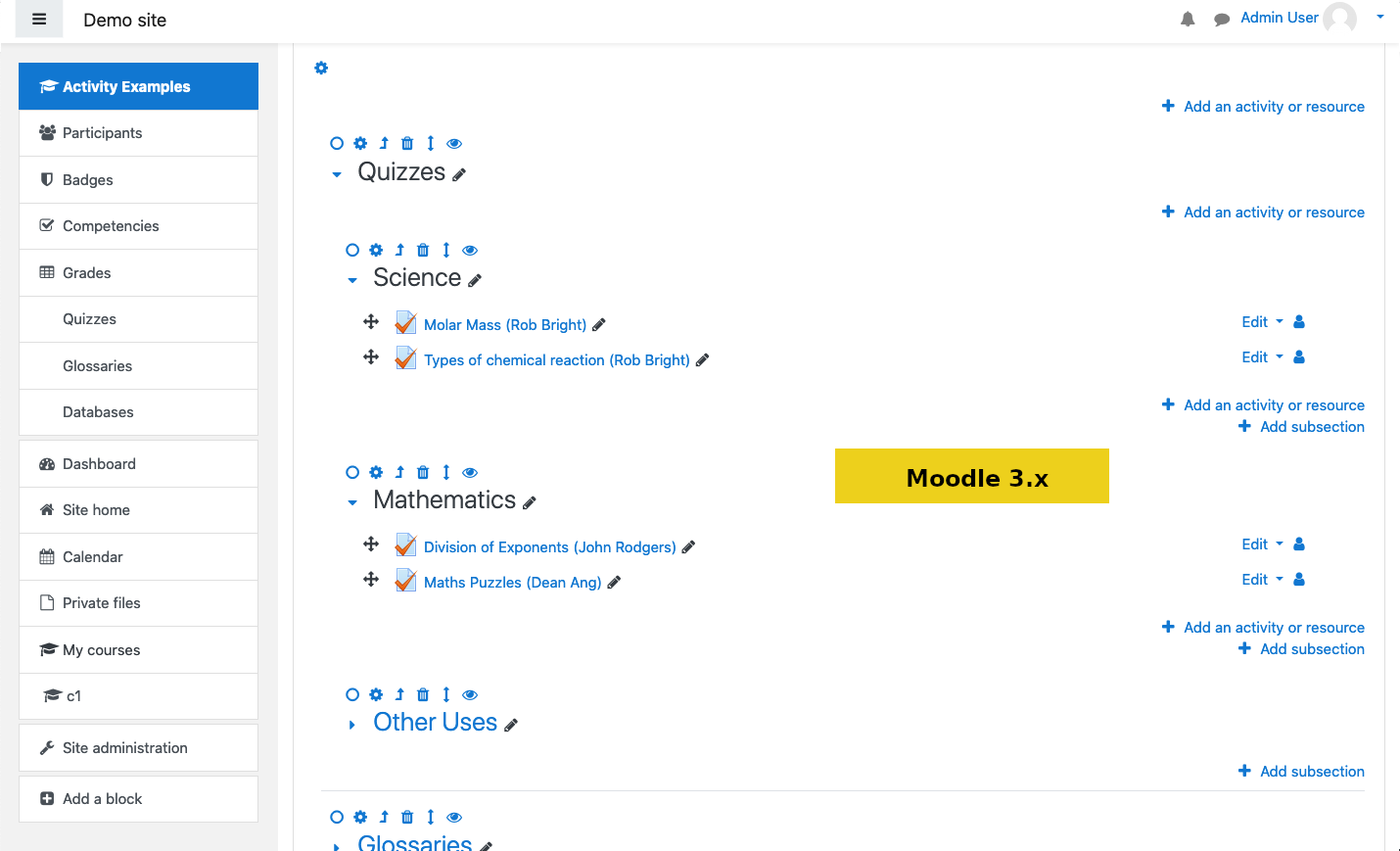
Hi Ryan, turn editing mode on and you will see a collapse/expand icon for each section and subsection. It is also mentioned in plugin description above.
Tested this out in moodle 2.6.1 ... looks great. Almost what we need. It would be great if you could chose how the sections are displayed. For example in the basic topics format you can display each topic on a new page. This functionality seems to be lost with sub topics.
So in my case I really want to display sub topics with in a topic (or module), but I need the first level to be per page ... like in the normal topics format
Maybe I missed an option somewhere?!?
Anyway awesome plugin! Just missing my requirements sad
Awesome plugin though.
Still a great format, but it doesnot work anymore under Moodle V2.6, see https://tracker.moodle.org/browse/CONTRIB-4746
Any chance on a fix? I'd hate to loose this!!!!
Great addition. Well done Marina.
We are actually in the need of expand and collapse options like "Collapsed Topic format" to have a great usability. As it is now, it re-loads the whole page for every click (expand, collapse, view etc). Any idea of getting this feature in? it would be a great hit if it does so. Thanks.
Hi Vishnu.
Unfortunately it is not very easy in any course format. Course sections do not have a context associated with them and roles can be assigned only for particular context.
Hello,
I need to have a user/role who will have permissions to edit only one specific section in a course.
Ideally, myuser(let's say) will have access only to one section of a course. Nobody else will have the rights to edit this section.
Is it possible? and in what way?
Its like the locally assigned role, but on the section level.
Thanks in advance for your help.
Best regards
hello, i have add a scrom package in a nested section (main->level1->level2->SCORM activity)
the scorm activity open in a new popup window. but the problem that i am facing is once the popup window open, the parent window redirect to main section. skipping the level 2. is there any fix for this?
I'm running the latest version 2013051400 with Moodle 2.5.1 and still do not see any possibility to hide sections. Any ideas? Thanks
Is there a possibility that the background color of the inner secction title will be in a idifferent color ?
Hi Marina, I'm upgrading from M2.4 to M2.5 and there seems to be a problem upgrading. I install the 2.5 version of Flexible Sections but when I run the plug-in check prior to the upgrade it tells me that I alread have a higher version of the plugin installed and it can't be downgraded. Any suggestions?
Hi Vishnu, turn on editing mode and next to each section name will be an icon "merge with parent" (looks like arrow pointing left up). Clicking it will move all content to parent section and remove current. You can see the button on 3rd screenshot on this page