Information Banner icon

Information Banner

Display dismissible site-wide information banners to your Moodle users. Schedule start/end times, target by capability, and let users dismiss notices they’ve read.
Price option: Premium $49 USD per year
By buying, you accept the seller's Terms of Sale

Supports Moodle 4.5-5.2 See all versions
Reviewed annually for quality
Latest release: 2 months ago
Installations: 0
Downloads (last 90 days): 0

Frankenstyle name: local_informationbanner
Local plugins

Description

Keep your Moodle users informed with site-wide notification banners.

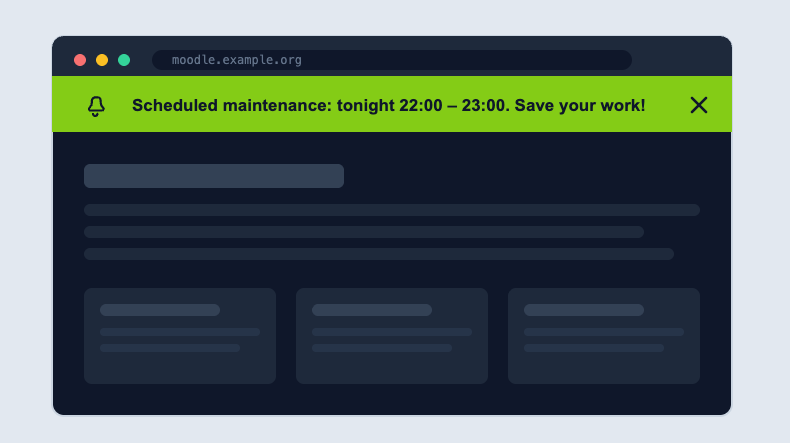
The information banner lets administrators broadcast important messages across the entire Moodle site, maintenance windows, policy changes, upcoming events, or urgent alerts. Banners appear at the top of every page, so no user misses critical news.

Key features

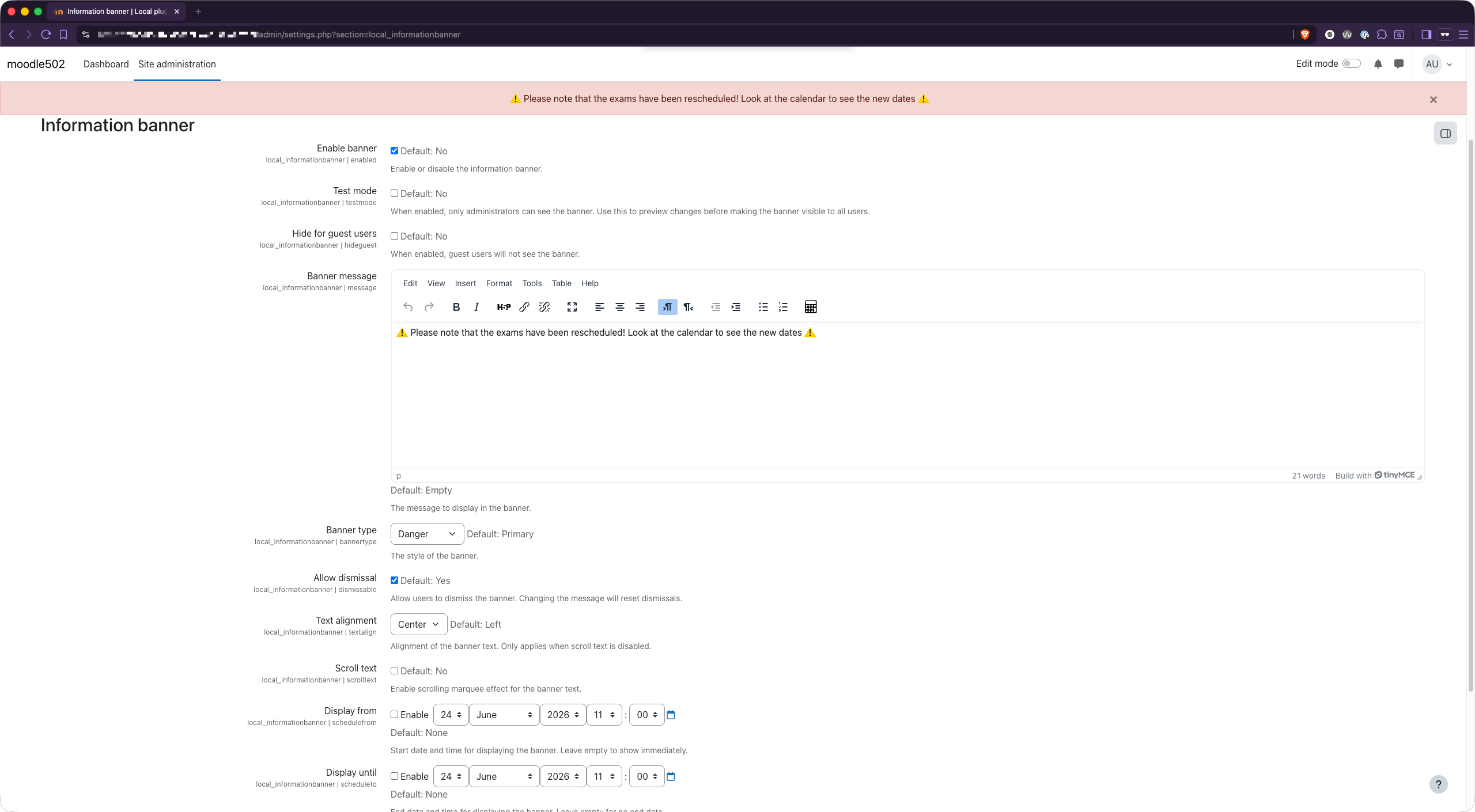
  • Site-wide display — banner shows on every page via Moodle's modern Hooks API, no theme edits required.
  • Scheduled visibility — set exact start and end date/time. The banner appears and disappears automatically.
  • Dismissable — users can close a banner once they've read it. Their choice is remembered per user, so they aren't nagged again.
  • Rich HTML messages — format your announcement with links, bold text, and styling.
  • Marquee mode — optional scrolling-text display for high-visibility notices.
  • Capability-controlled — show banners only to users with the right permission, using a dedicated local/informationbanner:viewbanner capability.
  • Test mode — preview your banner before going live to all users.

Why use it

No more sending mass emails that will be ignored or pinning notices in a single course. Information Banner puts your message exactly where every user will see it, the moment they log in and on every page they visit, while respecting their ability to dismiss it once read.

Privacy & GDPR

Fully GDPR-compliant. The plugin stores only a single per-user preference (whether a banner was dismissed) and ships with a complete Moodle Privacy API provider, so user data is properly declared, exported, and deleted.

Requirements

  • Moodle 4.5 or higher
  • Compatible with Moodle 4.5 → 5.2

Support

Developed and maintained by LdesignMedia.

Contributors

Awards

Privacy friendly
Automated testing support