
Poodll Assignment Submission - audio and video recording
Maintained by
Justin Hunt
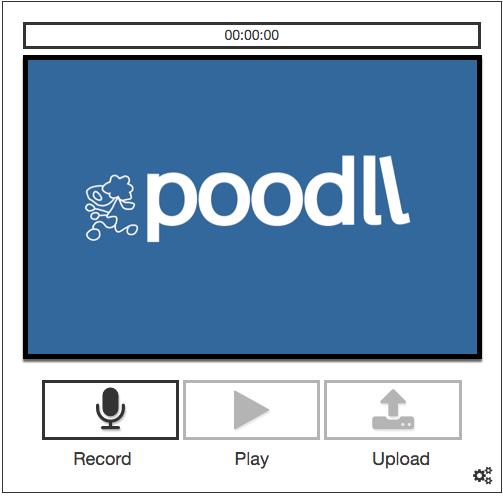
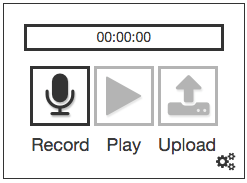
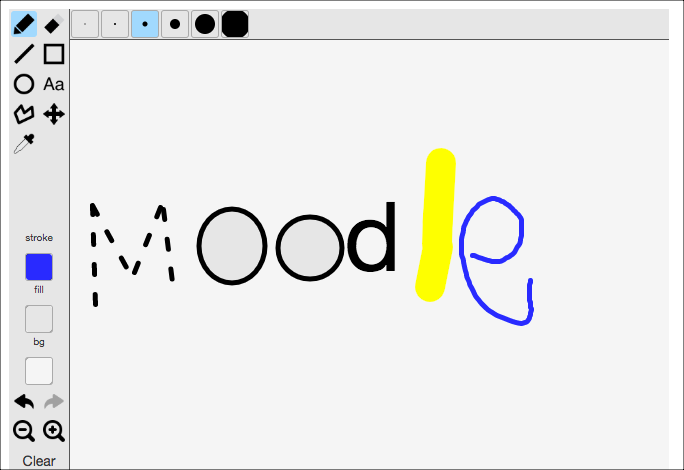
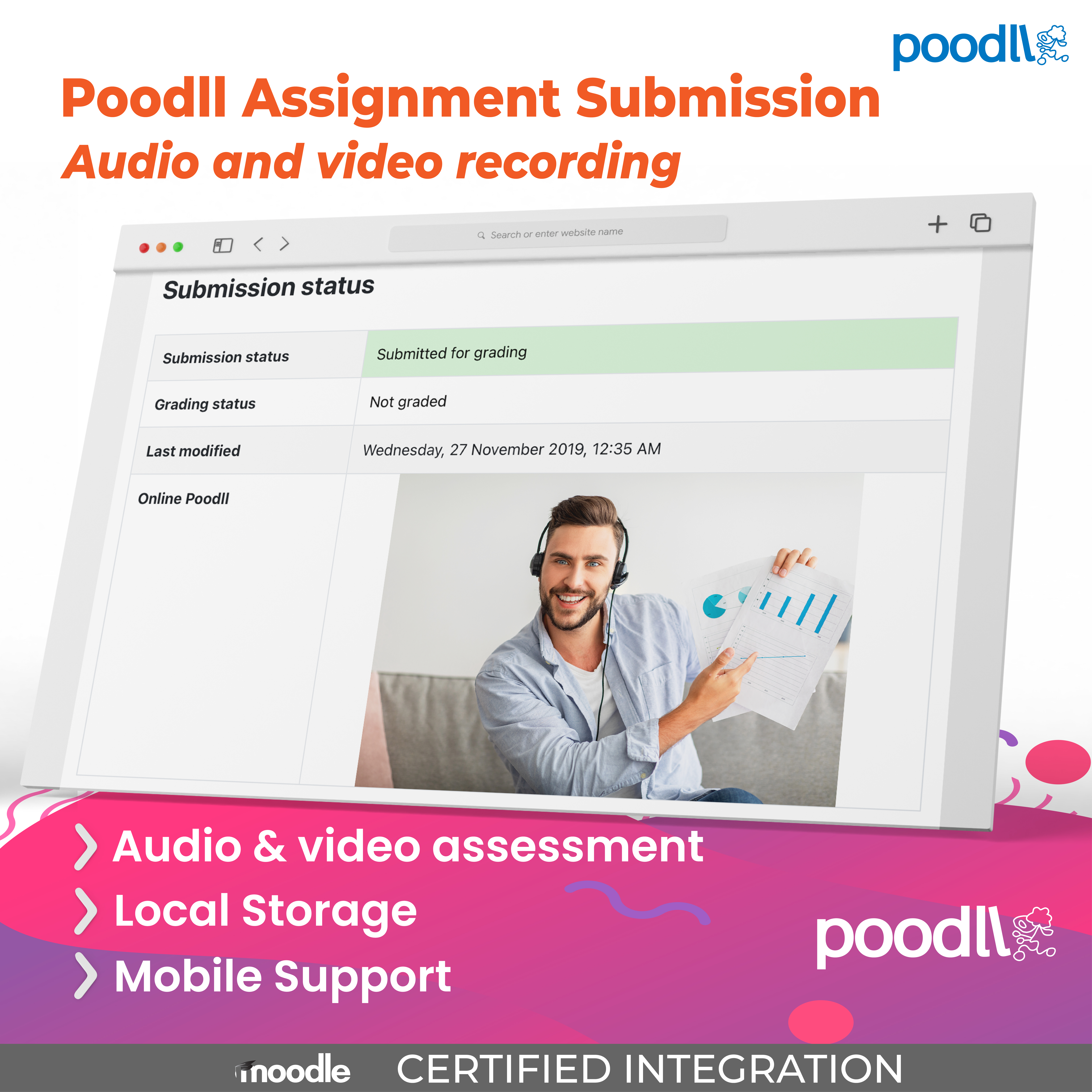
The Poodll Assignment Submission allows students to record audio or video, or draw/upload pictures as assignment submissions.
Comments
Product ratings and reviews are coming to Moodle Marketplace. Until then, existing comments remain available to read, but new posts have been disabled.
I cant get the Video recording to work in moodle 2.8.6 in internet explorer - It works in FireFox and in Chrome - But the users prefer IE (dont know why)
If i record a video in ff i can see it in IE but not record in IE. the sound is recorded but the cam doesnt start at all.
I have installed:
assignsubmission_onlinepoodll 1.5.8
assignfeedback_poodll 1.0.5
filter_poodll 2.7.6
I have set the filter to use flowplayer in default player types http://screencast.com/t/Spq3DfXhMT4
and in flowplayer settings i have set these settings : http://screencast.com/t/7rBZhbDw9C
I have moved the filter so its the first filter in the filter list.
Please help i cant figure what im doing wrong
On the MP3 recorder there is a pause button. But it must be enabled in the PoodLL filter settings.
The setting is under microphone settings, and called "Allow pause (MP3 recorder only)".
Is that what you wanted?