
Poodll Assignment Submission - audio and video recording
Maintained by
Justin Hunt
The Poodll Assignment Submission allows students to record audio or video, or draw/upload pictures as assignment submissions.
Comments
Product ratings and reviews are coming to Moodle Marketplace. Until then, existing comments remain available to read, but new posts have been disabled.
Presumably, it believes that iOS 10 is actually iOS 1.
It would be great if this issue could be addressed. Thank you.
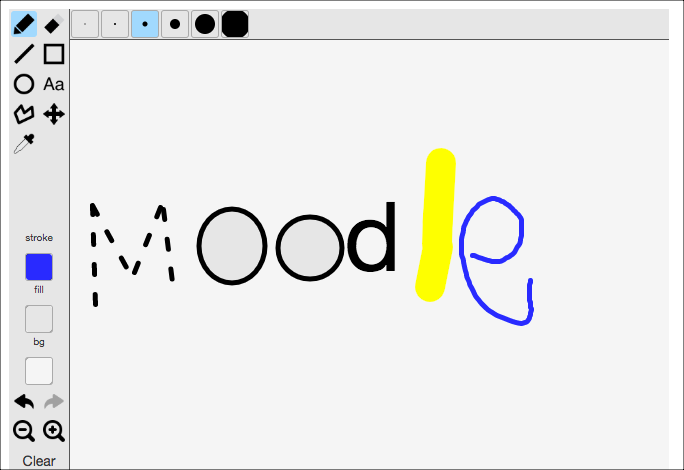
We have installed PoodLL assignment submission on Moodle 3.1+ but we have an issue with the gradebook. Once you click on "Grade" for an individual student, the whiteboard appears on the left-hand side of the page whether or not you have selected PoodLL as a submission type.
I have disabled the whiteboard everywhere in the site administration (including in PoodLL Filter) but it does not cure the problem. These are the plugins concerned:
assignsubmission_onlinepoodll 1.5.9 (Build 2015121101)
assignfeedback_poodll 1.0.6 (Build 2015121101)
filter_poodll 2.8.6 (Build 2016061600)
I would like to get rid of the whiteboard in the gradebook as we won't be using this feature in the assignements and it takes too much space on the screen.
Hope you can help with this : )
I discovered that my inability to upload videos from a mobile device appears to have been related to the PHP memory limit directive (memory_limit =) in the PHI.INI file being set too low.
Default value was set to 32M. I increased value to 512M, as I would like users to be able to upload audio video content up to 300M.
Seems to be working so far.
Why this wasn't affecting video uploads from my desktop computer, I have no idea, and some clarity on this would be welcome. Perhaps it is related to Mobile browsers versus desktop in some way.
On to the next issue.
I have a brand new locally installed version of Moodle (3.0.2) and I am attempting to get video submission and playback from my Android device to work reliably.
I have the Poodll and Online Poodll filters installed. Both are the most recent versions as of this posts date.
I am using your Tokyo servers for "recording".
PHP SETTINGS
POST_MAX_SIZE = 300M
UPLOAD_MAX_FILESIZE = 300M
Case
1. Video recording, upload and playback from my Windows 10 computer seems to be working fine.
2. On mobile (Android LG G3 phone), newly recorded video uploads are consistently failing with the error "File Could Not be Uploaded".
3. When selecting a previously recorded video to upload from the Phone's photo gallery, videos I have recorded today fail to upload, but a video I recorded on July 13 using the same phone, uploads successfully. Not sure what the difference is other than lenght and size. None of which exceed course or server settings.
Successfully upload video = 5.6MB (approx 7 seconds)
All other videos that fail, range from 6 -10 MB.
4. No videos playback on the mobile device regardless of origin. In other words, neither the one file I have been able to successfully upload from the phone will play back on the phone, nor will any videos uploaded from my computer playback on the phone.
5. However, recording, uploading and Playback seem to work fine on demo.poodll.com from my mobile device, further deepening the mystery.
Not sure what I am missing in the server configuration, but I could definitely use some feedback.
Regards;
Somertech
1. When I tried to submit the assignment via moodle mobile app, it directed me to the browser and asked me to log on to the site to submit the assignment. Is it possible to submit within the app?
2. When I was using ios devices, I can only upload video and files to submit the assignment but not audio recording. Do you know how I can solve this problem?
Many thanks!
Is it possible to record more than one mp3 file for a given assignment ?
Thanks