WebSpellChecker
Lead maintainer

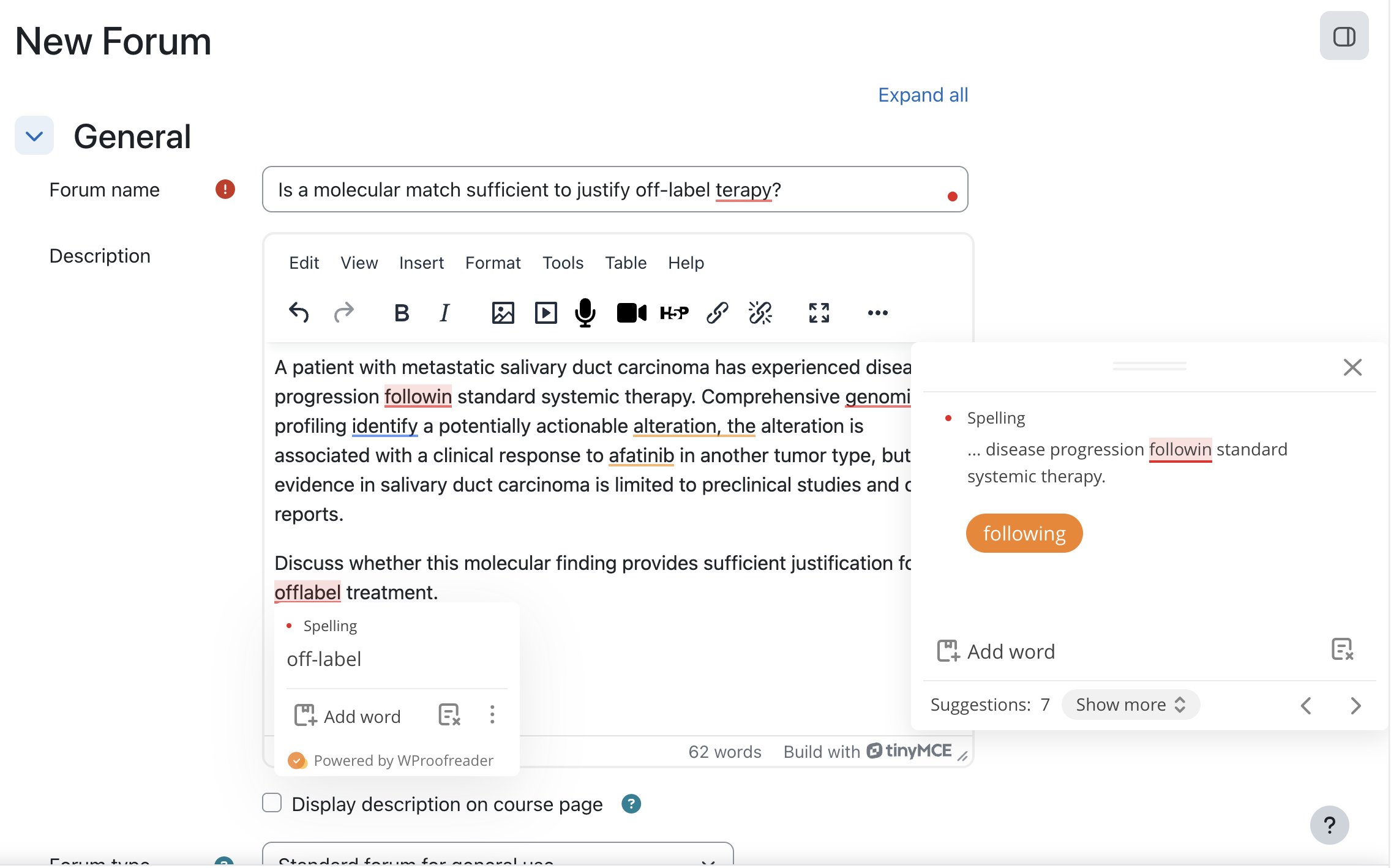
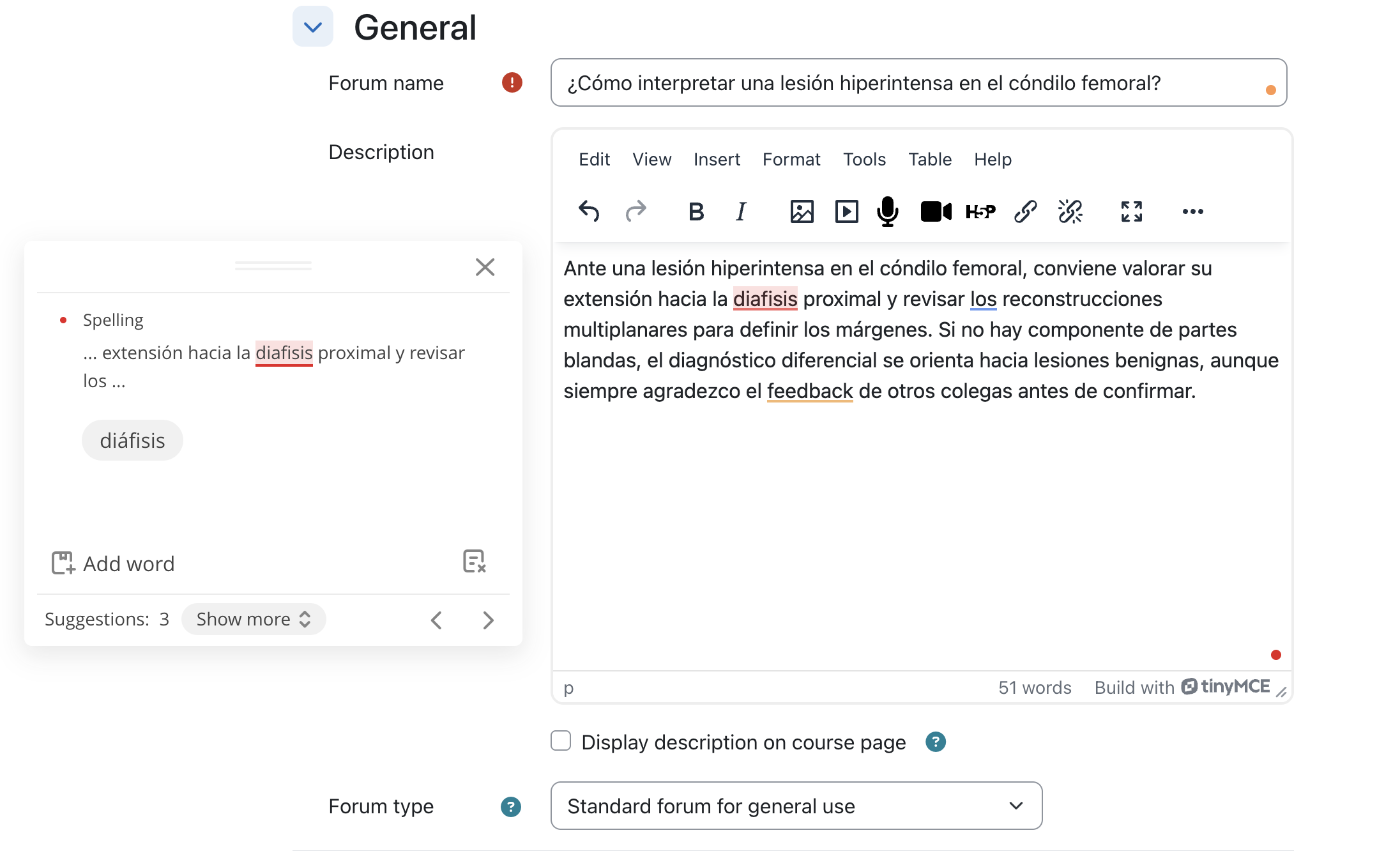
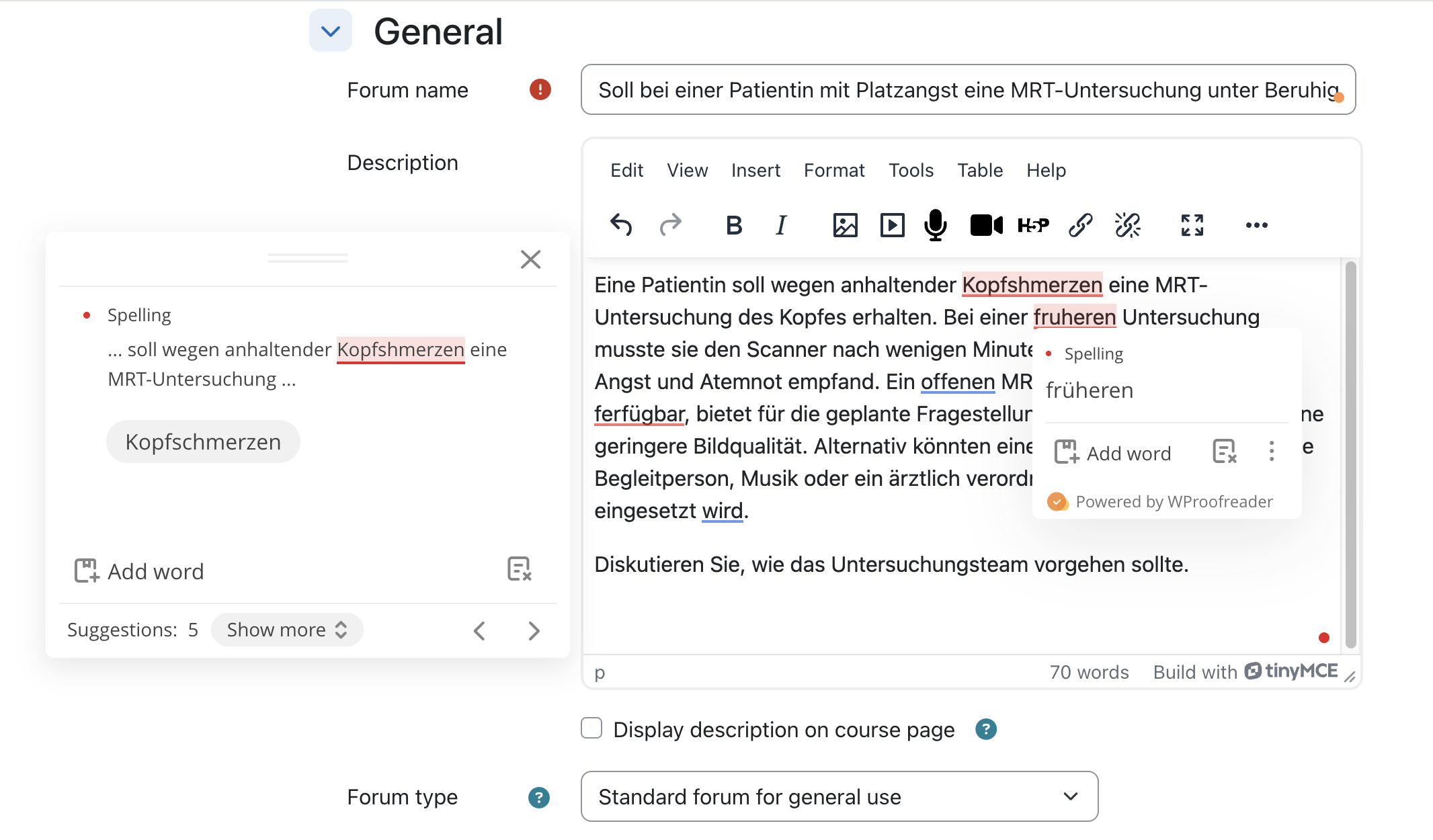
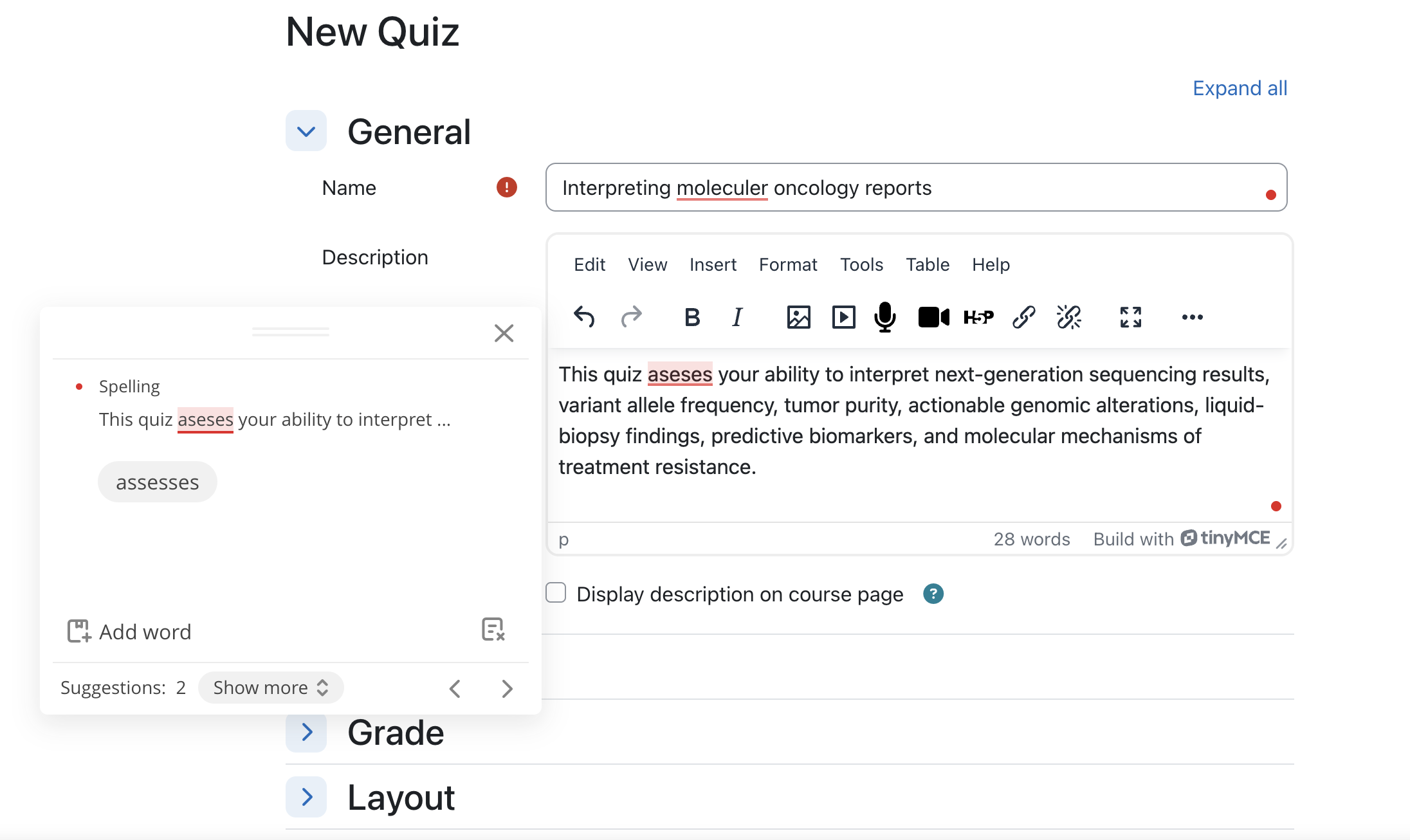
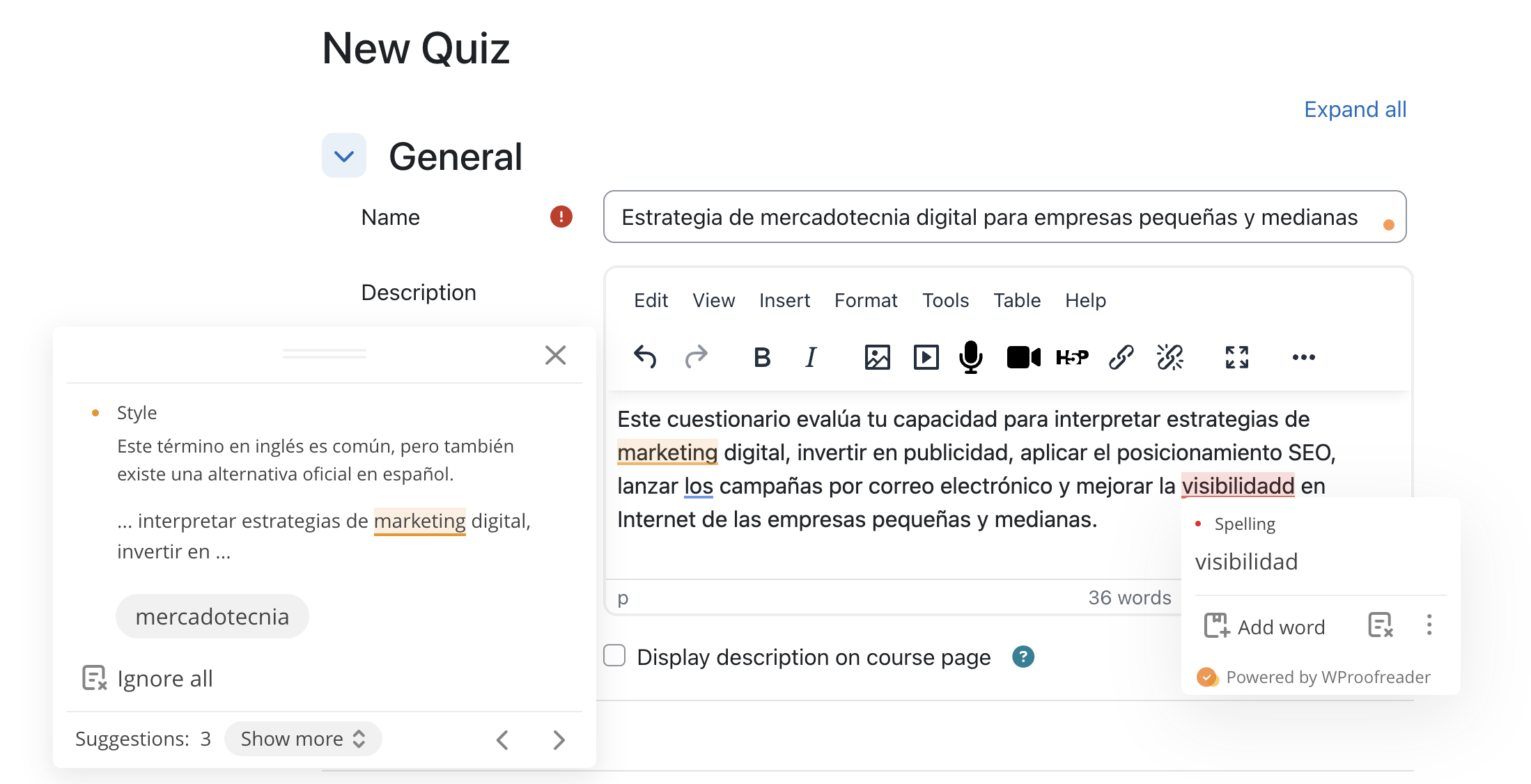
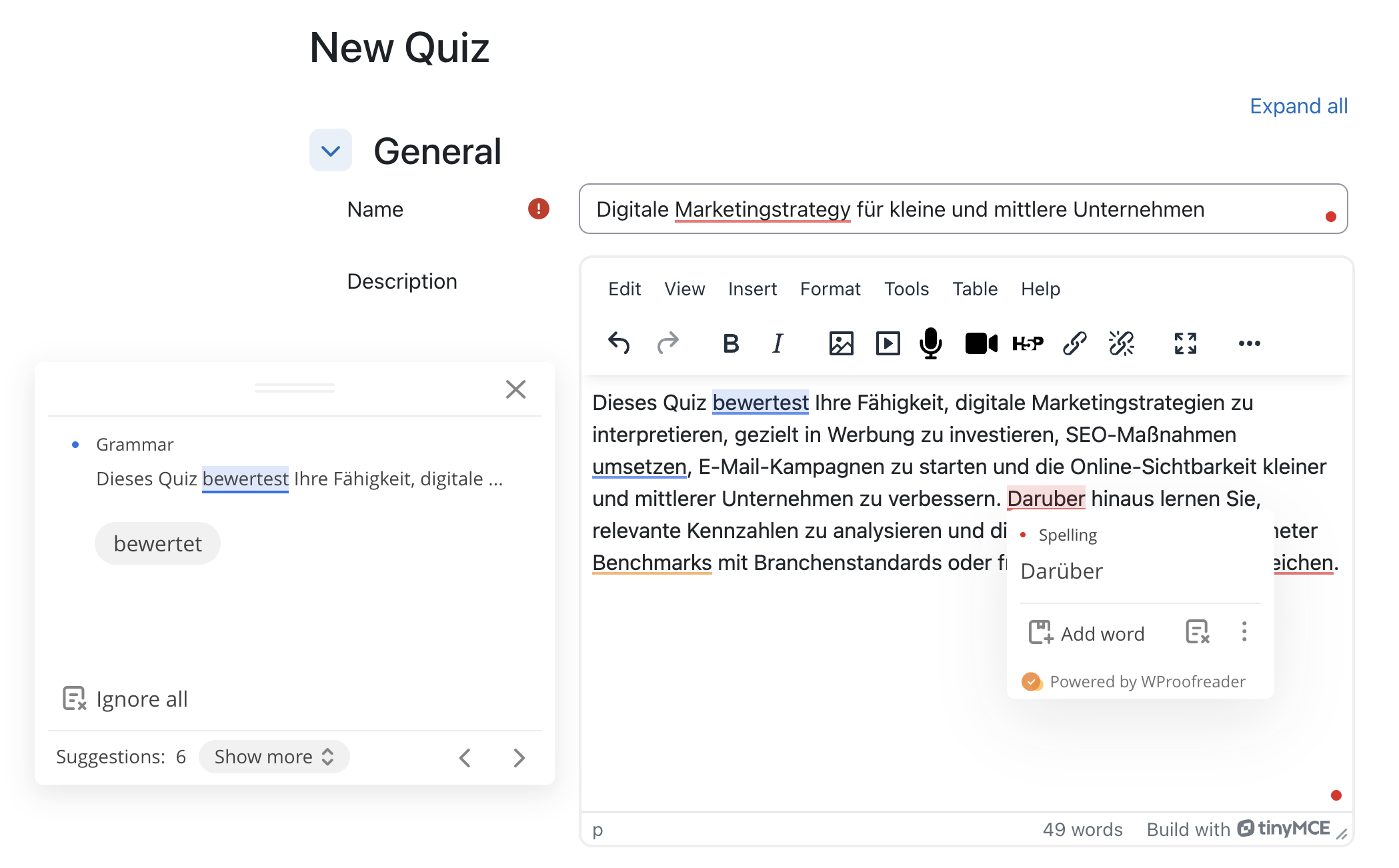
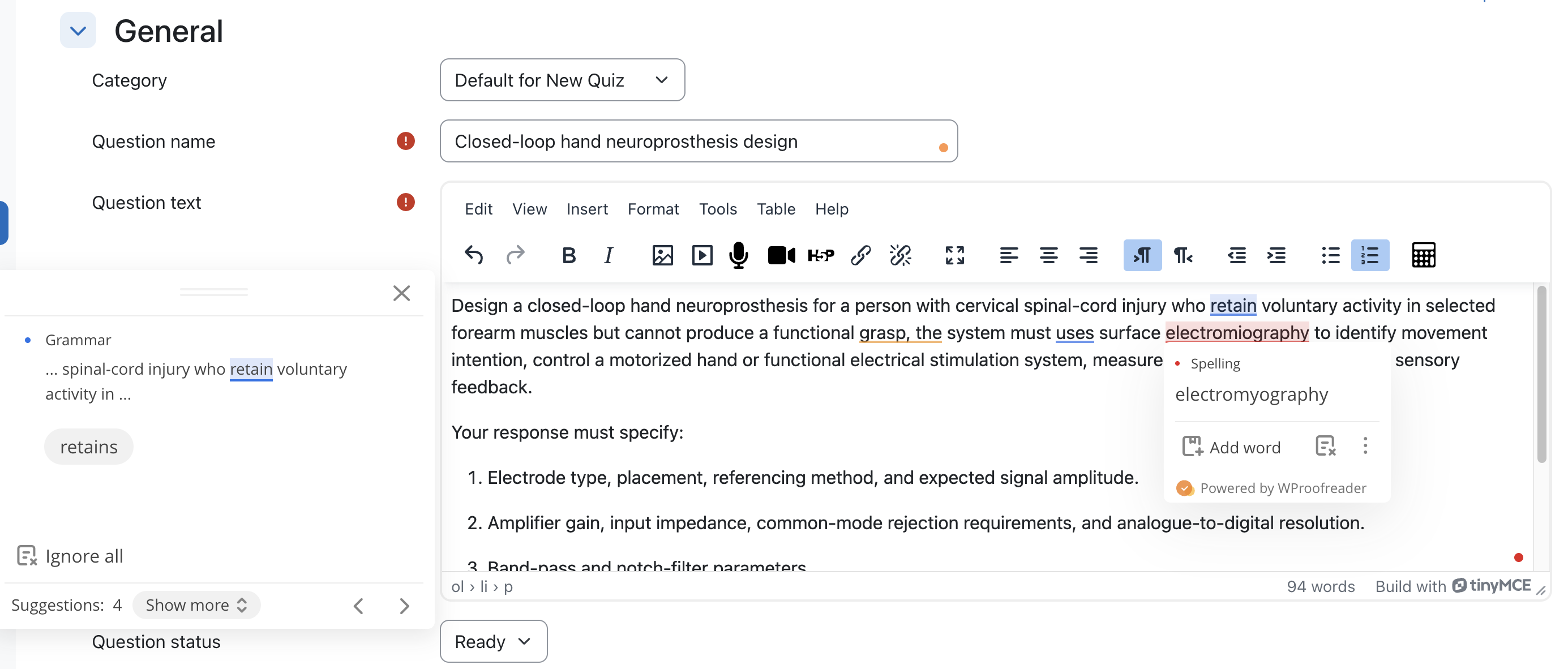
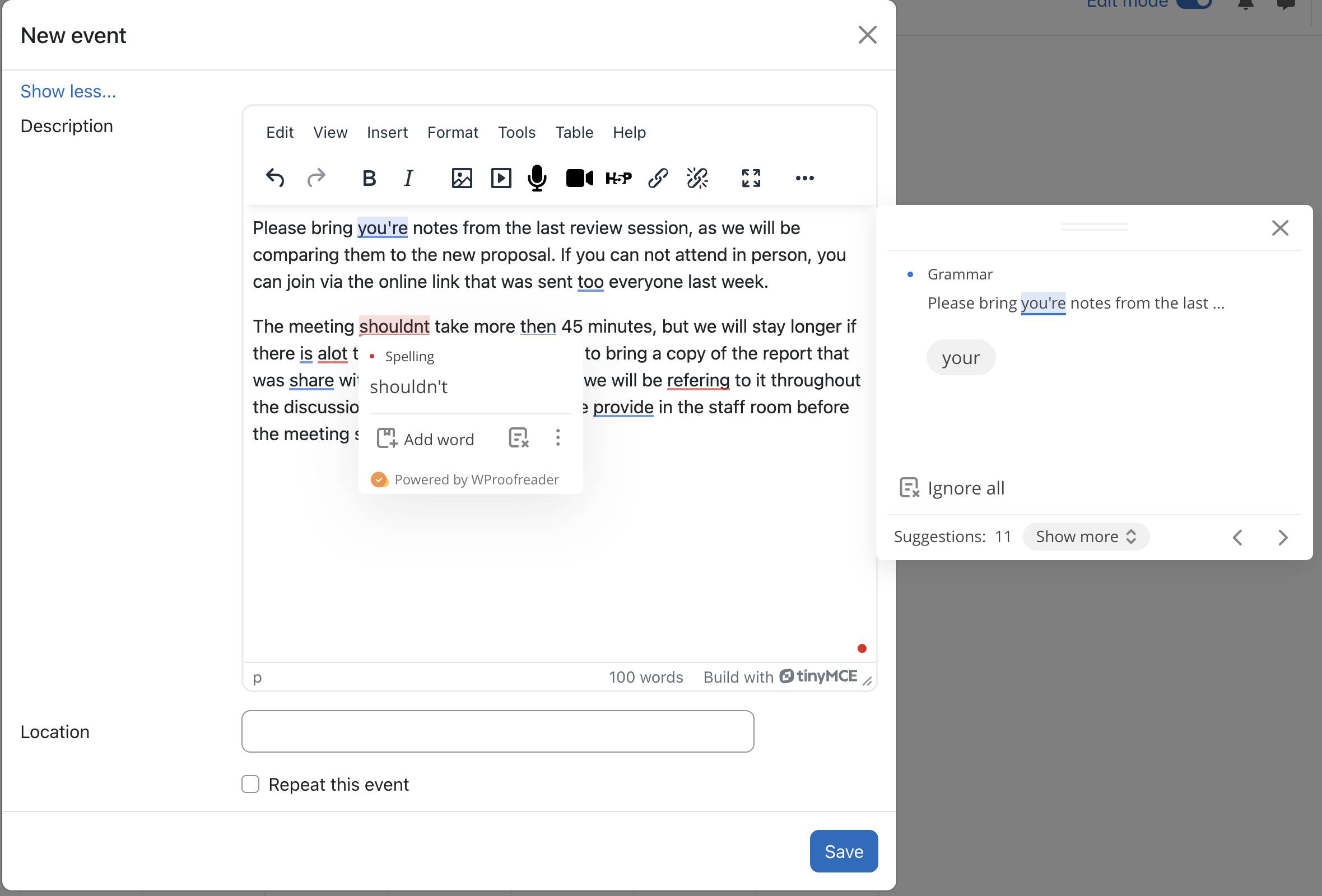
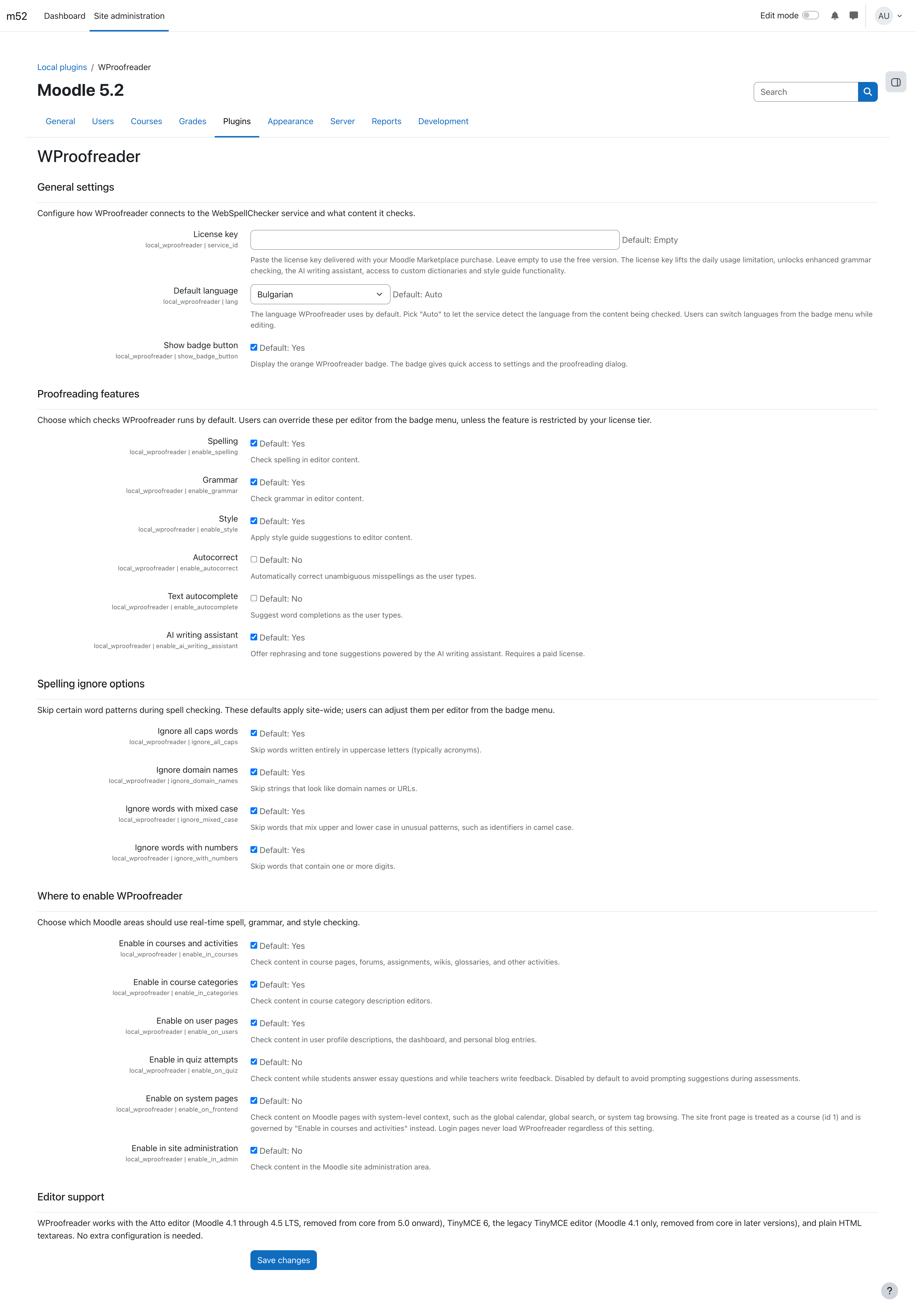
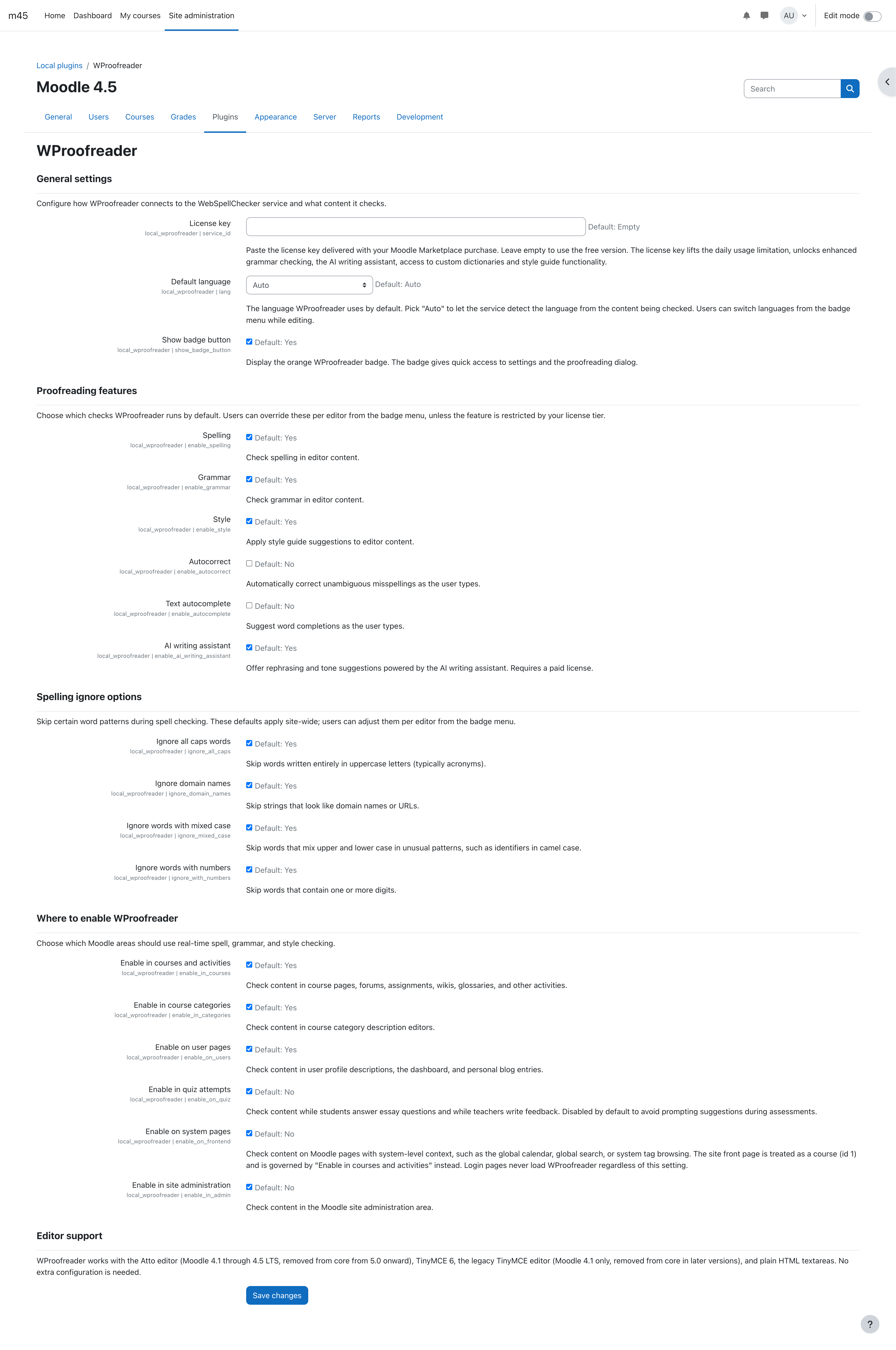
WProofreader adds real-time spelling, grammar, and style checking to every text editor on a Moodle site. Once the plugin is installed, learners and educators see suggestions while they type, inside the same WYSIWYG panel they already use, with no per-editor configuration required.
What it does
Supported Moodle versions and editors
Free and paid features
The plugin ships with a built-in free version that enables basic spelling and style checks, with a usage cap of 10,000 words a day across the site. Enhanced grammar checking, the AI writing assistant, lifted daily usage limits, access to custom dictionaries, and style-guide functionality require a paid licence obtained through Moodle Marketplace.
Upon purchasing, you will receive an email with the license key within 1 business day. Paste the license key into Site administration > Plugins > Local plugins > WProofreader > License key to unlock paid features.
External service dependency
WProofreader sends editor text to the WebSpellChecker service at svc.webspellchecker.net for analysis. The following are transmitted to the service:
Without network access to the service, the plugin loads no proofreading UI and editors keep their default Moodle behaviour. There is no offline mode and no fallback to in-Moodle dictionaries.
Installation
Install from the Marketplace ZIP using Moodle's standard plugin installer. After installation, set the default language and the per-context toggles in Site administration > Plugins > Local plugins > WProofreader.
Privacy
The plugin stores no personal data inside Moodle. Editor text and language code are transmitted to the WebSpellChecker service the moment the user types. The Moodle Privacy API metadata provider declares the external data transfer; the full declaration is visible in Privacy of data > Plugin data on your Moodle site once the plugin is installed.
