Question Bank Competency Mapping icon

Question Bank Competency Mapping

Maintained by hakancigci
The qbank_yetkinlik plugin extends Moodle's question bank by adding competency mapping functionality.
Price option: Free

Supports Moodle 4.4-5.2 See all versions
Latest release: 3 months ago
Installations: 26
Downloads (last 90 days): 24

Frankenstyle name: qbank_yetkinlik
Question bank plugins

Description

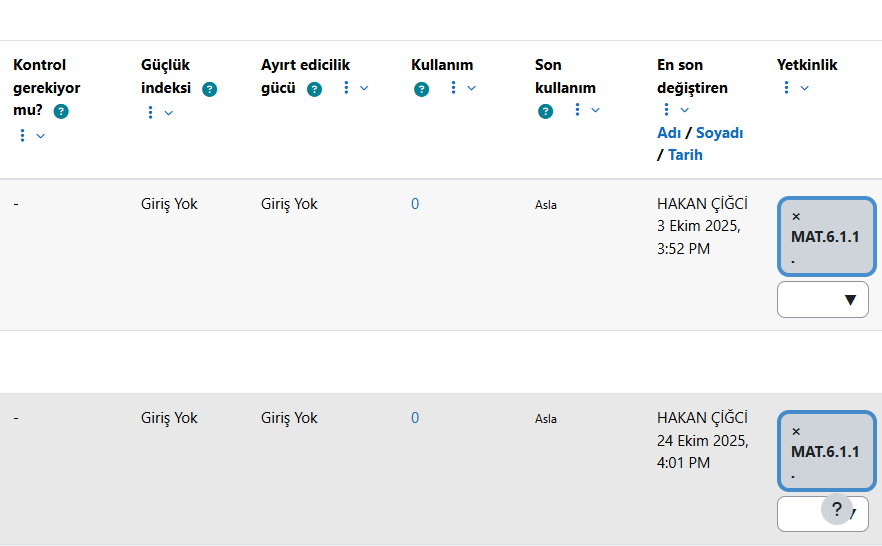
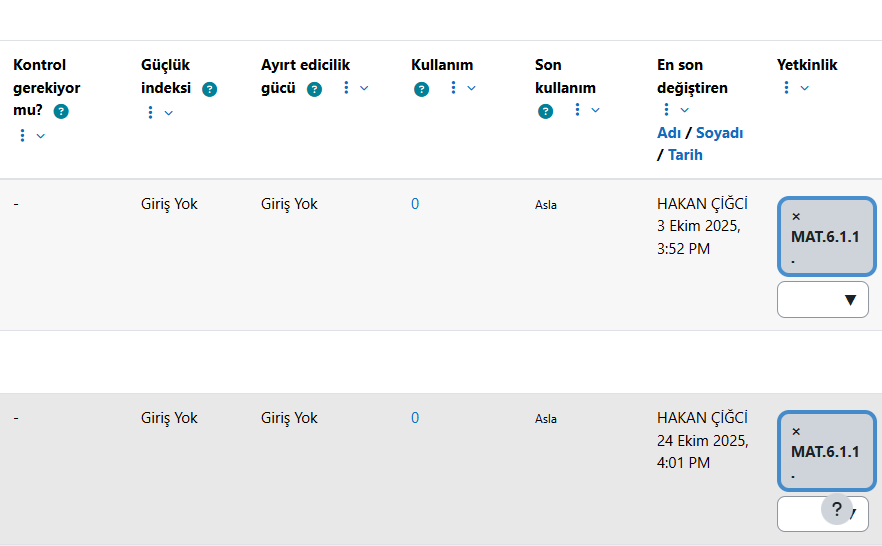
The qbank_yetkinlik plugin extends Moodle's question bank by adding competency mapping functionality. It allows teachers to link individual questions to specific competencies, enabling structured evaluation and competency-based assessment. With this plugin, institutions can achieve clearer reporting, better alignment of questions with learning outcomes, and improved transparency in the grading process.

A Moodle Question Bank Competency plugin. This plugin links questions in the question bank with competencies, providing the foundation for competency‑based analysis.

Features
  • Link question bank items with competencies
  • Fully compatible with Moodle’s core competency framework
  • Multi‑language support via Moodle’s language system
Installation
  1. Copy this plugin into moodle/question/qbank/yetkinlik.
  2. In Moodle, go to Site administration → Plugins → Install plugins.
  3. Complete the installation wizard.
  4. Purge caches.
Usage
  • Assign competencies to questions in the question bank.
  • This plugin only handles linking. For reporting and analysis, use the local_yetkinlik plugin.
Development
License

This plugin is distributed under the GNU GPL v3 license.

Contributors

Awards

Privacy friendly