Jesus Federico
Project Manager


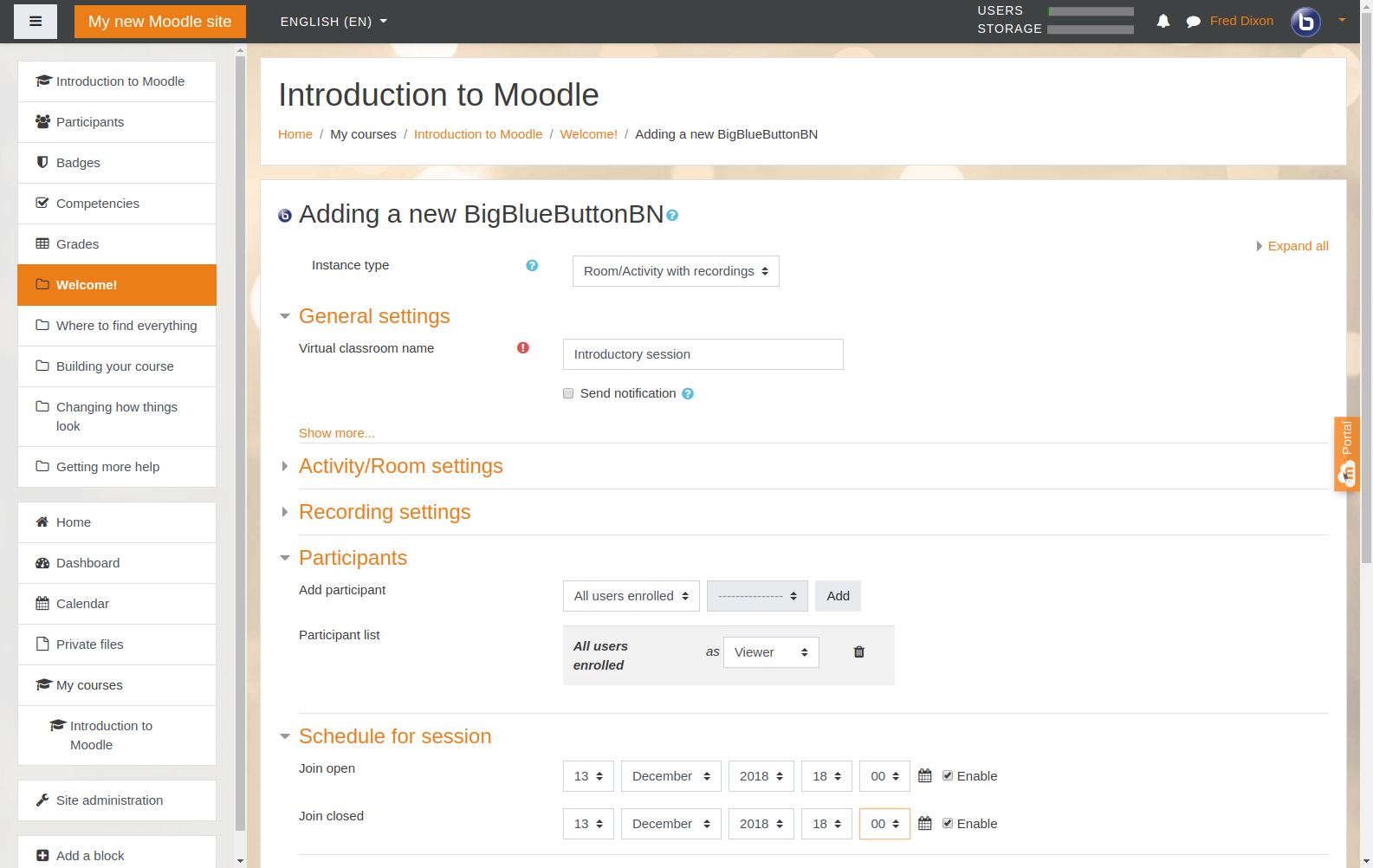
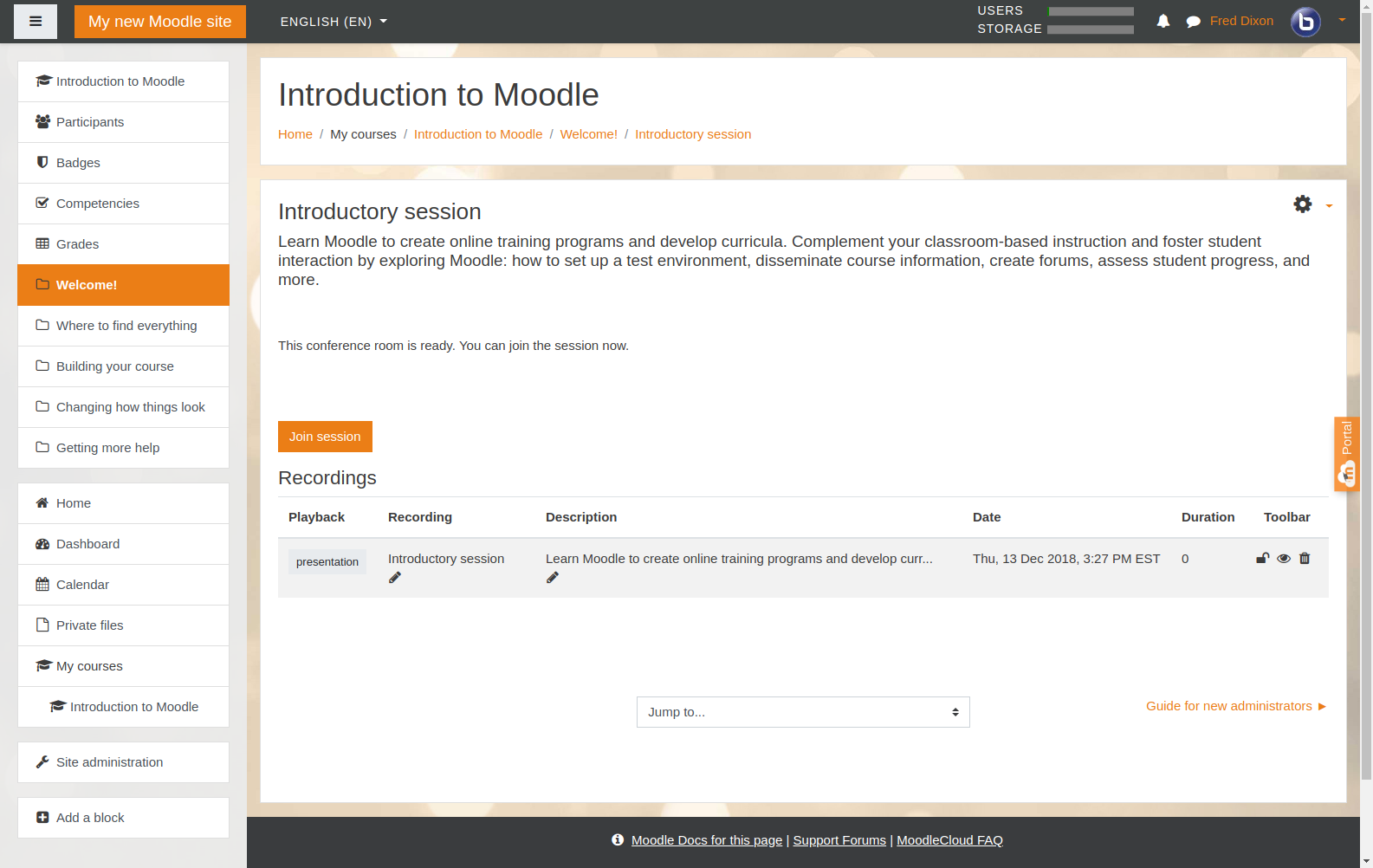
BigBlueButton is included as a core feature in Moodle since version 4.0 (disabled by default). You can enable it and configure your own BigBlueButton server to get started.
To further enhance the experience, you may also consider installing BigBlueButton BN Experience (BNX) , which complements the core module with additional features and usability improvements.
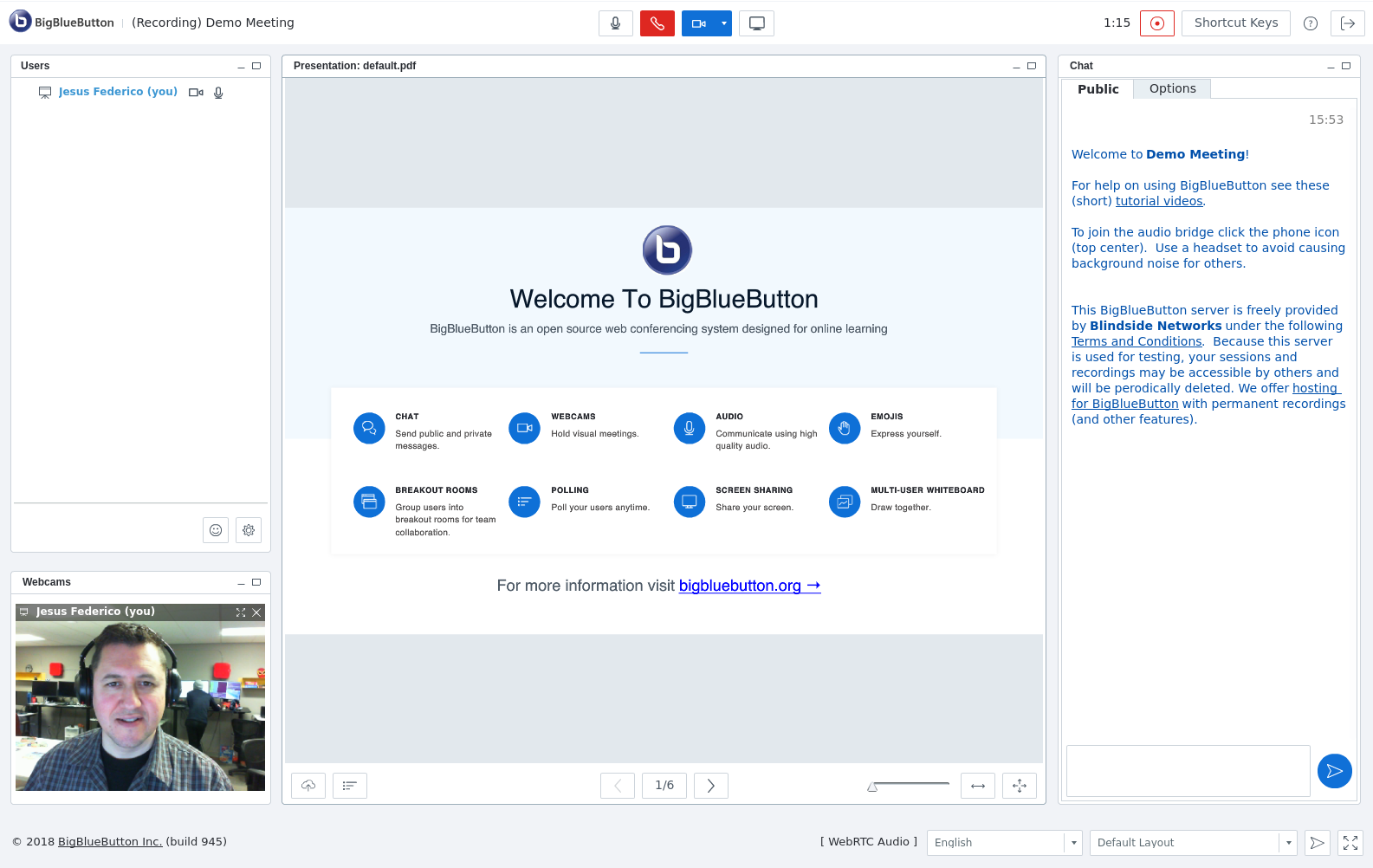
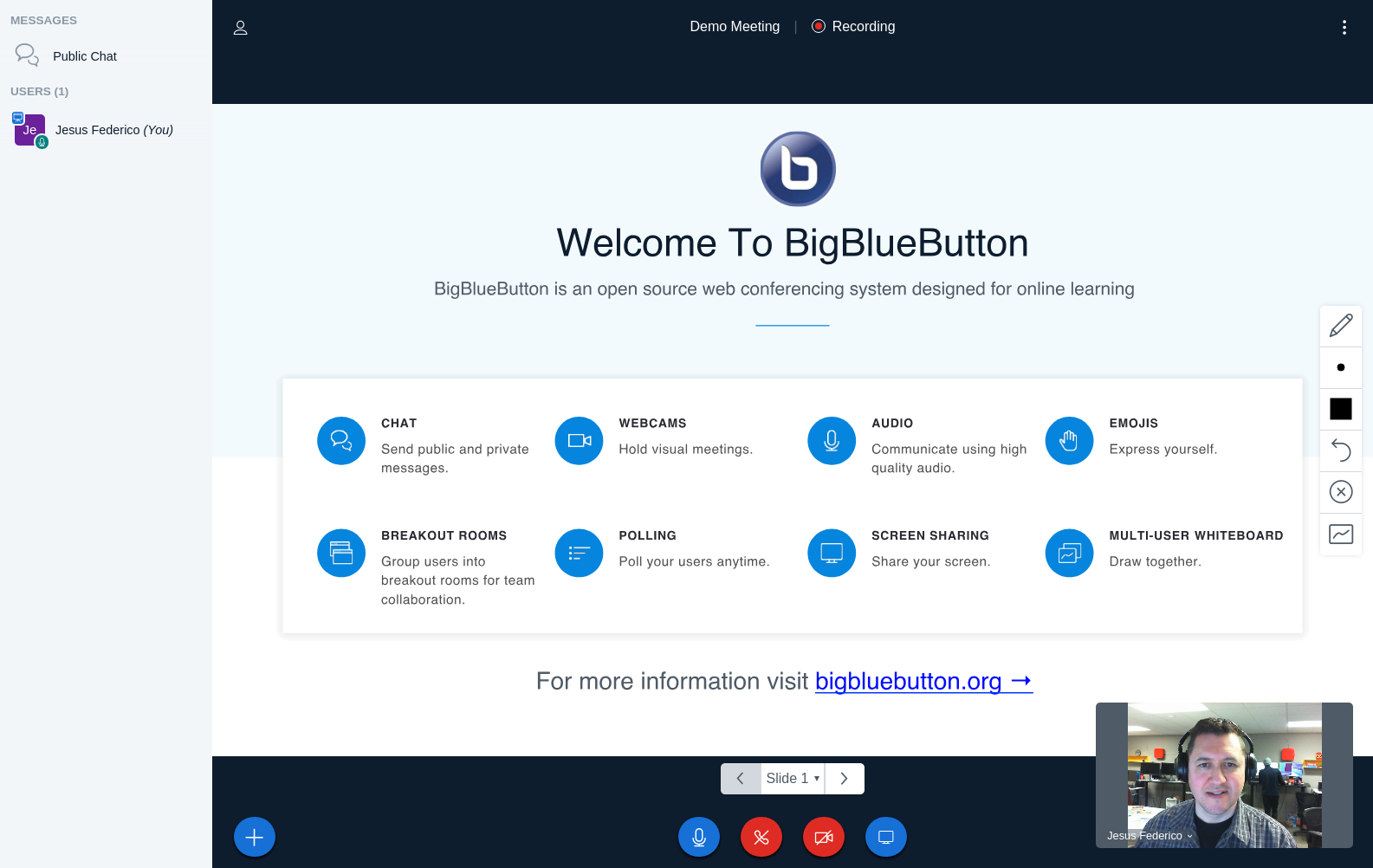
BigBlueButton is an open source web conferencing system for online learning. The goal of the project is to enable instructors to effectively engage remote students anywhere in the world. The project supports live online classes, virtual office hours, and group collaboration with remote students.
BigBlueButton supports real-time sharing of slides (including whiteboard), audio, video, chat, emojis, breakout rooms, and screen. It also record all content for later playback.
Like Moodle, BigBlueButton is open source. The BigBlueButton project was started in 2008 by Blindside Networks. In addition our work on BigBlueButton core, we created this BigBlueButtonBN Moodle plugin so you can fully leverage BigBlueButton's capabilities from within your Moodle site.
The BigBlueButtonBN plugin enables you to:
The best way to install is directly from moodle.org. For a video walkthrough of installing the plugin, click the image below
You’ll notice in the video that BigBlueButtonBN module comes pre-configured with a test BigBlueButton server, aptly called test-install.blindsidenetworks.com. This server is maintained by Blindside Networks maintains to help test your installation with BigBlueButton. Blindside Networks also develops and maintains the BigBlueButtonBN plugin.
For information on setting up your own BigBlueButton server, see http://bigbluebutton.org/.
BigBlueButton and the BigBlueButton logo are trademarks of BigBlueButton Inc.
If you think you have found a bug in this plugin, please open a ticket in the Bug Tracker and provide details of how to reproduce the issue. The more details you provide the easiest for us to find and solve the problem.
If you need help for configuring or using this plugin, please join the Discussion. There are hundreds of users subscribed in the forums and many of them are willing to help. Besides your question may have been responded already. Using the search option can save you time.
Also when asking for help provide the more possible details. Please provide (a) your version of Moodle, (b) the version of the BigBlueButtonBN plugin, and (c) the error message you are receiving. A screen capture is usually very helpful.
While we certainly appreciate feedback on this plugin in the comments sections, if you have found a bug or are looking for support, please use either the Bug Tracker or Forum.


