
Virtual Programming Lab
Maintained by
Juan Carlos Rodríguez
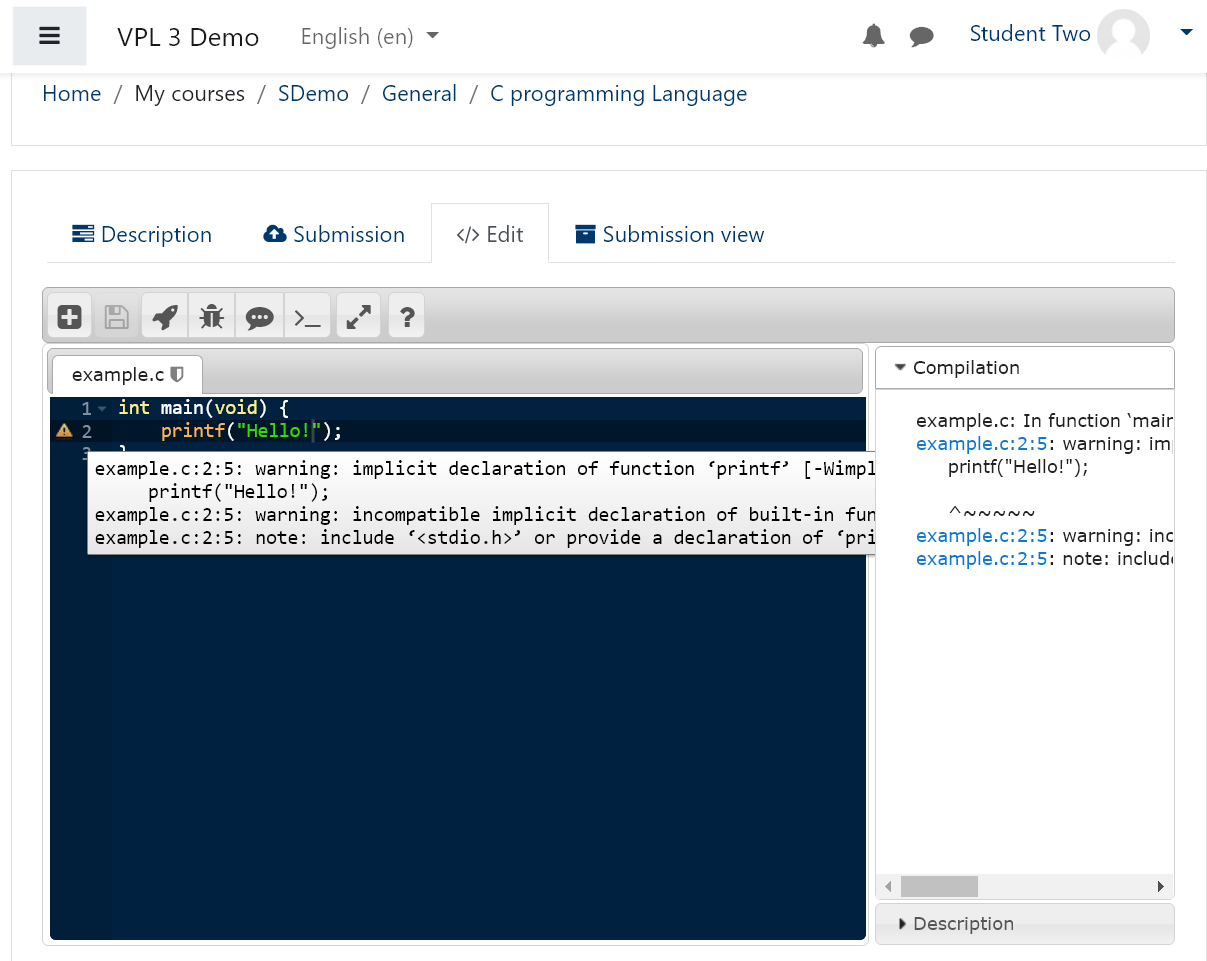
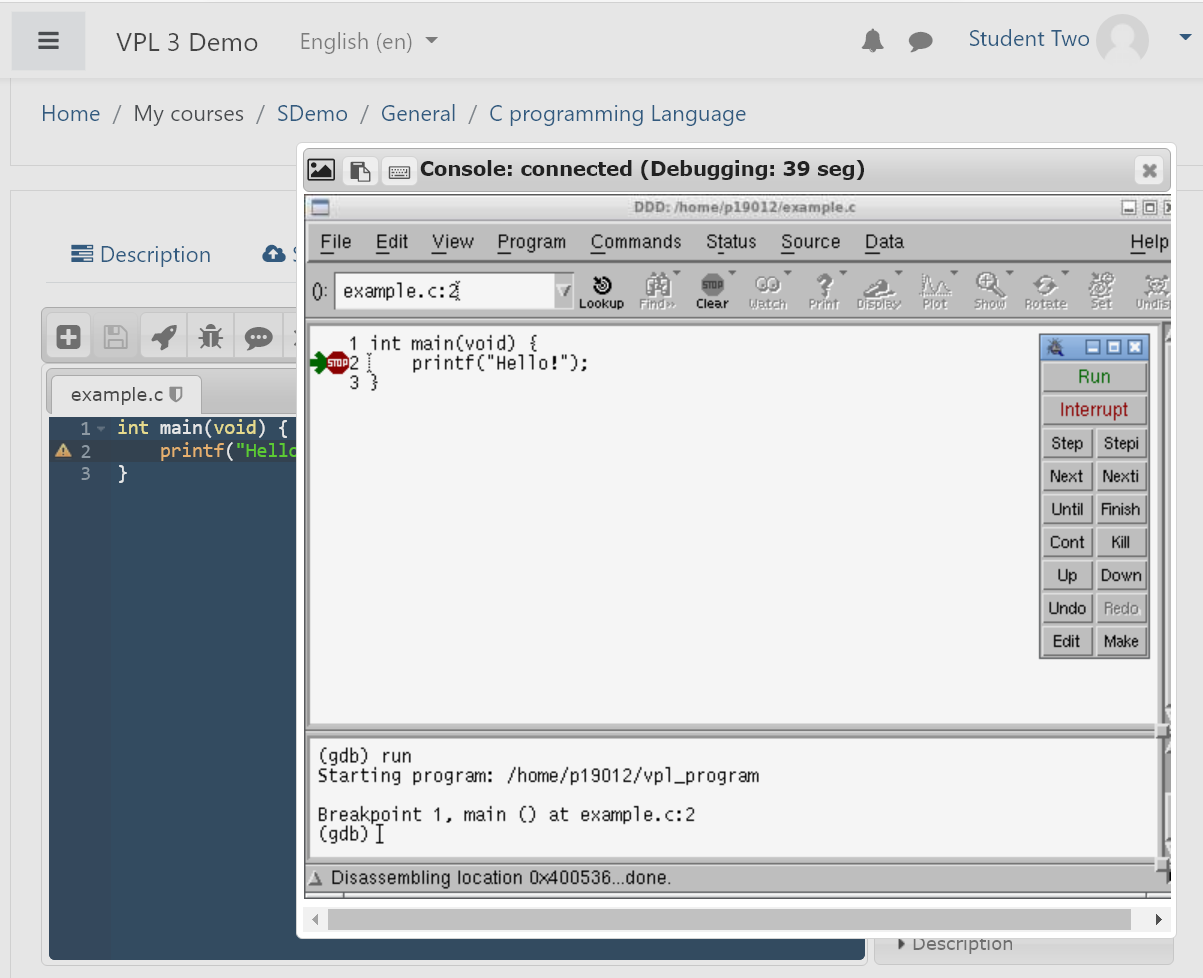
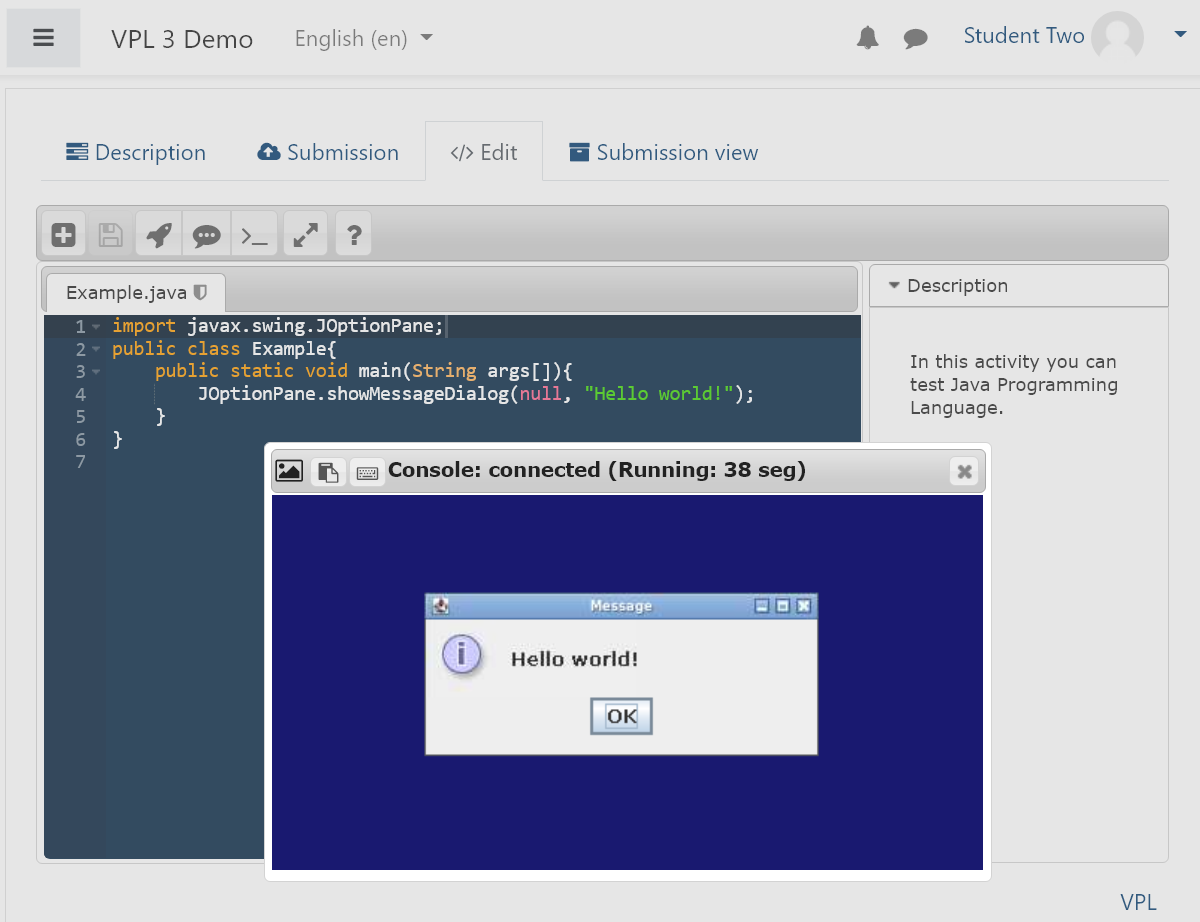
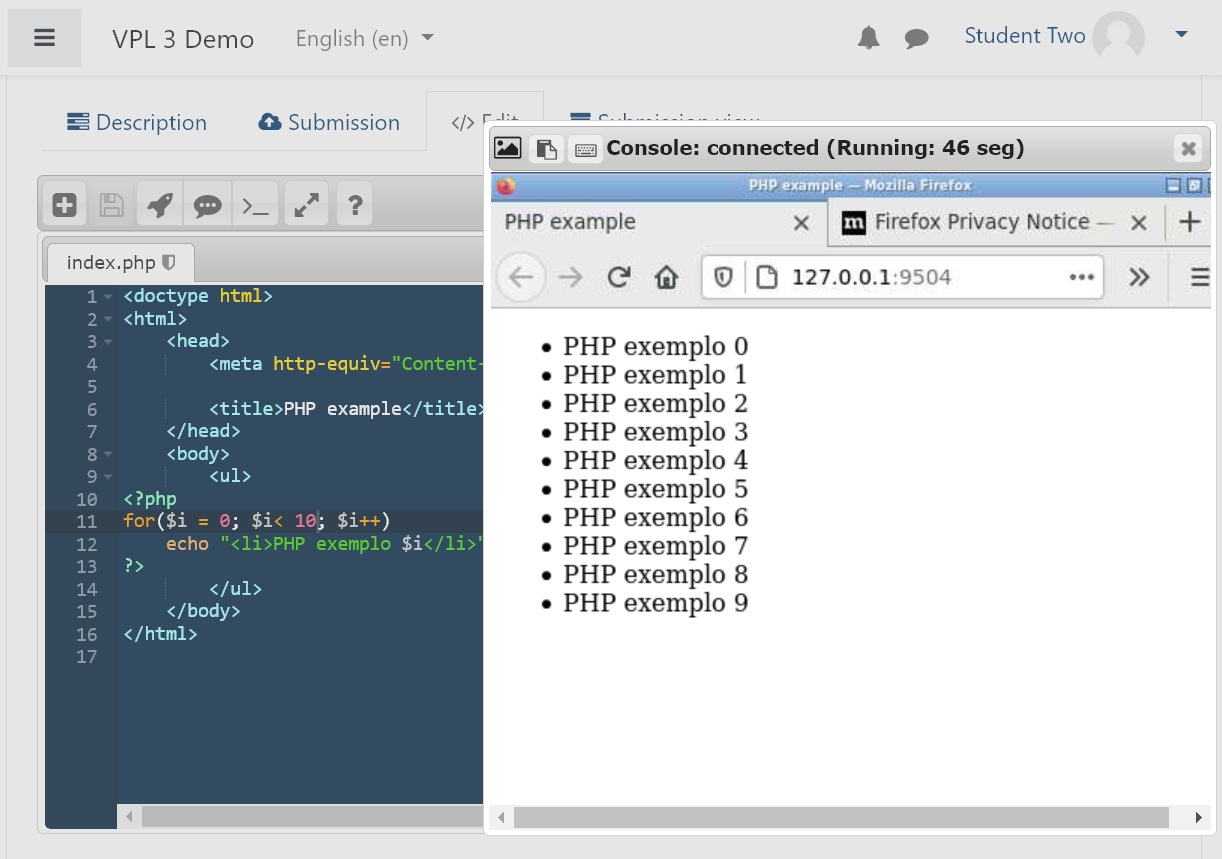
VPL (Virtual Programming Lab) enables the creation, submission, execution, and automatic assessment of programming assignments directly within the Moodle learning environment.
Comments
Comments are no longer open for new posts. Existing comments remain available to read.
Thanks, Dana
Please, tell us the details of your system (Moodle, S.O., PHP, etc. version).
The problem that you reported may be related to the environment (limits) of your Moodle platform. I need to replicate your system conditions to try to spot the problem.
Have you installed other plugins on your Moodle platform without problems?
Best regards,
Juan Carlos.
I am trying install VPL plugin in my Moodle Platform, but after I drop the zip 3.3.4 version archive in my plugin administration item, the install process, after validating ok, stands indefinitely in a blank page without anything happening for a long time. My route is in my case .../moodle/admin/tool/installaddon/index.php
what is the problem?
Thank you very much for this help.
José Luis Anta.
The execution/jail server is build to run in a linux distribution and has been tested on Ubuntu 16.04 and CentOS 7.
You can follow a tutorial of how to install the execution/jail server at
http://vpl.dis.ulpgc.es/index.php/support/2014-09-27-15-06-22/40-how-to-install-vpl-jail-system
Best regards,
Juan Carlos.
I want to use this. But I do not know hoe to set jail server.
I have a synology NAS. Can I use this?
Could someone please tell me how to build a jail server in detail? Or where can I learn?
https://github.com/jcrodriguez-dis/moodle-mod_vpl/issues/76
I have searched about IDP assuming that it is "Intel® Distribution for Python". It seem a tool for accelerate Python on Intel's processors, notice that VPL is a learning tool. Really I dont know if the restrictions of the VPL excution server allow to execute the accelerated Python but you can try.
1) Install the IDP on a "Execution server" following the IDP home site instructions on how to install it on linux.
2) Restart the "Execution server"
3) Go to "Execution files" on a VPL activity and copy the default Python into vpl_run.sh and change it properly to use IDP instead of python3
https://github.com/jcrodriguez-dis/moodle-mod_vpl/blob/v3.3.2/jail/default_scripts/python-3_run.sh
Best regards.
This comments system is apropiate for very simple questions.
Please, for user's questions/sugestions use the forum,
for installer's questions/bugs use github and give details about the version of plugin, jail server and jail server OS of your instalation
https://github.com/jcrodriguez-dis
Best regards,
Juan Carlos
the certificate message may be due to the use of a selfsigned certificate.
The 404 message may be because you are not using the path /OK.
https://server[:SECURE_PORT]/OK
best regards.
I have created the Jail Server but when I try to connect to the server via https I get a warning about the certificate, and then a 404 error. Does this mean that the server is being contacted but that the jail server software itself is not installed correct, or is this not an assumption I can make (that the certificate notification is not evidence of a successful connection to the physical server or URL)?
When I log in to the server via PuTTY and go to the root of the directory structure I can see a directory called jail; is this where it should be residing?
Sorry but not yet getting any OK message and trying to identify why not.
the 3.2.5 version has not available this feature. The download of all the student's submissions is already implemented in the 3.3 version.
Best regards.
Is it possible to download all student submission attempts as zip for a particular user? Right now(v3.2.5) supports to download all latest submissions for all users.