VPL (Virtual Programming Lab) 4.5.0 – Release Notes

Overview
This release introduces a major new Activity Modes system for the VPL module, significant IDE and user experience improvements, enhanced evaluator extensibility, expanded language similarity/tokenizer support, and multiple reliability and performance enhancements.
Major Features
New Activity Modes System
VPL now supports multiple configurable activity modes that alter visibility, submission, and interaction behavior.
Modes available:
- Normal: Uses the previous standard activity behavior. This is the default mode.
- No Students: Students have no access to the activity, regardless of other settings. This mode prevents student access to the activity, including grading information in the gradebook. If the activity is accidentally visible, only the activity name will be shown.
- Students Read-Only: Students are granted read-only access to the activity (students cannot edit or submit), regardless of other settings. This mode allows students to access the activity, including grading information in the gradebook. There is no need to check internal access limits such as dates, passwords, networks, or exceptions (overrides). General Moodle "Access restrictions" still apply.
- Based On: Marks the activity as a template to be used in the "Based On" feature. This mode prioritizes the activity in the template selection list and also applies the "No Students" mode.
- VPL Question: Marks the activity as a template for one or more VPL Questions. All required basic configurations are automatically applied except for the "Required files" setting. This mode prevents the activity from appearing in the gradebook and also applies the "No Students" mode.
- Example: This mode preserves the legacy Example mode that has existed in VPL for a long time.
List of VPL activities in a course (Virtual Programming Labs option menu) enhanced
The Virtual Programming Labs option menu has been enhanced with a new table format:
- Standard styling is used to show submissions and grading reports by activity.
- Columns can be hidden.
- Table download functionality is available.
- Filtering by "Activity Mode" is supported.
Activity view UI updates for teachers
The activity view for teachers has been enhanced with more descriptive information:
- Teachers now receive warnings when activities are configured in non-standard modes.
- Network checks are displayed to indicate whether students can access the activity from the current network or machine.
- SEB configuration checks are displayed to show whether students can access the activity using the current SEB browser and configuration.
- Exception/override summaries are displayed with links for quick modification.
IDE Improvements
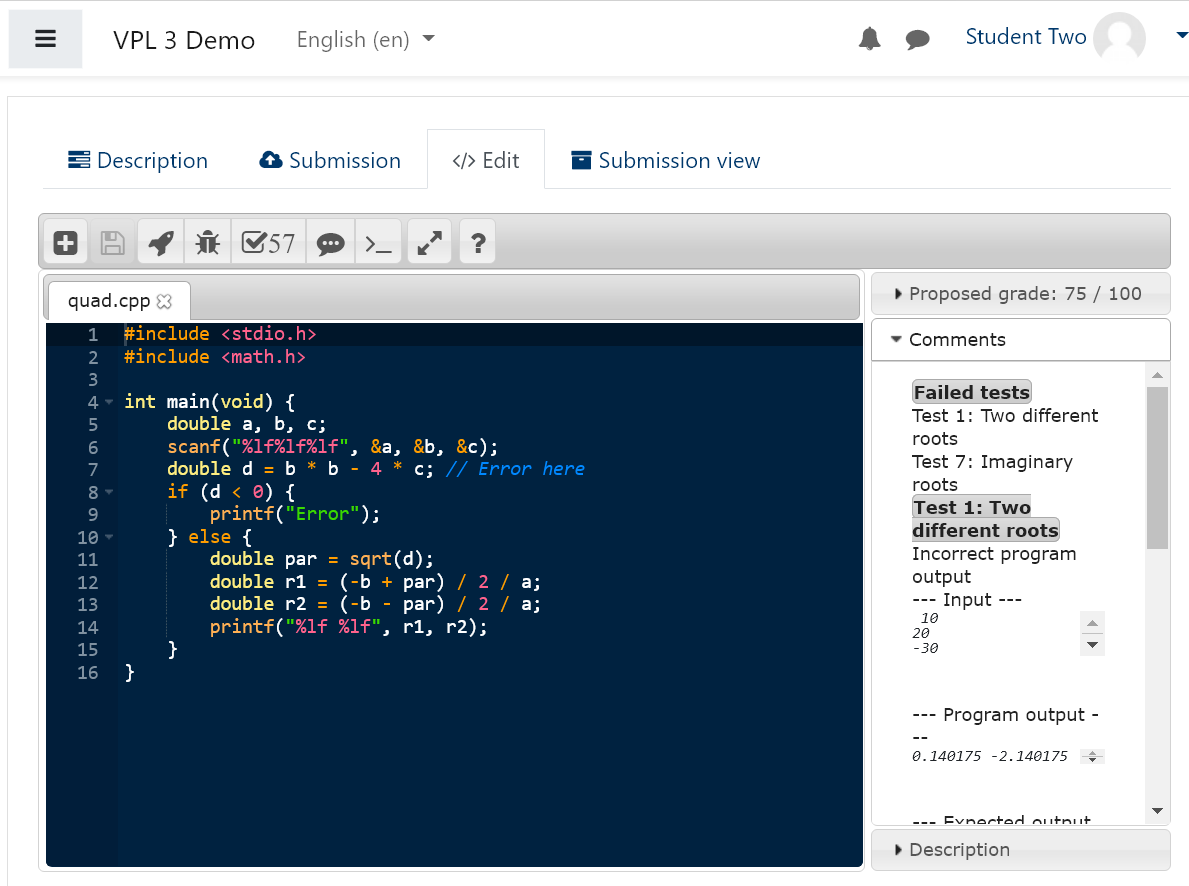
A new preferences system allows users to configure IDE and terminal behavior from a unified preferences dialog.
New configurable preferences
Editor
- Theme
- Font size
- Key bindings
- Show invisibles
- Live autocompletion
Terminal
Additional IDE enhancements
- Preferences button moved to the right side of the status bar.
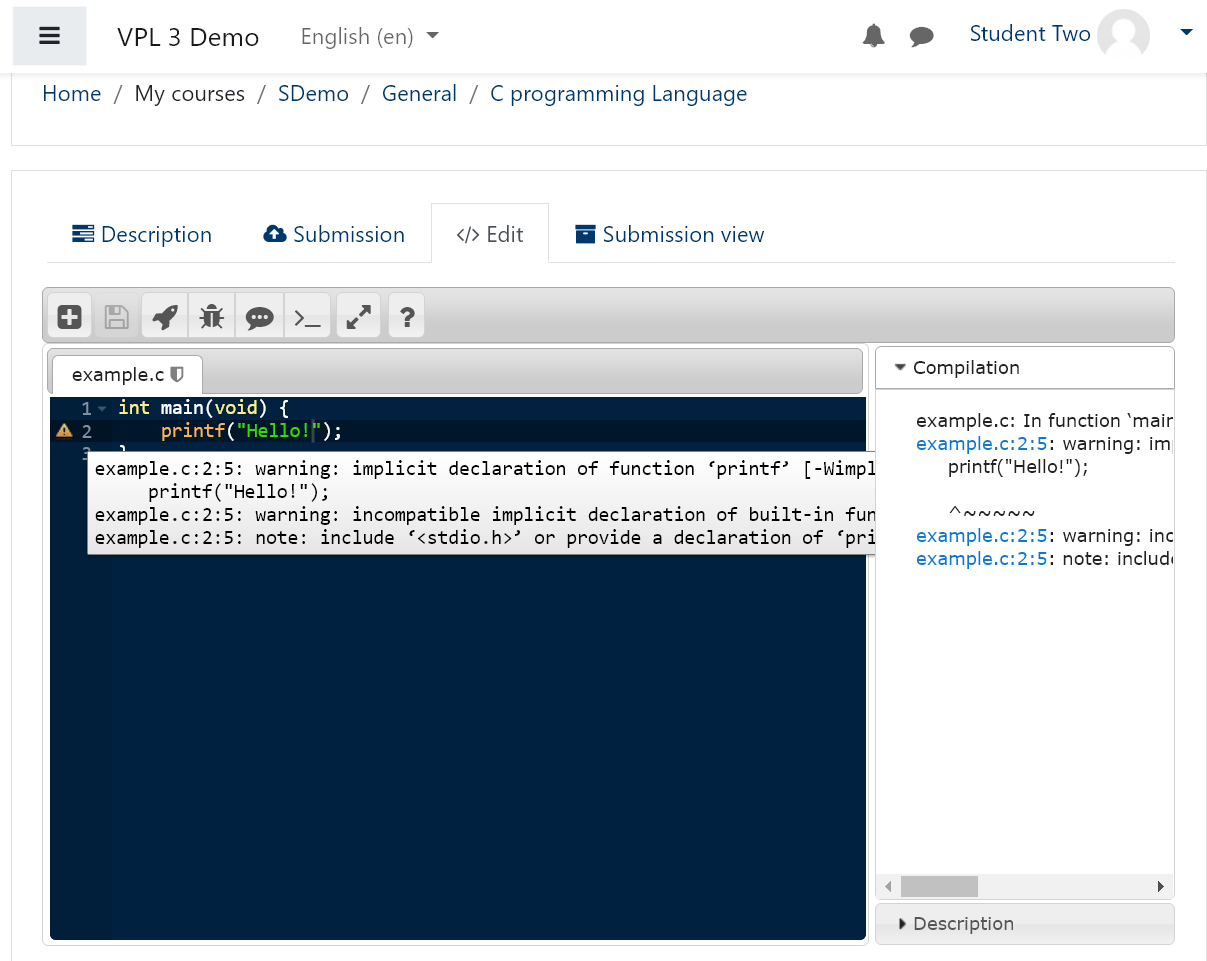
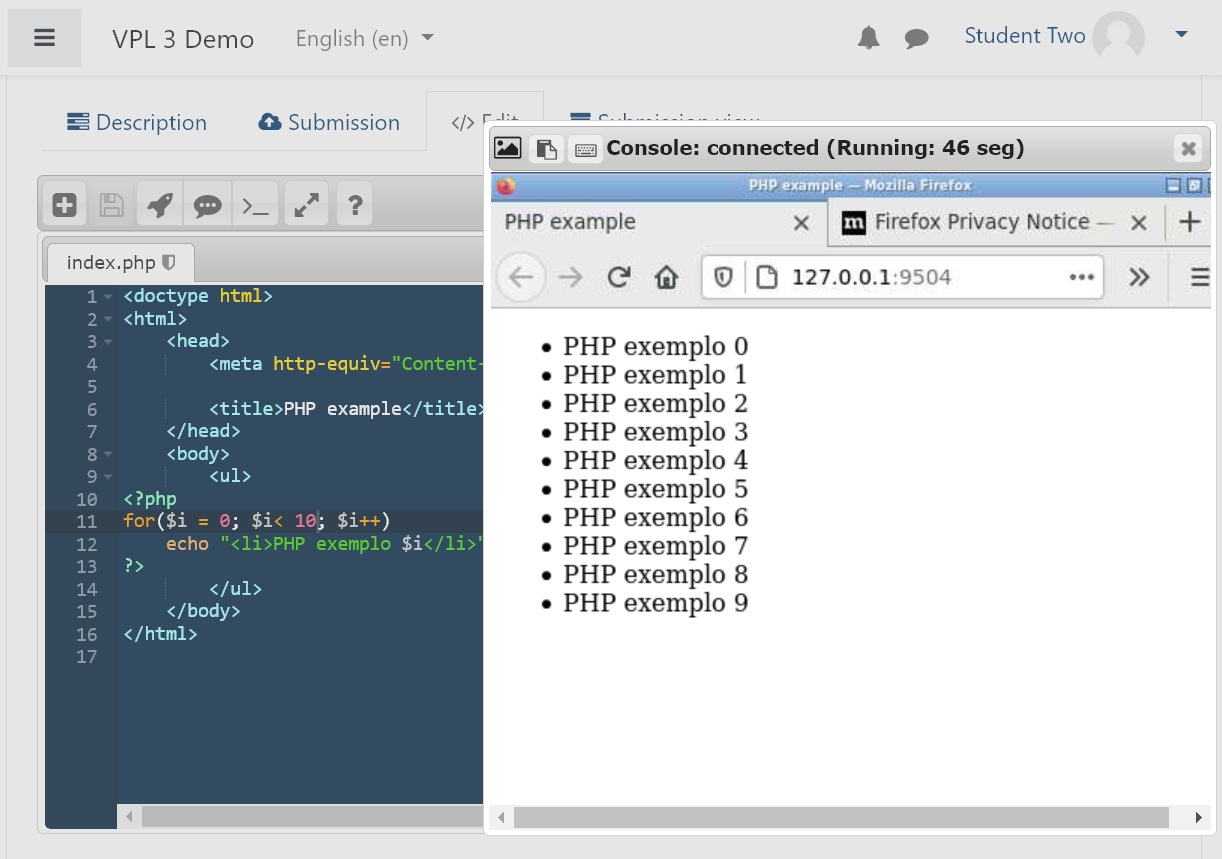
- Redesigned status bar with: unsaved changes indicators, action links, and web app browser launch links.
- Improved clipboard handling and terminal reliability.
- Improved fullscreen and page scrolling behavior.
- Restricted editing mode now allows copying text from comments and descriptions inside the IDE.
- Better handling of binary files and MIME types. Now binary file formats as pdf are shown.
- Improved file rename and update logic.
- Improved IDE status synchronization when files are removed.
- Improved VNC resize handling.
Other enhancements
Evaluator Subplugin Improvements
- Evaluator subplugins can now define configurable settings in the execution options form.
- Preparation data used during Run and Debug actions can now be modified by evaluators.
Execution Server / GUI Improvements
- Added script support for running HTML in execution server GUI mode.
- Improved execution server certificate messages.
Mark student first access to exam activity
- Empty submissions are automatically saved on first access when SEB or password restrictions are enabled.
Default submission interface
Added a site-level plugin setting that allows administrators to choose the default submission interface shown to students.
The available options are:
- Automatic (default)
- Submit files individually
- Submit ZIP archive
The Automatic option selects:
- Individual file submission when the maximum number of allowed files is 3 or fewer.
- ZIP archive submission otherwise.
Note: students can still change the submission method from the submission form if needed.
Similarity Detection Language Support Improvements
New or updated support for:
Ada, ASM, C/C++, Clojure, C#, COBOL, D, Dart, Eiffel, Erlang, Fortran, F#, Go, Haskell, HTML, Java, JavaScript, Julia, Kotlin, Lisp, Lua, Matlab, Pascal, Perl, PHP, Prolog, Python, R, Ruby, Rust, Scala, Scheme, Shell, SQL, Text, TypeScript, Verilog, VHDL, and Visual Basic.
GIOTES Improvements
A fatal error mechanism has been added. If a grading reduction greater than twice the grade range is applied during a test, execution of the remaining tests stops and the minimum grade is applied.
Compatibility
This version of VPL is compatible with the following:
- Moodle: Versions 4.1, 4.2, 4.3, 4.4, 4.5, 5.0, 5.1, and 5.2
- PHP: Versions 7.4 through 8.3
Note: VPL release numbers are independent of Moodle release numbers, unlike other Moodle modules.
Upgrading from a Previous Version
Updating to the latest version is strongly recommended to benefit from recent security updates, bug fixes, and feature improvements.
Additionally, updating VPL Jail Servers to the latest version is recommended for full compatibility.
Upgrade Steps for VPL 4.5.0
- Ensure your Moodle instance is updated to a supported version.
- Proceed with the VPL plugin upgrade. Upgrades from VPL version 2.4 or later are supported.