David Ta
Lead maintainer

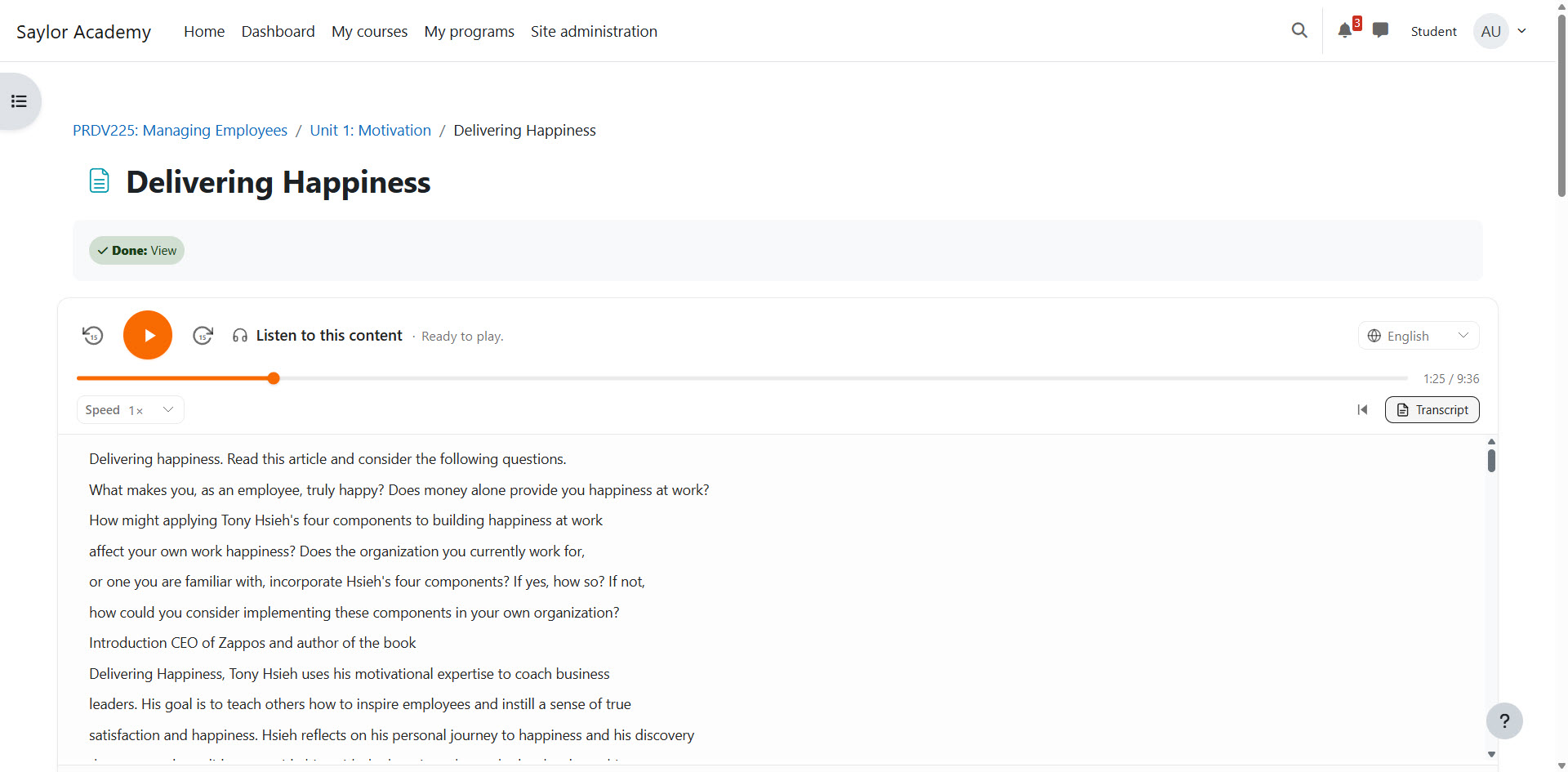

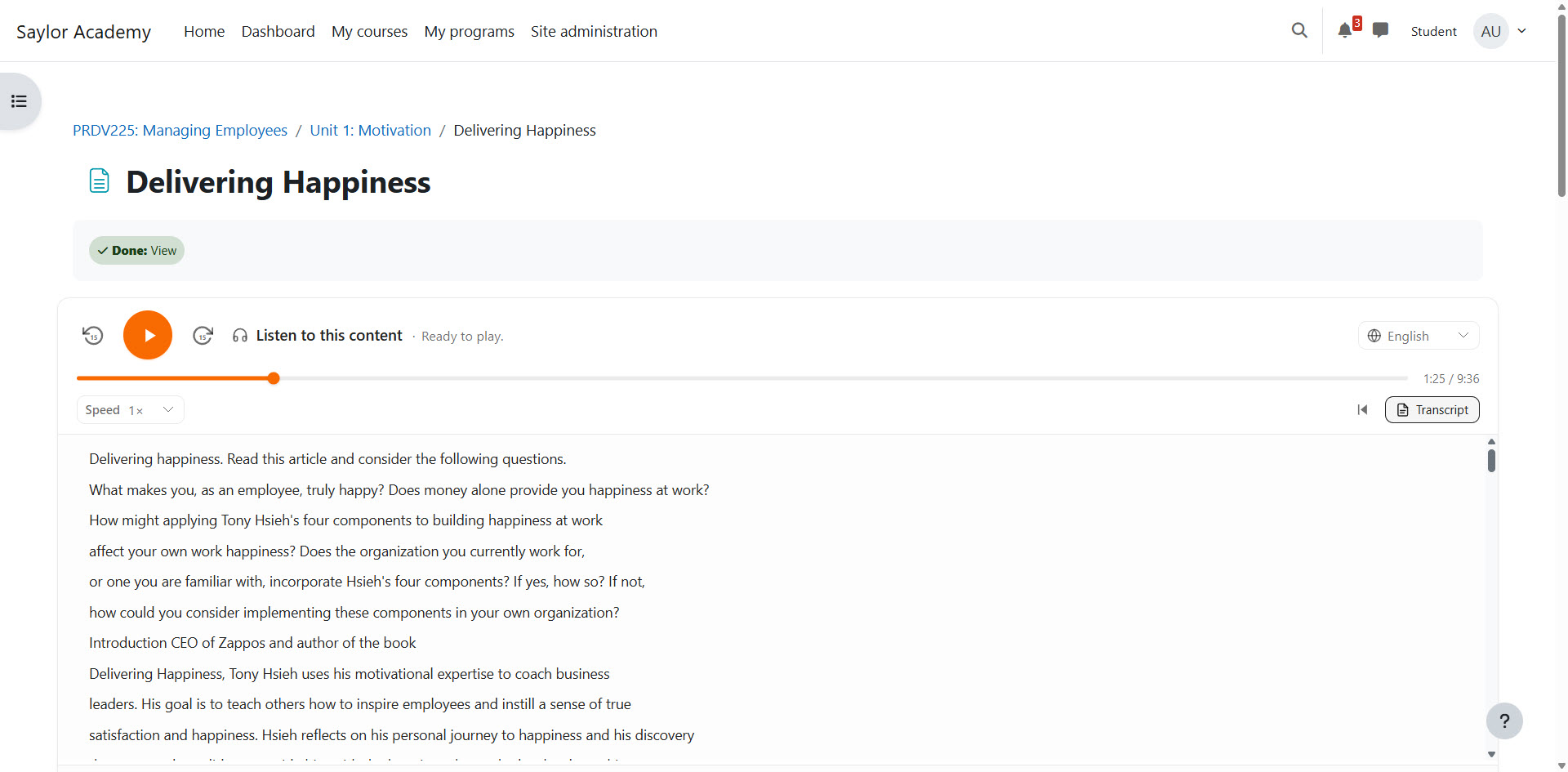
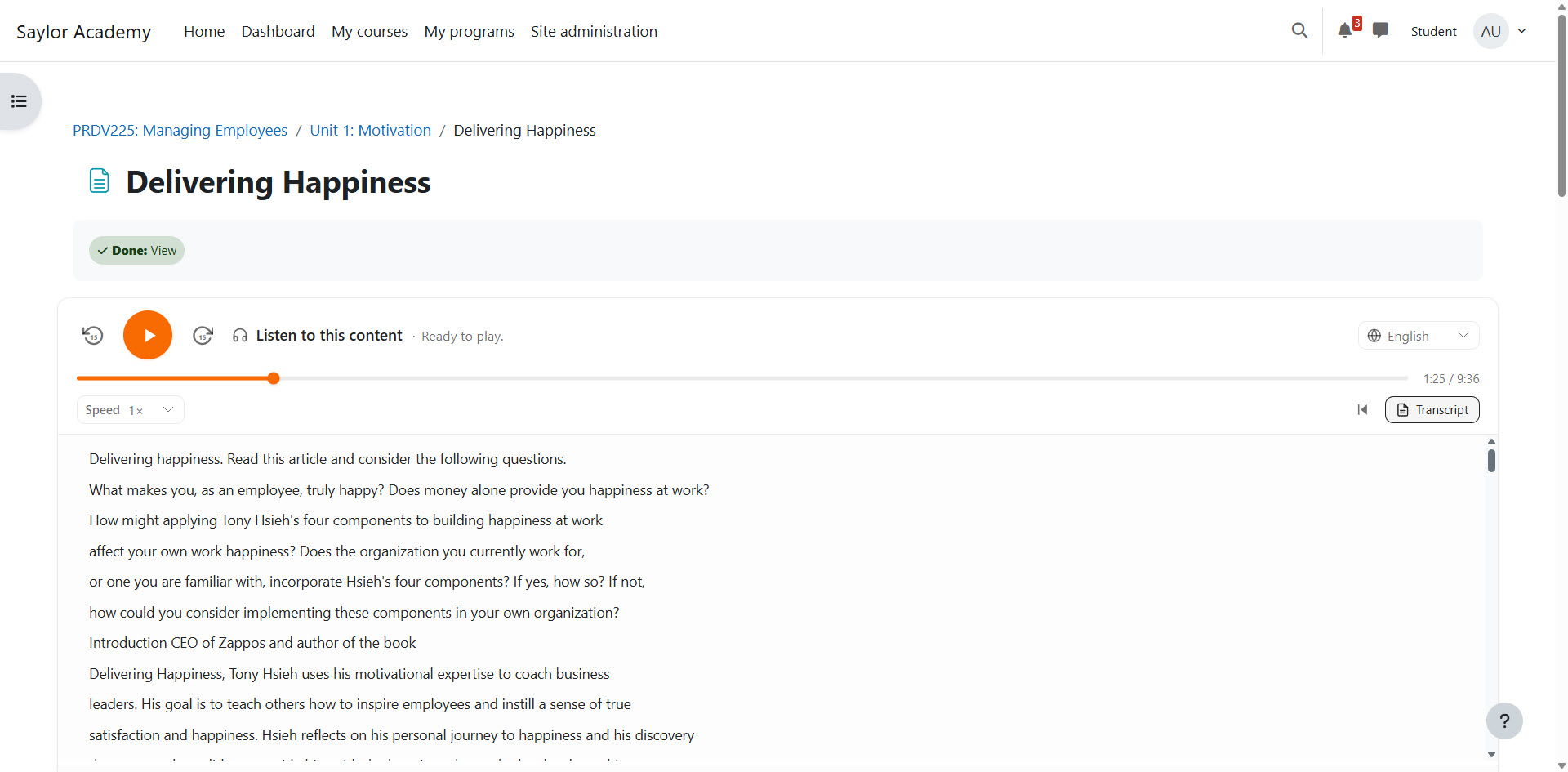
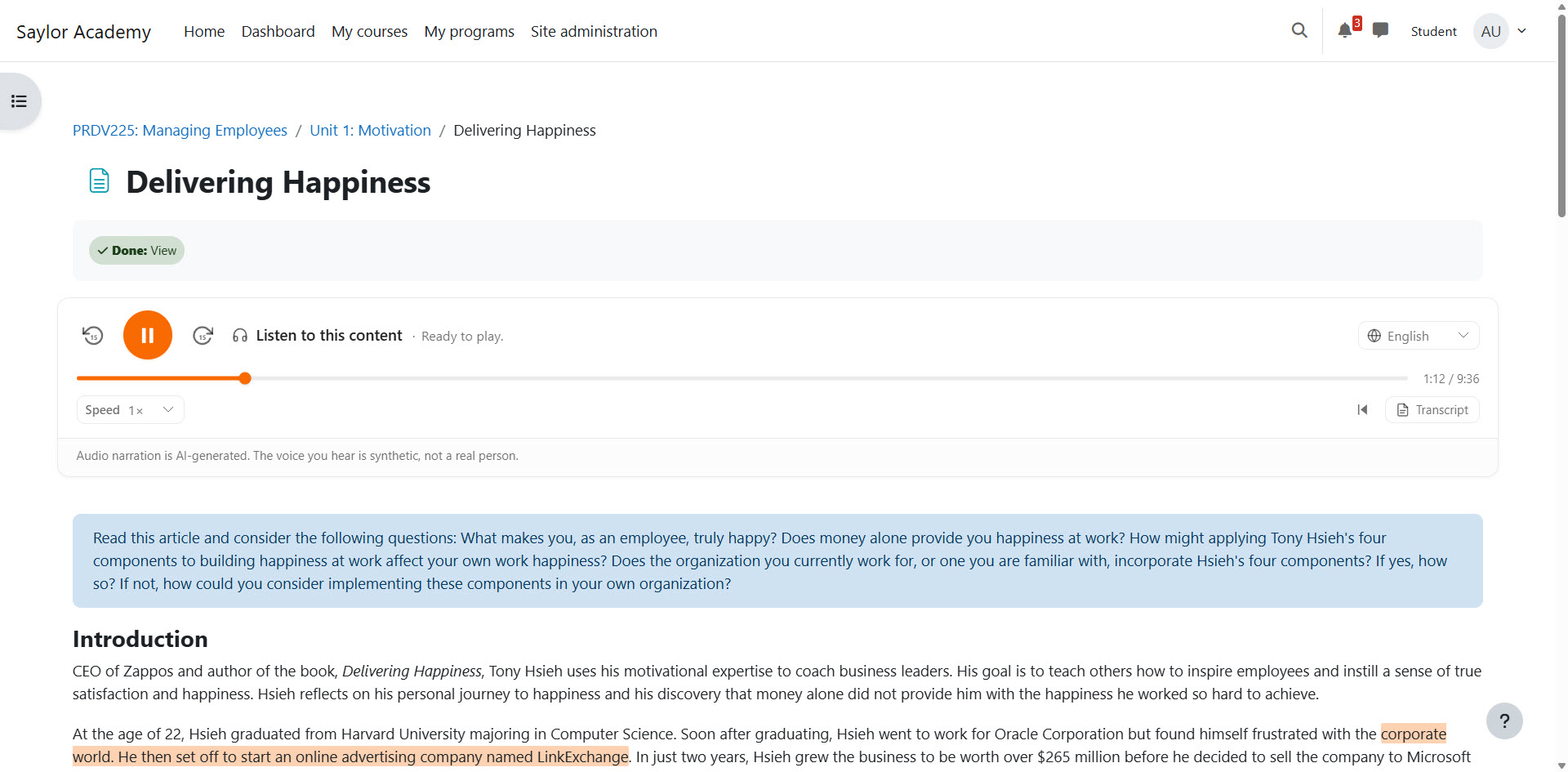
AI Reader adds a podcast-style audio player to every Moodle Page and Book chapter. Audio is generated once with OpenAI text-to-speech, cached on your Moodle server, and reused for every student who opens the same activity.
No per-student API cost. No page-load generation delay. No manual audio uploads.
Give students with low vision, dyslexia, or reading difficulties automatic audio support.
Let students listen to lessons during a commute, walk, or any time a screen is inconvenient.
Let learners hear course content in enabled languages with translated, re-narrated audio.
Pricing is annual per Moodle site. Schools bring their own OpenAI API key or compatible gateway, so API usage is paid directly by the institution and cached audio keeps ongoing usage predictable.
| Plan | Price | Best For | Includes |
|---|---|---|---|
| Community | Free | Testing, pilots, open-source adoption | Core plugin, no guaranteed support, GitHub issues only |
| Standard | $399/year/site | Small schools and individual Moodle sites | Updates, email support, installation documentation |
| Campus | $999/year/site | Colleges, districts, and larger course catalogs | Priority support, upgrade guidance, configuration review |
| Enterprise | $2,499+/year/site | Large institutions with procurement or SLA needs | SLA options, onboarding, gateway/proxy help, custom support terms |
| Implementation | $500-$1,500 one time | Sites that want setup help | Install, configuration, API key setup, cron check, initial test generation |
| Custom Work | $1,500-$5,000+ | Azure, proxy, compliance, or institution-specific needs | Custom gateway setup, feature work, reporting, or integration support |
Suggested launch positioning: list Standard at $499/year/site and offer $399/year/site as an early-adopter price.
Requires Moodle 4.5 LTS or later, Moodle cron, outbound HTTPS, and an OpenAI API key or compatible API gateway.
Audio generation costs approximately $0.06 per 1,000 words, one time per page or chapter. Cached audio is reused for every learner.

