Grade Me
Maintained by
Tyler Bannister, Logan Reynolds, James McQuillan
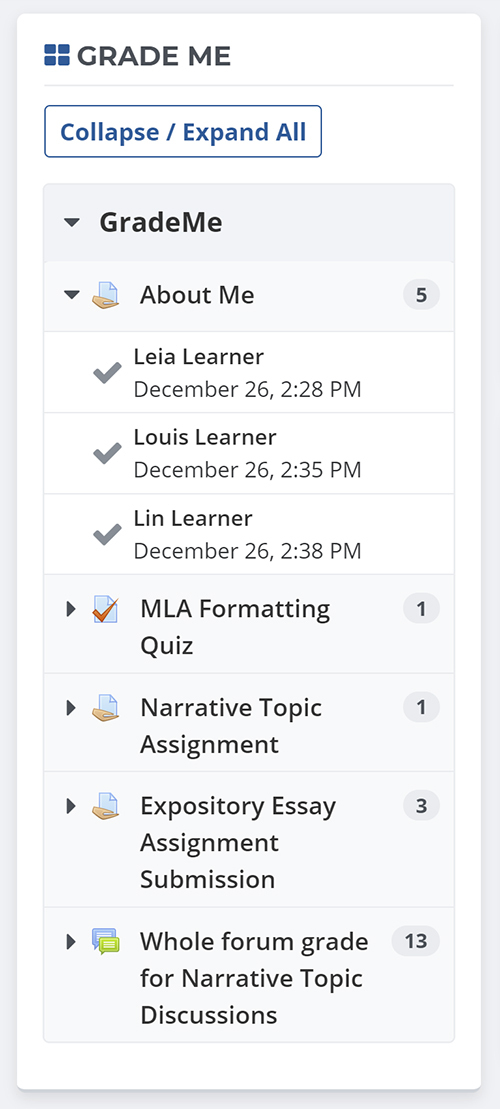
Shows a teacher all of the assignments and manual quiz questions (essays and file responses) that have been submitted, but not graded.
Comments
Comments are no longer open for new posts. Existing comments remain available to read.
Teacher is in Group A
Student is in Group B
Assignment is configured to use groups
Nevertheless, the teacher sees the assignments of Student within grademe. Or do we have to take something special into account when using groups?
Thanks in advance
1. If a teacher clicks on an assignment and enters a grade and feedback, it saves the feedback and grade to the first student in their list rather than the student they chose to enter feedback for.
2. If a student uploads a PDF for their assignment and the teacher clicks on the red checkmark in the block for that assignment, it removes the assignment from their list even if they do not save any feedback or a grade. Just viewing the students submission removes it from the block.
These problems existed previously and were corrected but seem to have come back in the last couple of weeks. I really need to get this resolved or will have to remove the block altogether which my teachers would be very disappointed about. Thanks!!
Regards, Nikki
We have just published an update to the 27-30 branches of Grade Me which fixes both the problem of entries linking to incorrect student, as well as some glossary types not displaying within the block.
@Matteo I've filed a new issue to get the duplicate-index problem you reported fixed here https://github.com/remotelearner/moodle-block_grade_me/issues/6 , which we'll include in a future sprint to work on. I'm also seeing that the "Create Issue" feature at our canonical source on GitHub may have not been displaying previously, however it should be available now and I would encourage anyone with feature requests/bug submissions to report them as a new issue at https://github.com/remotelearner/moodle-block_grade_me/issues . We will create internal tasks based on each of these to include in future sprints, similar to the existing one I've created as an example.
Feel free to contact if you have any questions, and thank you for your feedback on this plugin.
Regards,
Logan Reynolds
This is an awesome plugin but is there any way to avoid simultaneous grading? we have multiple evaluators and are trying to avoid having any collisions/simultaneous grading...
Hi Natalie, usually when there are assignment that need grading and Grade Me does not display anything you need to run the cron so that Grade Me will check for new assignments. If running the cron doesn't fix the problem, you may need to check that the block has been configured to look for the right types of gradeable items. If I remember correctly, it should pick up quizzes and assignments by default but the other types will need to be turned on.
Is it possible to implement a feature for excluding assignments.
Example:
- Assignment 1 ( x )
- Assignment 2 ( x )
- Assignment 3 ( x )
If you click on the x the assignment will be hidden from the current user / teacher. Maybe a complete list could be available for showing the assignments again on the list, under block settings.
Let me hear from you.
// Ulrik McArdle