
Subcourse
Maintained by
Dan Marsden, Catalyst IT
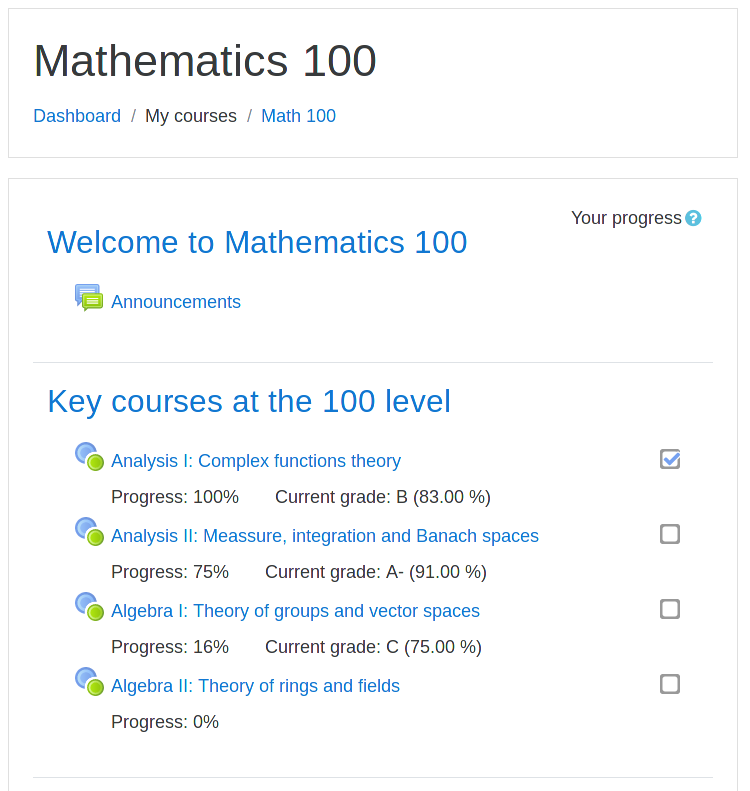
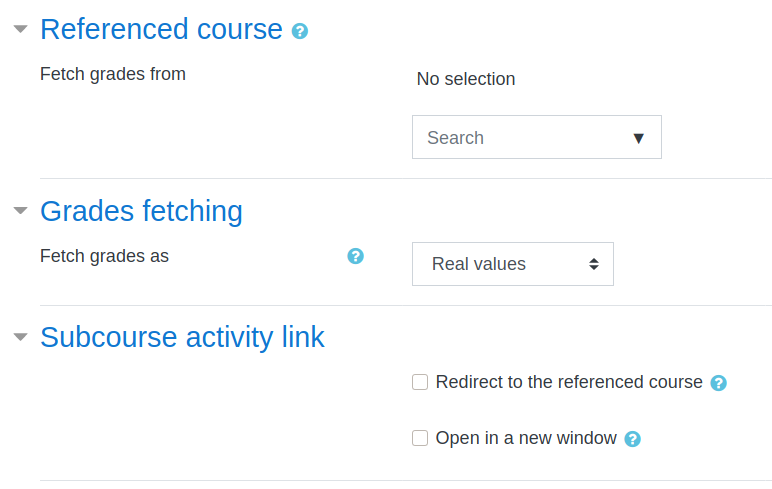
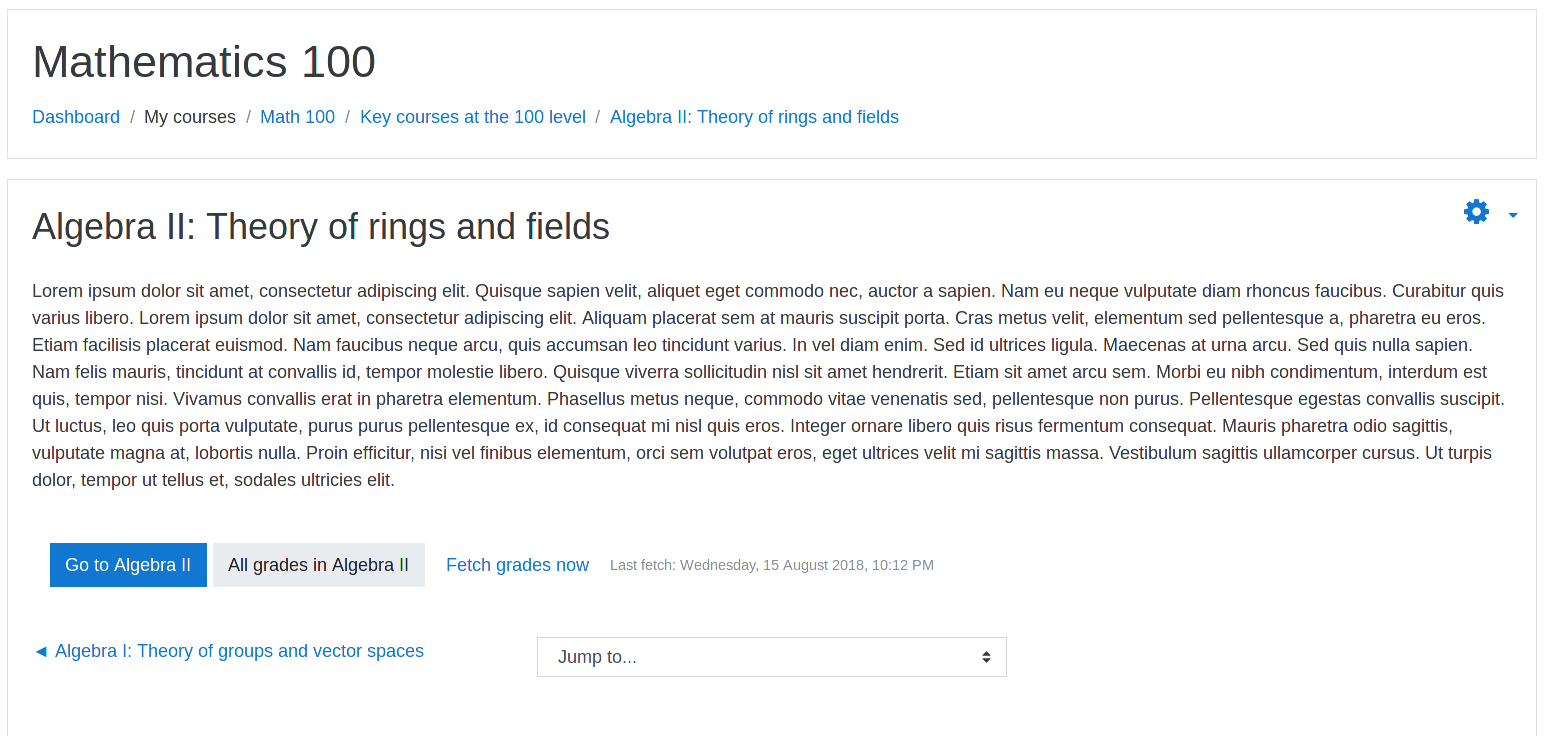
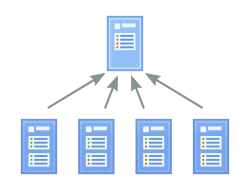
Subcourse behaves as a graded activity. The grade for each student is automatically fetched from a final grade in another course. This allows course designers to organize the learning content into separate units.
Comments
Comments are no longer open for new posts. Existing comments remain available to read.
Yes I plan to formally update it asap. Meanwhile, the current 3.4 version should just work well.
Any update to Moodle 3.5?
Ricardo
great plug in. Since the overview report page in moodle is all jumbled this bring a nice solution to mapping progress in over 200 courses over 5 years. I'm sure you have been asked this before. But it would seem to make more sense to have not just a link to the course the grades are coming from but rather the grader report itself. thus allowing for the drilling down of grade to see how the students got their final marks. Could an additional link be added so they can go to course and go to course grades. For students it would redirect them to the user report and for the staff to grader report of that course?
Many thanks Scott
Subcourse does not (and will not) deal with actual enrolment. There are other ways how to achieve it, for example via https://docs.moodle.org/en/Course_meta_link
As we primarily use scorm packages that send completion versus a mark is there a way to hide the grades from the student to only show completion in the check box?
Tim
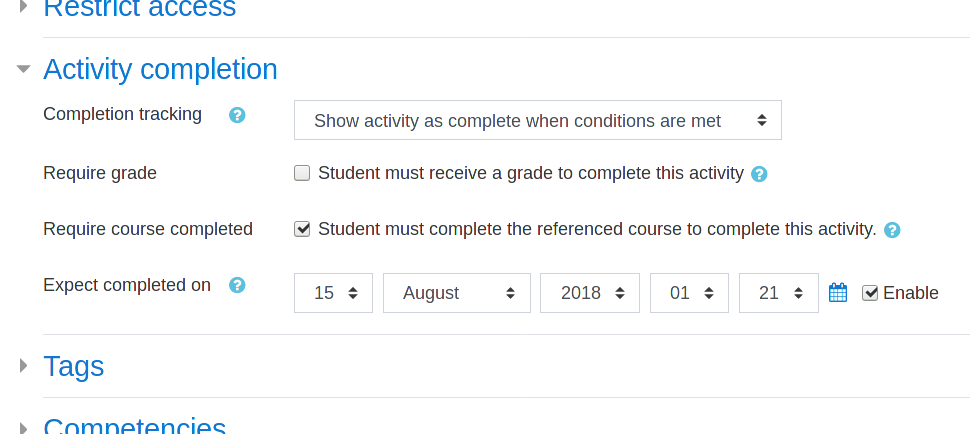
Hi Tim. Are you referring to completion based on grade or completion based on completing the referenced course? See issues #15 and #16 in the plugin's bug tracker for details and comment there eventually. Thanks.
I have tried to use the subcourse activity and everything seems perfect except for completion tracking. The grade comes back as 100 but the check box is still not checked for completion. Any ideas on what I can look at for this?
Thanks
Tim
First of all, thank you so much for this plugin that we use a lot in our site, in multiple ways.
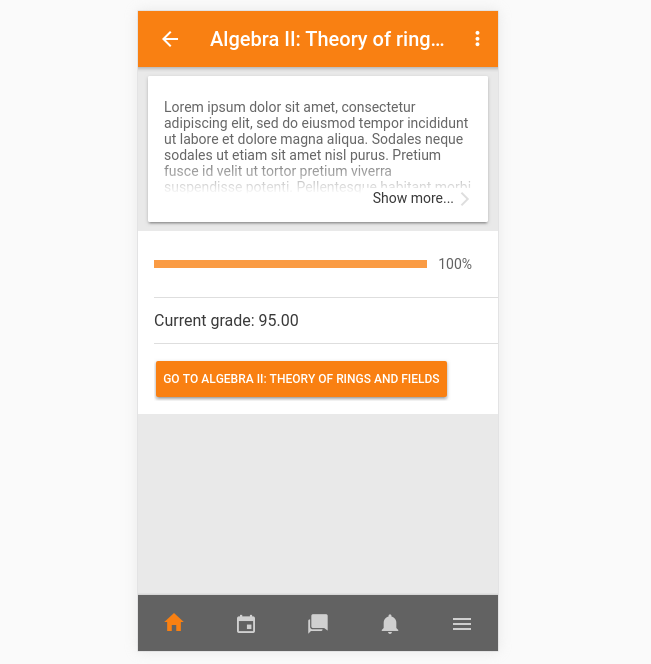
Do you have an update on Stefan's question regarding the Subcourse activity to be available in the mobile app?
We want to use Subcourse now in a scenario for which the mobile app is absolutely necessary.
I have created an issue in Github for this request.
Jumping to the referenced course would be my first suggestion.
Would you have any other option in mind?
Best regards,
S
Hi Andreas. Happy to hear you found the plugin useful. What you experience is a result of a bug / missing feature. Subcourse apparently does not call
format_string()to display the course name (which would apply filters). It should not be hard to fix. Please report it as the plugin bug or even better submit a pull requestWe are now using your plugin in multiple scenarios and are quite happy with it
In one case we are using https://moodle.org/plugins/filter_multilang2 in course names.
Unfortunately your plugin does not support this filter as I understand and renders the original text in multiple context like:
Go to the course {mlang de}Sicheres Arbeiten - Grundlagen{mlang}{mlang en}Health & Safety{mlang}
Any suggestions?
Best regards
Andreas
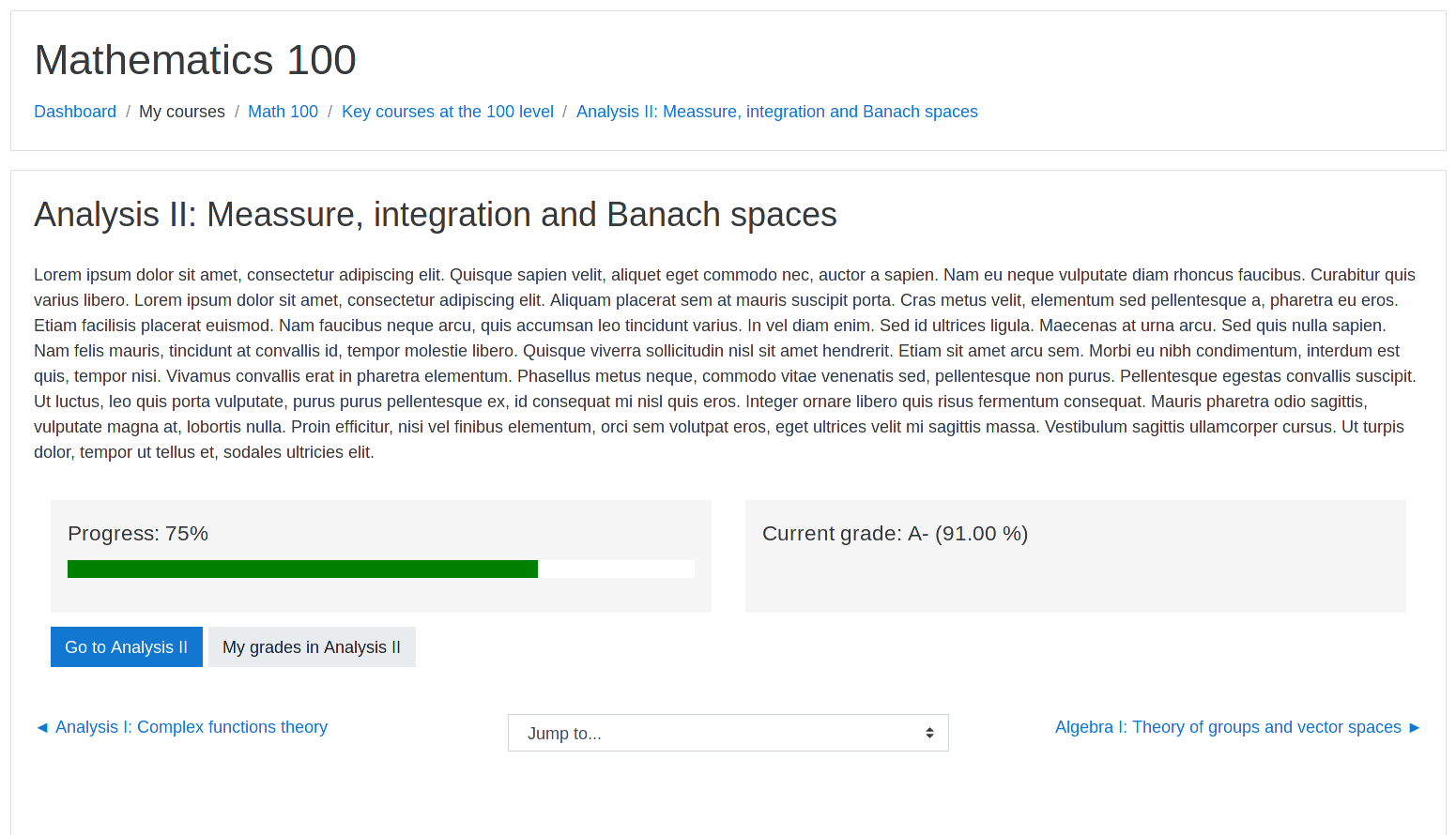
Hi Ketan. Yeah, there is no implicit way for a course to know what its parent is to display the navigation automatically. What I would do is adding a HTML block or the URL resource to each of the subcourses that take the students back.
I created a Program course (using course meta link) that is based on 4 courses (sub courses). All works well but when as a student i navigate to any sub-course, i cannot navigate back from that sub-course to the meta-course. I have to then go back to the My Courses and again select that Meta-Course. Is there something i'm missing or any work-around getting this done?
Thanks