Poodll Anywhere (TinyMCE) icon

Poodll Anywhere (TinyMCE)

Maintained by Justin Hunt
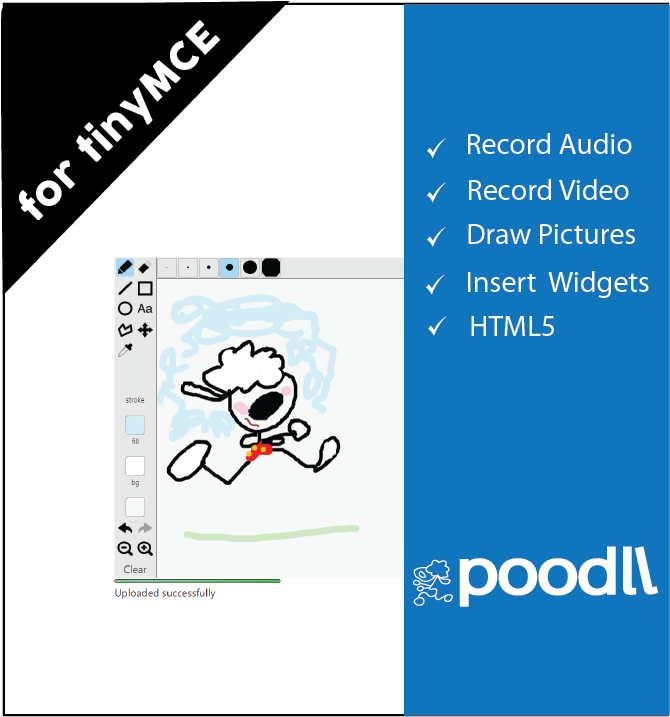
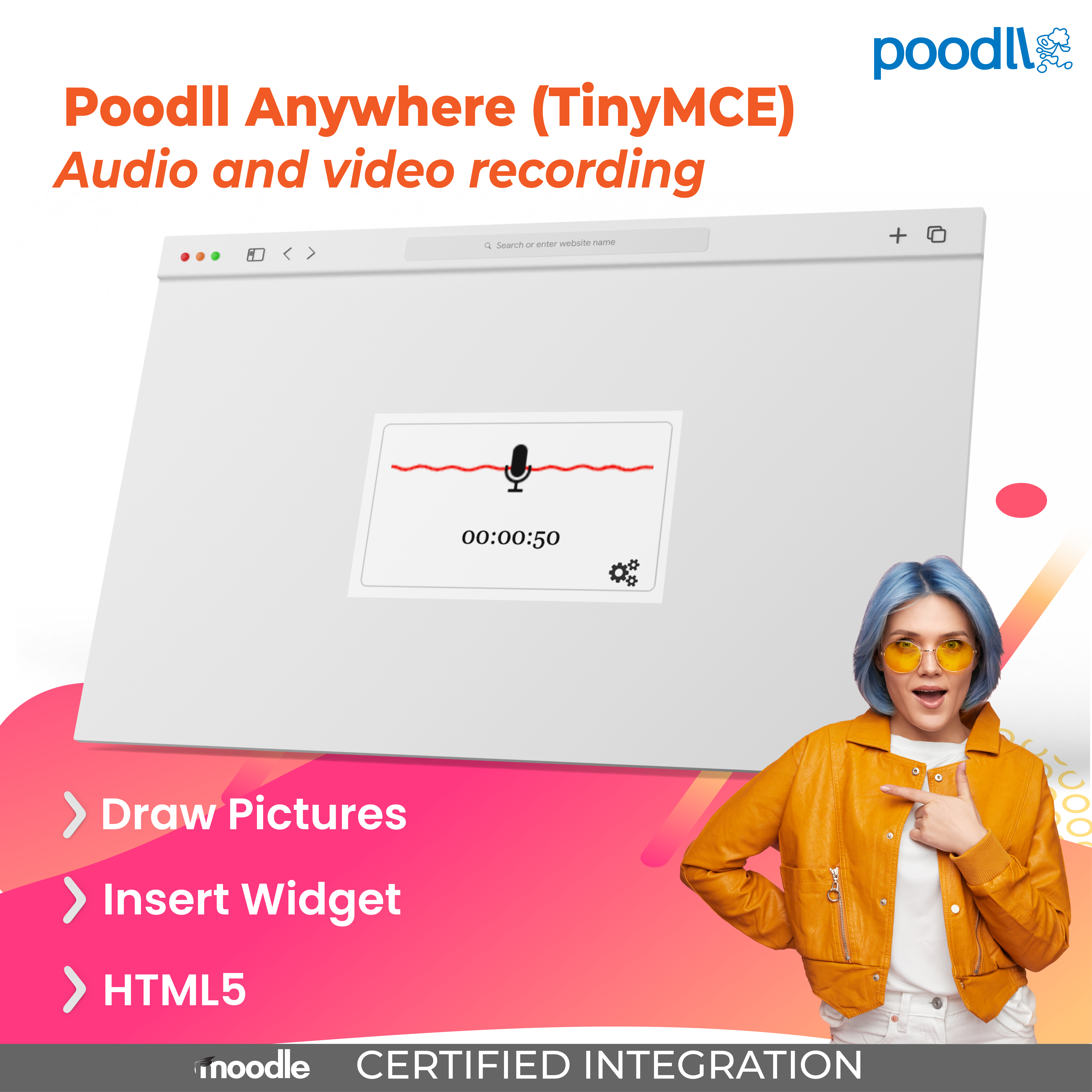
Poodll Anywhere for TinyMCE allows the user to record audio and video or draw pictures, or snap pictures, directly into forum posts, assignment descriptions, page resource content, question descriptions, question responses and other areas.
Price option: Free

Supports Moodle 2.4-4.1 See all versions
Latest release: 8 years ago
Installations: 160
Downloads (last 90 days): 57

Frankenstyle name: tinymce_poodll
TinyMCE (legacy)

Comments

Product ratings and reviews are coming to Moodle Marketplace. Until then, existing comments remain available to read, but new posts have been disabled.

Hi there,
It's a nice plugin. I wonder whether I can use URL from other websites or audio files from my PC.
Thanks in advance,
Have a nice weekend
Hi Sonia. PoodLL will hide itself if it notes that the html area does not accept file attachments. I know that it is confusing when you don't see it there. But it was a decision on my part to prevents hapless students and hipster teachers seeing their recordings disappear without knowing why. Why this should be more so in the social wall format, I am not sure. Is it possible to open the Moodle image dialog and choose /upload an image into the same area? If so, something is wrong. If not, then PoodLL is behaving correctly.
Hi, one question...I installed socialwall format course and in the other course formats I can see and use the poodll recorder, but in this case I can't see the buttons of poodll into html's editor of the post course,...some help? thanks in advance!
Ok thanks!
Well, currently PoodLL only uploads to Moodle, not S3 or Dropbox or anything like that. So the essay response type won't work. But with Moodle you can have more than one assignment submission type. So you could have an essay submission type followed by a PoodLL whiteboard submission (for example).
... Also using YouTube anywhere for TinyMCE you could get vide submissions in the essay submission type.
@Justin Hunt
Oh I see. I cant even upload an image/video in the essay type quiz. Is there anything I can do? or this is dead end?
Thanks for your response!!
It is because the html editor in the assignment essay type does not handle file submissions. Effectively this means PoodLL has nowhere to store the files.
Hi. I am having an issue with audio/video/etc buttons not showing on essay quiz editor. I have added the buttons (poodllaudiomp3, poodllaudiored5, poodllvideo, poodllwhiteboard, poodllsnapshot) on customtoolbar settings but still no luck. Same thing with the Atto version. Atto settings: files = image, media, managefiles, poodll
What could be the problem? Buttons show on other editor. Please help.
Thanks,
Jmes
OK, I see. The version that the plugin is requiring, is the PoodLL Filter version. That is a dependancy for PoodLL Anywhere. If you download that too , they should both install OK, and you will be up and running
It's pretty simple. When I go to Notifications, the plugin is seen but can't be installed until I "solve all the plugin requirements." Here is a screenshot: h*t*t*ps://w*w*w.dropbox.com/s/87tnooqzy1gat15/poodll.jpg
Glenn, what is happening? Can you give me some more details?
Hmm. Unable to install the latest version in Moodle 2.4.3 (2012120310) even though the version required by the plugin seems to be 2012112900. Really interested in trying this out. Am I out of luck?
Great to finally see this on Moodle.Org, its a fantastic addition to Moodle smile
Ok, thanks for approving it Aparup. In Flash the permissions dialog can be hard to click on. Something seems to steal the "clicks." Hopefully it is not a widespread problem.
Can I just get confirmation on what is holding up the approval on this? Is it the PoodLL filter docs or something else? The PoodLL filter docs are scattered around PoodLL.com really. But I just updated the page the PoodLL filter external doc link goes to.
The documentation for this plugin is basically the readme file. I just added a link now to an "external documentation" page, but the contents are largely the same. I basically just added a YouTube video.
Anything else?