
Poodll Anywhere (TinyMCE)
Maintained by
Justin Hunt
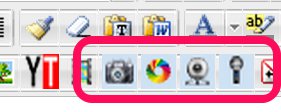
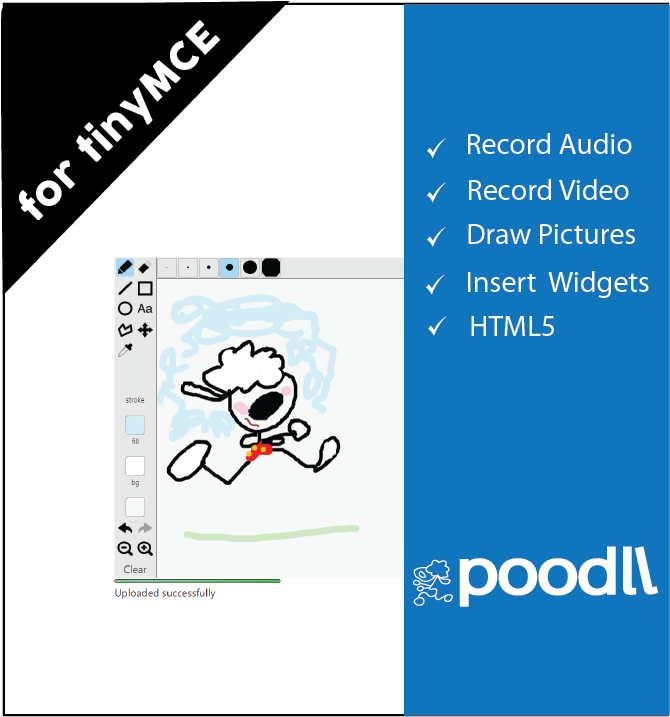
Poodll Anywhere for TinyMCE allows the user to record audio and video or draw pictures, or snap pictures, directly into forum posts, assignment descriptions, page resource content, question descriptions, question responses and other areas.
Comments
Product ratings and reviews are coming to Moodle Marketplace. Until then, existing comments remain available to read, but new posts have been disabled.
The poodll don't appear on editor in activity "Lesson" when is on student role.
How can I enable poodle anywhere on Lesson ?
Thanks in advance!
Where are you trying to record, and did you look at the settings for the TinyMCE and Atto toolbars. You need to add PoodLL to those for the editor to know where to display the icons.
We're also seeing the same problem Craig and Kathy reported with audio recordings on the TinyMCE, on Moodle 3.04. The insert and other bottom buttons appear for a flash at the top of the recording window for a half-second, then disappear. We've been using these plugins for a couple of years and If I backup/restore a course from an older version of Moodle with a recording from TinyMCE, for example in a label, it's there and plays with no problem. Just can't create any new ones. I hope that helps.
The plugin looks great so far.
When watching your video on the plugin I couldn't help but notice the Whiteboard (The main reason for me trying this) is different.
Which default whiteboard were you using for that, I would like the line tool which was available in your video.
I am guessing it is most likely the 'Literally Canvas(js)' however when I try to use that it does not appear, nothing appears. I am running Moodle 2.7 so it should work?
I'm having a problem similar to Kathy that is preventing people from being able to inset their recorded audio when using TinyMCE - the insert button is either non-existent or unclickable. It works fine when we use Atto, but we'd definitely prefer TinyMCE. I'll stay tuned.
Thanks,
Craig
Fantastic plugin - thanks.
cheers
Kathy
If switching to Atto is not an option, you might have to wait till I can get into it. I can not promise that will be this week.
I am running this plugin on Moodle 3.3. It works well except for the sound recording where the controls at the bottom don't show. The record etc buttons show and work but not the insert and the other buttons at the bottom. We are using tinymce. Any suggestions?
thanks
kathy
I have problem with poodLL icons - they doesent show on any text editor. I allready instaled, enabled the filter, still no sucsess.
Tried it on Moodle 2.8 and 2.9 both the same problem.