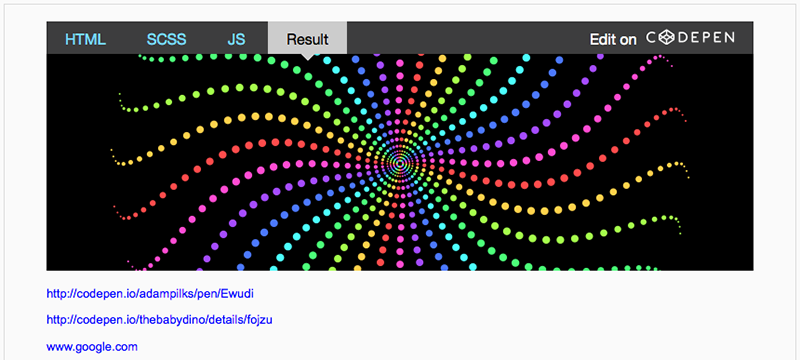
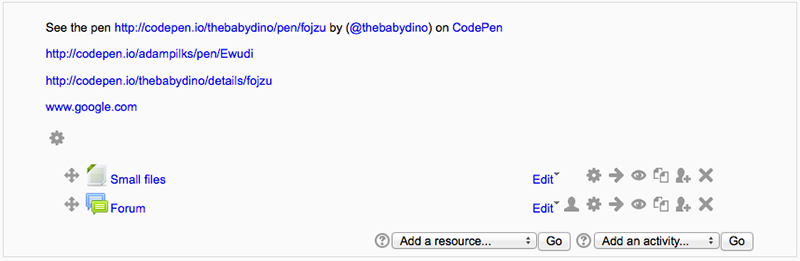
This is a text filter to embed a CodePen from codepen.io into a text area in Moodle. Simply enable the plugin and paste the direct URL to a Pen in your content (or heading if enabled). A standard URL looks like this:
https://codepen.io/[username]/pen/[Pen ID]
For example:
https://codepen.io/thedannywahl/pen/Gbdaj
Notes
- CodePen does not have an API so we cannot manipulate the appearance of embeds on a per-Pen basis, so settings here are global.
- If a user does not have javascript enabled a text fallback is provided with a link to the Pen.
- Links to Pens are escaped if you do not want to embed. E.g.:
<a href="https://codepen.io/thedannywahl/pen/Gbdaj">https://codepen.io/thedannywahl/pen/Gbdaj</a>
- Make sure that if you have the "urltolink" filter enabled that the CodePen filter is listed first because links are escaped.
- Do not use www. or cdpn.io short-link, these are not valid pen URLs. Visiting them in a browser always redirects to the full Pen URL path (as exampled above).
- This filter only works with the /pen/ URL. It will not embed from other views like /full/ /live/ etc...