Newsletter
Maintained by
Wunderbyte GmbH, David Bogner
This is a newsletter module for moodle. First stable release. It provides the basic features of common newsletter tools. Using it with moodle VERP bounce processing is recommended. But we will add an additional bounce processing feature that will be easier to configure.
Comments
Comments are no longer open for new posts. Existing comments remain available to read.
Thanks again for your great support. (Intensively waiting for next updates)
(Happy Holiday! )
Best,
Hamed
yes that is on our feature list. But I am on holiday the next 2 weeks. So I think it will be ready in about 3 weeks time.
Best,
David
Thanks a lot, Now its working! (I created a new noreply email account and activated it and choose it as noreply email in settings). UTF-8 problem is also solved.
One more question:
1.Is it possible to put some code in mail content and those code automatically be replaced with "user's name" or "user's other information" in the emails that received by users?
Best,
Hamed
maybe there is a misunderstanding: Sending the mails is done by the smtp server defined in /settings.php?section=messagesettingemail If these settings are empty, then PHP will send it without an smtp server. The settings you described are the bounce settings for the newsletter. This should be the mailbox login data for the noreply adress which is also defined in the moodle settings /settings.php?section=messagesettingemail
You can test if the login data are correct at the following url: http://localhost/moodle/mod/newsletter/bouncetest.php (adapt the url to your moodle site).
I can not reproduce the problem so I would need more information. Maybe there is an issue with farsi, I will test that. You could enable Cron DEBUG mode in http://localhost/moodle/admin/settings.php?section=modsettingnewsletter and also enable smtp debugging: http://localhost/moodle/admin/settings.php?section=debugging
But that is not recommended for production sites.
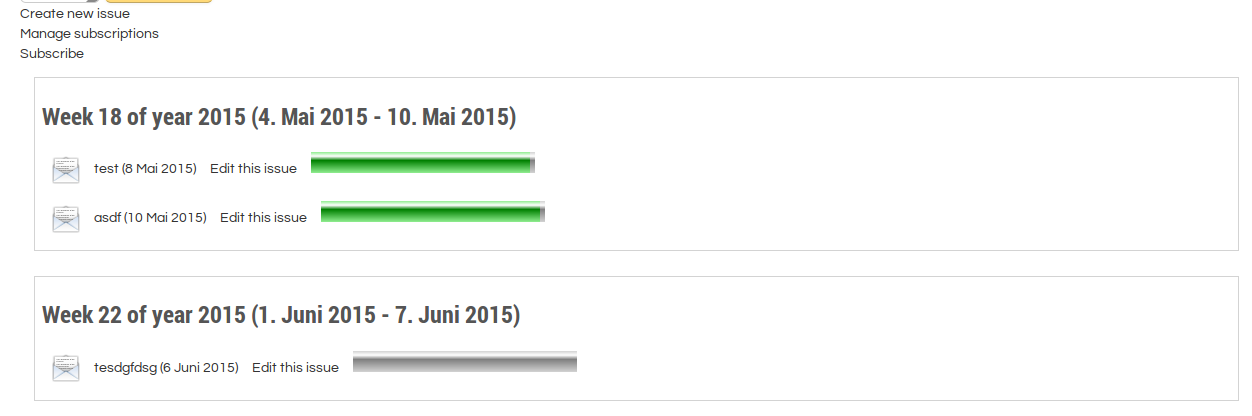
If the a newsletter issue is marked green in the issues overview, then the newsletter won't be sent again. So you have to create a new issue if you want to test it.
Best,
David
Best,
Hamed
Thanks. Just updated. (User's subscriptions are Active.But still no email sent) Some of my module settings:
he service to use (imap or pop3) = pop3
The service options (none, tls, notls, ssl) = none
The port to access your mailbox = 110 (0, 143, 995 also not worked)
(I use SMTP). Any idea?
Best,
Hamed
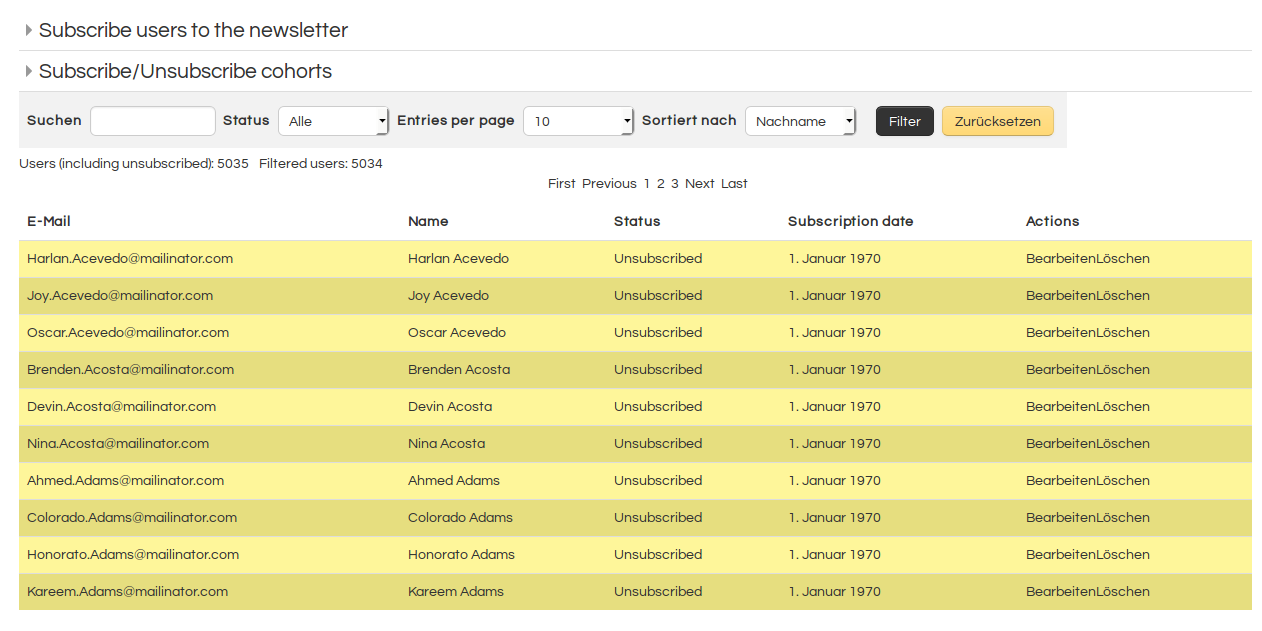
I tried to send newsletter now on Moodle 2.7 and 2.9 and it works perfectly. Nevertheless I uploaded a new version, because I saw that I did not check if bouncing was enabled in cron job. But sending mails worked before. Did you check the status of the users in manage subscriptions? If they are blacklisted, they won't receive any mails.
Best,
David
I use SMTP server. And I filled all the fields in bounce setting correctly (Other places like message and etc... of the site are sending emails. but this module is not sending)
When I run cron, it says: Starting activity modules - Processing module function newsletter_cron ... Done (relevant information).
(Thanks about theme. If I use choose it as my default theme, I will fix it for RTL and will send it to add to your package if you like)
Best,
Hamed
what method do you use for sending the mails? The PHP internal method /admin/settings.php?section=messagesettingemail or do you use an SMTP server? Did you fill in bounce settings and did you test them? When you turn on debugging in newsletter settings and you run the cron script /admin/cron.php is there any relevant information?
Concerning the theme: Unfortunately we did not have the budget for RTL support, and we do not need RTL for our usecases.
Best,
David
Thanks. Installed and worked. But it seems that is not sending mails (But in first version it was working fine). All the settings are correct and logically it should work (Any idea?).
(I even installed your theme, and its so great but has number of problems with RTL)
Best,
Hamed
I just fixed that problem. You have to update the settings.php file with the newest version in order to make your site work again. Or use the theme campus, that would solve the problem too: https://moodle.org/plugins/view/theme_campus
Best,
David
It would be great if I use this module in our class which will be started at June 23. (So, waiting for update)
Also thanks about solving UTF-8 problem (I'll send full feedback after being able to install it)
Best,
Hamed
I just realized that I used an admin setting, that is only available in the theme I use. It seemed to be a core setting but in fact was just added by the theme. I will fix that.
Best,
David
Latest official update of Moodle 2.9
Best,
Hamed
I will try to install it directly from moodle as you did. Which Moodle version are you using?
Best,
David