Newsletter
Maintained by
Wunderbyte GmbH, David Bogner
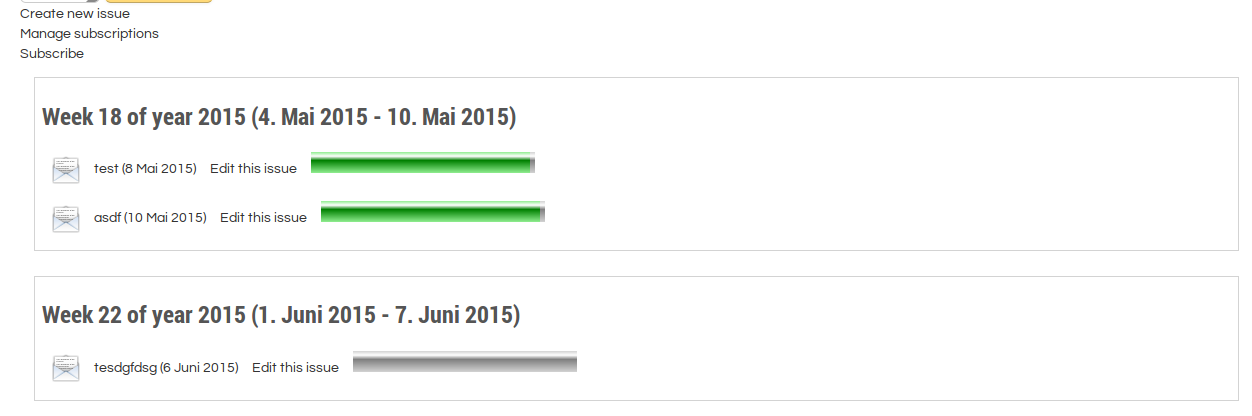
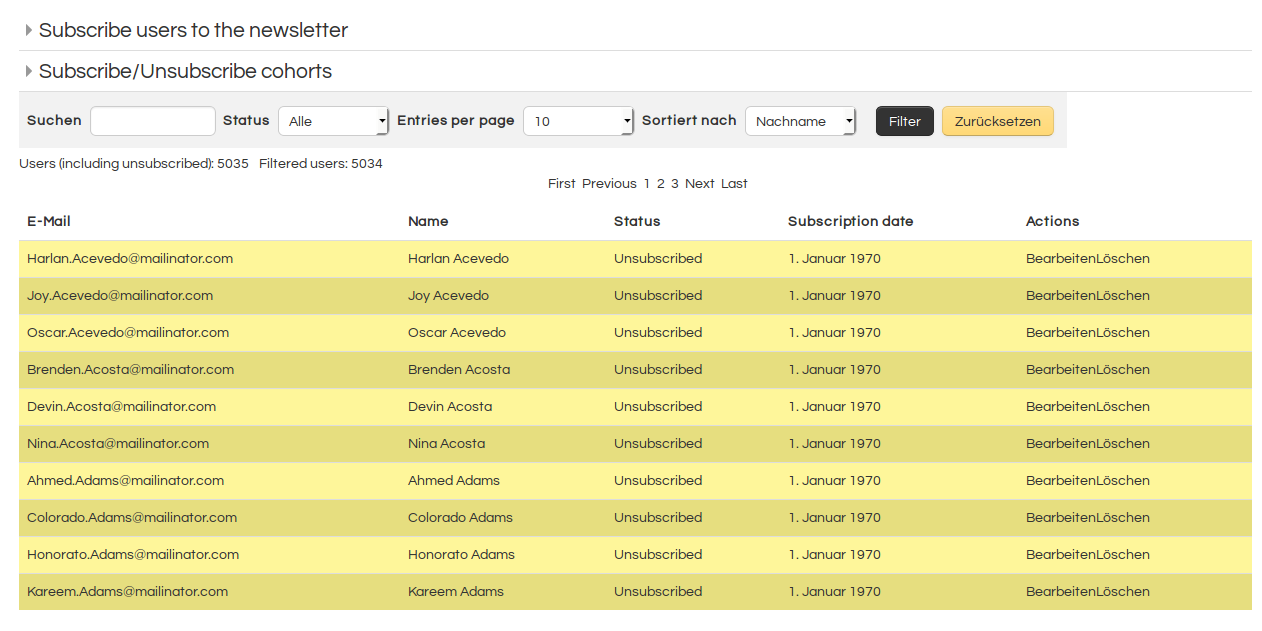
This is a newsletter module for moodle. First stable release. It provides the basic features of common newsletter tools. Using it with moodle VERP bounce processing is recommended. But we will add an additional bounce processing feature that will be easier to configure.
Comments
Comments are no longer open for new posts. Existing comments remain available to read.
However, that helps just partly only. If the tinymce editor is active, the text is readable (no HTML format visible) now, but I completely miss all icons to format the text any further. There is no menu bar visible at all.
And secondly, the spinning cursor in the attachment area field is still there and doesn't let me add any document.
Thus, I am afraid, that I am still not able to use it the normal way.
I can enter the headline and main text, but in the attachments field the cursor starts spinning and there is no way to finish the newsletter.
If I try to open an older newsletter, the editor shows just HTML-Formatted text and the same issue with the spinning cursor in attachments. No way to use or open an older text.
Any idea when the plugin will being back on a useable level?
Thanks, Walter
Kind regards,
David
after creating a new issue of the newsletter, the messages are not sent out.
When is time to send messages under the issue appear two number, equal to the number of users who should receive the message. What is the meaning of these two number?
Kind regards,
Sofia
Kind regards,
David
I have the same problem as Walter: the messages are not sent out by the system.
I try various combination and option of the Filter users feature (the newly added function), but nothing works.
My moodle version is 4.1.4+
Yes, everything else works fine, the cron job is running.
I am currently testing another mail plugin as a replacement, and it works on a scheduled basis.
Although the editor works with the patch, there are other limitations that prevent the plugin from being used under 4.2.
First of all, the attachment feature is not available – which can be sacrificed in some cases. But much more important is the fact that messages are not sent out by the system.
So it's currently not usable, and I'm forced to find another solution.
But it would be nice if you would keep us posted here when you update the plugin.
Thanks and best regards
Walter
thanks for that information.
After the current update I tried the patch you recommended, and it seems to work as far I can see/edit now the main text.
Obviously, the “old” tiny is back.
However, at the moment it doesn't allow adding attachments. The field for attachments doesn't open. Just a spinning icon can be seen.
Is that also a matter of moodle 4.2 in combination of the plugin?
Kind regards
Walter
we have a quite high workload right now and projects that are being paid have a higher priority. This issue will be fixed, but not sure about the time when it is going to be fixed. Currently it is used by us in Moodle 4.1 and we have done recent changes to also support PHP8.1 and added a feature to subscribe via enabling a checkbox in the user profile field upon registration. But support for M4.2 is not yet a high priority. To make things happen faster it is always possible to contract us for such a work. The other thing you could do is using Moodle 4.1. What you can do as well is to replace this line:
https://github.com/Wunderbyte-GmbH/moodle-mod_newsletter/blob/c43e34f1a6dcfeafc87db5c12f703f2ecf551505/classes/newsletter.php#L934
with that:
$CFG->texteditors = 'tiny,textarea';
Then report back if it works and if changing the stylesheet still works (There might be chances).
PS: I just released a new version.
Kind regards,
David