Brickfield Education Labs
Lead maintainer


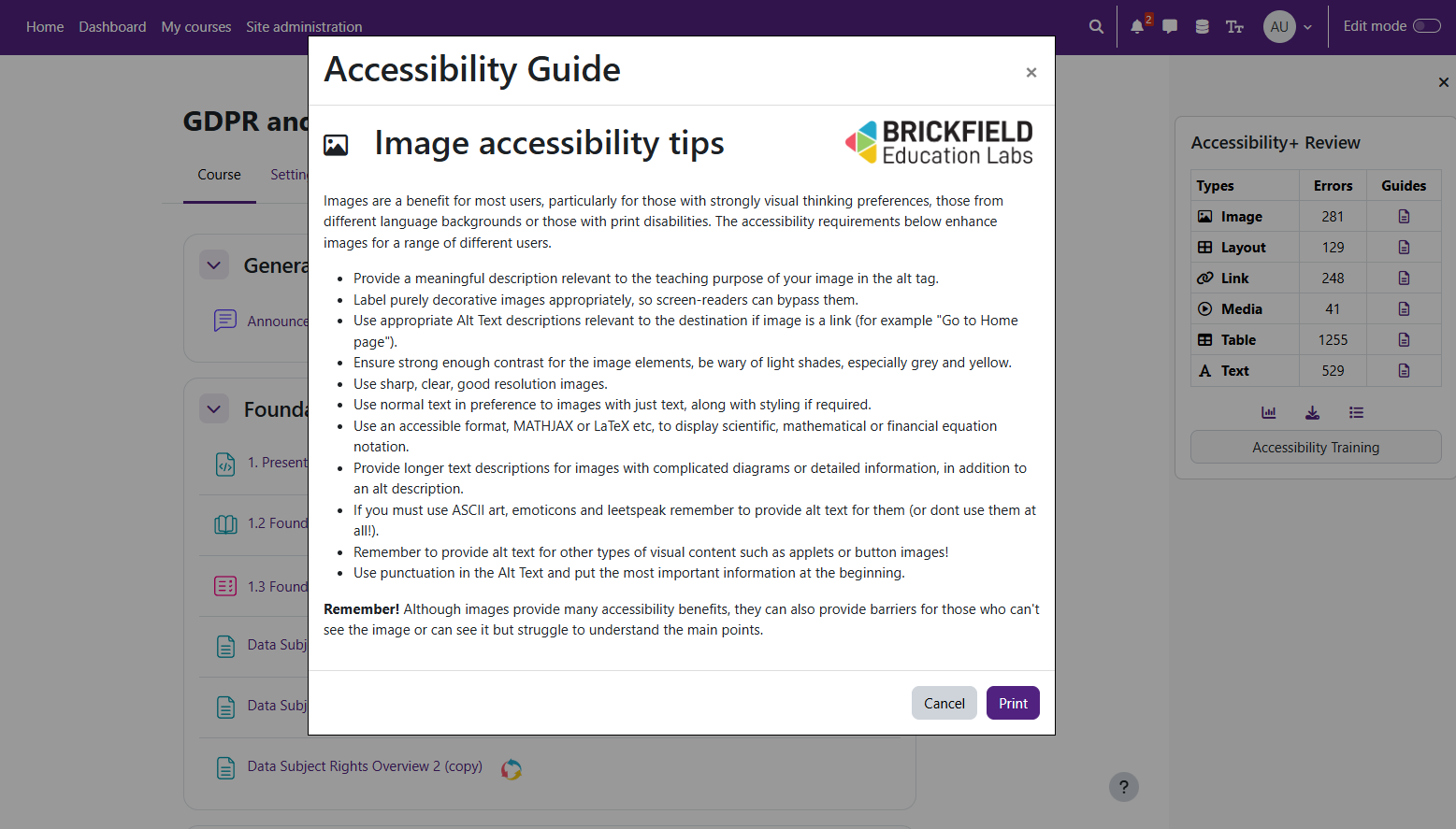
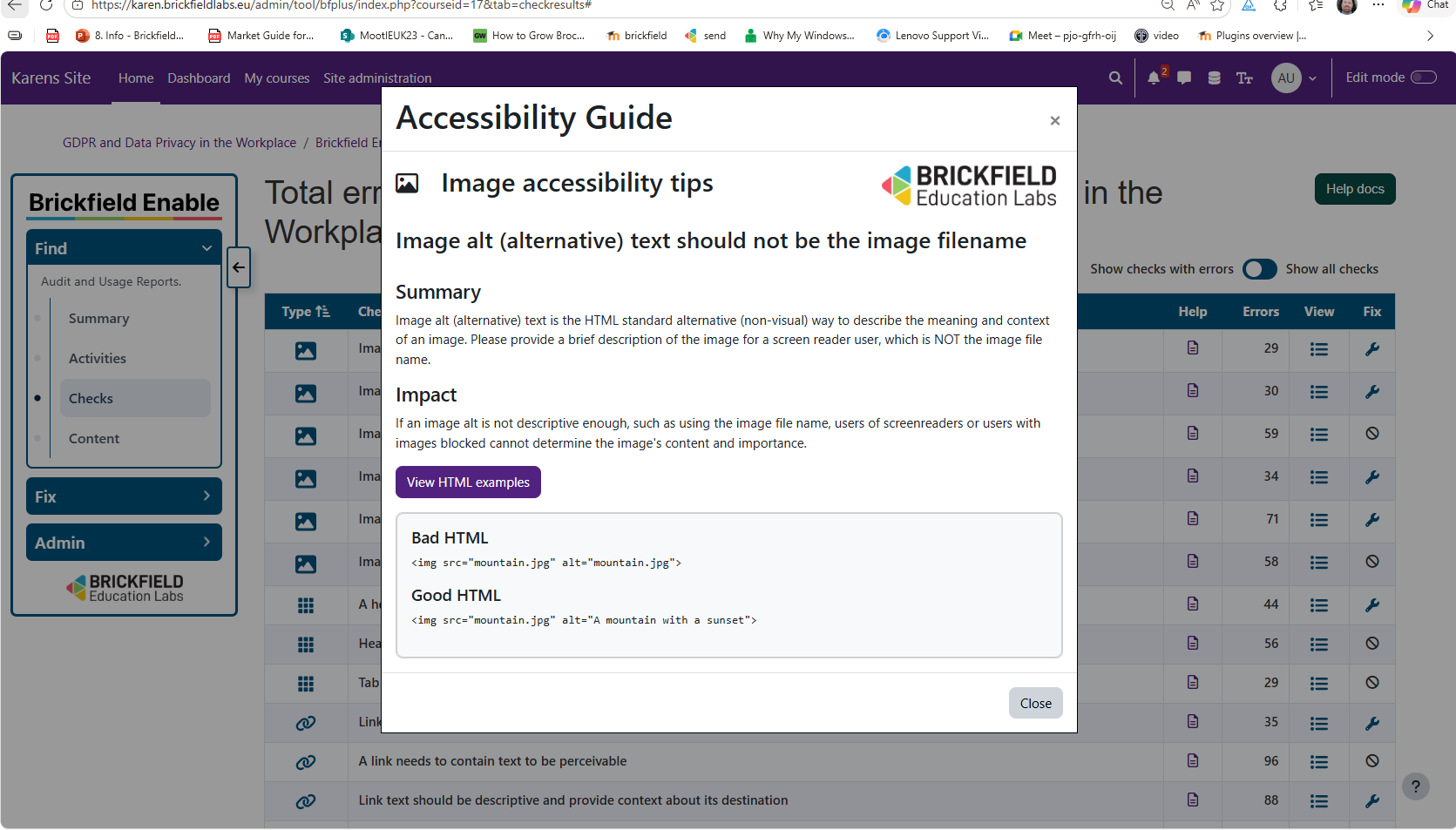
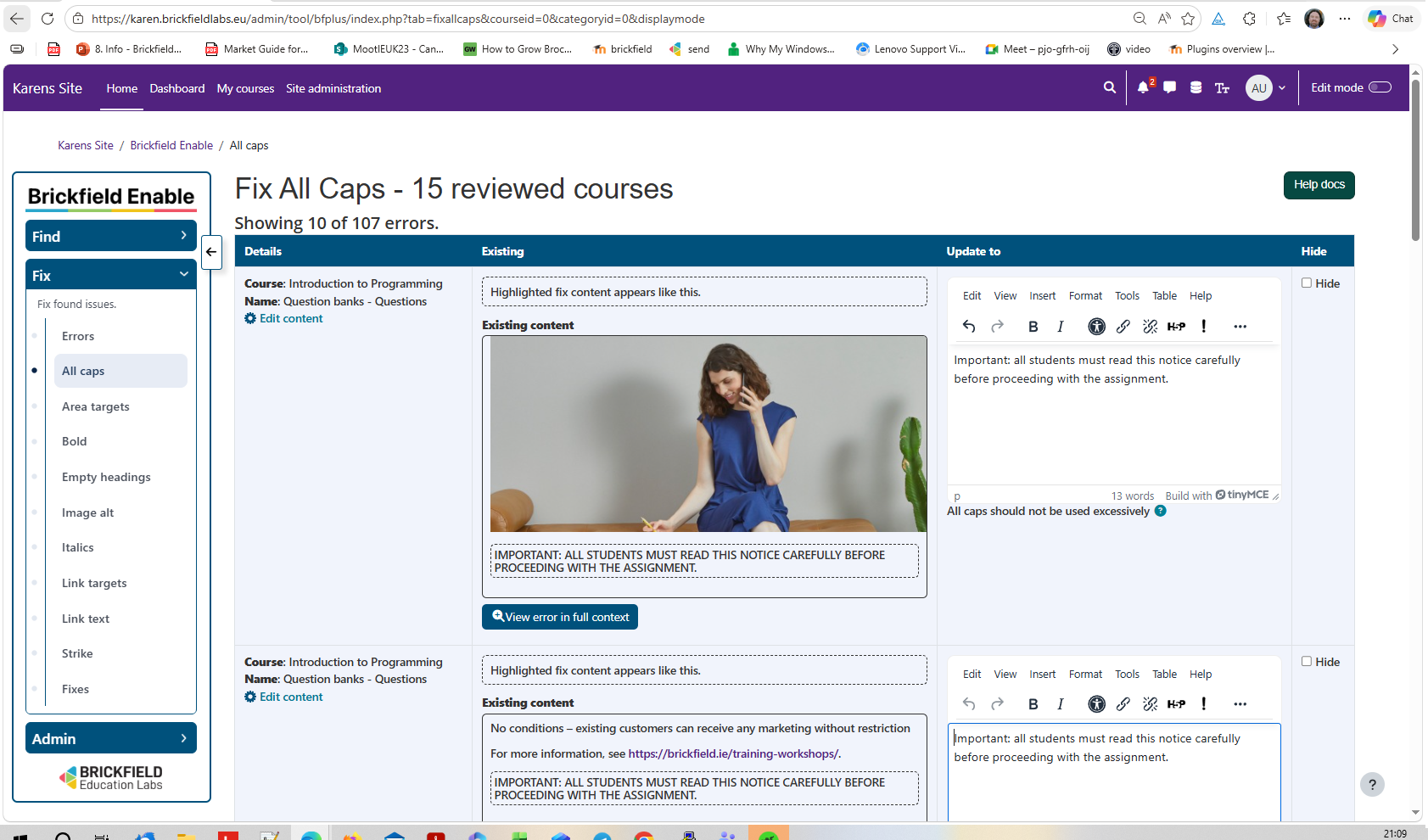
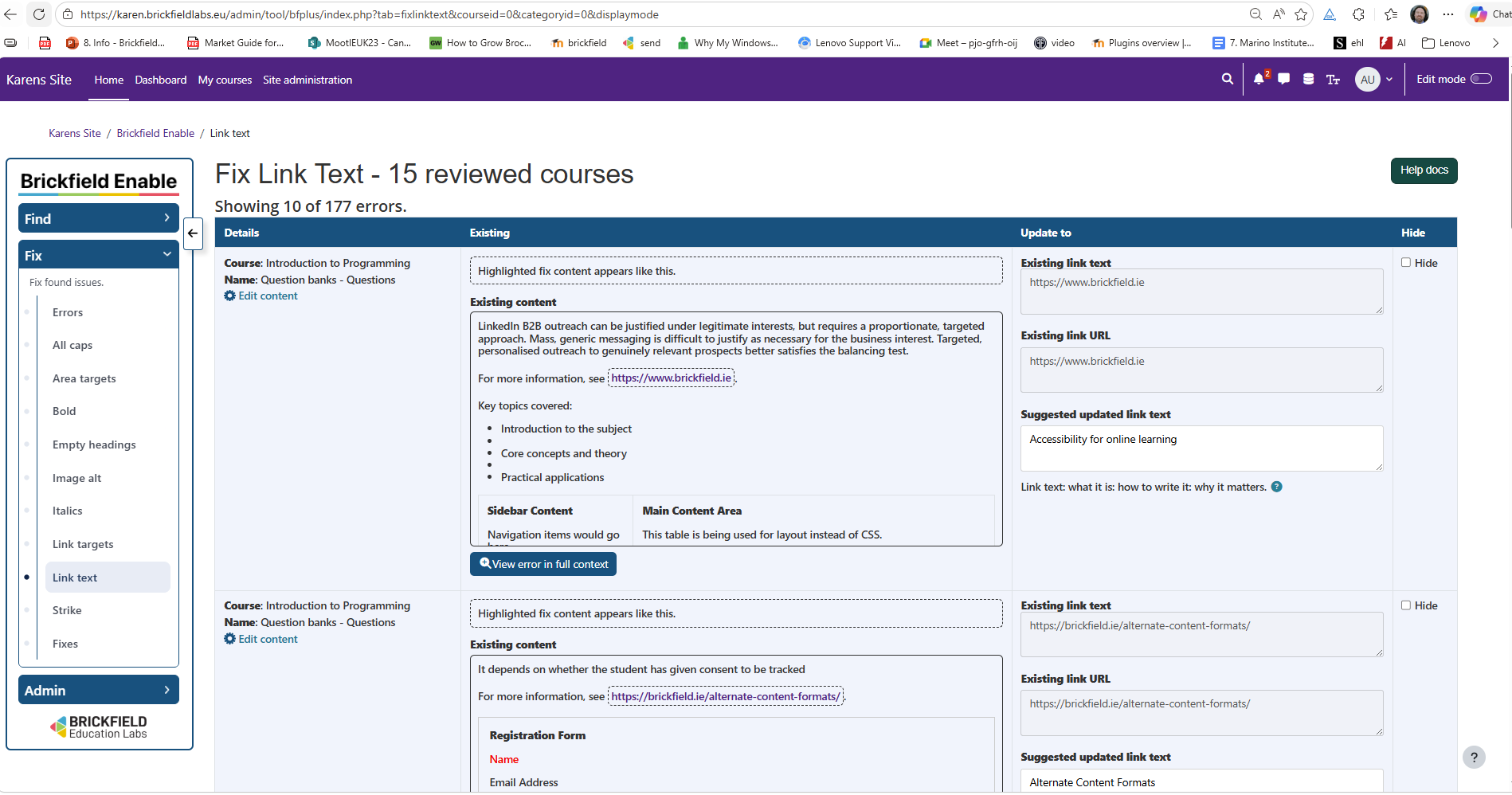


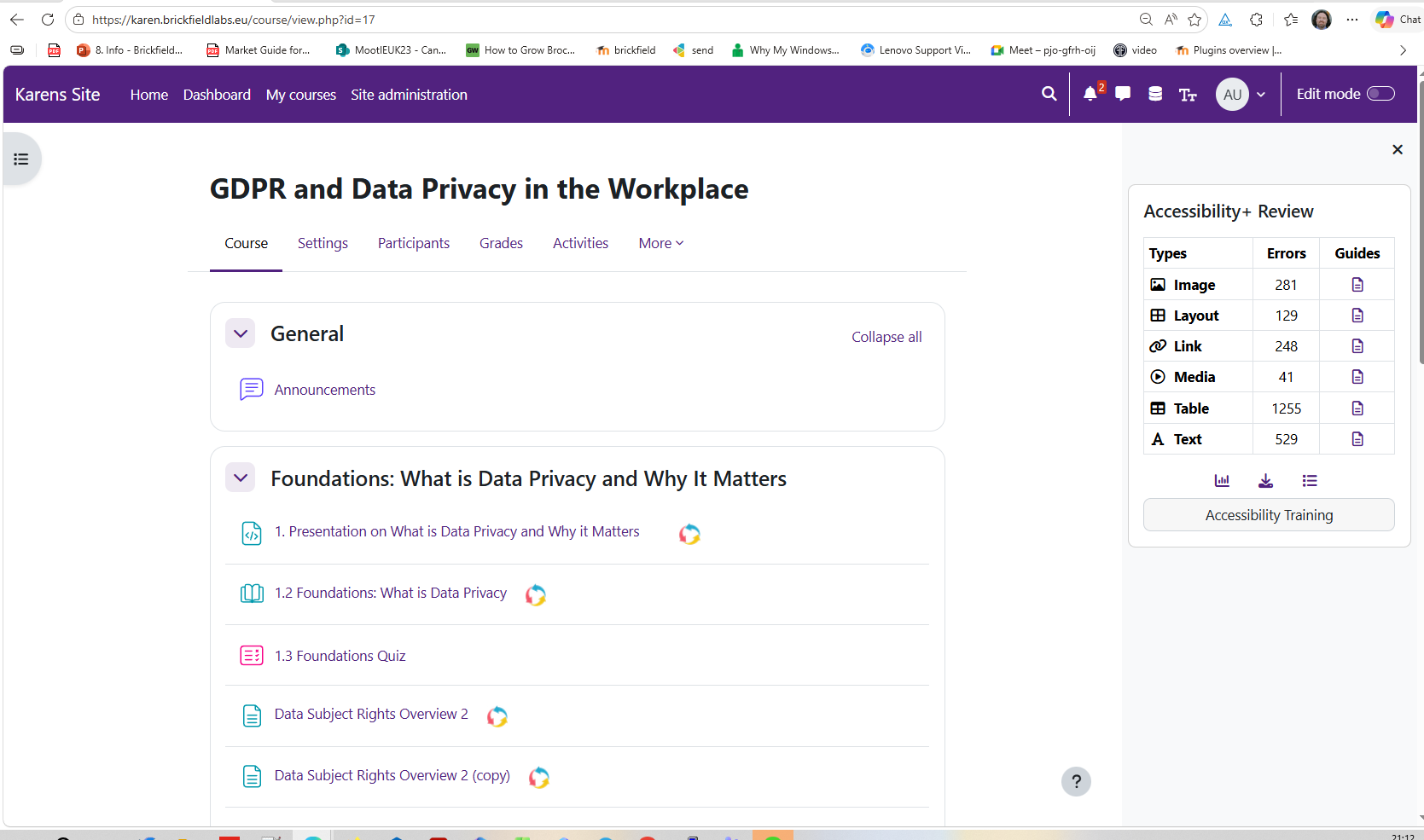
Find, fix, and futureproof accessibility in your Moodle courses
The Brickfield Accessibility Toolkit is the only accessibility solution designed from the ground up for Moodle. It finds the barriers in your course content, helps you fix them without leaving Moodle, and keeps new content compliant as you go.
Book a free 30-minute demo on a live Moodle environment, with no obligation: Book a free demo | Contact our team
Why institutions choose the Enterprise toolkit
The Enterprise tier gives institutions comprehensive, site-wide coverage. It includes the following features and services:
Compare editions
| Feature | Starter | Enterprise |
|---|---|---|
| HTML checks and reports | Yes | Yes |
| Bulk fix remediation wizards | No | Yes |
| File alternate format conversion | No | Yes |
| Book and page alternate format conversion | No | Yes |
| Student self-service conversion | No | Yes |
| Student browser skills guide | No | Yes |
| Onboarding workshops | No | Yes |
| Unlimited accessibility training | No | Yes |
How the Toolkit works
The Toolkit works in three stages:
See it in action in your Moodle
Book a free 30-minute demo with the Brickfield team. We will walk you through the Enterprise toolkit on a live Moodle environment and answer your questions.
Ready to start? Book a free demo | Contact our team
Watch the overview: Brickfield Enable on Vimeo.

