Famous Quotes icon

Famous Quotes

Maintained by Inge Gus
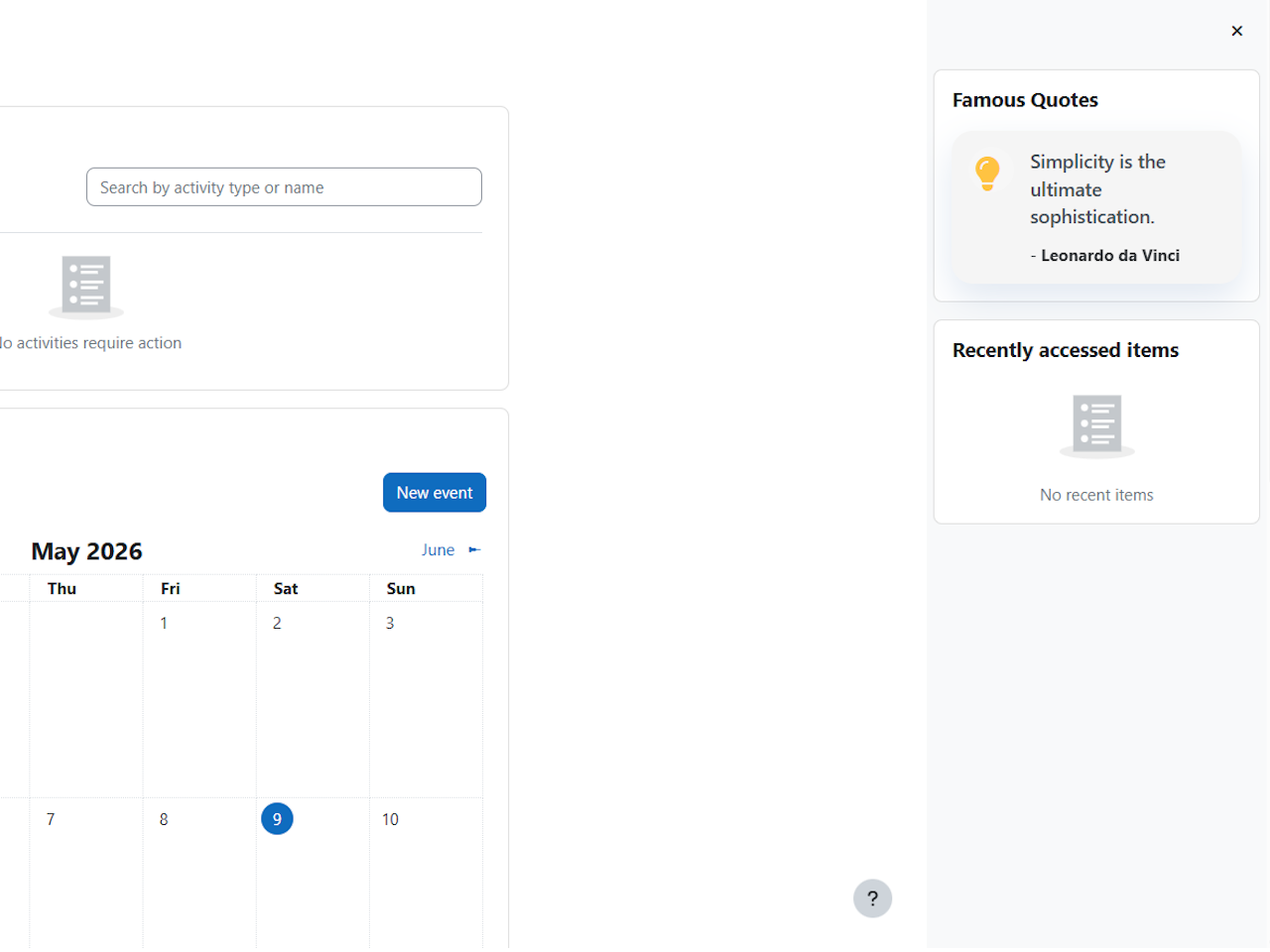
Displays rotating motivational quotes from a custom library managed by site administrators.
Price option: Free

Supports Moodle 4.5-5.0 See all versions
Latest release: 2 months ago
Installations: 1
Downloads (last 90 days): 41

Frankenstyle name: block_famous_quote
Blocks

Description

The Famous Quotes block allows Moodle administrators to display rotating motivational quotes across dashboards and course pages.

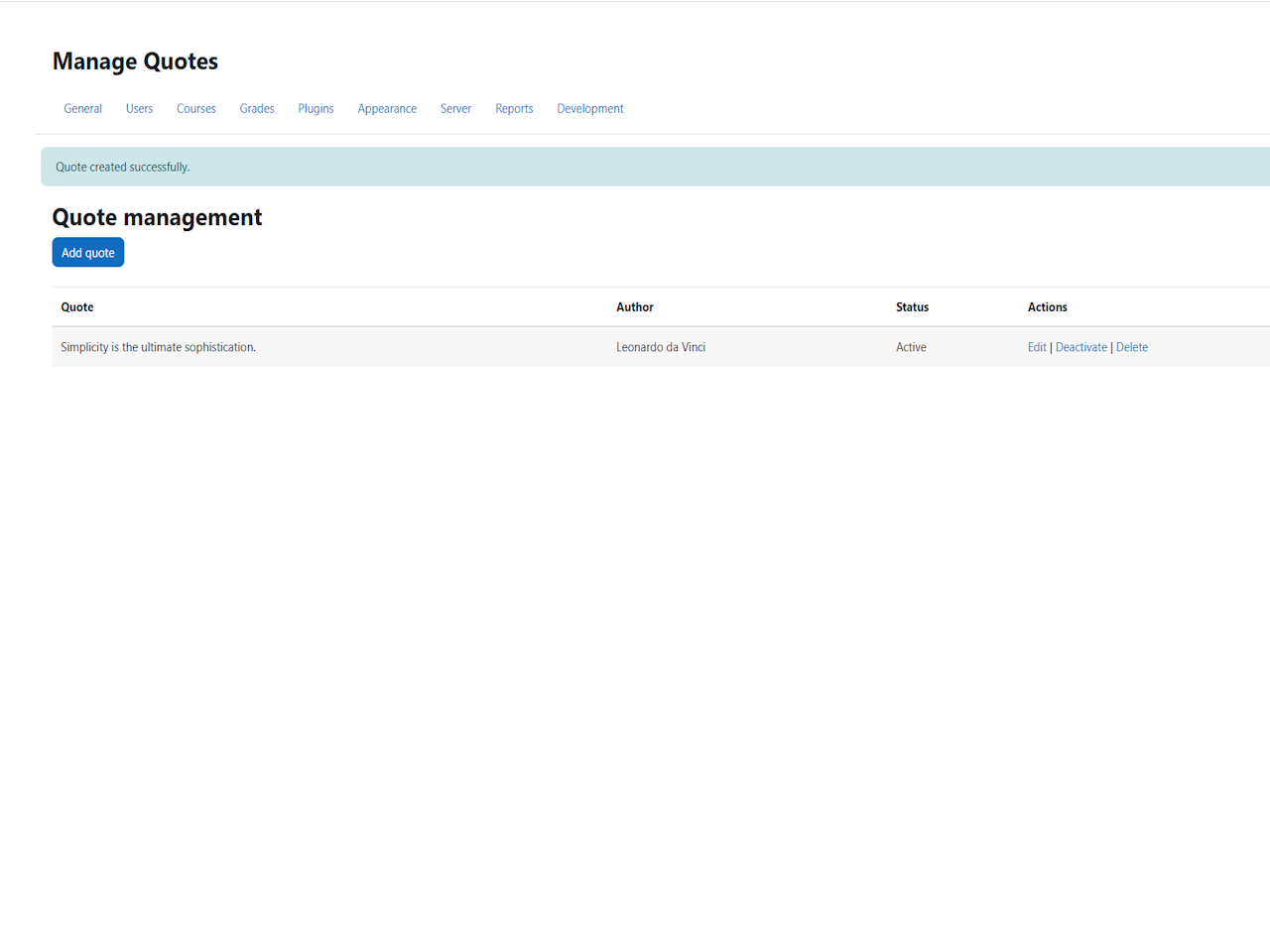
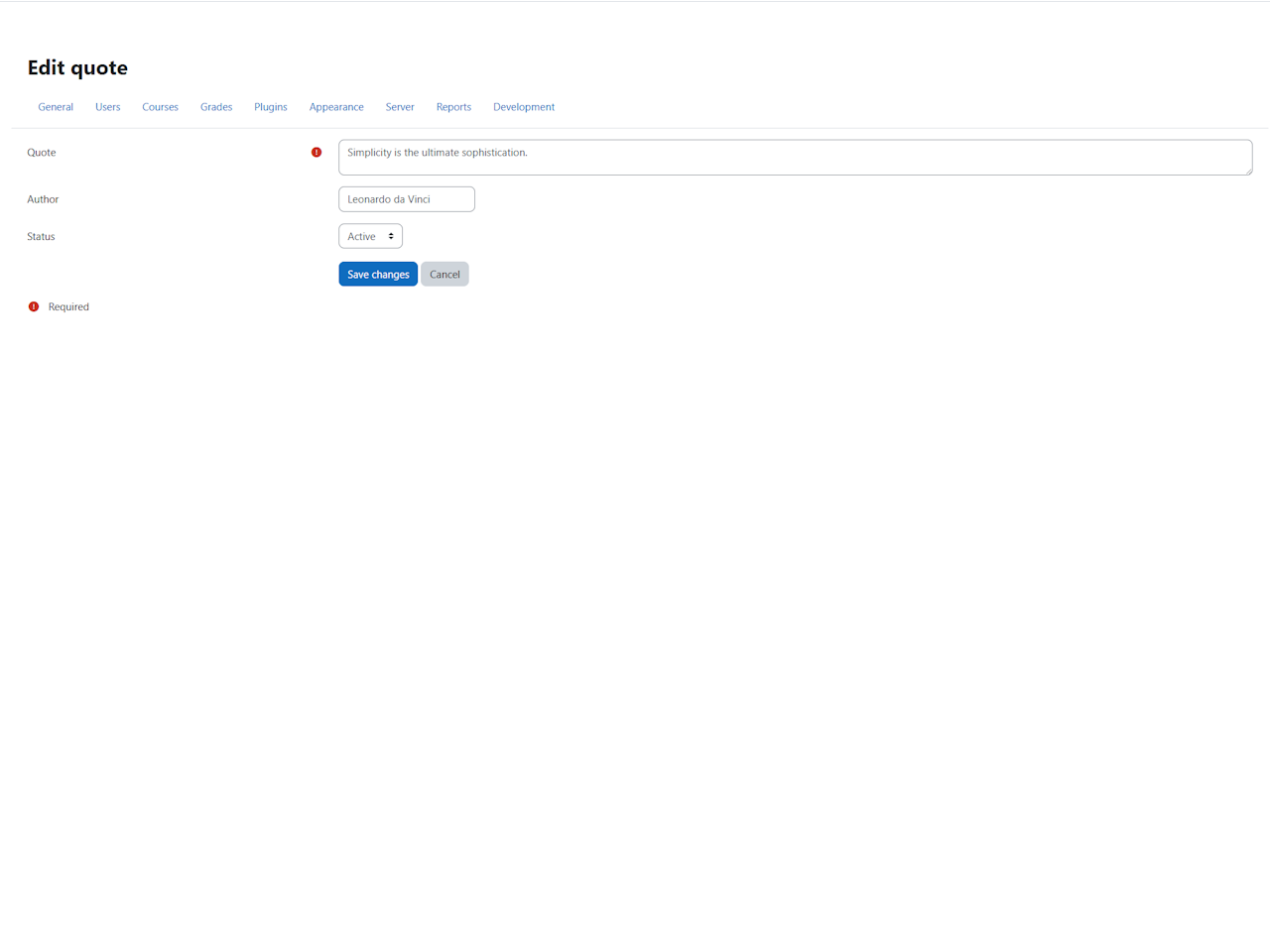
The plugin includes a quote management interface where administrators can create, edit, activate, deactivate, and delete quotes.

Additional customization options include:

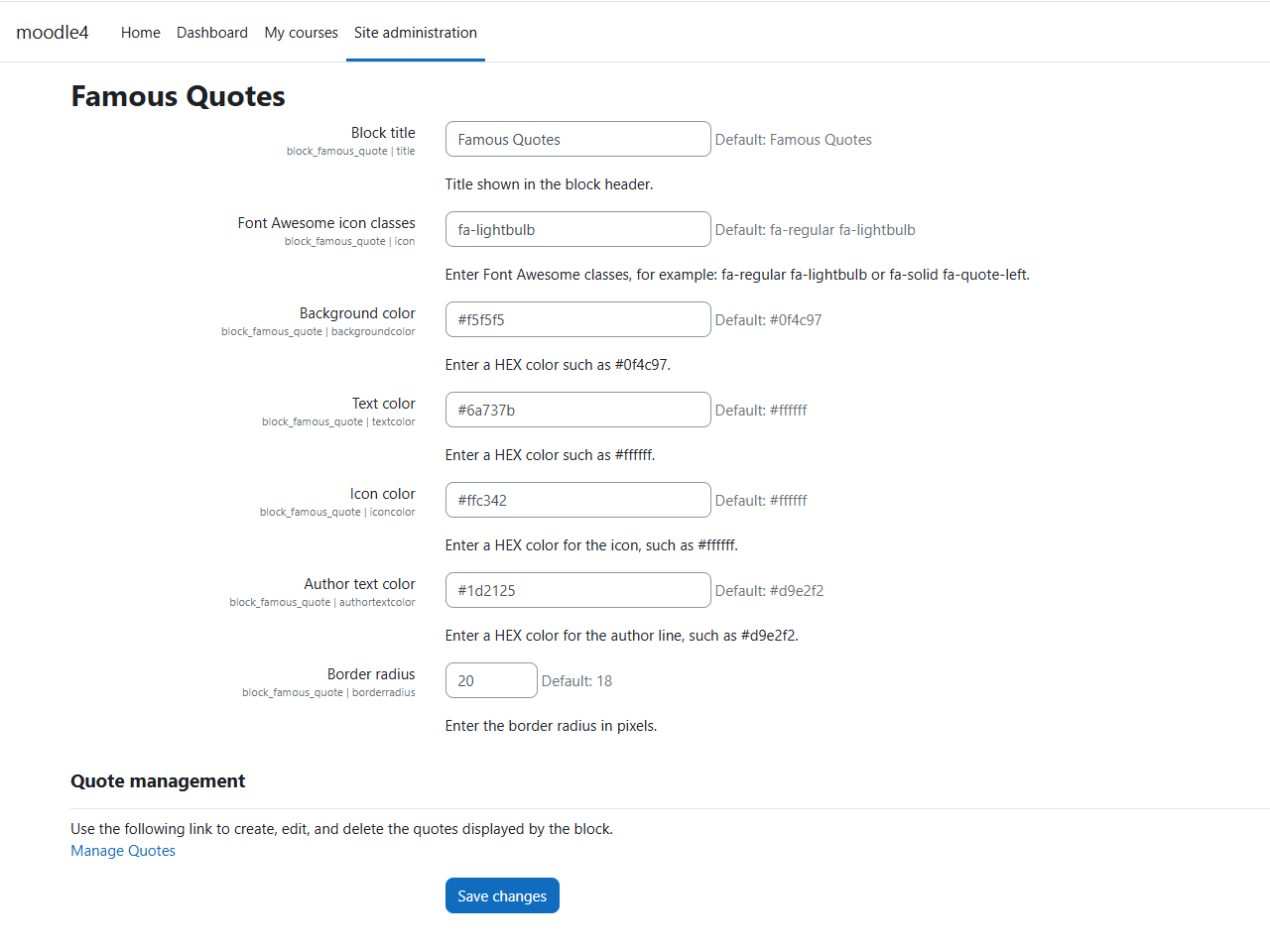
  • Custom block title
  • Font Awesome icon support
  • Customizable background color, icons, and text color
  • Adjustable border radius
  • Quotes rotate automatically every 24 hours.

Compatible with Moodle 4.5 and later.

Installing via uploaded ZIP file

  1. Log in to your Moodle site as an admin and go to Site administration > Plugins > Install plugins.
  2. Upload the ZIP file with the plugin code. You should only be prompted to add extra details if your plugin type is not automatically detected.
  3. Check the plugin validation report and finish the installation.

Usage

  1. Install the plugin.
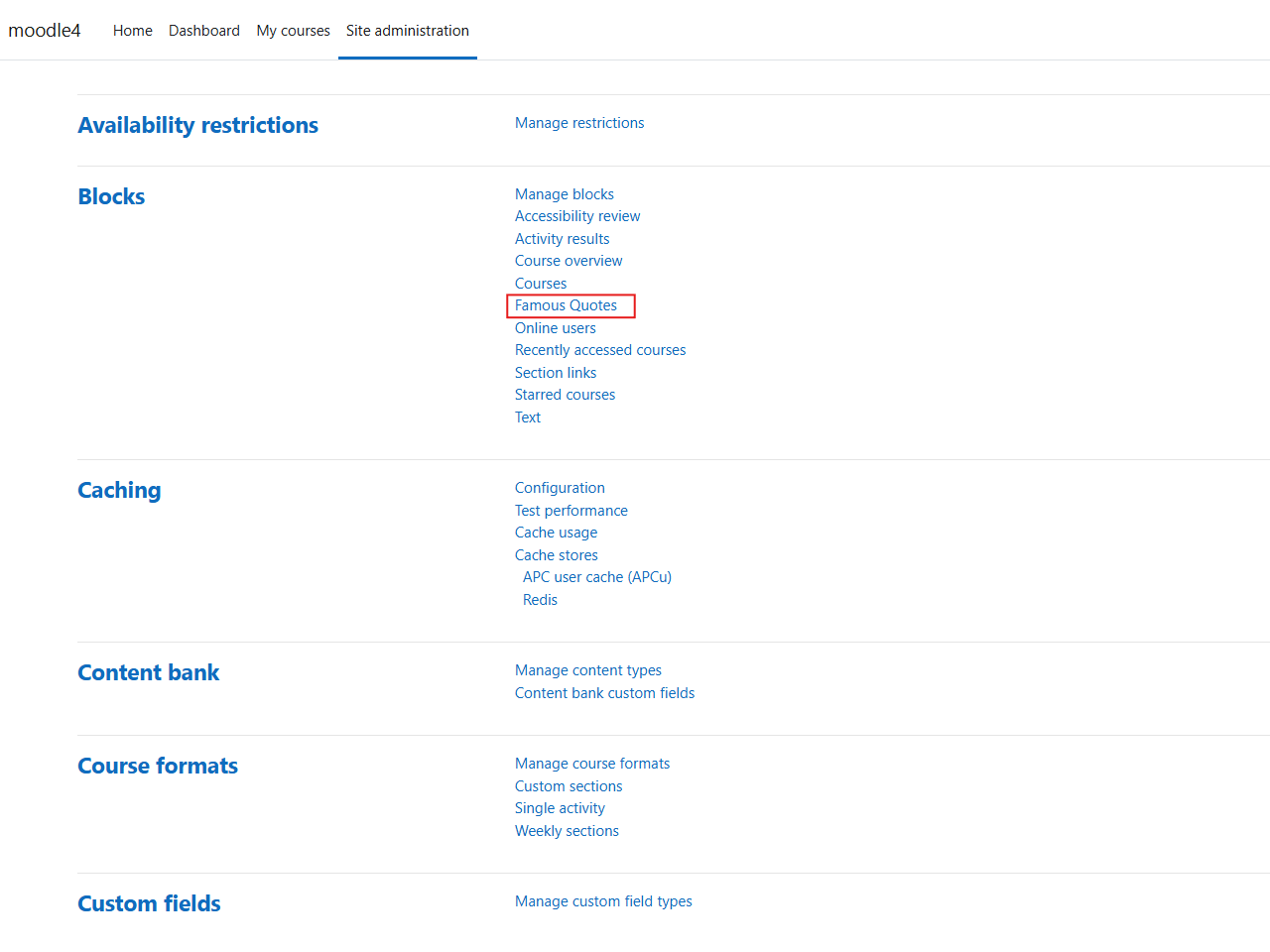
  2. Go to Site administration > Plugins > Blocks > Famous Quotes.
  3. Configure the block appearance and manage the quote list.
  4. Add the block to the desired page.

Translations

The plugin ships with English as the source language and currently includes a Spanish translation. Future community translations can also be managed through Moodle AMOS.

Contributors