Block Fast Navigation icon

Block Fast Navigation

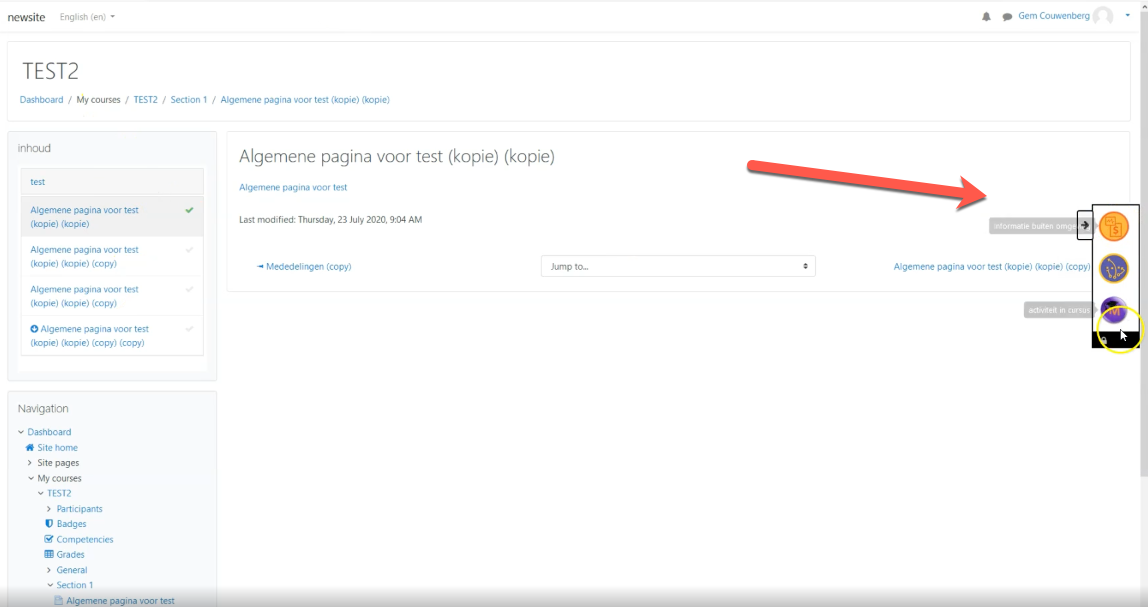
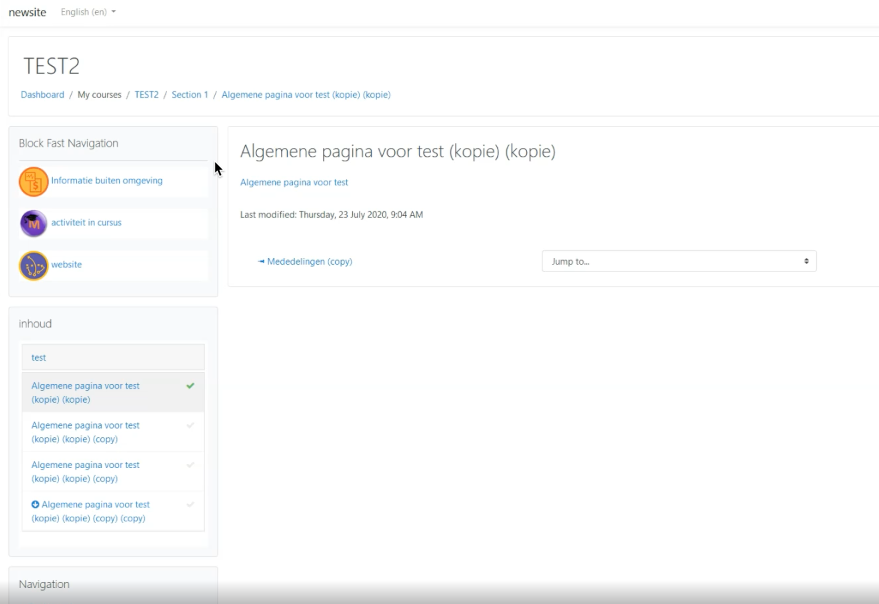
Block fastnav gives users the ability to navigate more easily inside a course.
Price option: Free

Supports Moodle 3.8-4.5 See all versions
Latest release: 1 year ago
Installations: 56
Downloads (last 90 days): 52

Frankenstyle name: block_fastnav
Blocks

Description

Please be aware: 
  1. We don't support OLDER versions of this plugin 
  2. We don't reply on the comment section. 
  3. Please make use of the Moodle fora to ask the community for help.
  4. We tested each version on deployment, any bugs/issue you experience after the release can be reported on  Github.
  5. We will triage this issues and decided from that point what to do.
  6. Don't expect us to fix your bug of new feature request for free.
  7. We welcome any Pull request from the community. 
  8. You want garenteed (bug) support and version management? Please contact sales@ltnc.nl

a Moodle block for better course navigation

In brief, block fastnav gives users the ability to navigate more easily inside a course.

Information

This plugin is developed by LDesign Media commissioned by Moodle Certified Partner Lesterhuis Training & Consultancy. 

Screens

Dutch: 

English:  

List of features

  • GDPR provider
  • Mustache templates

Installation

  1. Copy this plugin to the block\fastnav folder on the server
  2. Login as administrator
  3. Go to Site Administrator > Notification
  4. Install the plugin

Security

If you discover any security related issues, please email luuk@MFreak.nl instead of using the issue tracker.

License

The GNU GENERAL PUBLIC LICENSE. Please see License File for more information.

Contributors

Awards

Privacy friendly
Early bird 3.10