Justin Hunt
Lead maintainer

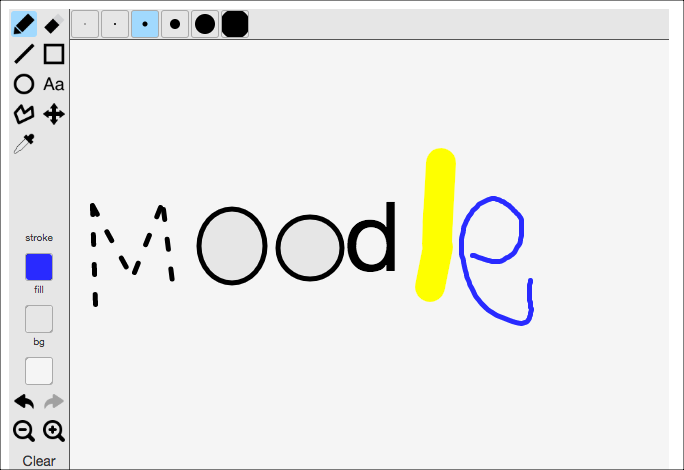
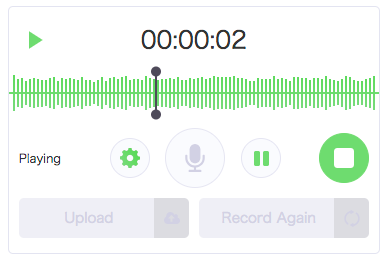
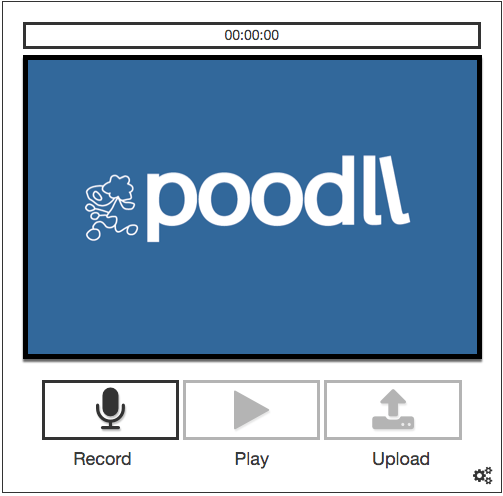

The Poodll database field allows the database activity to accept video, audio, snapshot and whiteboard submissions. It requires the Poodll Filter to be installed.
Installation instructions and a video can be found at https://support.poodll.com/support/home .
There should be only one folder "poodll" after you unzip the zip file.
Place this folder into
your Moodle installation under the [site_root]/mod/data/field folder.
At the time of writing, Moodle doesn't handle language strings for 3rd party database fields well. So you should add these strings to the bottom of [site_root]/mod/data/lang/en/data.php
$string['poodll']
= 'Poodll';
$string['namepoodll'] = 'Poodll';
Skipping this step will not affect functionality, but it will look a bit odd when Moodle tries to display the name of the database field.
After you placed the Poodll files in the correct
location, login to your site as an admin and go to your Moodle site's top page. Moodle should then guide you through the installation or upgrade of the Poodll database activity field.
When you make a database activity in Moodle, you will see
Poodll Multimedia field among the standard list of fields. If you select this field you will have the option to choose video, audio, whiteboard or snapshot.
*Please be aware that the Poodll Database Field relies on the Poodll Filter being installed,
and won't work properly otherwise.*

