Matthias Tykowski
Lead maintainer
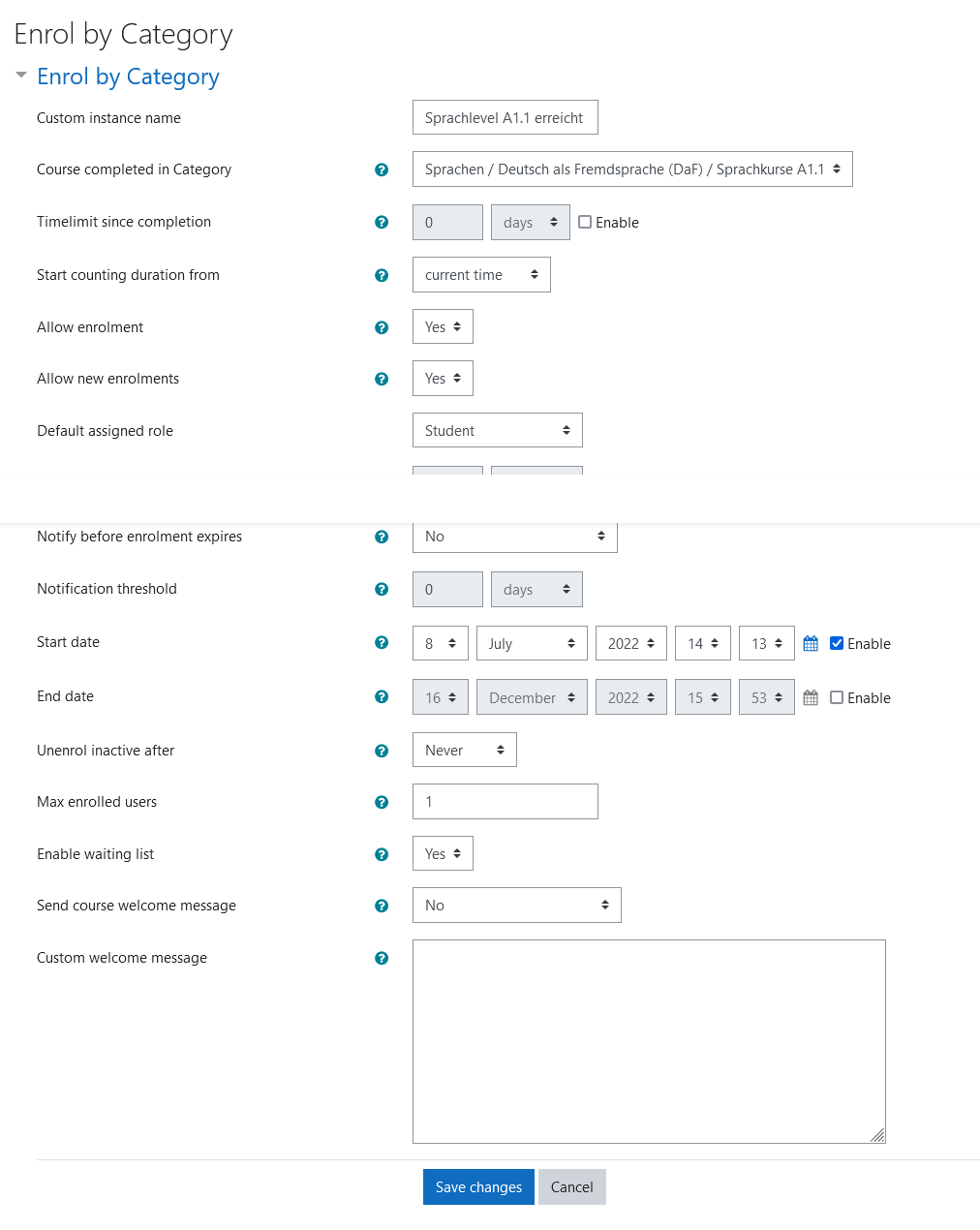
The plugin allows users to enrol into a course if they finished a course in a specific category previously.
The plugin is inspired by the enrol_self and can be used in the same way. Additionally a waiting list can be enabled and a category can be specified as requirement to join.
Category restriction
When a category is selected as requirement participants can only enrol if they finished a course in that specified category before. Additionally a timelimit can be set to limit the course to participants which for example have finished a course in the specified category at most 6 month earlier. The timelimit can be configured to count from when the course starts or when the course was created.
Waiting List
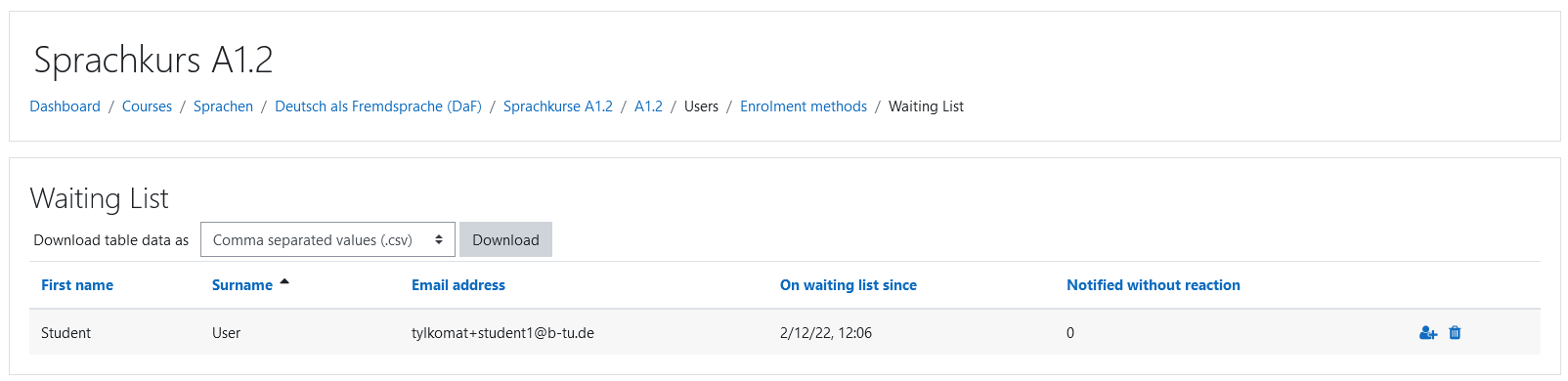
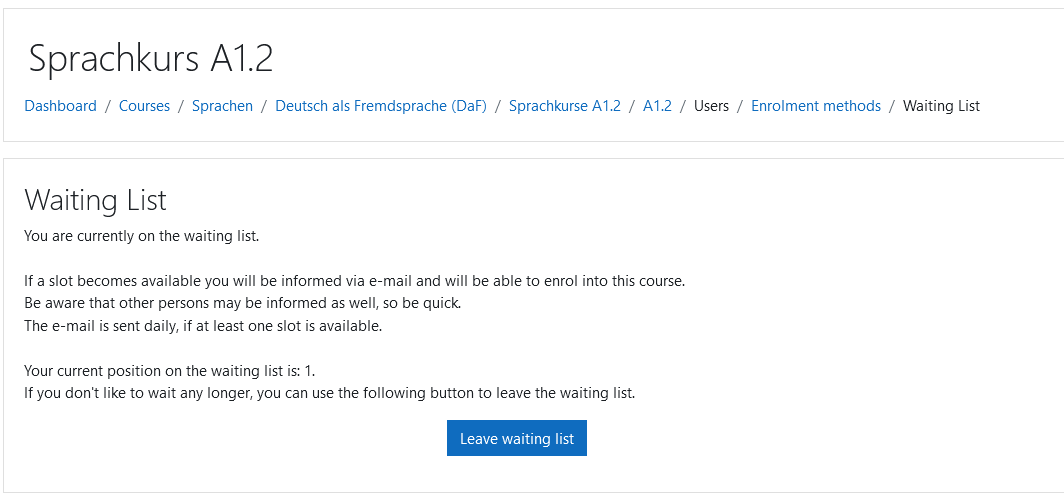
A waiting list feature can be enabled. When the maximum amount of participants is reached, additional participants can join the waiting list.
Participants on the waiting list are informed about open spots by a scheduled task running daily, which runs by default at 2pm server time. The amount of participants to be informed at once can be configured and is 5 by default. The fastest participant(s) will receive the spot(s). Participants which don't react to the email will only be informed 5 times to avoid inactive users blocking spots in the course.
The teacher can manually enrol participants from the waiting list into the course bypassing the maximum participants limit. Using a bulk enrol feature, multiple participants from the waiting list can be enroled into another/the current course at once.
Automatically join group
If the course uses groups, a group can be selected in the enrol configuration. Users which enrol via this enrolement method will then be automatically added as members to the selected group
This is useful if the course has multiple enrolment methods and also uses groups to show different content to different users


