AI Course Format icon

AI Course Format

Certified Partner Plugin
Maintained by LMS Hosting Services
Turn Moodle courses into progress-driven learning journeys with hero banners, responsive section cards, a course-player sidebar, estimated times, guided tours, and an optional course-aware AI Tutor.
Price option: Standard $50 USD one-time
By buying, you accept the seller's Terms of Sale

Supports Moodle 4.4-5.2 See all versions
Reviewed annually for quality
Latest release: 3 days ago
Installations: 16
Downloads (last 90 days): 1

Frankenstyle name: format_aicourse
Course formats

Description

A Progress-Driven Learning Experience For Moodle

Turn Moodle courses into progress-driven learning journeys with hero banners, responsive section cards, a course-player sidebar, estimated times, guided tours, and an optional course-aware AI Tutor.

Course format · v2.1.190 · Moodle™ 4.4 - 5.0 · Paid — $50 USD (one-off)

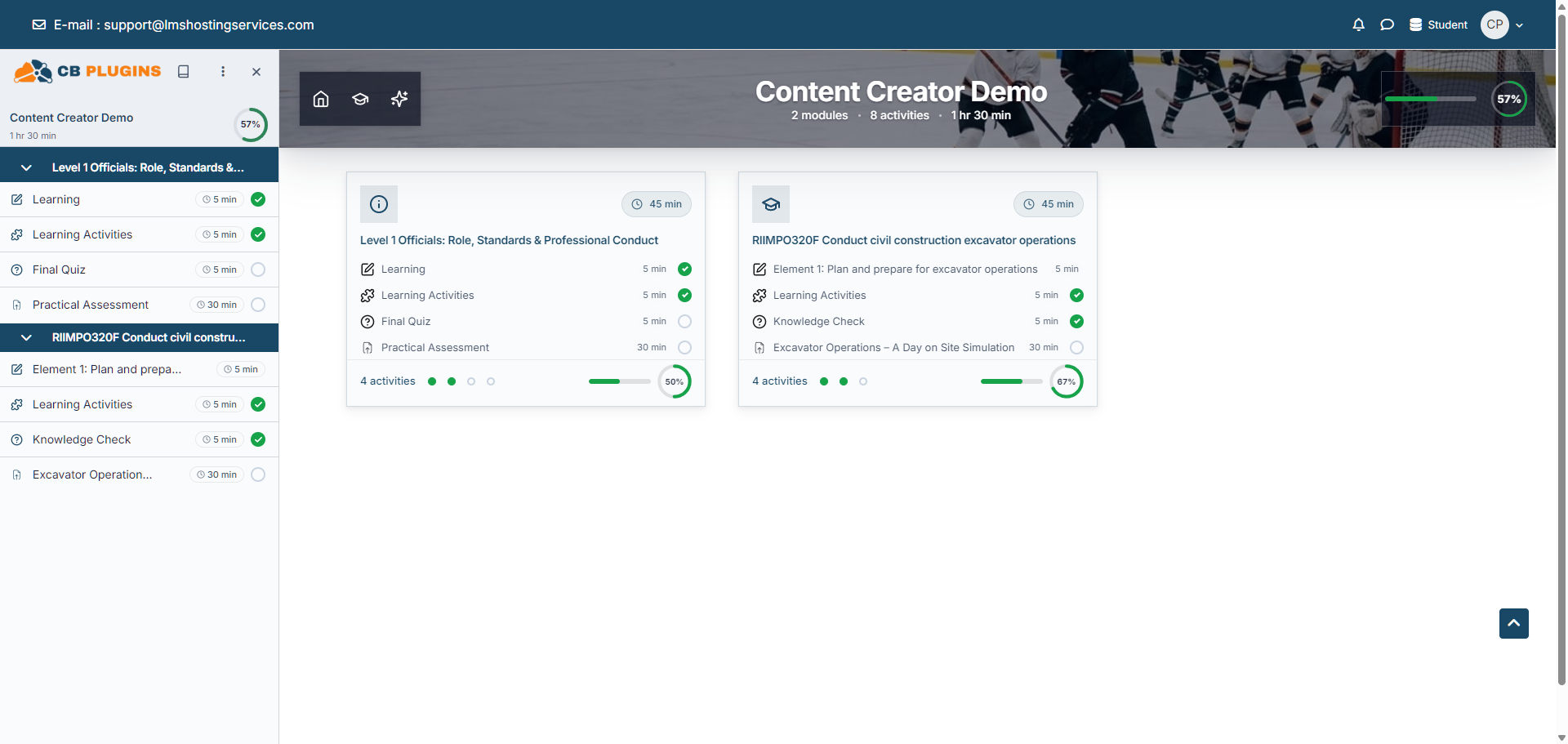
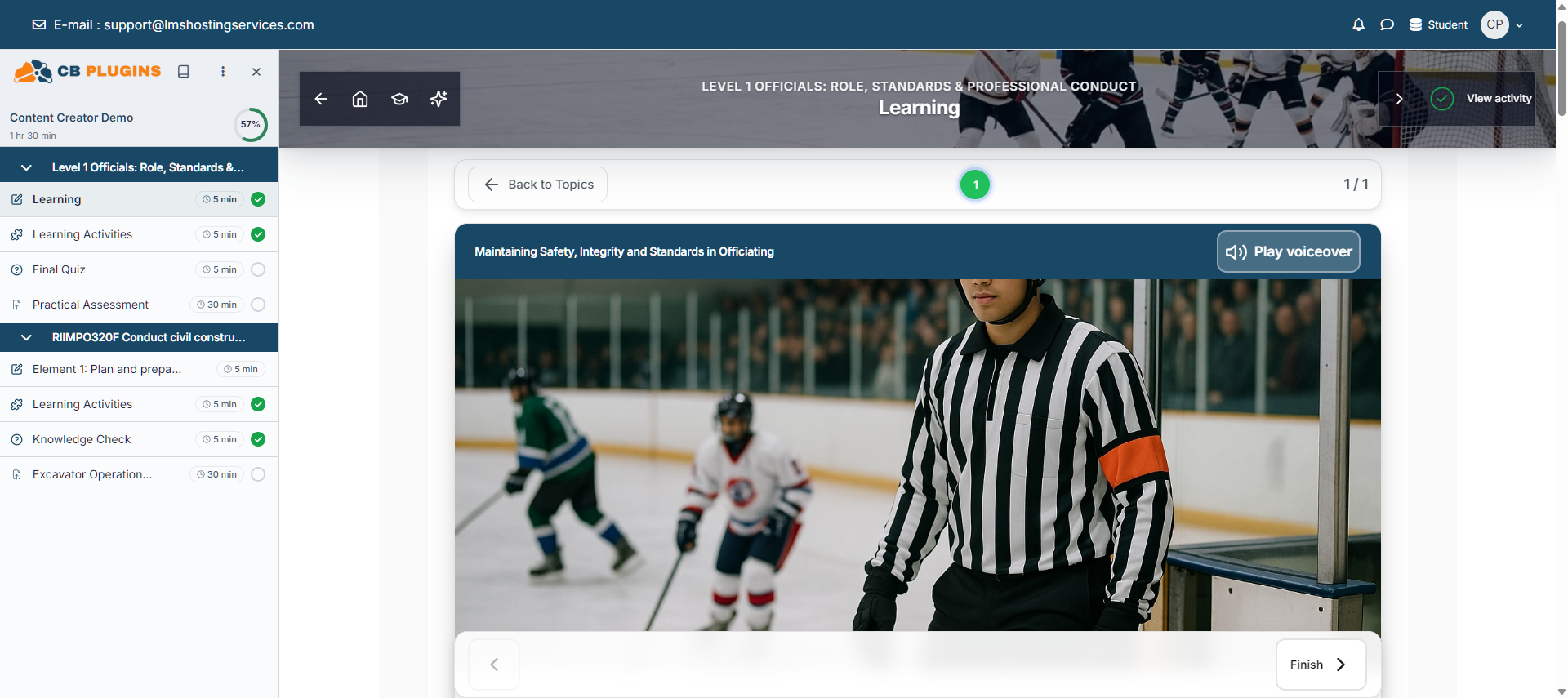
AI Course Format replaces the default course page with a guided experience built around learner progress. A course-image hero shows completion, sections become responsive cards, Moodle's course index becomes a progress-tracking course player, and optional activity-time estimates show learners what comes next.

An optional AI Tutor answers from the course context available to the learner. It can be disabled completely, controlled by capability, and configured not to receive assessment answers.

Key Features

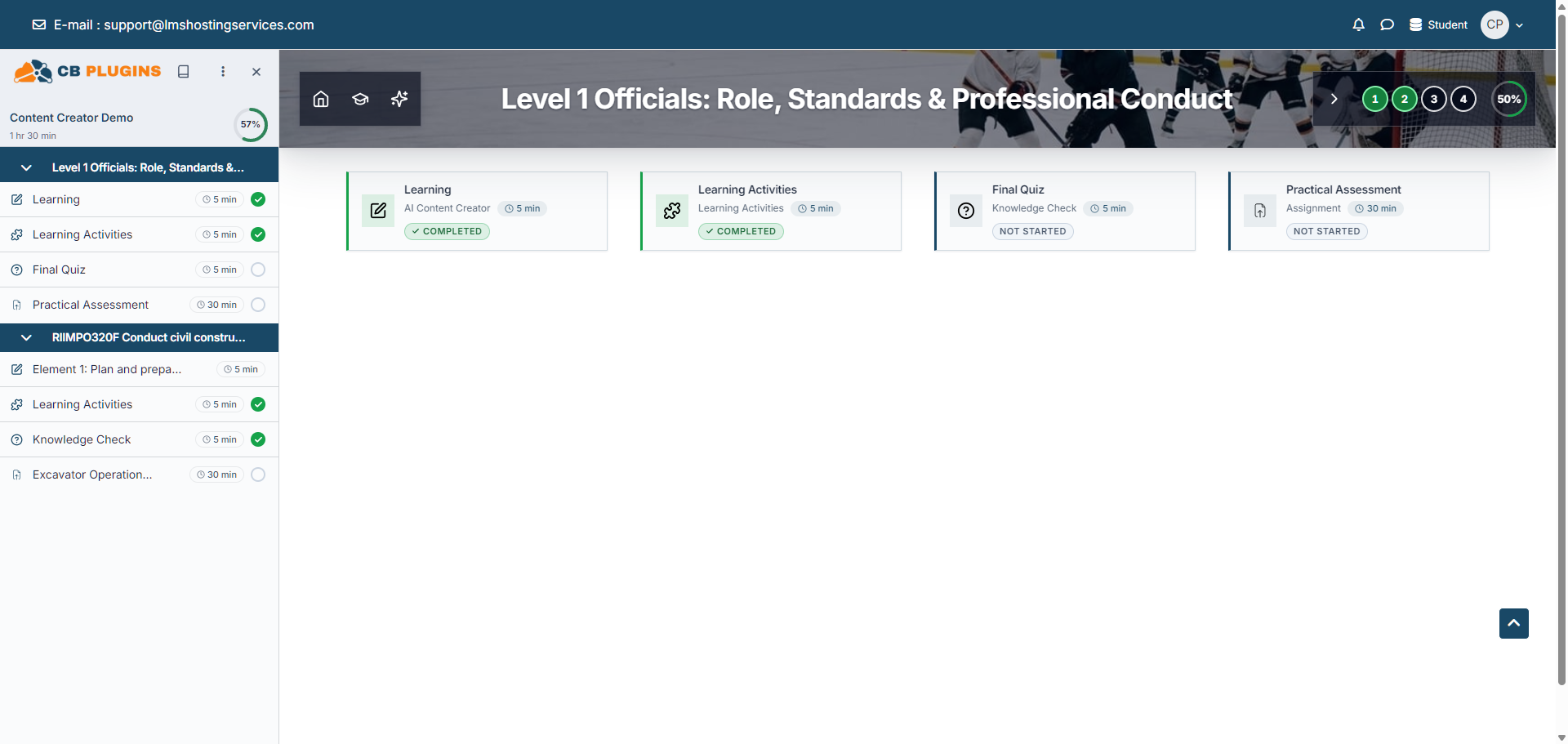
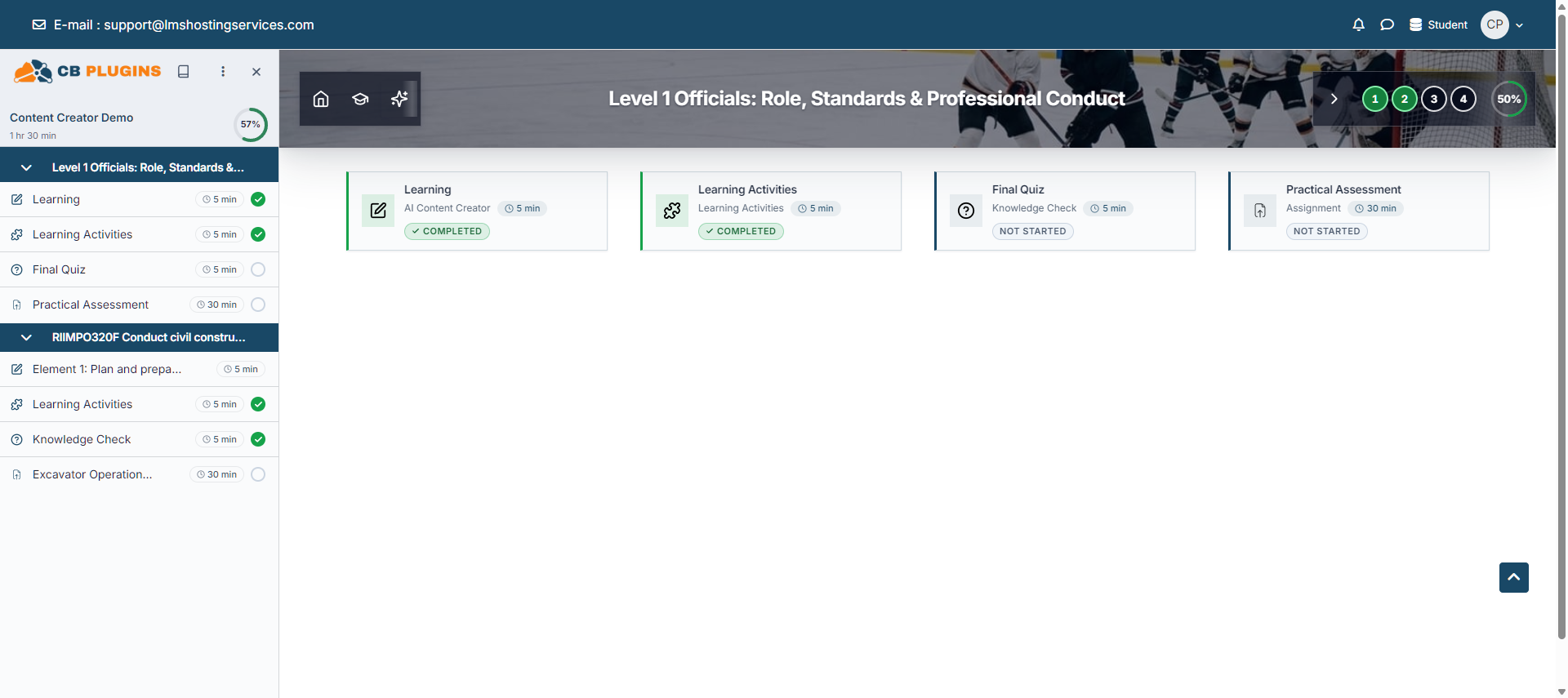
  • Hero banners for course, section, and activity pages with progress and navigation.
  • Responsive section cards: three columns where space permits, two on tablets, and one on phones.
  • Optional activity rows on section cards with icons, estimated time, and completion state.
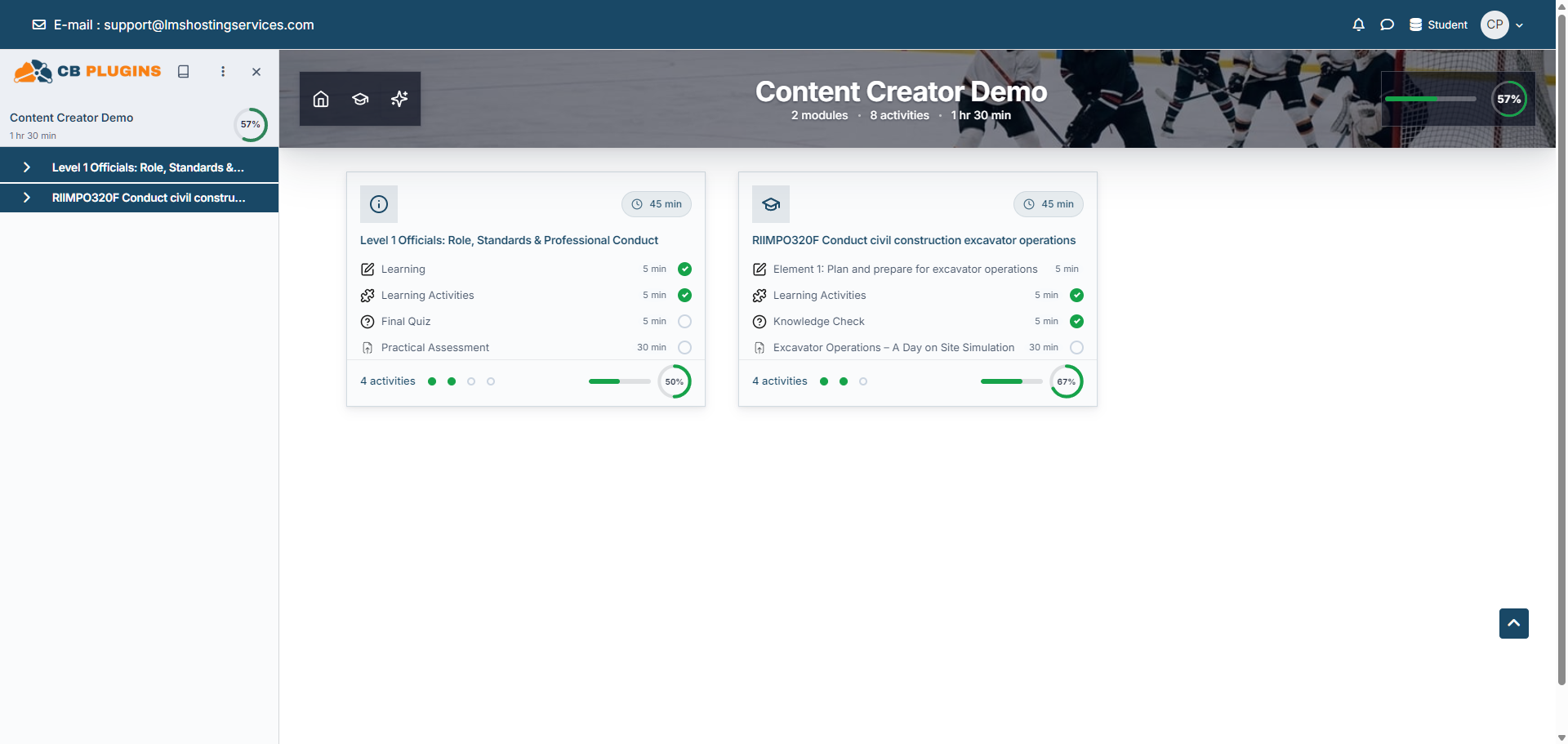
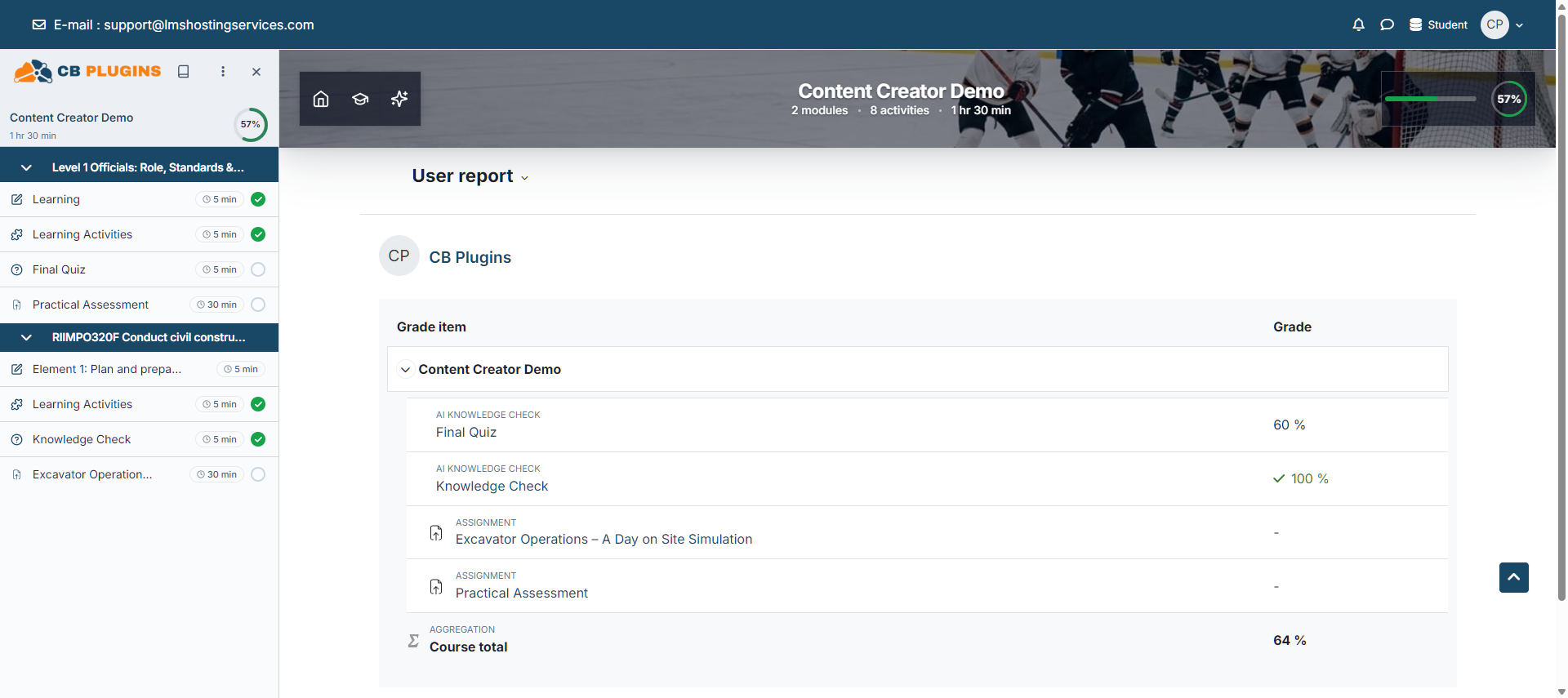
  • Course-player sidebar with logo, course progress, per-activity time, and completion details.
  • Per-condition completion tooltips with visible grades and completion dates where Moodle permits them.
  • Site defaults, per-course choices, and force controls for site-wide consistency.
  • Searchable ten-area settings accordion with numbered settings and course-page wireframes.
  • Optional narrated first-run tours and an optional context-aware AI Tutor.
  • Course-level and site-wide Tutor reports with capability-gated corrections and CSV export.
  • Moodle Privacy API support for conversations, Tutor memory, and activity-minute overrides.

Who It Is For

  • Compliance, induction, onboarding, vocational, and professional-development courses.
  • Structured courses where learners work through content in sequence.
  • Organisations that want a guided course experience without replacing their Moodle theme or content.

A reference library with no completion tracking gains less from the format because progress is built from Moodle completion data.

Requirements

  • Moodle 4.4 or later; tested and supported on Moodle 4.4 and 5.0.
  • PHP and database versions supported by the installed Moodle release.
  • A current Chrome, Edge, Firefox, or Safari browser.
  • Completion tracking is strongly recommended.
  • LMS-Labs Site ID, API key, and outbound HTTPS only when the optional AI Tutor or AI banner generation is used.

Settings Model

Site defaults seed courses that have never saved their own value. Course settings let teachers choose for one course. Force settings override existing and new courses and remove the choice from teachers.

External Services And Privacy

The visual format works locally. When enabled and used, the AI Tutor sends the user's question, relevant visible course context, and the identifiers needed to process the request to the LMS-Labs service over HTTPS. Assessment answers are excluded by default and can only be shared when an administrator explicitly permits it. Optional AI banner generation sends course identification and title information, not learner data.

The plugin declares the external transfer and implements Moodle's Privacy API. Local conversations, Tutor memory, and activity-minute overrides are exportable and deletable through Moodle.

Getting Started

Install the ZIP, purge Moodle caches, enable completion tracking, select AI Course Format in Course settings, add a course image, then set the accent, player logo, navigation defaults, and activity-time estimates.

Documentation And Support

Documentation: lms-labs.com/docs/ai-course-format Issues: github.com/lmshostingservices/moodle-format_aicourse/issues Support: support@lmshostingservices.com

Pricing

One-off purchase at 50 USD. Includes the complete plugin and future plugin updates. Optional LMS-Labs service usage is governed separately by the connected LMS-Labs account.

Give learners a course page that shows where they are, what is next, and how far they have come.


Recommended setup

  1. Install and purge caches — upload the ZIP through Moodle’s plugin installer, complete the upgrade, then purge caches so the current templates and JavaScript load.
  2. Enable completion tracking — turn it on site-wide and in the course, then add completion conditions to the activities learners must finish.
  3. Select AI Course Format — open Course settings, choose AI Course Format, add a course image, and save.
  4. Set the learning experience — configure the accent, player logo, section cards, navigation visibility, and estimated activity times in the ten searchable settings areas.
  5. Connect the optional AI Tutor — add the LMS-Labs Site ID and API key, review answer-sharing and privacy settings, then grant format/aicourse:useaitutor only to the intended roles.

Installation, screenshots, configuration, privacy, FAQ & changelog: AI Course Format documentation · full plugin catalogue

Check out our other software:

AI Form Creation - smartformai.app

CRM for Training Companies - trainlycrm.com

Contributors

Awards

Privacy friendly
Automated testing support