Tiles format

Maintained by David Watson
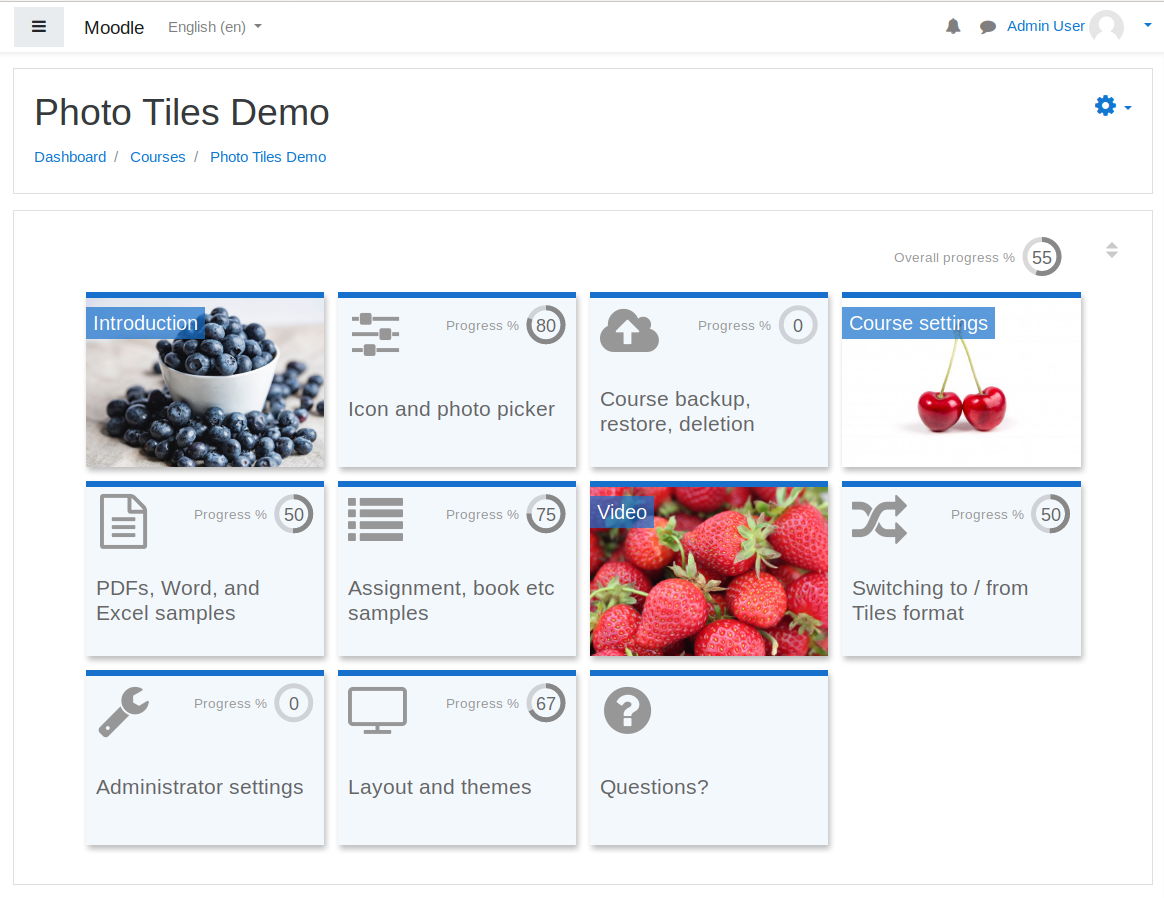
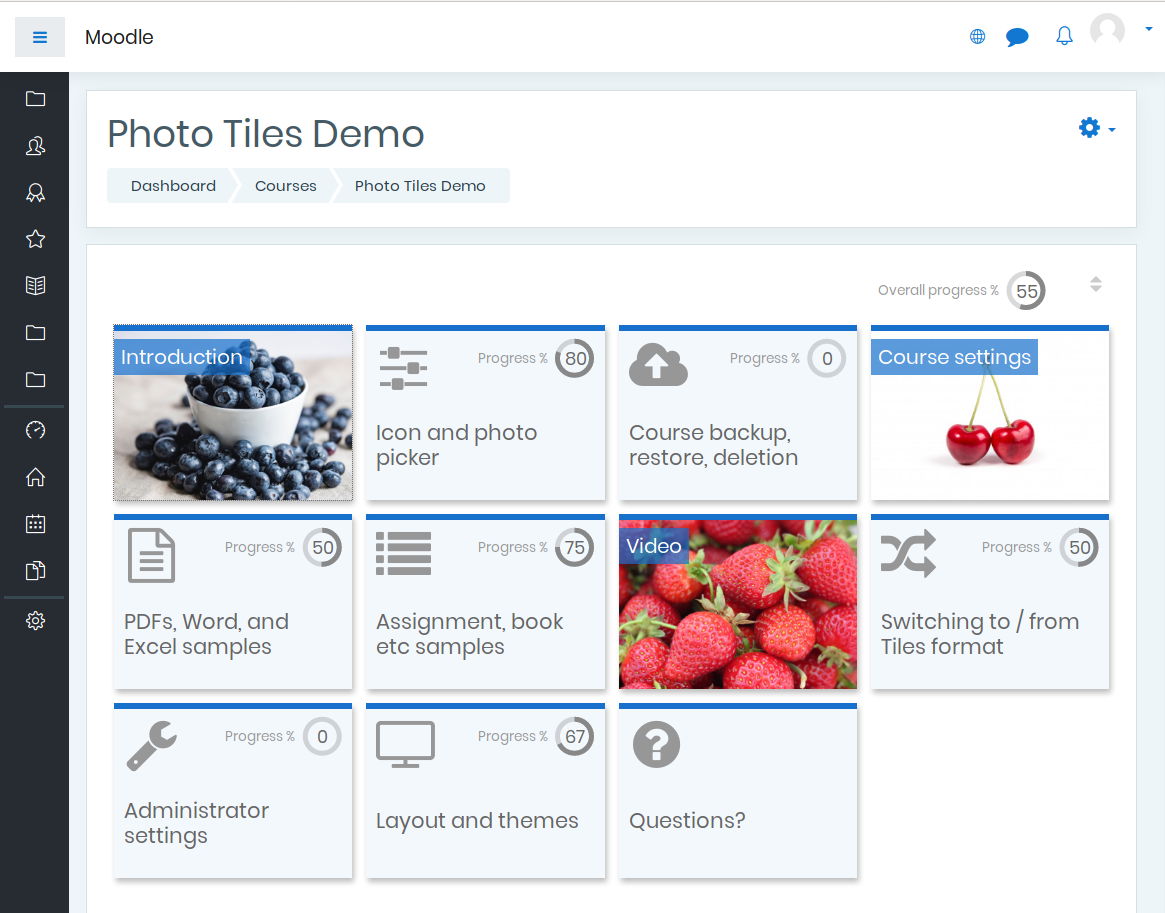
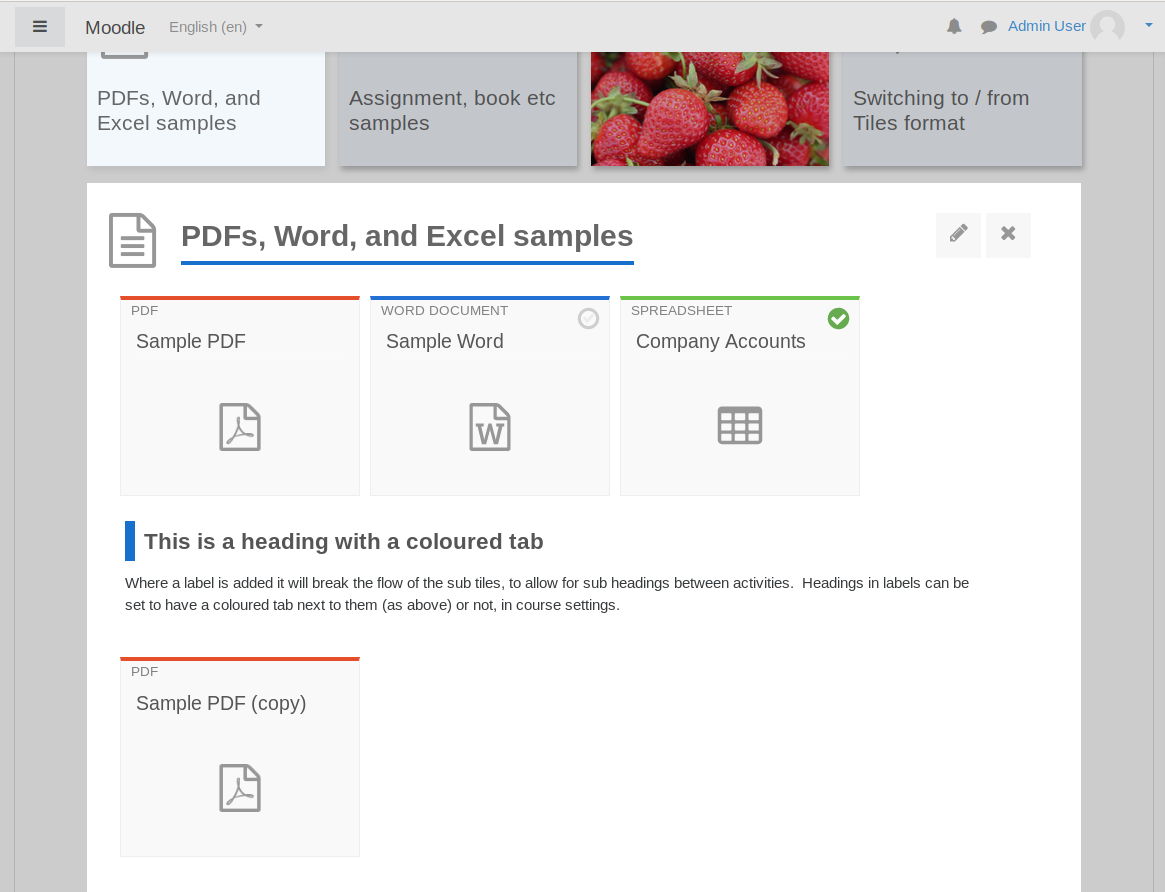
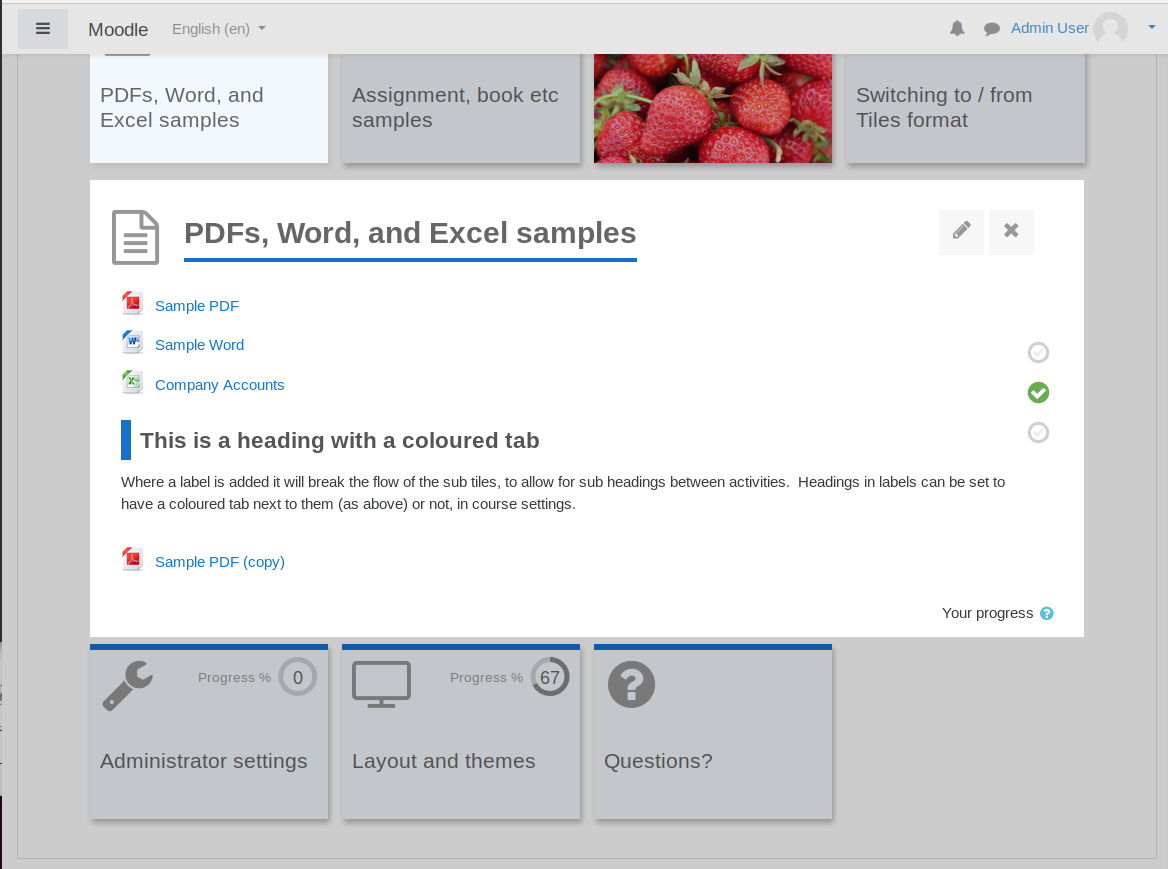
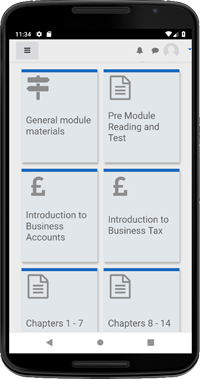
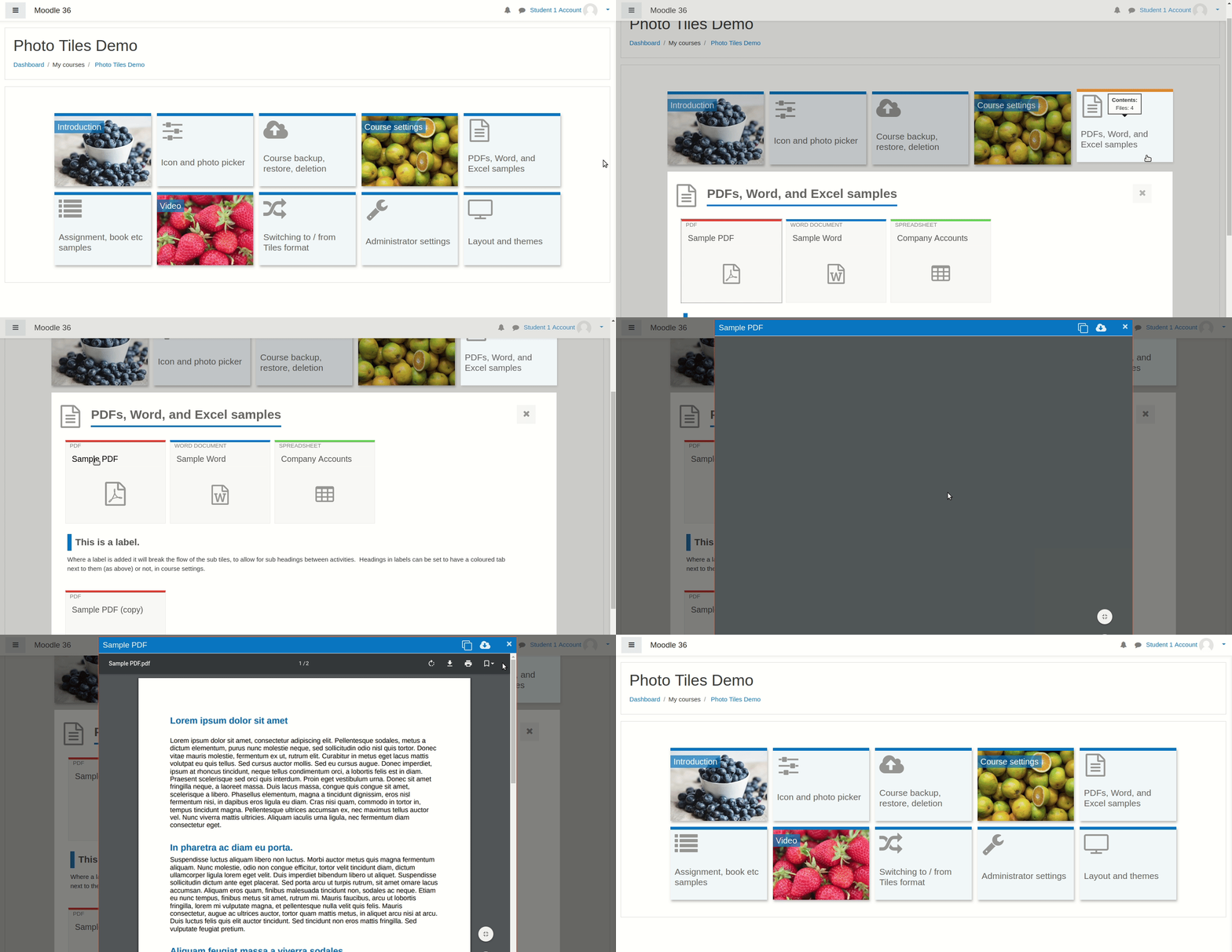
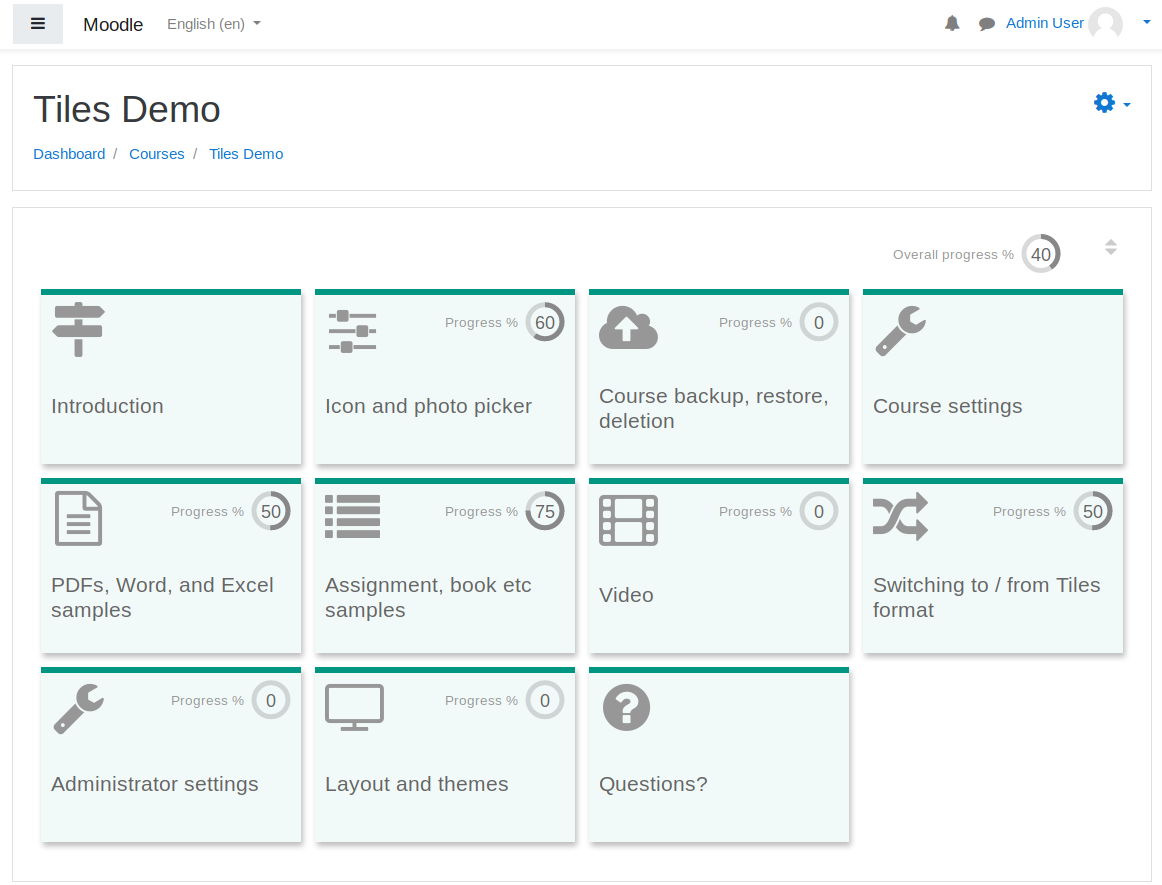
A course format which displays course topics as "Tiles", in a grid rather than as a list. When clicked, tile content is displayed under the tile with an animated transition. The layout adapts to different screen sizes and orientations. Within each tile, activities can also be set to display as "sub-tiles". For each tile, the teacher can pick an icon from a predefined set, or upload a background photo.
Price option: Free

Supports Moodle 3.3-5.1 See all versions
Latest release: 6 months ago
Installations: 22908
Downloads (last 90 days): 6565

Frankenstyle name: format_tiles
Course formats

Description

Key features
  • Tiles are used to show course topics and activities
  • Animation is used to expand tiles to reveal content
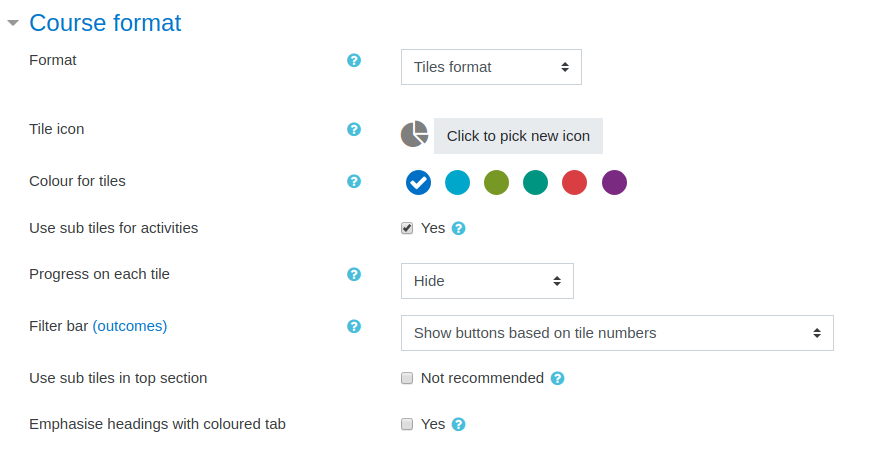
  • Icons or photos on each tile increase visual appeal
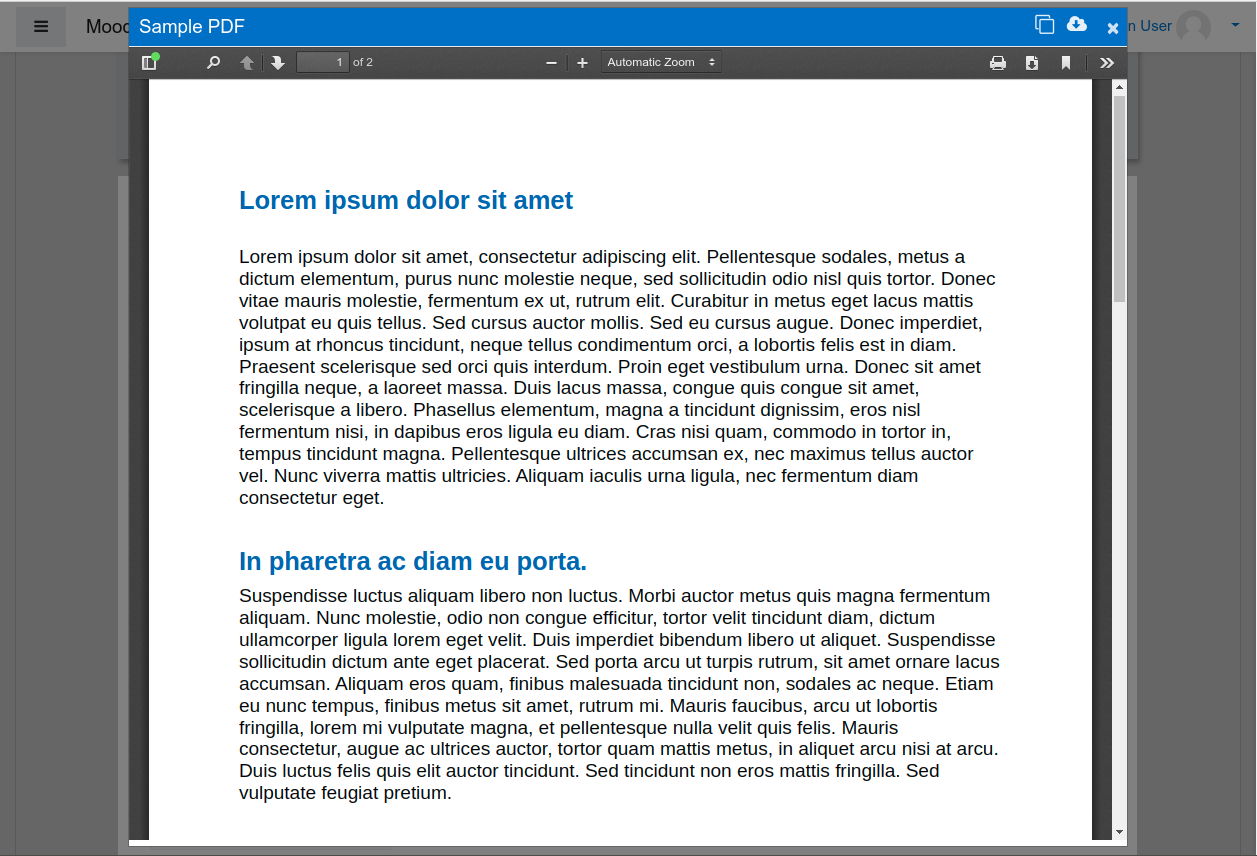
  • Modal windows (animated pop ups) to show content
  • Colours for tiles are customisable
  • Theme compatibility is broad (Boost, Clean, Essential, Moove and Adaptable).
  • Easy to switch into Tiles from other formats (e.g. Topics, Grid) without changing course content
  • User friendly (e.g. tile icons are provided and don't need to be uploaded)
  • Mobile responsive (adapts to different screen sizes and orientations)
  • Progress shown on tile with % in a circle, or as a fraction
 
 
Tiles

Contributors